
What is Siemens NX?
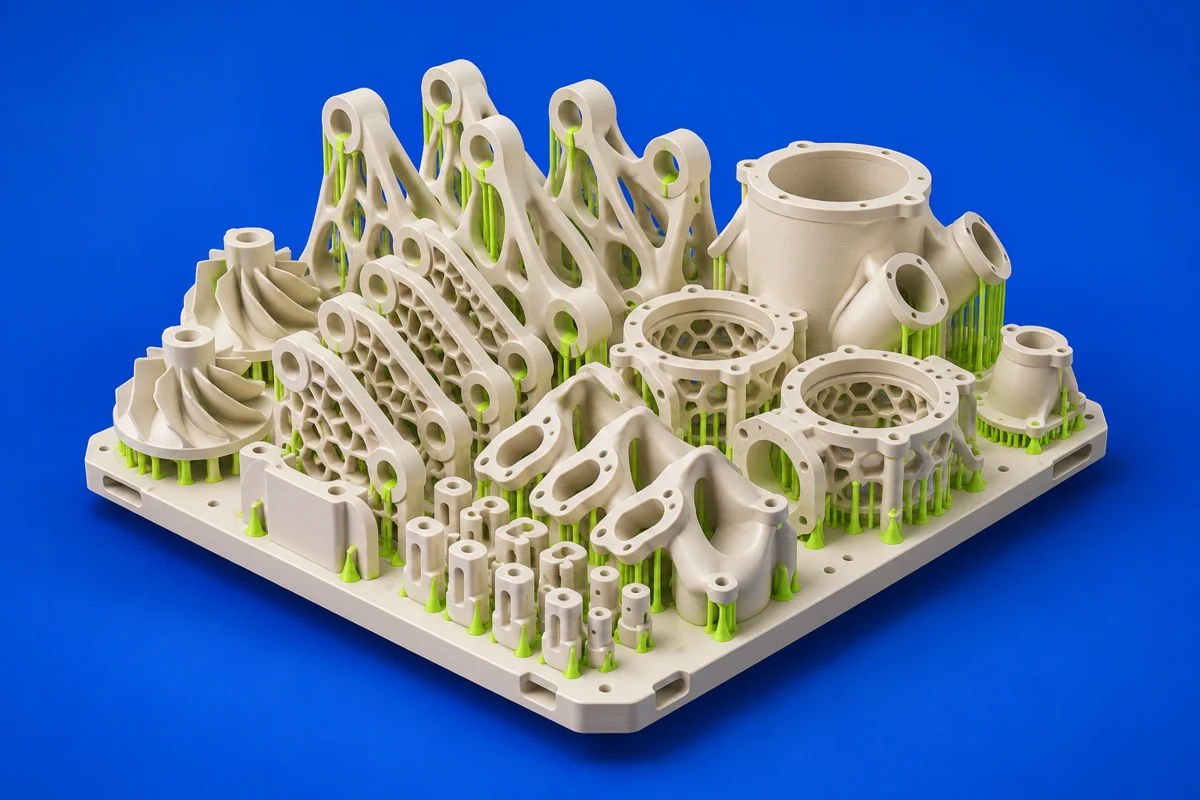
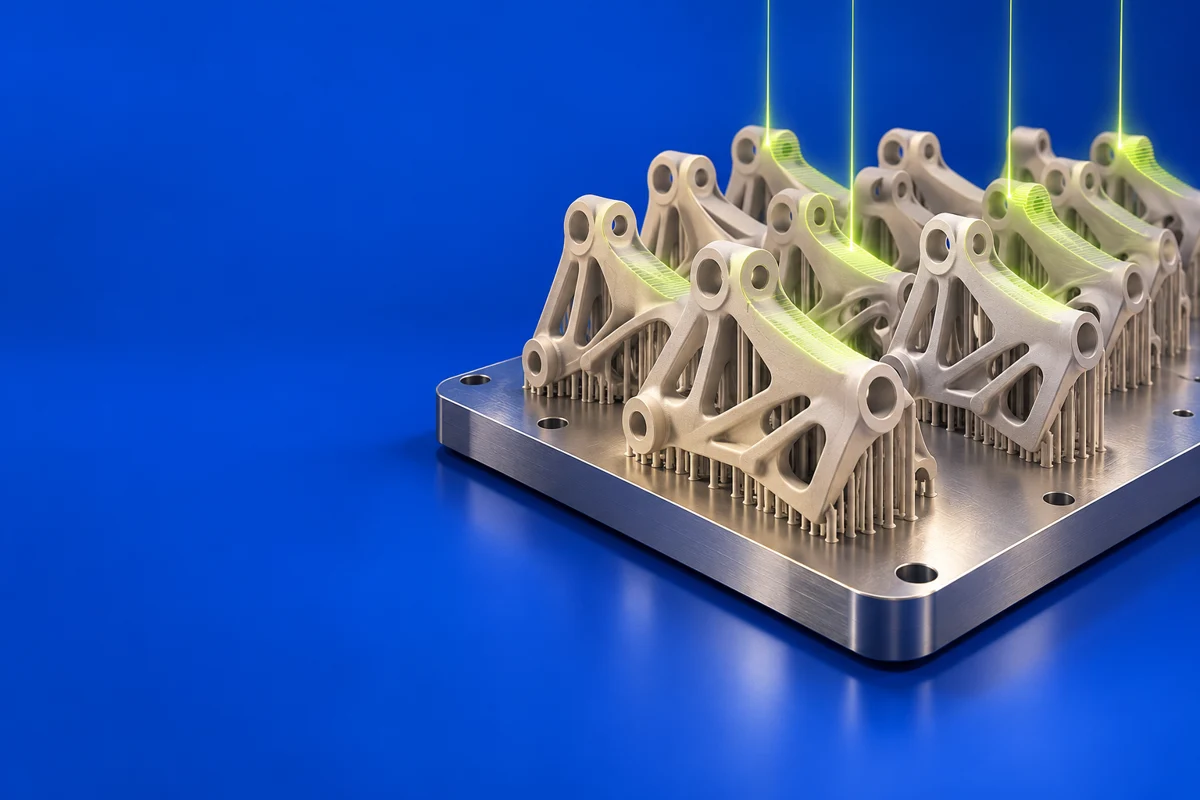
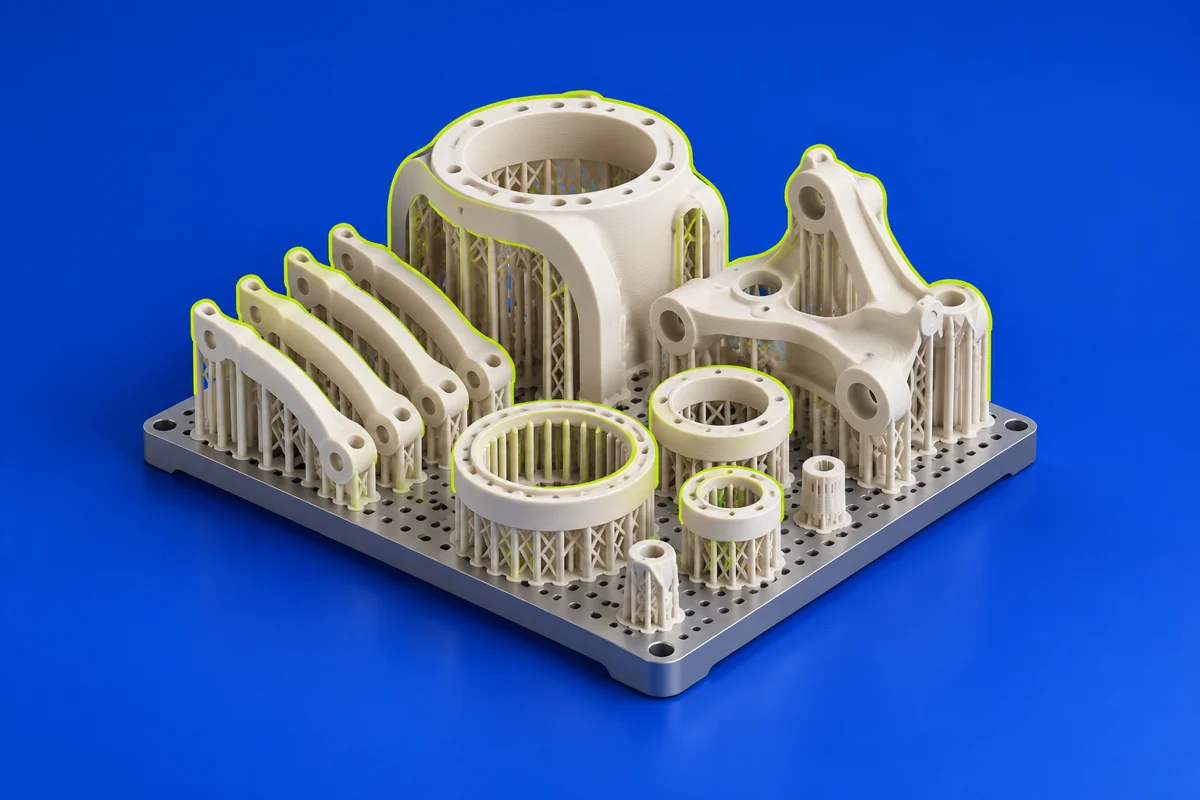
Siemens NX includes additive manufacturing capabilities within a wider design and manufacturing environment. It is relevant to engineering teams that need to connect part geometry with production preparation. The appropriate workflow depends on the printing process, machine integration and licensed capabilities.
Publisher’s product informationUseful capabilities for your toolkit
- Integrated design-to-manufacturing context
- Additive manufacturing preparation
- Industrial process-oriented workflows
Where Siemens NX fits in a print project
- 01
Define the functional requirements and selected manufacturing process.
- 02
Develop geometry with the constraints of the target process in mind.
- 03
Review the available preparation and machine integration with your production team.
These are planning steps, not machine settings. Use your printer and material documentation for the actual production process.
Understand the tradeoffs.
Industrial integrations and capabilities vary by configuration. Confirm the specific process, machine support and licensing with Siemens.
Common questions
Is NX aimed at the same workflow as a desktop slicer?
NX addresses a broader industrial engineering workflow. Confirm the additive capabilities required for your production system before selecting a configuration.
Where can I get Siemens NX?
Use the explore siemens nx link to reach the official publisher or project. Check the current system requirements, license and available editions there. 3Dprintsy does not host installers.
Official sources & further reading
Independent editorial guide. Software names belong to their respective owners; listing does not imply endorsement. Capabilities are based on the linked publisher information. Workflow recommendations are 3Dprintsy editorial guidance.
Learn to review a sliced print · Design for fit and tolerances