
What is Dyndrite LPBF Pro?
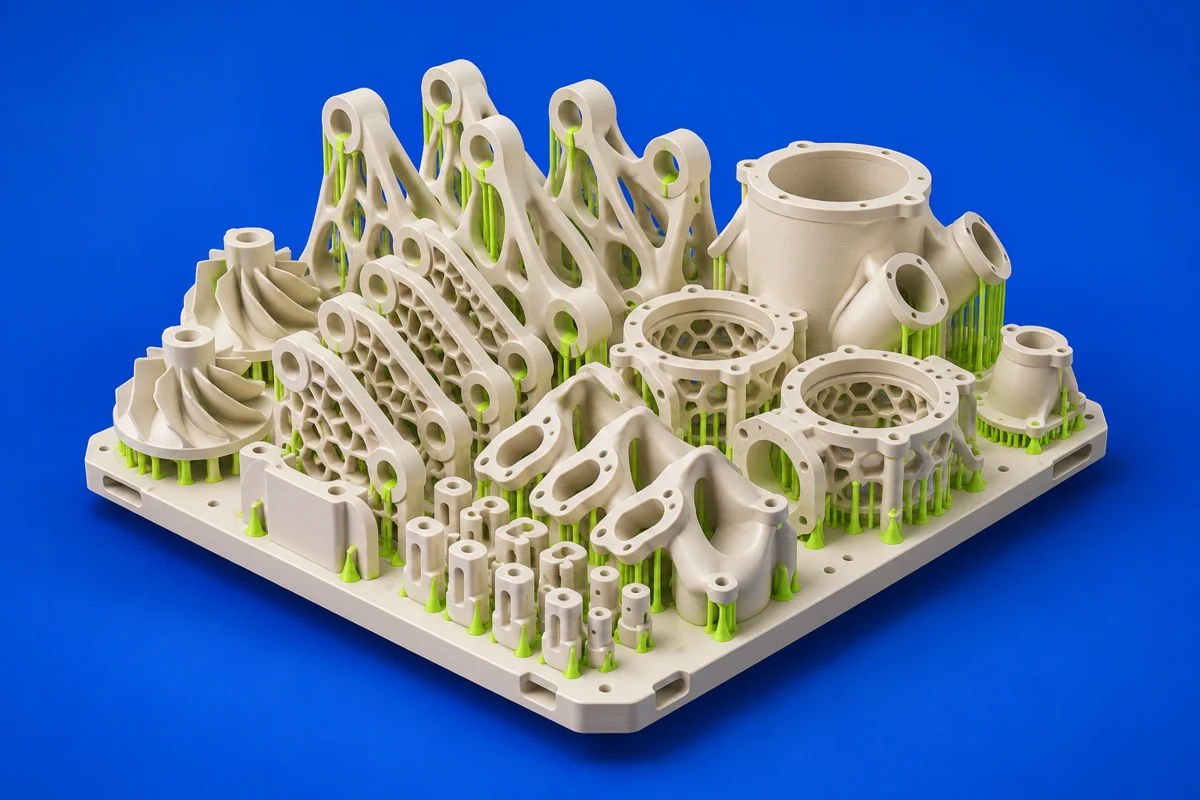
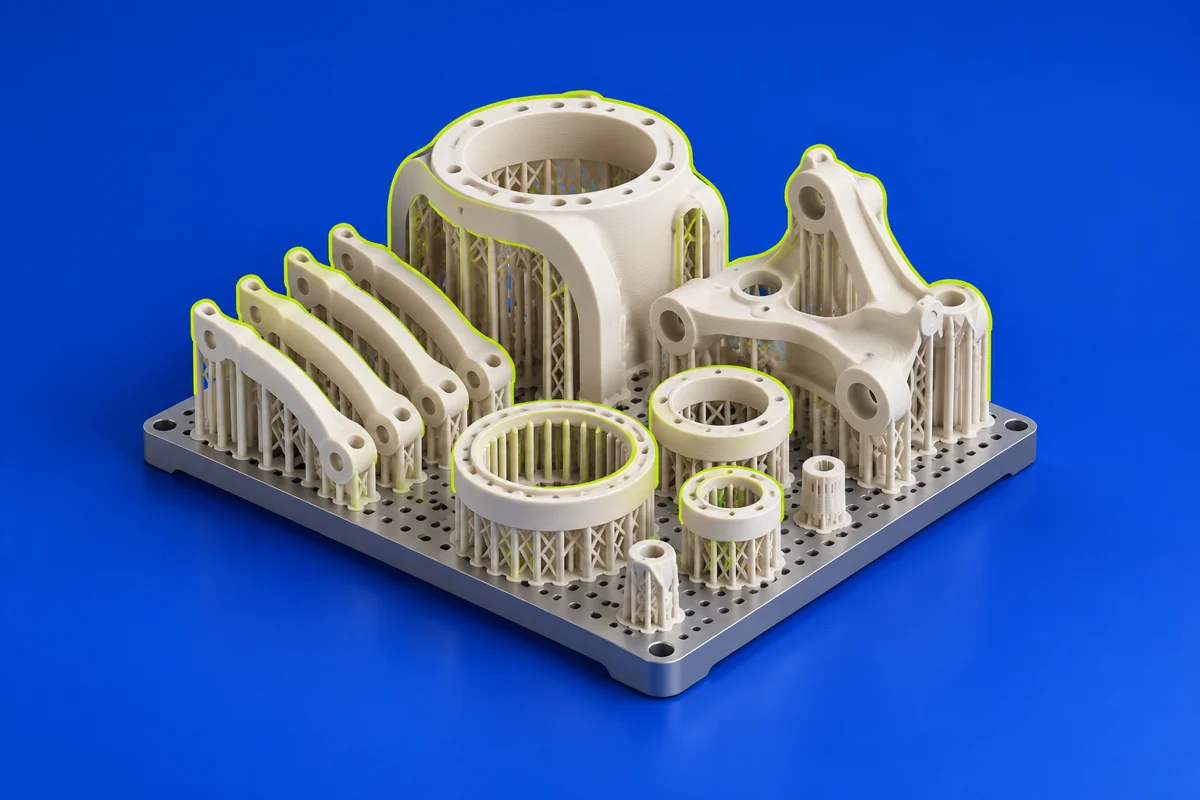
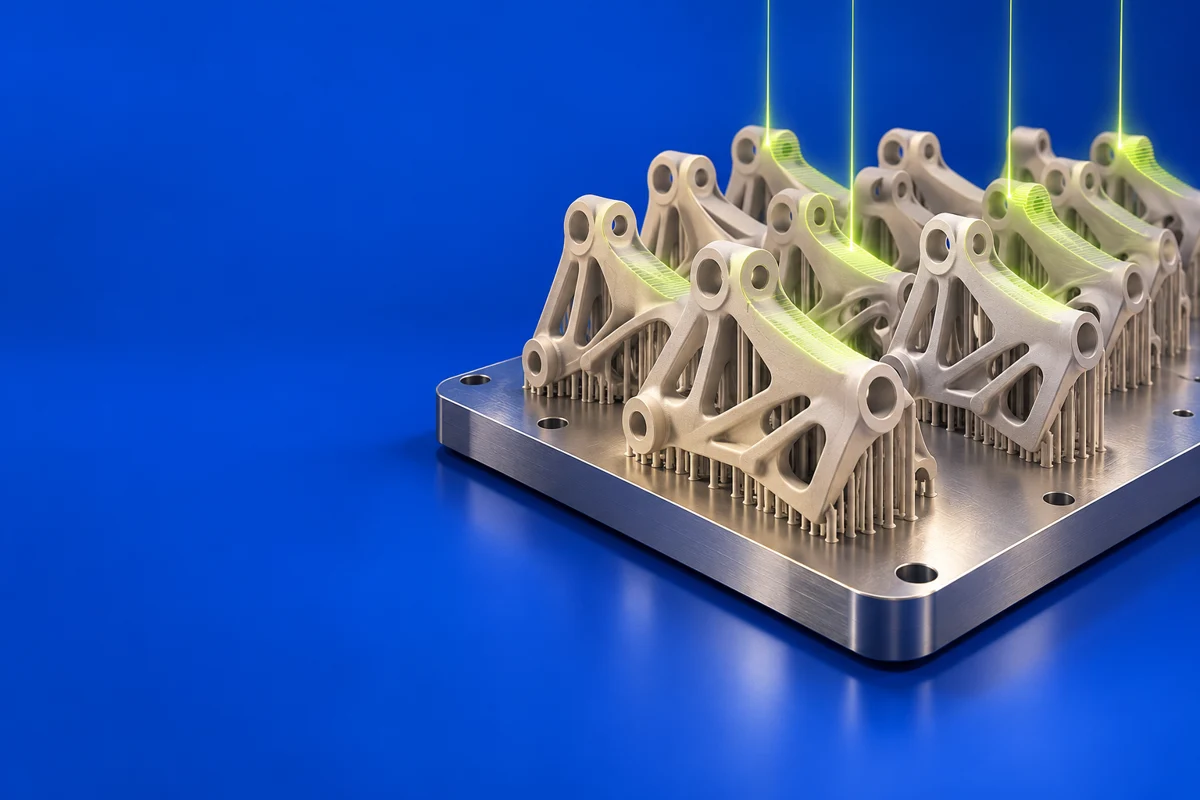
Dyndrite LPBF Pro targets industrial laser powder bed fusion. Its emphasis on programmable preparation and toolpath control makes it relevant to teams developing metal-print processes or repeating qualified builds. A build recipe can capture decisions that would otherwise depend on manual preparation. Evaluate it around your actual machine, material and qualification requirements; the usefulness of automation depends on what the production system accepts and how the resulting process is validated.
Publisher’s product informationUseful capabilities for your toolkit
- Scriptable CAD-to-build preparation
- Reusable build recipes and reporting workflows
- Detailed process and toolpath control for supported equipment
Where Dyndrite LPBF Pro fits in a print project
- 01
Confirm the target machine and output integration. Establish the material, part revision and process assumptions for a representative build.
- 02
Develop and review a preparation recipe, including orientation, labeling and parameter regions. Record the input revision alongside the recipe.
- 03
Validate the resulting build on the intended equipment. Retain inspection results and control changes before repeating the process in production.
These are planning steps, not machine settings. Use your printer and material documentation for the actual production process.
Understand the tradeoffs.
This is specialized metal-AM software. Machine compatibility, output access and process qualification must be assessed with the vendor and production team; desktop filament profiles are not interchangeable with LPBF parameters.
Common questions
Who is Dyndrite LPBF Pro intended for?
Its workflow is aimed at industrial additive teams working on metal build preparation, process development and repeatable production.
Does a reusable recipe guarantee an identical printed part?
No. A recipe makes preparation repeatable, but material state, machine condition and downstream processing still affect the result. Use the appropriate production controls and inspection.
Where can I get Dyndrite LPBF Pro?
Use the explore lpbf pro link to reach the official publisher or project. Check the current system requirements, license and available editions there. 3Dprintsy does not host installers.
Official sources & further reading
Independent editorial guide. Software names belong to their respective owners; listing does not imply endorsement. Capabilities are based on the linked publisher information. Workflow recommendations are 3Dprintsy editorial guidance.
Learn to review a sliced print · Design for fit and tolerances