
What is Autodesk Netfabb?
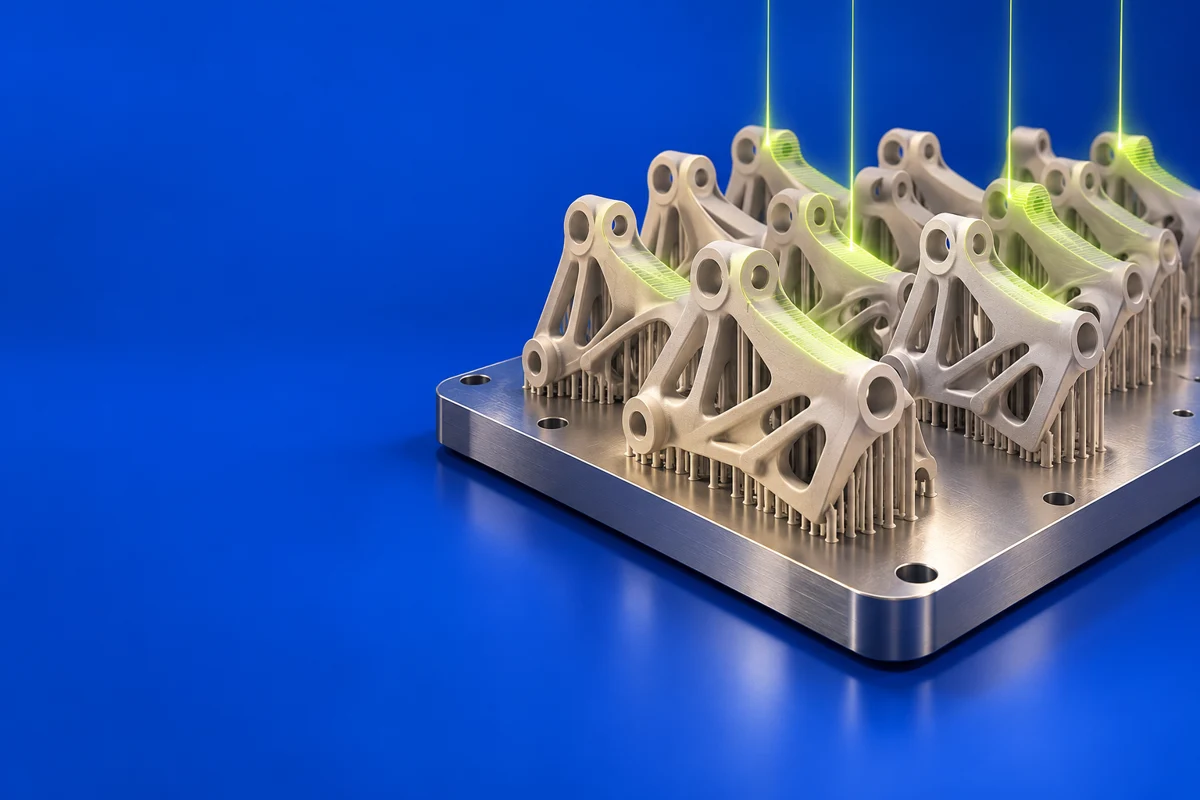
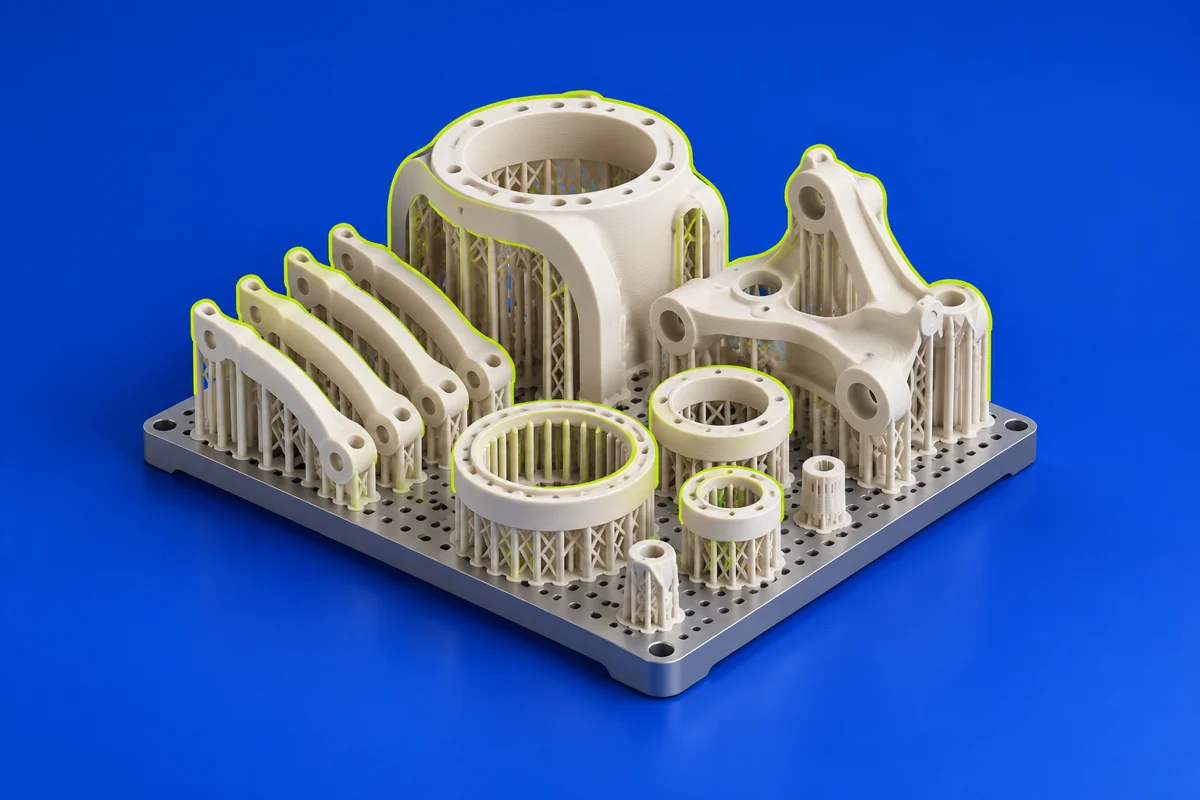
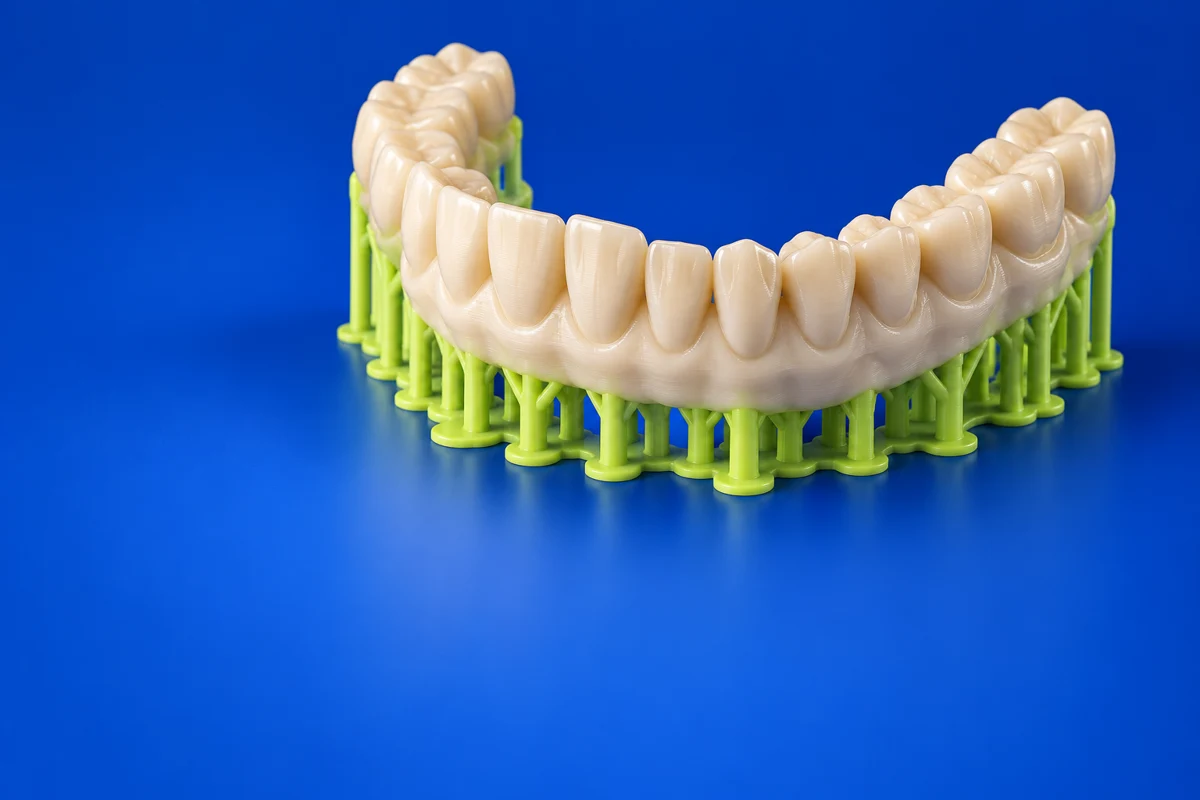
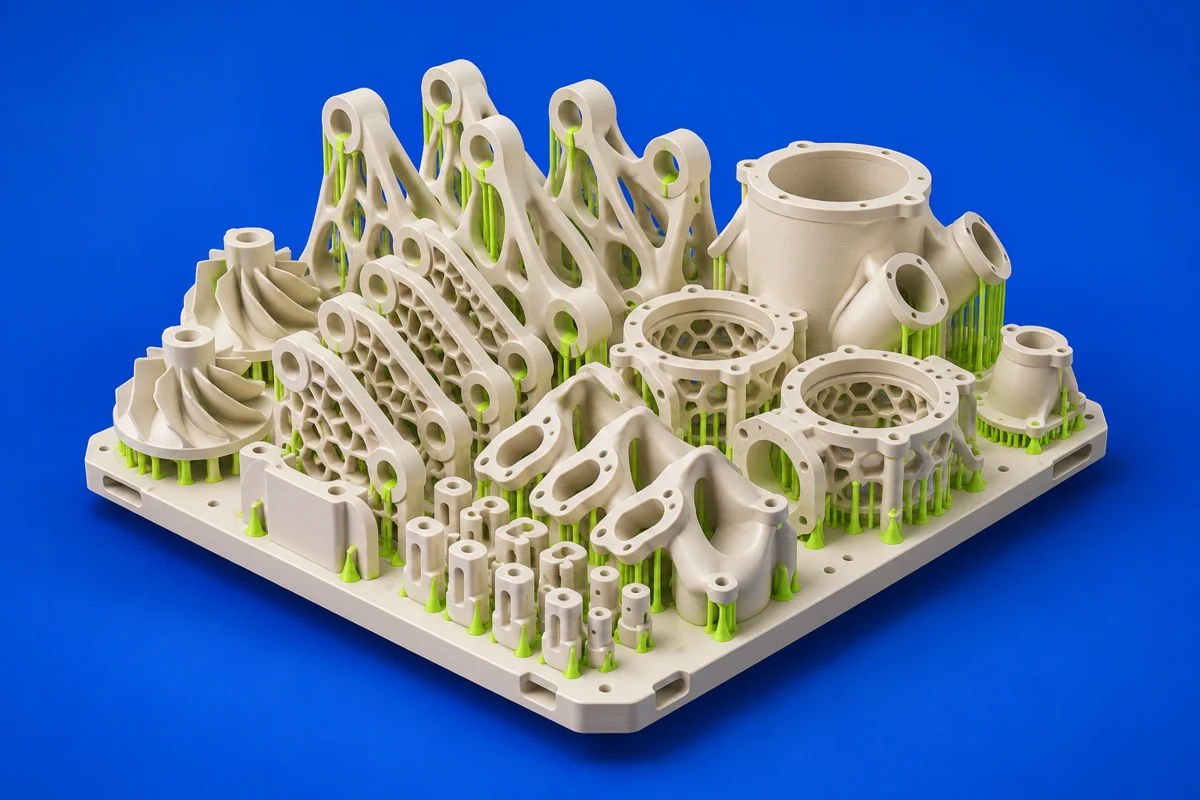
Autodesk Fusion with Netfabb is positioned around additive manufacturing preparation. It is relevant when geometry needs to move beyond a design model into a controlled industrial build workflow.
Publisher’s product informationUseful capabilities for your toolkit
- Additive manufacturing preparation
- Tools for preparing 3D geometry for production
- An Autodesk workflow connected to Fusion with Netfabb
Where Autodesk Netfabb fits in a print project
- 01
Identify the machine, process and software package required for the job.
- 02
Inspect imported geometry and prepare it for the target build.
- 03
Review the manufacturing output and preserve a record of the preparation settings.
These are planning steps, not machine settings. Use your printer and material documentation for the actual production process.
Understand the tradeoffs.
Availability and capabilities depend on the current Autodesk offering. Verify the exact bundle and machine workflow instead of relying on older standalone product descriptions.
Common questions
How should I evaluate Netfabb for a print operation?
Start with the intended machine and process, then ask whether the offered package covers the needed preparation, output and validation steps.
Where can I get Autodesk Netfabb?
Use the explore plans / trial link to reach the official publisher or project. Check the current system requirements, license and available editions there. 3Dprintsy does not host installers.
Official sources & further reading
- Autodesk Netfabb — product information and documentation
- Explore plans / trial — official destination
Independent editorial guide. Software names belong to their respective owners; listing does not imply endorsement. Capabilities are based on the linked publisher information. Workflow recommendations are 3Dprintsy editorial guidance.
Learn to review a sliced print · Design for fit and tolerances