
What is Materialise Magics?
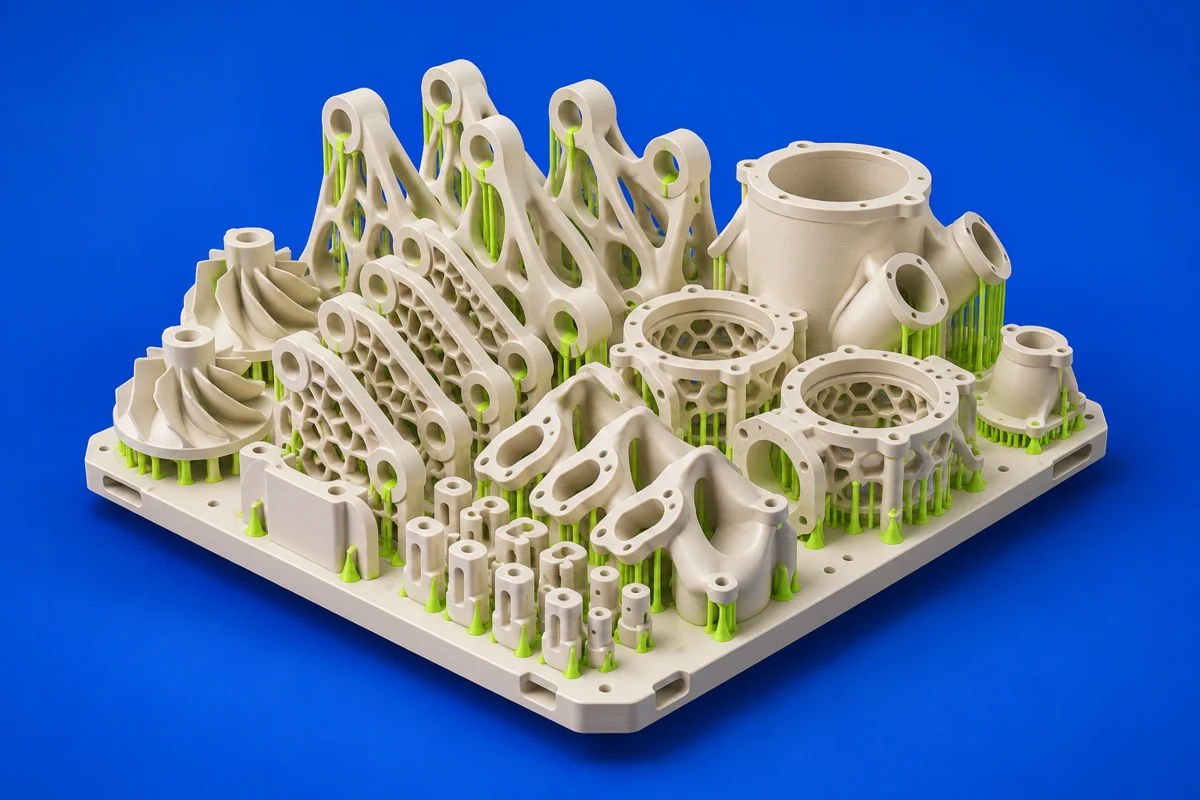
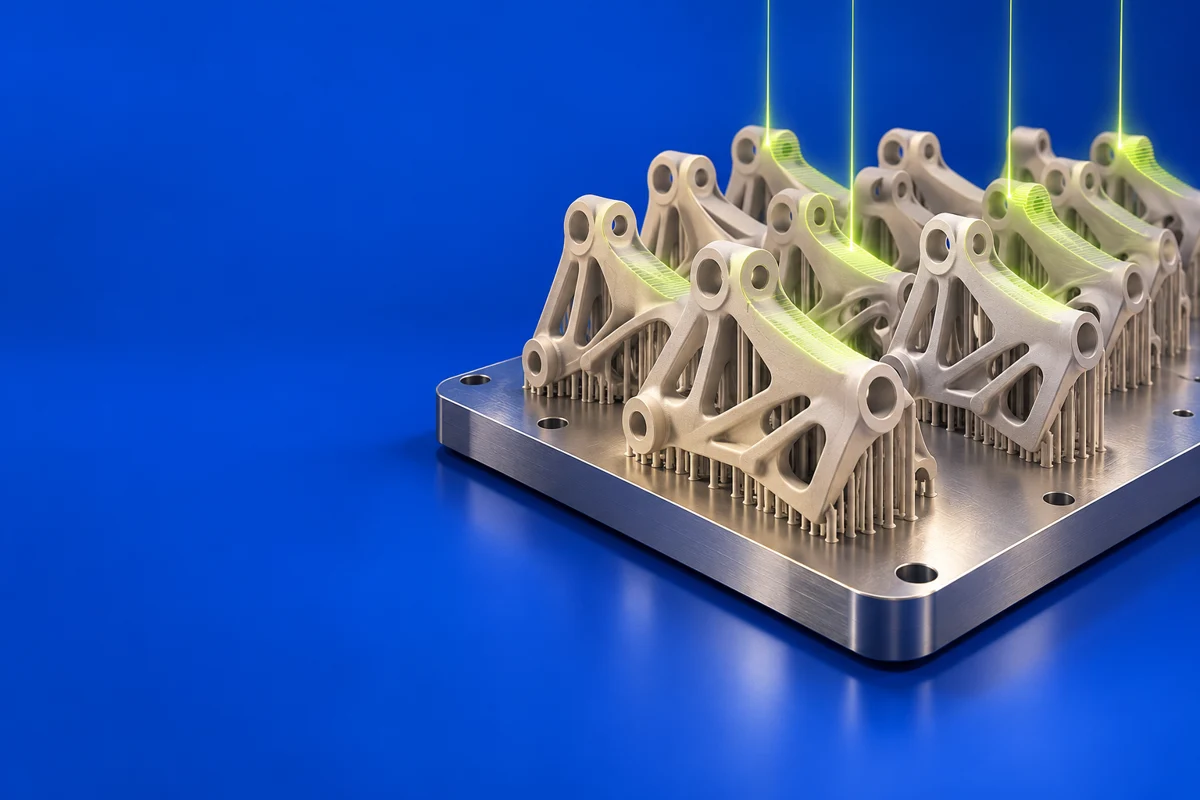
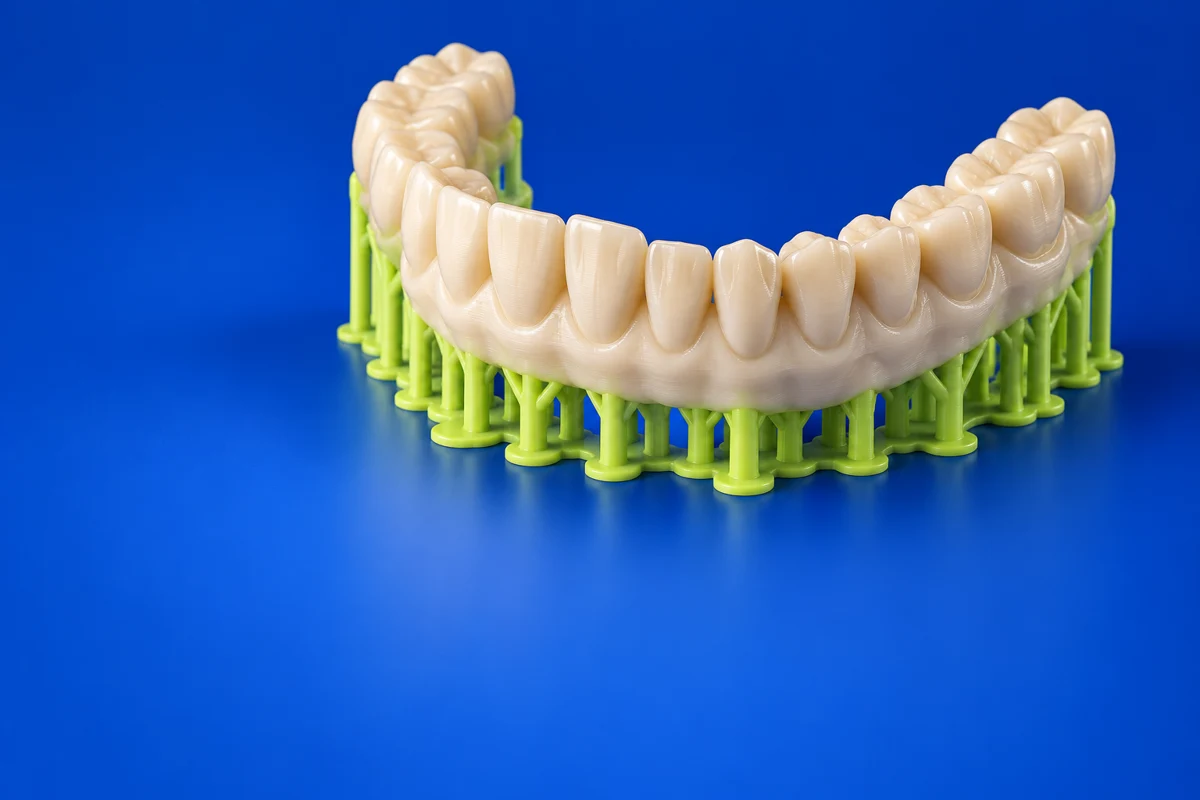
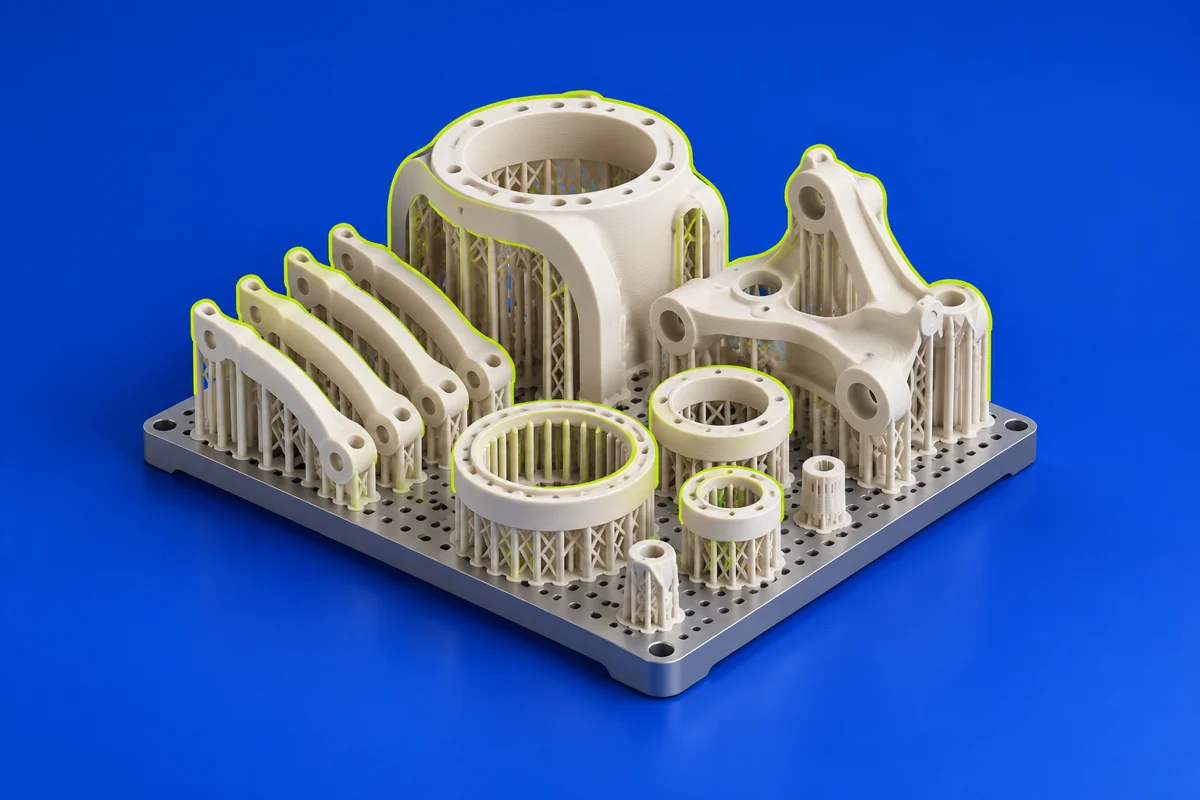
Materialise Magics focuses on data and build preparation for additive manufacturing. It combines CAD and mesh operations with preparation workflows for getting parts organized into a production build.
Publisher’s product informationUseful capabilities for your toolkit
- Import, edit and repair preparation workflows
- Support generation and nesting options
- Build-processing integrations and workflow automation options
Where Materialise Magics fits in a print project
- 01
Import and inspect the part data before arranging the build.
- 02
Choose orientations, supports and nesting to suit the selected process.
- 03
Use the appropriate machine integration and review the prepared build with production requirements in mind.
These are planning steps, not machine settings. Use your printer and material documentation for the actual production process.
Understand the tradeoffs.
Modules and machine integrations are part of the purchasing decision. Confirm the exact process, build processor and automation capabilities included in a quote.
Common questions
Is Magics mainly for designing a part from scratch?
Its core role is additive data and build preparation. It complements upstream design software and connects the design to a machine-specific production workflow.
Where can I get Materialise Magics?
Use the request a trial link to reach the official publisher or project. Check the current system requirements, license and available editions there. 3Dprintsy does not host installers.
Official sources & further reading
Independent editorial guide. Software names belong to their respective owners; listing does not imply endorsement. Capabilities are based on the linked publisher information. Workflow recommendations are 3Dprintsy editorial guidance.
Learn to review a sliced print · Design for fit and tolerances