
What is PreForm?
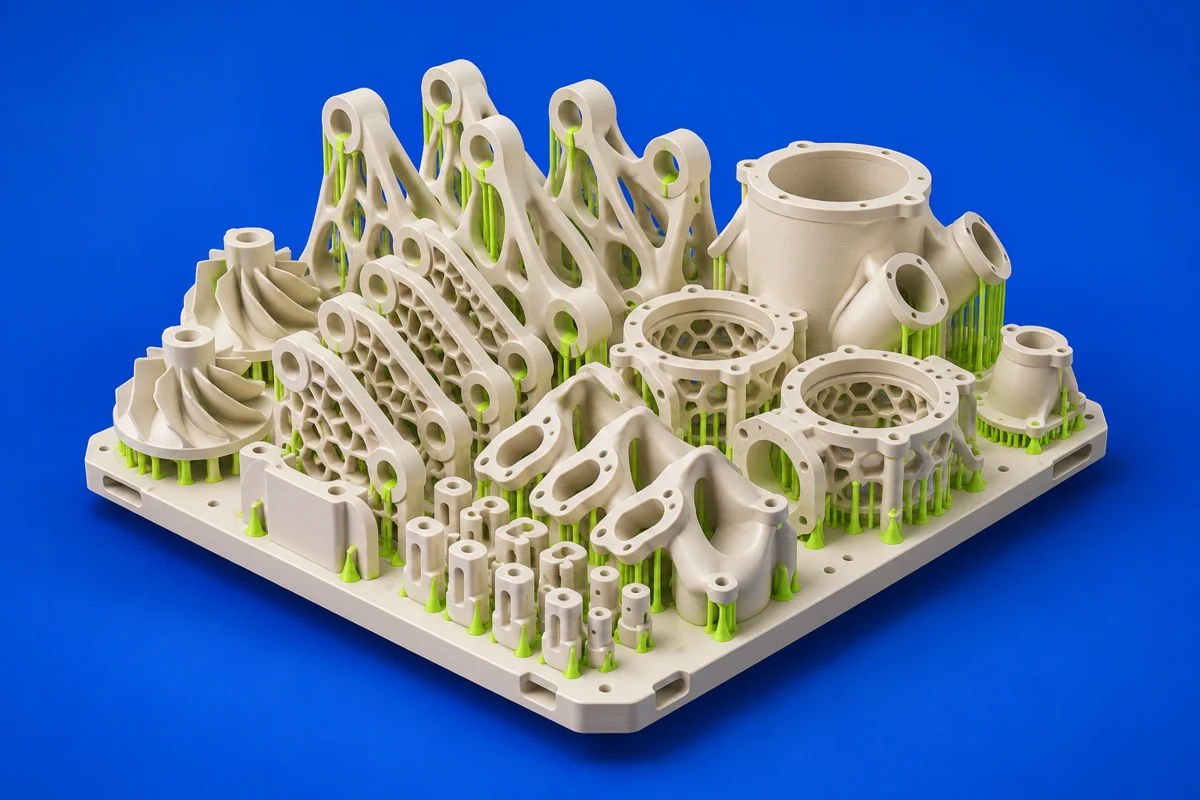
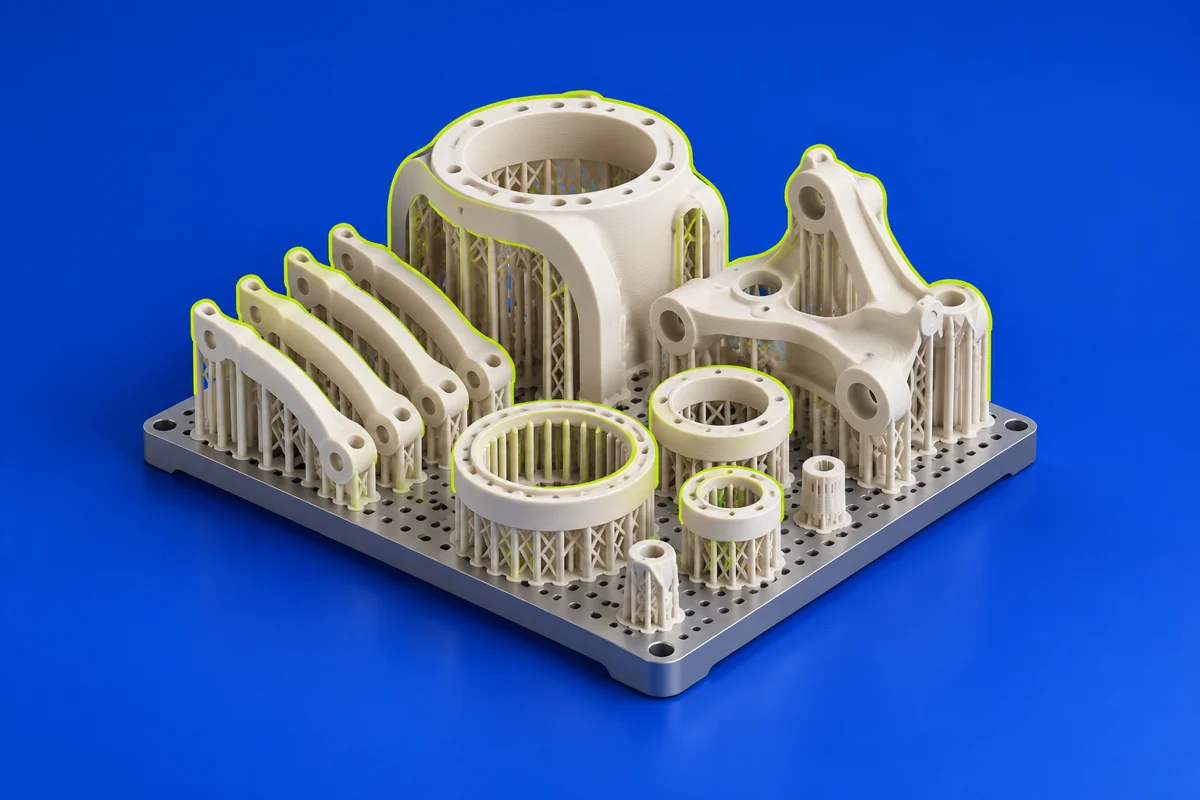
PreForm is Formlabs’ print-preparation software. It connects model preparation to supported Formlabs hardware and materials, providing a workflow suited to that ecosystem. Its role is downstream of design: arrange and prepare the geometry for the selected machine and printing process.
Publisher’s product informationUseful capabilities for your toolkit
- Formlabs print-preparation workflow
- Model layout and orientation tools
- Printer and material-specific preparation
Where PreForm fits in a print project
- 01
Choose the supported printer and intended material.
- 02
Arrange the model and review the preparation options for the selected process.
- 03
Inspect the prepared build and follow the printer and post-processing instructions.
These are planning steps, not machine settings. Use your printer and material documentation for the actual production process.
Understand the tradeoffs.
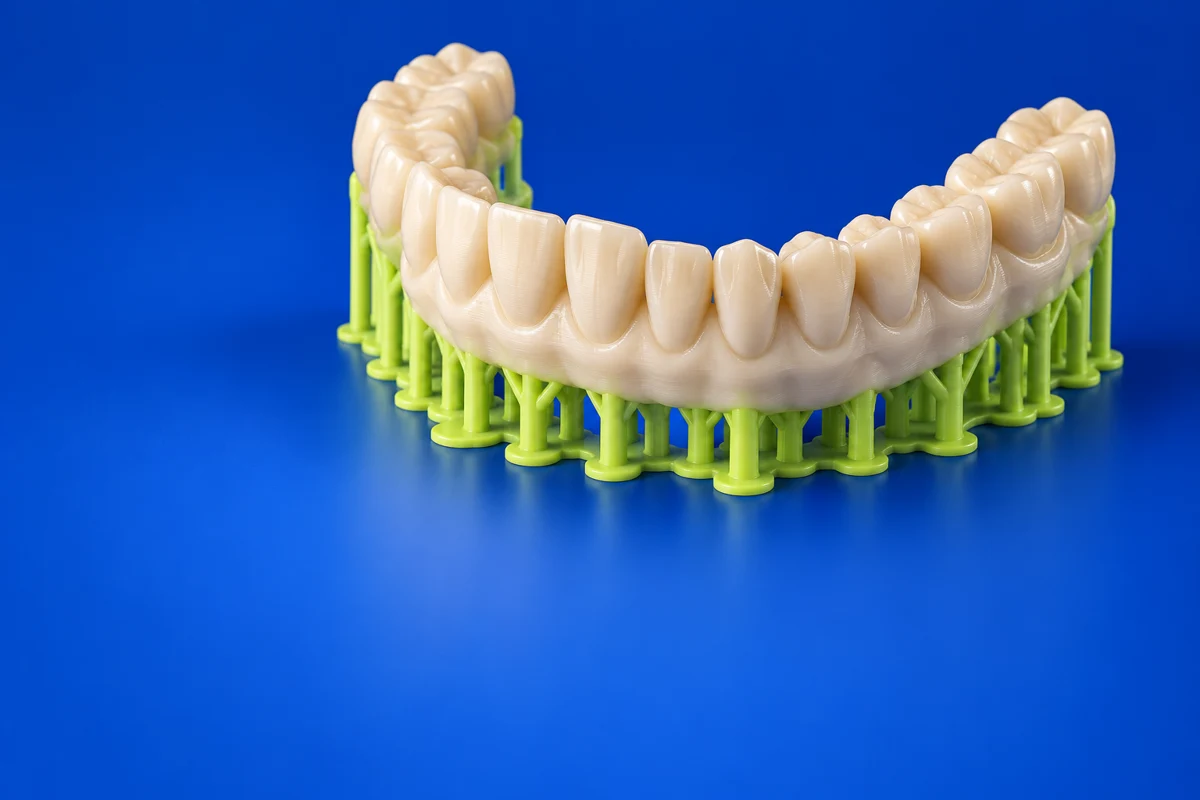
PreForm is designed around supported Formlabs systems. Preparation and support requirements differ between resin and powder processes.
Common questions
Is PreForm a CAD modeling application?
No. Create the design in a modeling application, then use PreForm to prepare it for a compatible Formlabs printer.
Where can I get PreForm?
Use the get preform link to reach the official publisher or project. Check the current system requirements, license and available editions there. 3Dprintsy does not host installers.
Official sources & further reading
Independent editorial guide. Software names belong to their respective owners; listing does not imply endorsement. Capabilities are based on the linked publisher information. Workflow recommendations are 3Dprintsy editorial guidance.
Learn to review a sliced print · Design for fit and tolerances