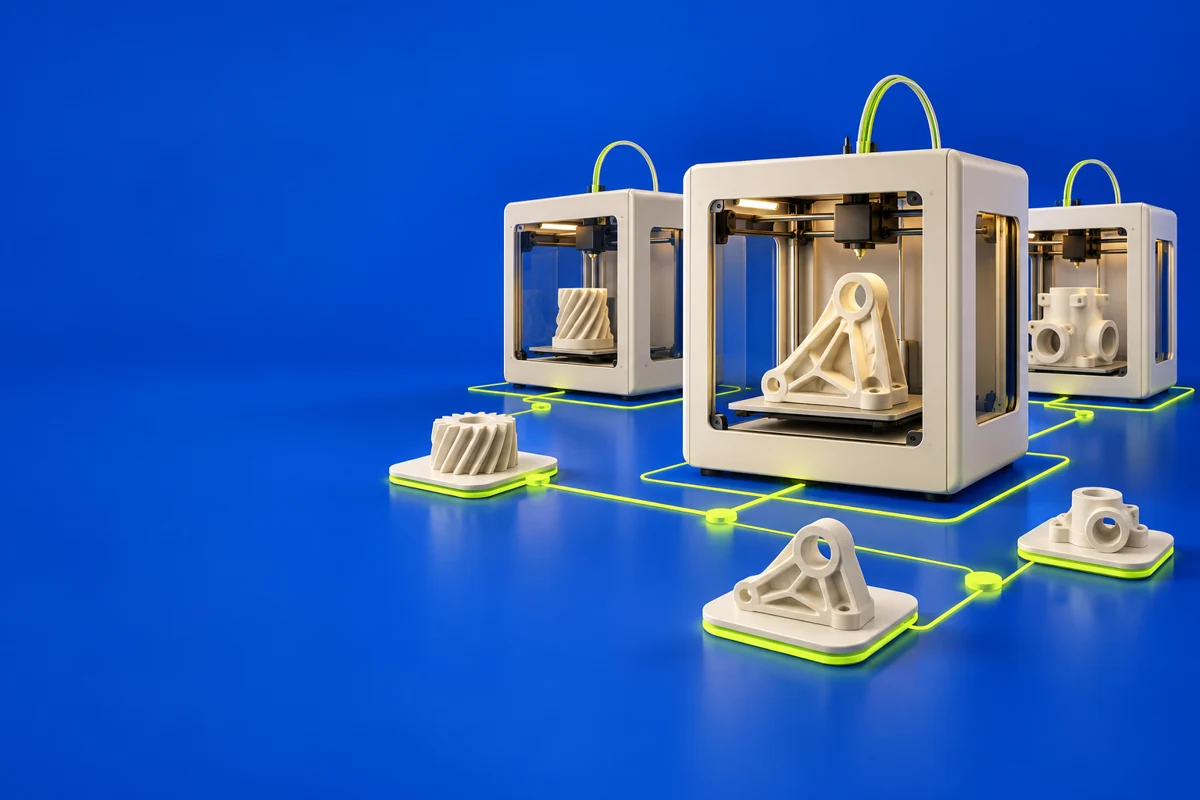

What is UltiMaker Digital Factory?
UltiMaker Digital Factory combines printer management with shared project and job workflows. The publisher also describes a Cura-powered cloud slicer. It is relevant to teams that need a common place to prepare work, manage queues and follow progress across connected printers.
Publisher’s product informationUseful capabilities for your toolkit
- Remote print monitoring
- Print queues and job history
- Cura-powered cloud slicing
Where UltiMaker Digital Factory fits in a print project
- 01
Confirm printer compatibility and set up the appropriate workspace roles.
- 02
Prepare or select a job with the right printer and material configuration.
- 03
Review the queue and monitor the build, keeping local operating procedures in place.
These are planning steps, not machine settings. Use your printer and material documentation for the actual production process.
Understand the tradeoffs.
Capabilities depend on the printer and subscription. Check current role permissions, project limits and available integrations before standardizing a team workflow.
Common questions
Does Digital Factory include slicing?
The current product page describes a Cura-powered cloud slicer. Check availability for your account and target printer.
Where can I get UltiMaker Digital Factory?
Use the explore digital factory link to reach the official publisher or project. Check the current system requirements, license and available editions there. 3Dprintsy does not host installers.
Official sources & further reading
- UltiMaker Digital Factory — product information and documentation
- Explore Digital Factory — official destination
Independent editorial guide. Software names belong to their respective owners; listing does not imply endorsement. Capabilities are based on the linked publisher information. Workflow recommendations are 3Dprintsy editorial guidance.
Learn to review a sliced print · Design for fit and tolerances