What is Klipper?
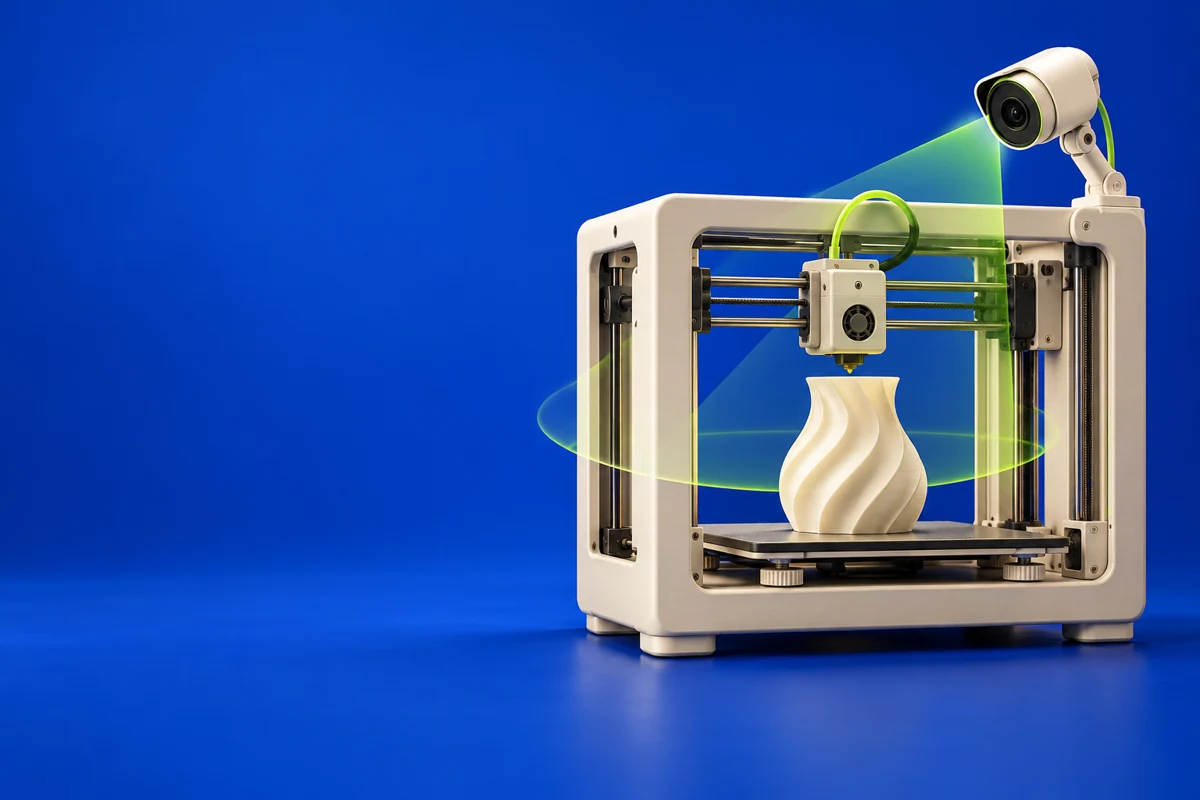
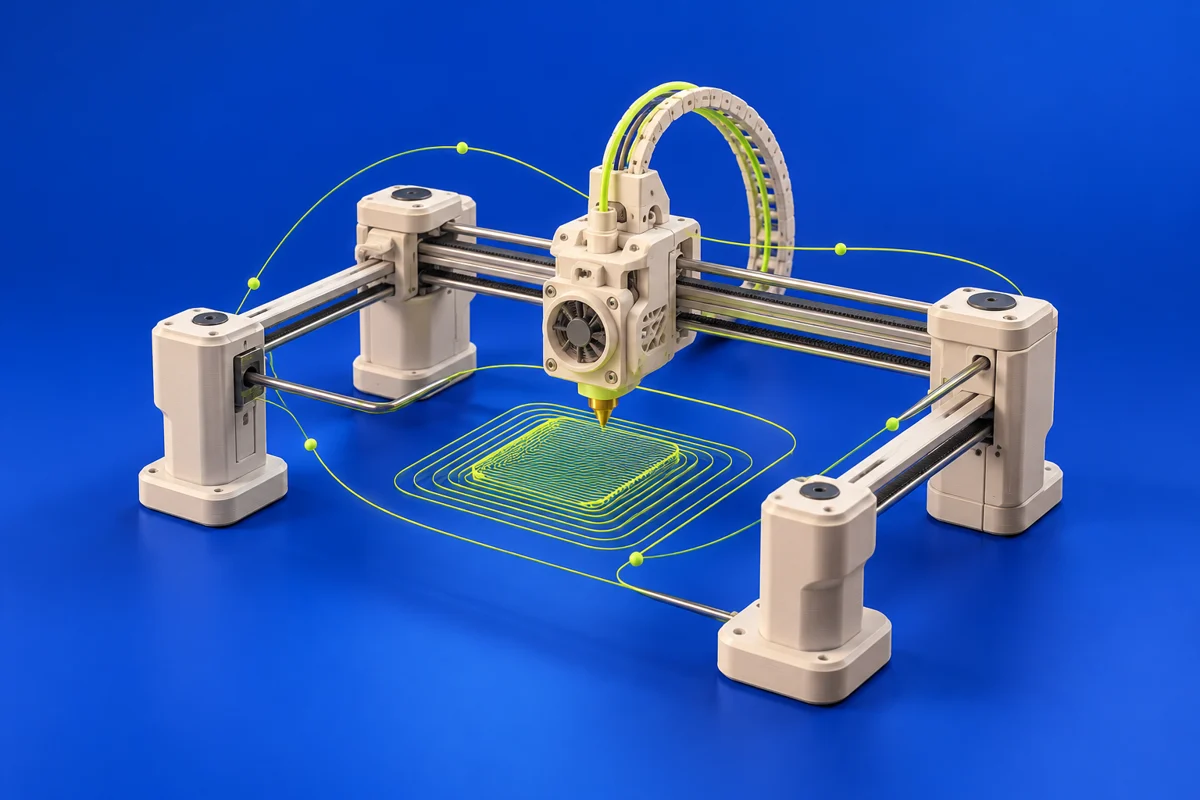
Klipper is printer firmware that combines host software with a microcontroller. It is relevant to additive manufacturing when you need to configure motion and extrusion behavior, rather than create models or slice a file.
Publisher’s product informationUseful capabilities for your toolkit
- Host-and-microcontroller firmware architecture
- Pressure advance and motion-tuning features
- Documented configuration and calibration workflows
Where Klipper fits in a print project
- 01
Identify the exact controller and follow its supported installation path.
- 02
Verify basic movement, temperature sensing and limits before tuning.
- 03
Follow documented calibration procedures and keep a known-good configuration.
These are planning steps, not machine settings. Use your printer and material documentation for the actual production process.
Understand the tradeoffs.
Firmware configuration is machine-specific. Incorrect pin assignments or motion limits can create unsafe behavior; follow the hardware’s documentation.
Common questions
Is Klipper a slicer?
No. Klipper executes machine behavior. A compatible slicer prepares the toolpaths, and a separate interface may be used to manage jobs.
Where can I get Klipper?
Use the installation guide link to reach the official publisher or project. Check the current system requirements, license and available editions there. 3Dprintsy does not host installers.
Official sources & further reading
Independent editorial guide. Software names belong to their respective owners; listing does not imply endorsement. Capabilities are based on the linked publisher information. Workflow recommendations are 3Dprintsy editorial guidance.
Learn to review a sliced print · Design for fit and tolerances