
What is Fluidd?
Fluidd is a browser-based interface for Klipper. It organizes printer controls, temperatures, job files and related information into a responsive dashboard. It can suit operators who want a consistent interface across desktop and mobile devices while keeping the printer-control stack on their own host.
Publisher’s product informationUseful capabilities for your toolkit
- Responsive customizable dashboards
- G-code viewing and file management
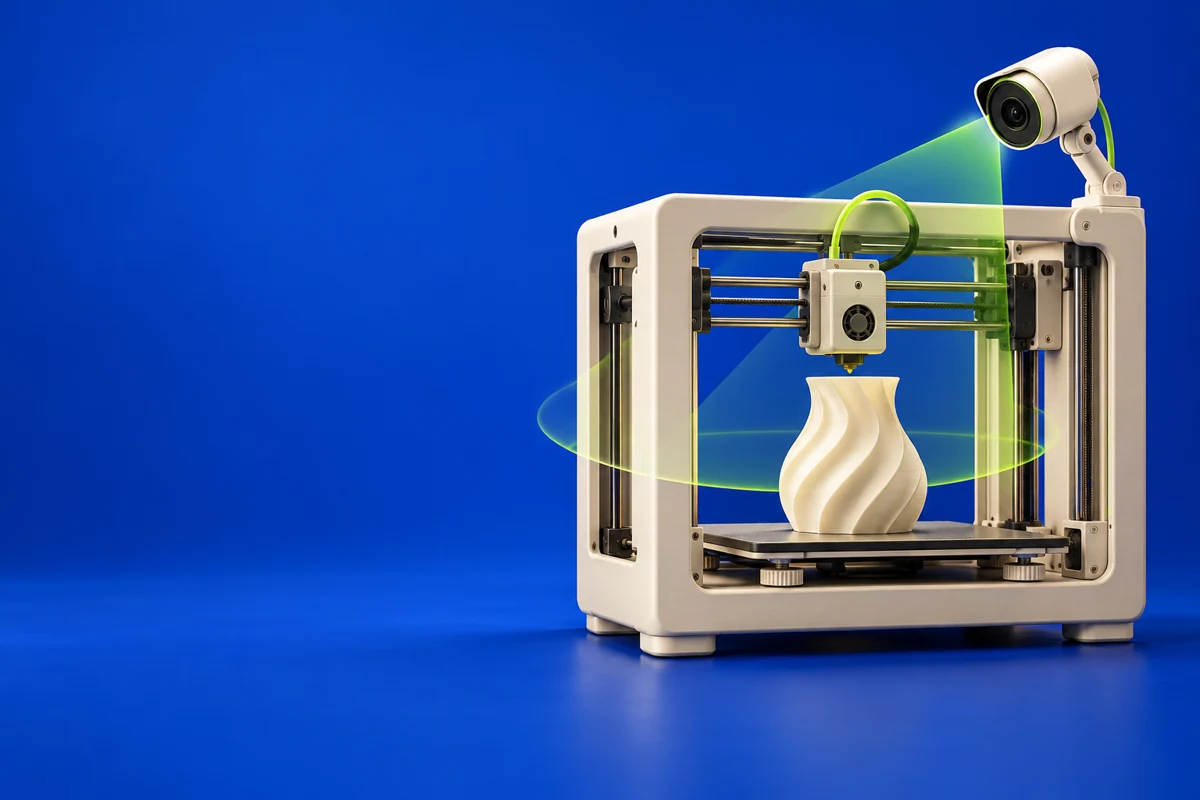
- Temperature charts and webcam support
Where Fluidd fits in a print project
- 01
Use the official getting-started documentation for the host and printer stack.
- 02
Check configuration and communication before attempting a print.
- 03
Send a prepared job and use the dashboard to monitor progress and temperatures.
These are planning steps, not machine settings. Use your printer and material documentation for the actual production process.
Understand the tradeoffs.
Fluidd is part of a configured printer-control system, not a standalone slicer. Integration features depend on the rest of your installation.
Common questions
Can Fluidd create G-code from a model?
Use a slicer to prepare the G-code first. Fluidd helps organize, inspect and run the resulting job on a configured printer.
Where can I get Fluidd?
Use the installation guide link to reach the official publisher or project. Check the current system requirements, license and available editions there. 3Dprintsy does not host installers.
Official sources & further reading
Independent editorial guide. Software names belong to their respective owners; listing does not imply endorsement. Capabilities are based on the linked publisher information. Workflow recommendations are 3Dprintsy editorial guidance.
Learn to review a sliced print · Design for fit and tolerances