
What is Solid Edge?
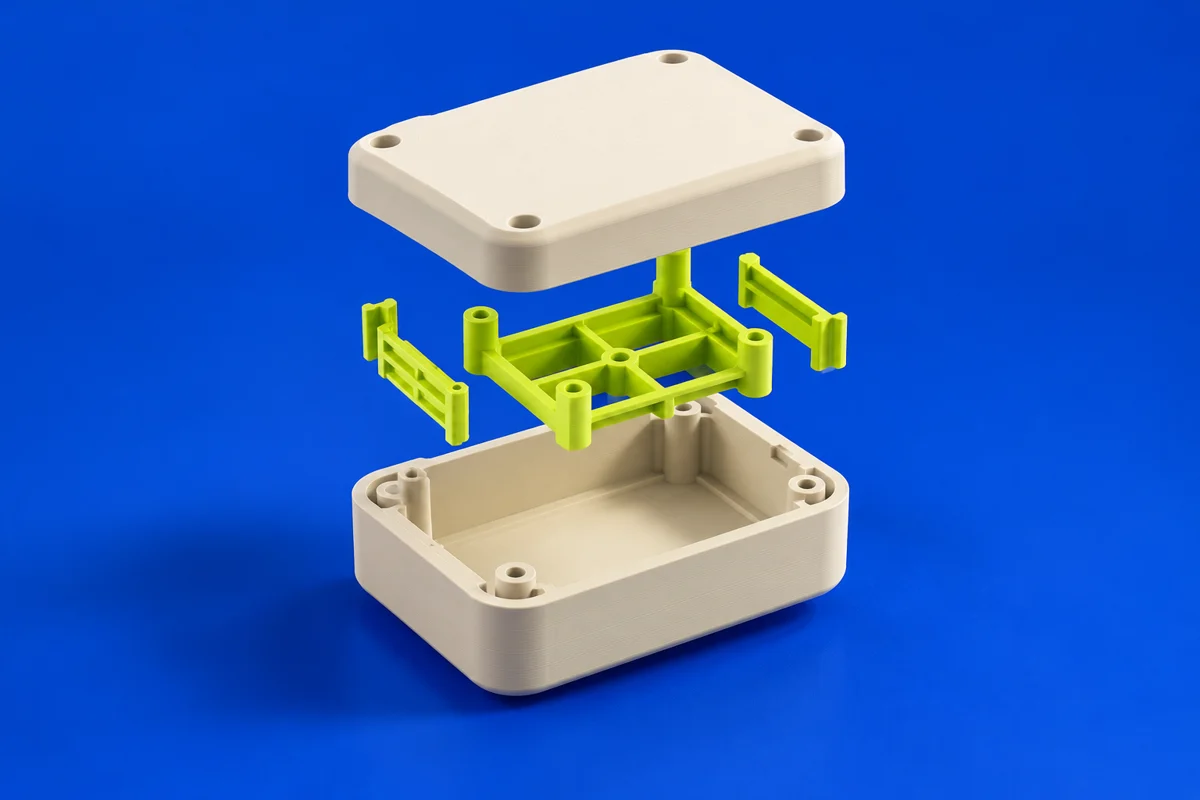
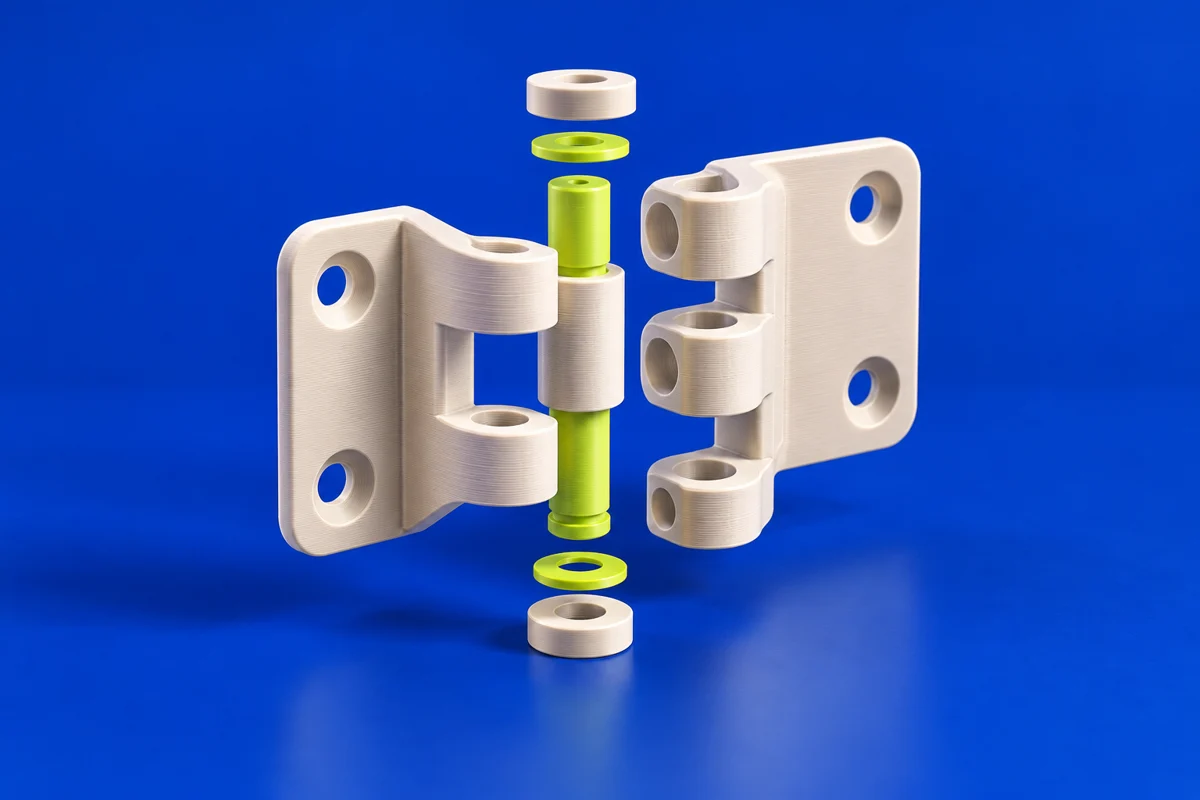
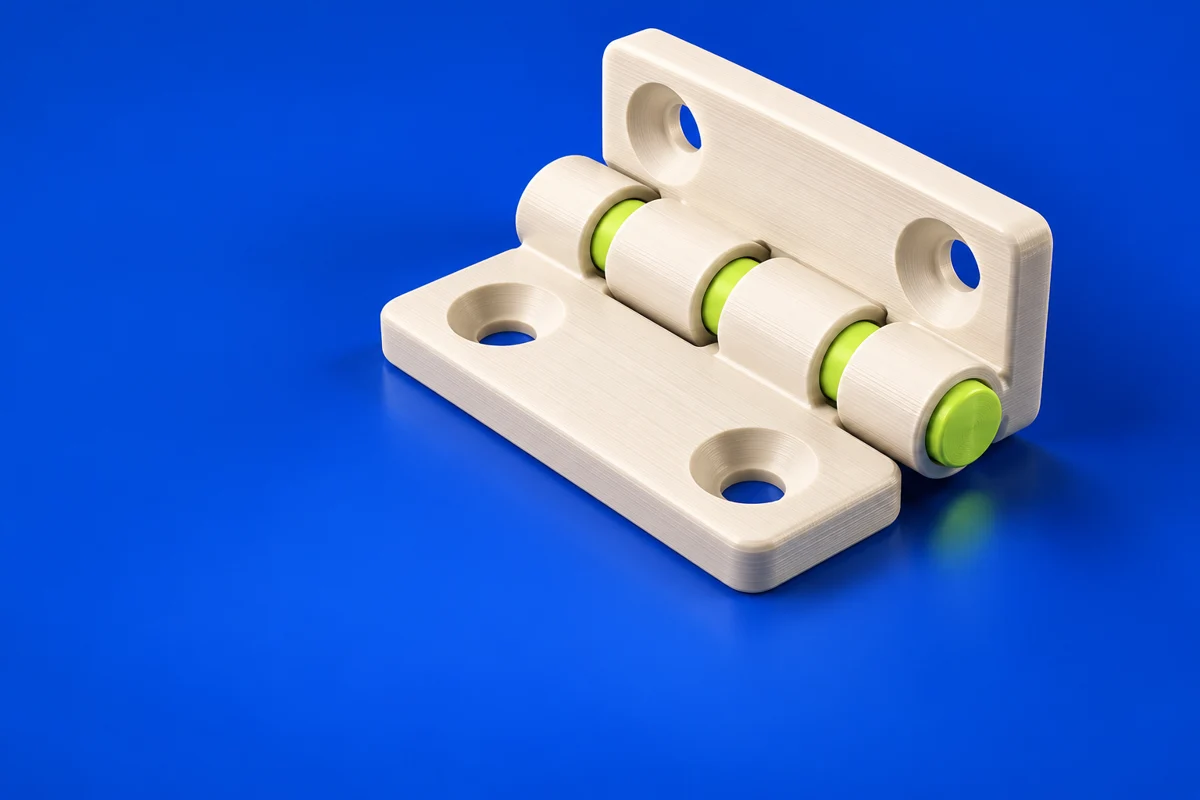
Solid Edge is a mechanical CAD system for creating and revising parts and assemblies. For additive manufacturing, it is useful upstream of printing: define interfaces, model functional geometry and keep the design connected to its engineering context. The resulting part still needs preparation for its selected process.
Publisher’s product informationUseful capabilities for your toolkit
- 3D mechanical part design
- Assembly modeling
- Synchronous modeling capabilities
Where Solid Edge fits in a print project
- 01
Define interfaces and the space the printed part must occupy.
- 02
Model functional features and review assembly clearances.
- 03
Export suitable geometry and assess build orientation in the preparation application.
These are planning steps, not machine settings. Use your printer and material documentation for the actual production process.
Understand the tradeoffs.
Engineering CAD has a broader scope than a simple model editor. Review edition-specific capabilities and licensing before choosing a setup.
Common questions
Where does Solid Edge fit in a printing workflow?
Use it to design the component and its interfaces, then use a suitable preparation tool to produce the print job.
Where can I get Solid Edge?
Use the explore solid edge link to reach the official publisher or project. Check the current system requirements, license and available editions there. 3Dprintsy does not host installers.
Official sources & further reading
Independent editorial guide. Software names belong to their respective owners; listing does not imply endorsement. Capabilities are based on the linked publisher information. Workflow recommendations are 3Dprintsy editorial guidance.
Learn to review a sliced print · Design for fit and tolerances