
What is Autodesk Fusion?
Autodesk Fusion combines CAD with manufacturing and engineering workflows. It is relevant to additive manufacturing when a printed prototype must fit within a broader product or assembly. Its value is in keeping design changes connected to the engineering model.
Publisher’s product informationUseful capabilities for your toolkit
- Integrated CAD and manufacturing tools
- Assembly-oriented product design
- Cloud-connected collaboration and data workflows
Where Autodesk Fusion fits in a print project
- 01
Model the functional interfaces before cosmetic surfaces.
- 02
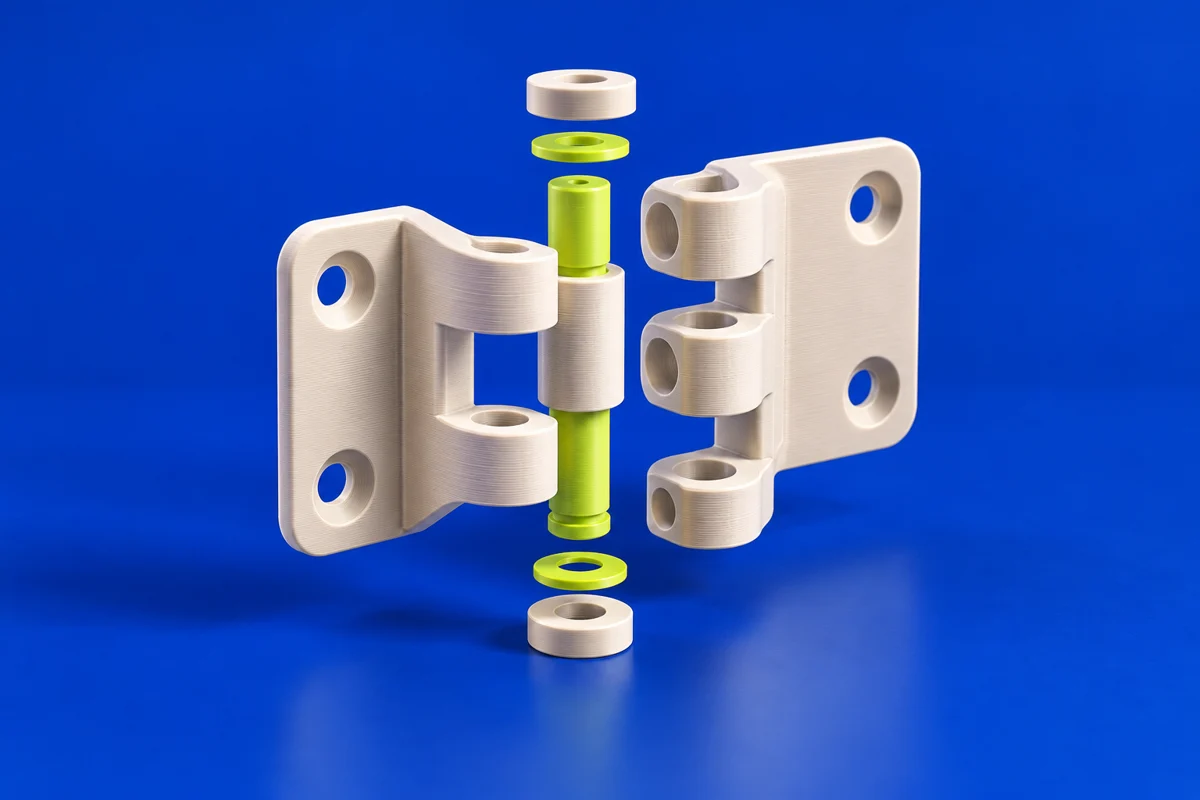
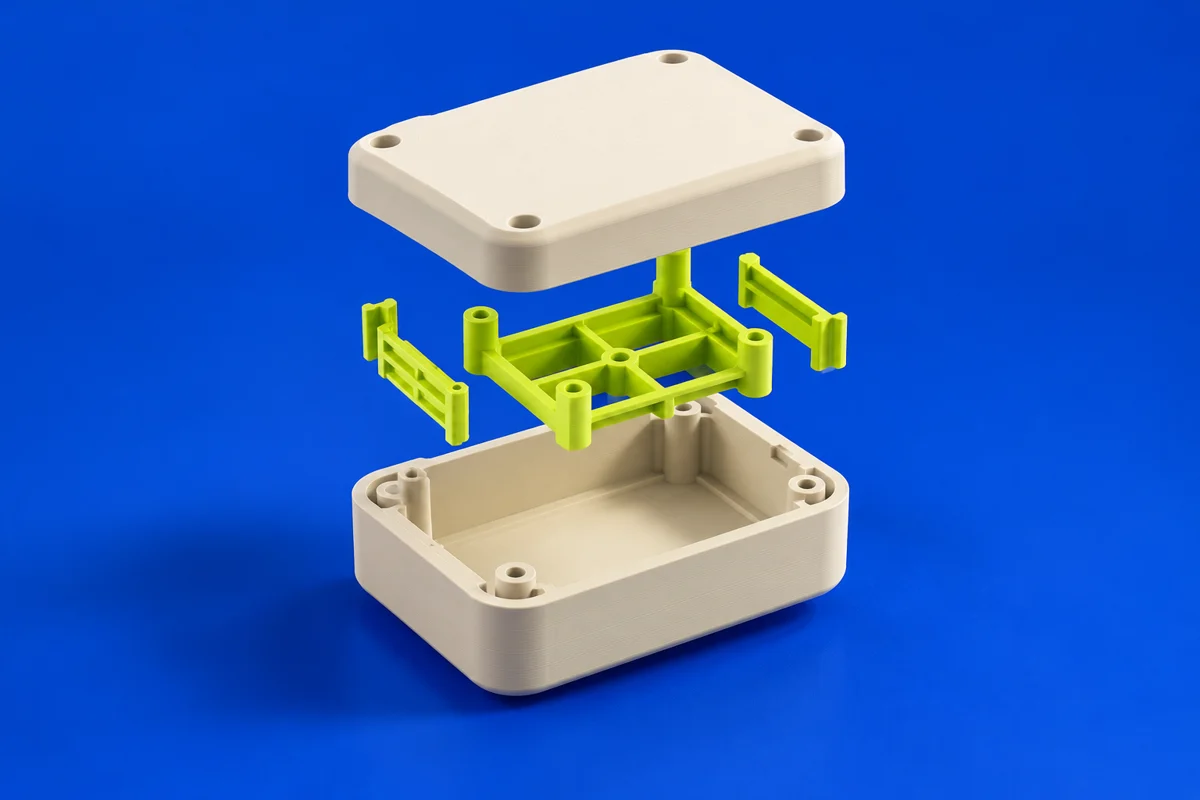
Separate parts that need different orientations, materials or assembly clearances.
- 03
Export the required geometry and validate the result using your chosen additive process.
These are planning steps, not machine settings. Use your printer and material documentation for the actual production process.
Understand the tradeoffs.
Capabilities depend on the subscription and extensions. Confirm commercial-use terms and the specific manufacturing functions you need before adopting a plan.
Common questions
Does Fusion replace a printer-specific slicer?
Not automatically. Match the available manufacturing workflow to the exact printer. A desktop filament or resin workflow may still use a separate slicer.
Where can I get Autodesk Fusion?
Use the get fusion / trial link to reach the official publisher or project. Check the current system requirements, license and available editions there. 3Dprintsy does not host installers.
Official sources & further reading
Independent editorial guide. Software names belong to their respective owners; listing does not imply endorsement. Capabilities are based on the linked publisher information. Workflow recommendations are 3Dprintsy editorial guidance.
Learn to review a sliced print · Design for fit and tolerances