
What is Autodesk Inventor?
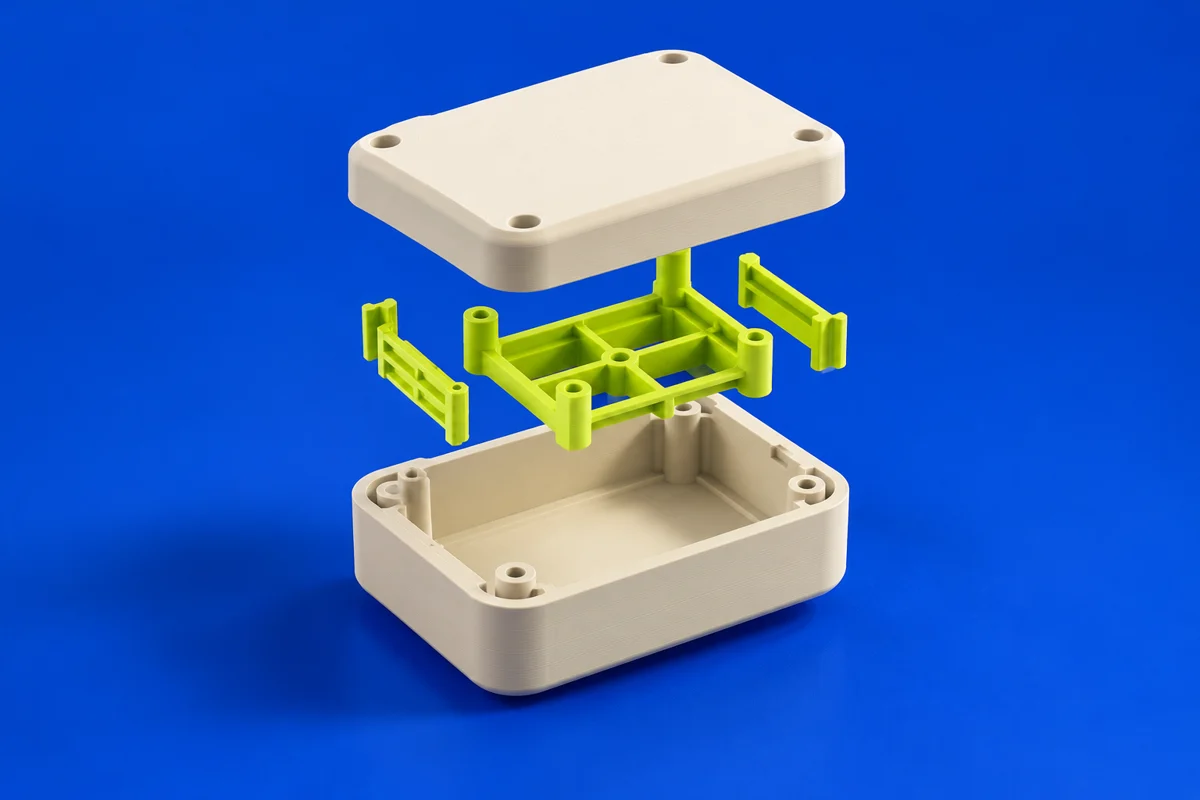
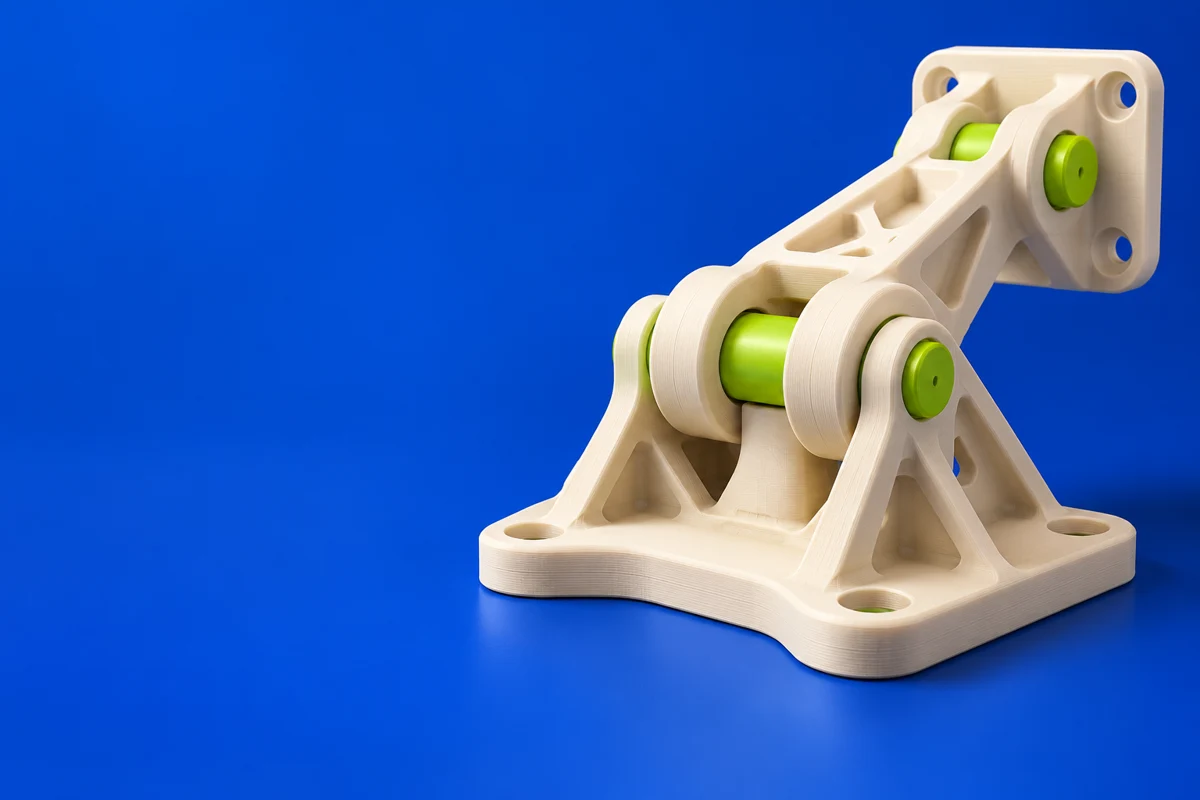
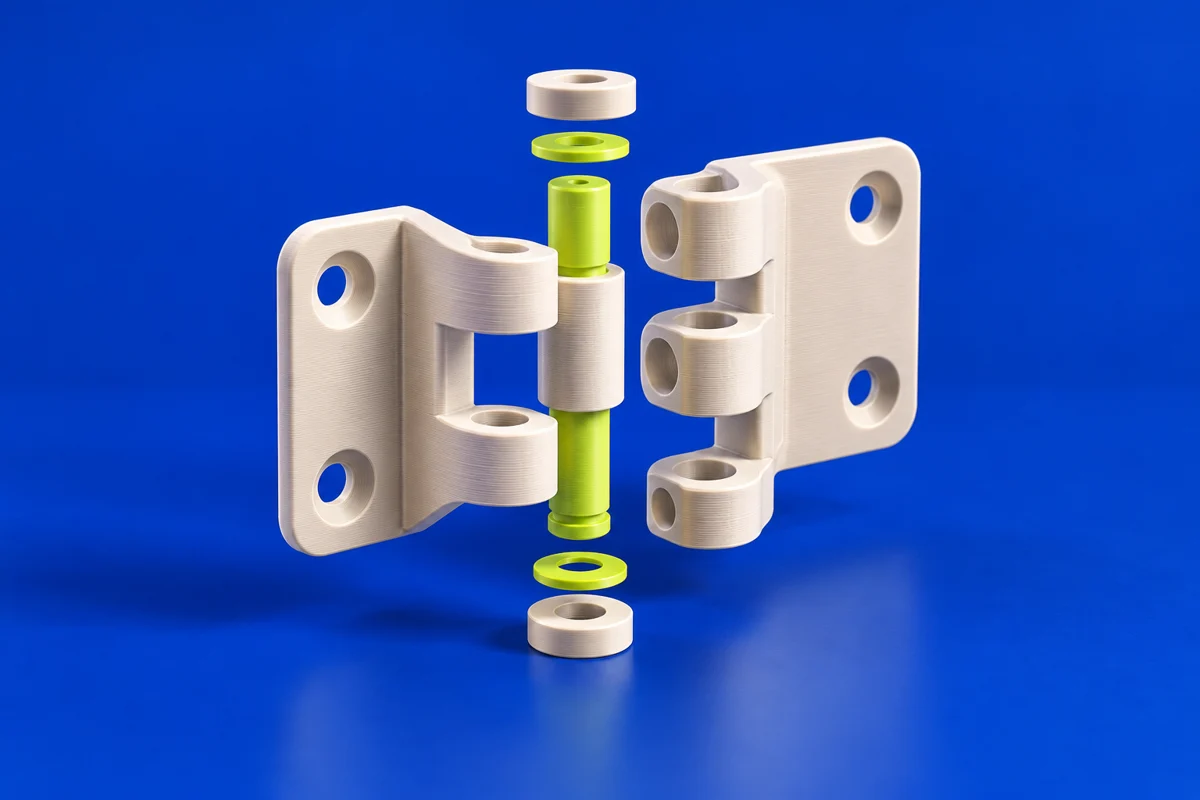
Autodesk Inventor is mechanical design software for parts, assemblies and engineering documentation. It supports additive workflows where a printed component must fit within a larger engineered product.
Publisher’s product informationUseful capabilities for your toolkit
- Parametric mechanical design
- Assembly-oriented engineering
- Product documentation workflows
Where Autodesk Inventor fits in a print project
- 01
Model the interfaces and assembly constraints first.
- 02
Check whether the printed part needs inserts, machining allowance or assembly access.
- 03
Export the intended component and validate the print preparation separately.
These are planning steps, not machine settings. Use your printer and material documentation for the actual production process.
Understand the tradeoffs.
Mechanical CAD describes the design intent, not the final material performance of a print. Recheck fit and strength for the chosen additive process.
Common questions
When is Inventor relevant to 3D printing?
It is useful for functional prototypes and engineered parts whose dimensions and assembly context need to remain editable throughout development.
Where can I get Autodesk Inventor?
Use the explore inventor / trial link to reach the official publisher or project. Check the current system requirements, license and available editions there. 3Dprintsy does not host installers.
Official sources & further reading
- Autodesk Inventor — product information and documentation
- Explore Inventor / trial — official destination
Independent editorial guide. Software names belong to their respective owners; listing does not imply endorsement. Capabilities are based on the linked publisher information. Workflow recommendations are 3Dprintsy editorial guidance.
Learn to review a sliced print · Design for fit and tolerances