
What is SketchUp?
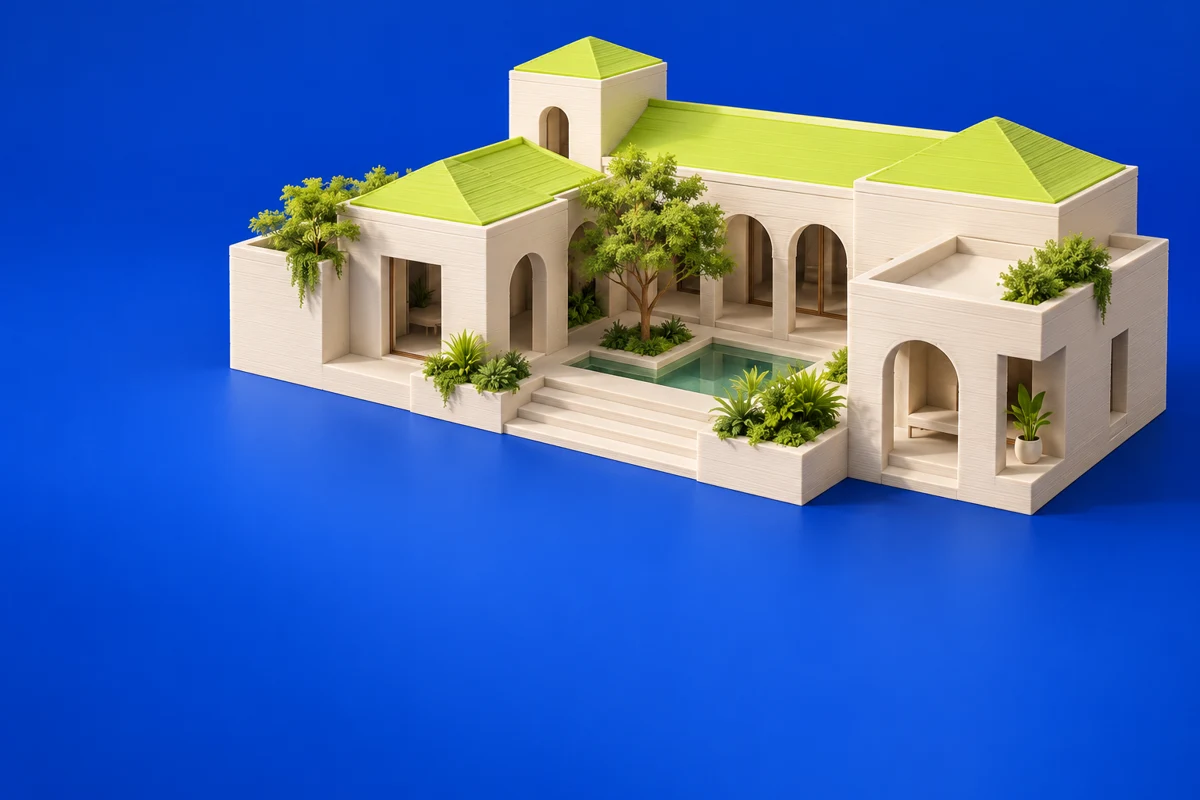
SketchUp is a 3D design platform often associated with spatial and architectural modeling. It can help communicate a design through a physical scale model, but a model intended for visualization needs additional attention before printing. Thin architectural details and open surfaces deserve particular scrutiny.
Publisher’s product informationUseful capabilities for your toolkit
- Interactive 3D modeling
- Architectural and spatial design workflows
- A broader ecosystem of design tools
Where SketchUp fits in a print project
- 01
Choose a physical scale before deciding which details to retain.
- 02
Simplify fragile details and make printable closed volumes.
- 03
Check the exported geometry for wall thickness and disconnected surfaces.
These are planning steps, not machine settings. Use your printer and material documentation for the actual production process.
Understand the tradeoffs.
Visualization geometry is not automatically printable. Confirm export availability for your chosen plan and review the mesh in a dedicated preparation tool.
Common questions
Can I print an architectural SketchUp model directly?
First adapt it for physical scale and printable geometry. Windows, railings and other thin features may need simplification or thickening.
Where can I get SketchUp?
Use the explore sketchup link to reach the official publisher or project. Check the current system requirements, license and available editions there. 3Dprintsy does not host installers.
Official sources & further reading
Independent editorial guide. Software names belong to their respective owners; listing does not imply endorsement. Capabilities are based on the linked publisher information. Workflow recommendations are 3Dprintsy editorial guidance.
Learn to review a sliced print · Design for fit and tolerances