
What is Shapr3D?
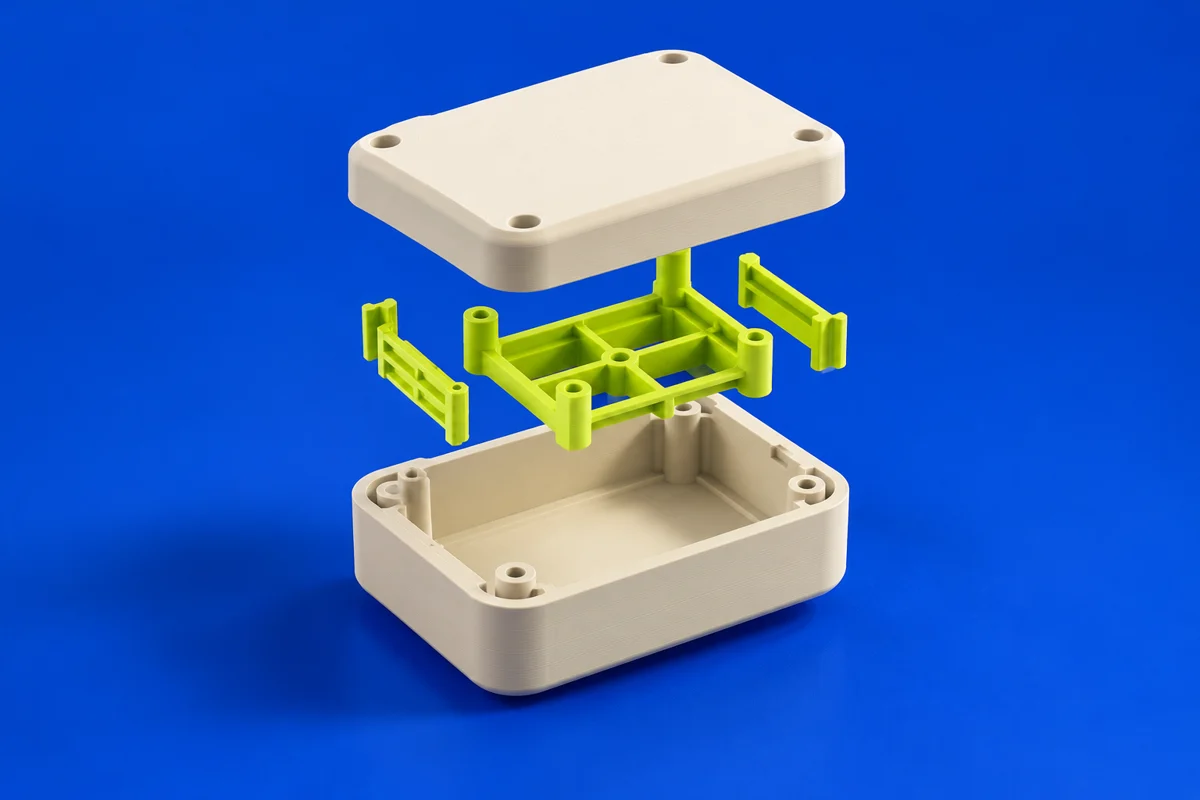
Shapr3D is a solid-modeling environment spanning tablet and desktop workflows. It is useful for moving from a sketch to a tangible enclosure, fixture or concept part while keeping the design focused on physical geometry.
Publisher’s product informationUseful capabilities for your toolkit
- Sketch and solid-modeling workflows
- Tablet and desktop design environments
- A product-design approach from concept to model
Where Shapr3D fits in a print project
- 01
Sketch the key profile at the intended physical dimensions.
- 02
Build the main solid and add functional openings and edge treatments.
- 03
Check available export formats in your plan, then inspect the exported part in a slicer.
These are planning steps, not machine settings. Use your printer and material documentation for the actual production process.
Understand the tradeoffs.
Export options and other capabilities vary by plan. Confirm that the export quality and file formats suit your intended printing workflow.
Common questions
What should I check before using Shapr3D for 3D printing?
Verify the supported device, plan export options and final dimensions. Printing requires a watertight part and a compatible downstream slicer.
Where can I get Shapr3D?
Use the download now link to reach the official publisher or project. Check the current system requirements, license and available editions there. 3Dprintsy does not host installers.
Official sources & further reading
Independent editorial guide. Software names belong to their respective owners; listing does not imply endorsement. Capabilities are based on the linked publisher information. Workflow recommendations are 3Dprintsy editorial guidance.
Learn to review a sliced print · Design for fit and tolerances