What is Rhino?
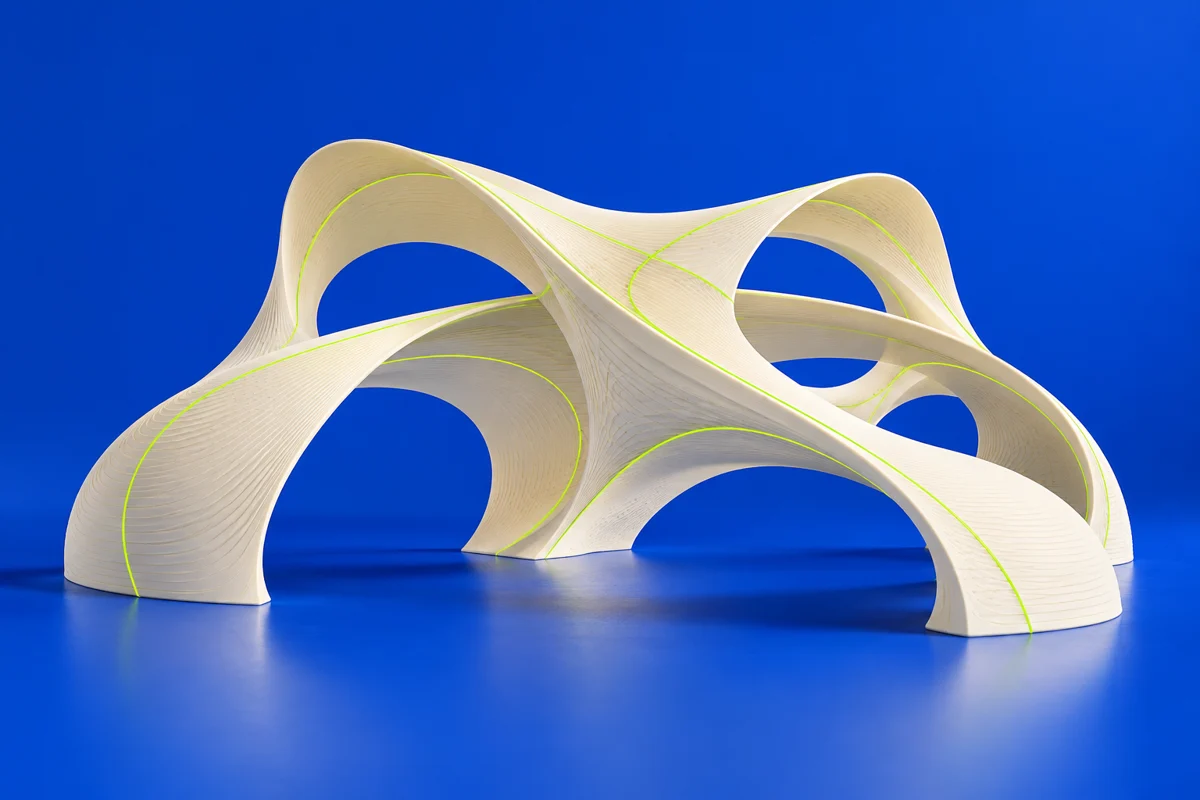
Rhino combines NURBS, subdivision geometry and mesh tools in a free-form design environment. It is relevant to additive manufacturing for jewelry, sculptural products and complex surfaces that also need careful geometric control.
Publisher’s product informationUseful capabilities for your toolkit
- NURBS, SubD and polygon mesh modeling
- Mesh repair and geometry analysis
- ShrinkWrap for creating a surrounding watertight mesh
Where Rhino fits in a print project
- 01
Choose a surface or solid workflow appropriate to the form.
- 02
Check joins, openings and the intended wall thickness.
- 03
Control the mesh conversion and compare the exported shape with the original surfaces.
These are planning steps, not machine settings. Use your printer and material documentation for the actual production process.
Understand the tradeoffs.
A smooth CAD surface becomes an approximation when converted to triangles. Balance export detail against file size, and validate critical curves.
Common questions
Why consider Rhino for 3D printing?
Its mix of free-form surface and mesh tools supports shapes that are difficult to express as a short sequence of mechanical features.
Where can I get Rhino?
Use the download now link to reach the official publisher or project. Check the current system requirements, license and available editions there. 3Dprintsy does not host installers.
Official sources & further reading
Independent editorial guide. Software names belong to their respective owners; listing does not imply endorsement. Capabilities are based on the linked publisher information. Workflow recommendations are 3Dprintsy editorial guidance.
Learn to review a sliced print · Design for fit and tolerances