
What is Plasticity?
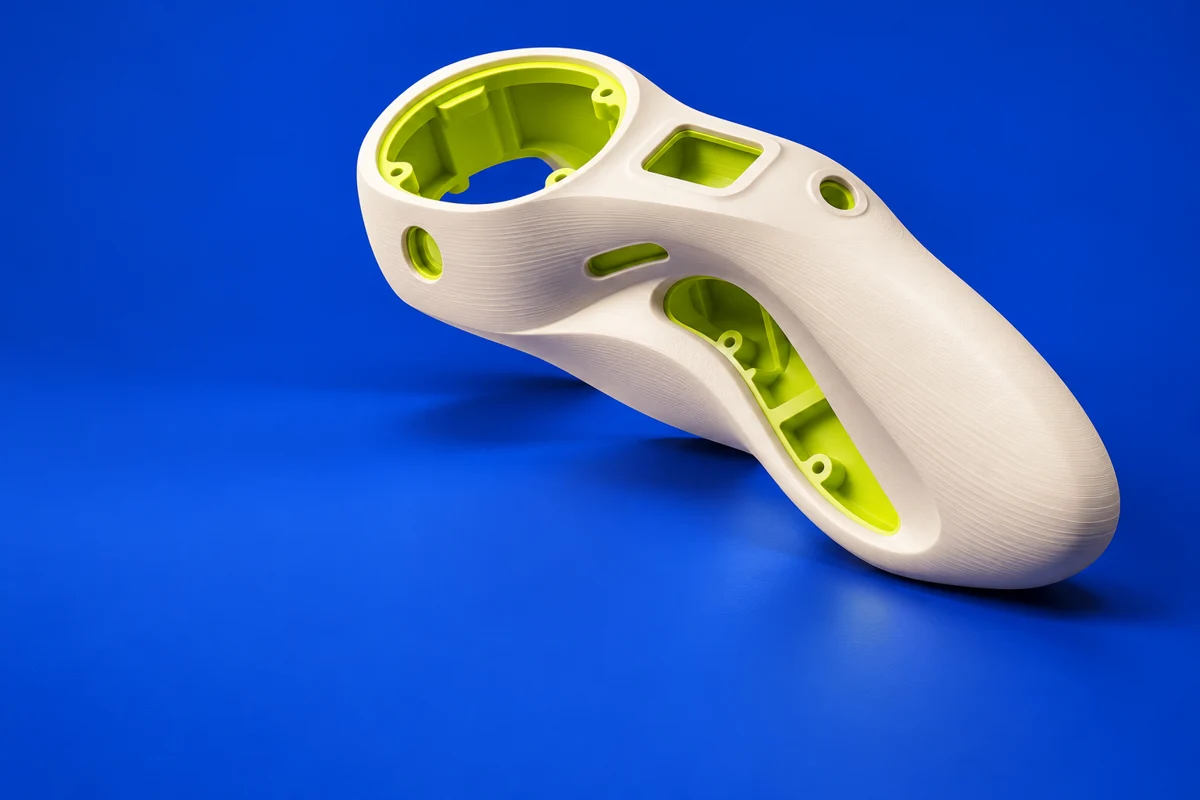
Plasticity brings solid and surface modeling into a workspace focused on shaping geometry directly. It is a useful option for printable product shells, props and hard-surface concepts where smooth transitions and rounded edges matter. Export quality and available formats depend on the edition.
Publisher’s product informationUseful capabilities for your toolkit
- Direct editing of solid geometry
- Fillets and surface modeling
- CAD and mesh export options by edition
Where Plasticity fits in a print project
- 01
Block out the outer envelope at the intended physical size.
- 02
Build the shell, openings and fillets while preserving printable walls.
- 03
Export at suitable mesh quality and inspect the result in your slicer.
These are planning steps, not machine settings. Use your printer and material documentation for the actual production process.
Understand the tradeoffs.
Direct modeling favors quick shape changes. Check your edition’s export restrictions and whether you need a history-based CAD workflow for future revisions.
Common questions
Can Plasticity make models for 3D printing?
Yes. Its mesh export options support a printing workflow. Check the chosen edition and export resolution, then prepare the model in a slicer.
Where can I get Plasticity?
Use the get plasticity link to reach the official publisher or project. Check the current system requirements, license and available editions there. 3Dprintsy does not host installers.
Official sources & further reading
Independent editorial guide. Software names belong to their respective owners; listing does not imply endorsement. Capabilities are based on the linked publisher information. Workflow recommendations are 3Dprintsy editorial guidance.
Learn to review a sliced print · Design for fit and tolerances