
What is OctoPrint?
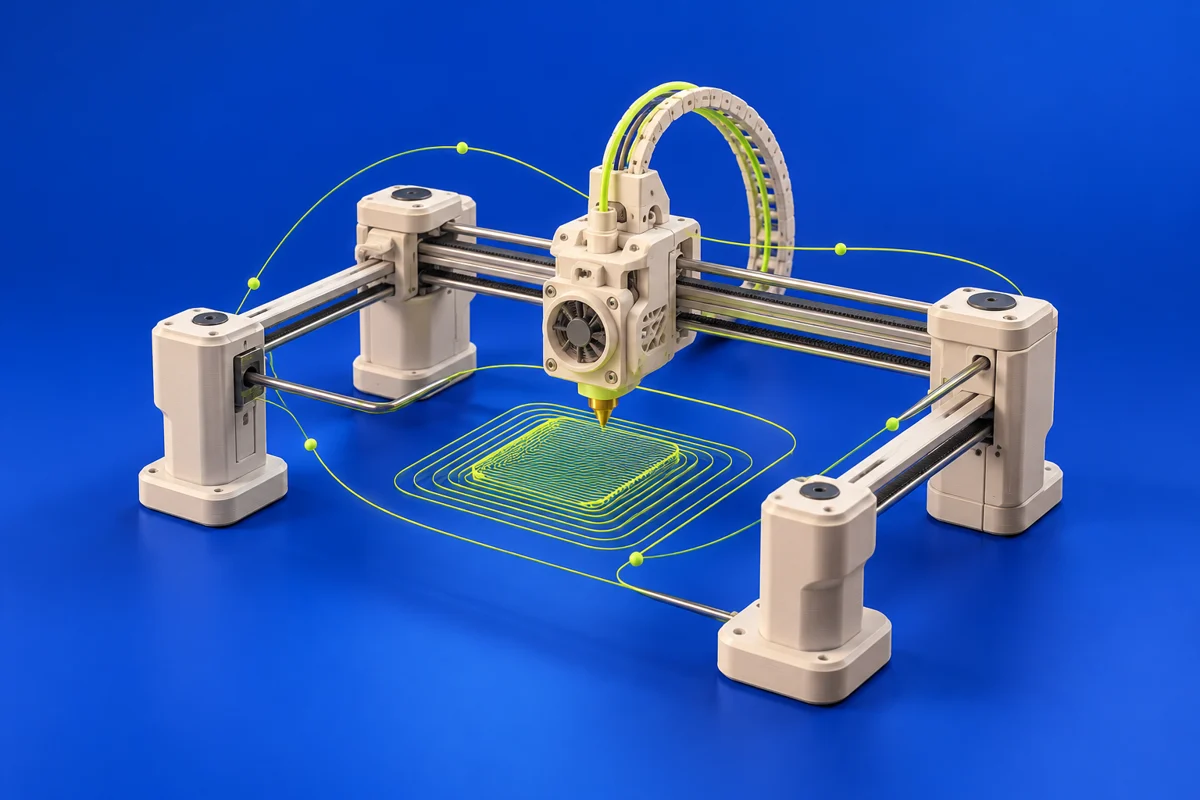
OctoPrint provides a web interface for controlling and monitoring supported 3D printers. It sits after modeling and slicing, helping manage the execution of a print rather than designing the object itself.
Publisher’s product informationUseful capabilities for your toolkit
- Web-based printer control and monitoring
- A host-based installation workflow
- An extensible printer-management environment
Where OctoPrint fits in a print project
- 01
Check compatibility between the printer and your proposed host.
- 02
Follow the official installation instructions and establish a local connection.
- 03
Test a small, supervised job before relying on the workflow for longer prints.
These are planning steps, not machine settings. Use your printer and material documentation for the actual production process.
Understand the tradeoffs.
A management interface does not replace printer safeguards or supervision. Network access and host maintenance are part of operating the setup.
Common questions
Does OctoPrint create printable CAD models?
No. It manages supported printers. Create geometry in modeling software and prepare a compatible print file with a slicer first.
Where can I get OctoPrint?
Use the download & setup link to reach the official publisher or project. Check the current system requirements, license and available editions there. 3Dprintsy does not host installers.
Official sources & further reading
Independent editorial guide. Software names belong to their respective owners; listing does not imply endorsement. Capabilities are based on the linked publisher information. Workflow recommendations are 3Dprintsy editorial guidance.
Learn to review a sliced print · Design for fit and tolerances