
What is Obico?
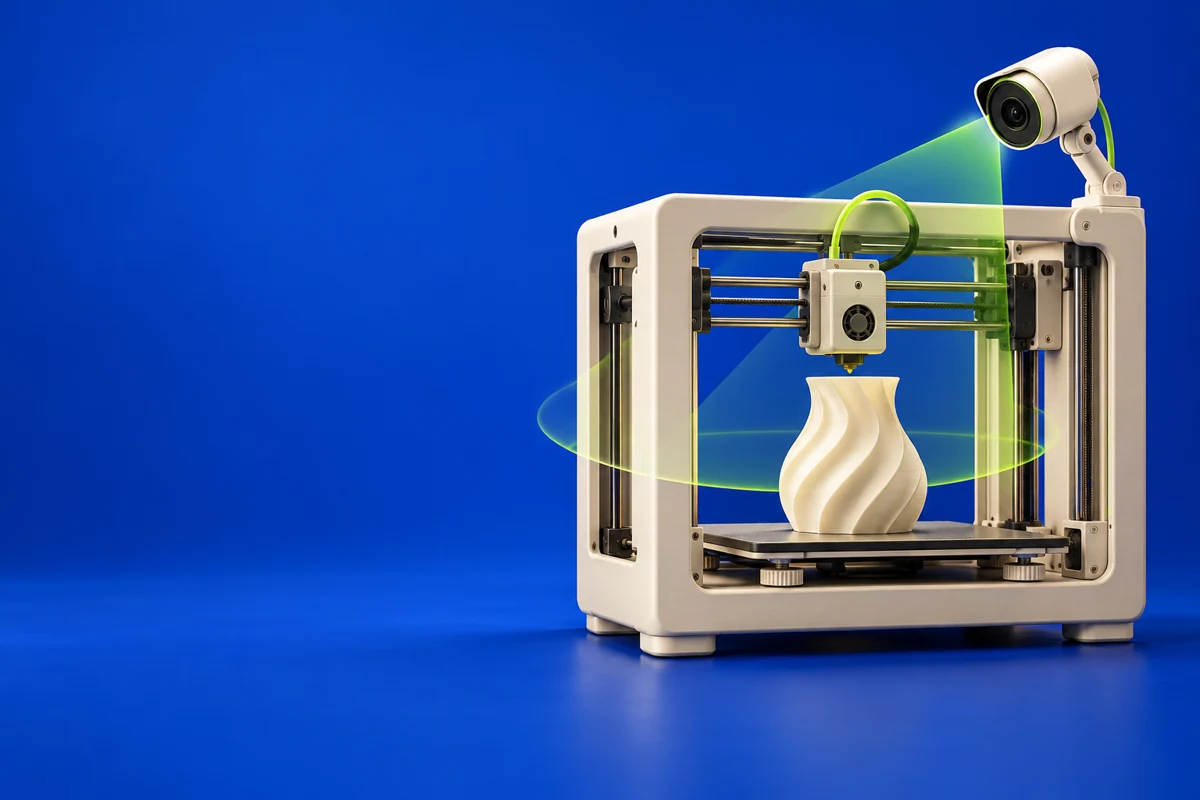
Obico adds remote access and monitoring to supported printing platforms, including Klipper and OctoPrint workflows. It offers managed-cloud and self-hosted approaches. Its camera-based failure detection is an additional source of information about a print, not a guarantee that every failure will be detected.
Publisher’s product informationUseful capabilities for your toolkit
- Remote printer access
- Camera-based failure detection
- Cloud and self-hosted deployment options
Where Obico fits in a print project
- 01
Check the integration guide for your printer-control platform.
- 02
Configure camera coverage and notification preferences, then validate them with a supervised job.
- 03
Use alerts and live views to support your normal print-monitoring routine.
These are planning steps, not machine settings. Use your printer and material documentation for the actual production process.
Understand the tradeoffs.
Camera angle, lighting and the type of failure affect automated detection. Compare hosting requirements and plan limits for the features you need.
Common questions
Does Obico require the managed cloud?
No. The project also documents self-hosting. Choose based on your hardware, maintenance capacity and desired features.
Where can I get Obico?
Use the get started with obico link to reach the official publisher or project. Check the current system requirements, license and available editions there. 3Dprintsy does not host installers.
Official sources & further reading
Independent editorial guide. Software names belong to their respective owners; listing does not imply endorsement. Capabilities are based on the linked publisher information. Workflow recommendations are 3Dprintsy editorial guidance.
Learn to review a sliced print · Design for fit and tolerances