
What is Meshroom?
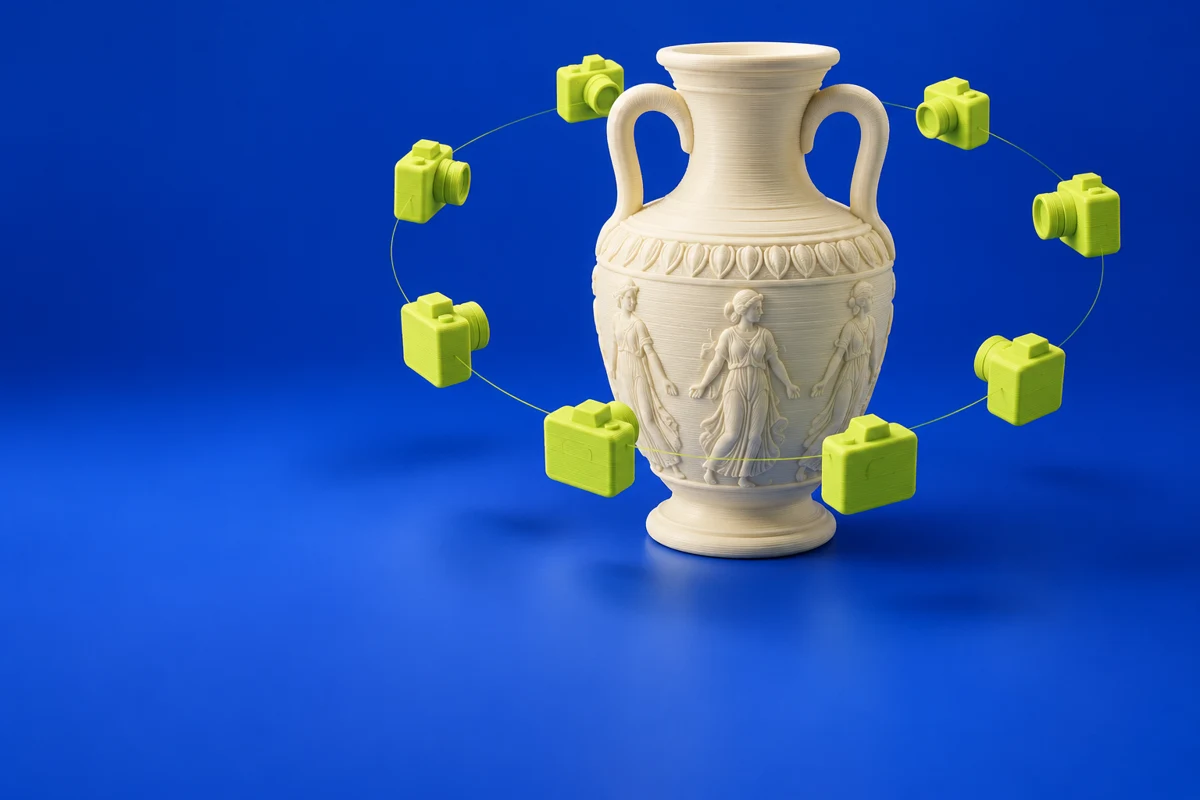
Meshroom is the node-based desktop application built around AliceVision’s computer-vision framework. Its photogrammetry pipelines reconstruct geometry from images, making it relevant when a print begins with a real object. Reconstruction is a capture step; the resulting mesh commonly needs cleanup before fabrication.
Publisher’s product informationUseful capabilities for your toolkit
- Photogrammetry reconstruction
- Node-based processing pipelines
- Image-to-mesh workflows
Where Meshroom fits in a print project
- 01
Photograph the object with consistent lighting and sufficient overlap.
- 02
Reconstruct the model and inspect areas with missing or noisy geometry.
- 03
Clean the mesh, establish physical scale and check watertightness before slicing.
These are planning steps, not machine settings. Use your printer and material documentation for the actual production process.
Understand the tradeoffs.
Shiny, transparent or textureless surfaces can be difficult to reconstruct. Check the project’s hardware requirements before processing a large photo set.
Common questions
Will Meshroom produce a ready-to-print model?
Not necessarily. A reconstruction can contain holes, noise or unwanted surroundings; inspect and repair it in a mesh tool before printing.
Where can I get Meshroom?
Use the get meshroom link to reach the official publisher or project. Check the current system requirements, license and available editions there. 3Dprintsy does not host installers.
Official sources & further reading
Independent editorial guide. Software names belong to their respective owners; listing does not imply endorsement. Capabilities are based on the linked publisher information. Workflow recommendations are 3Dprintsy editorial guidance.
Learn to review a sliced print · Design for fit and tolerances