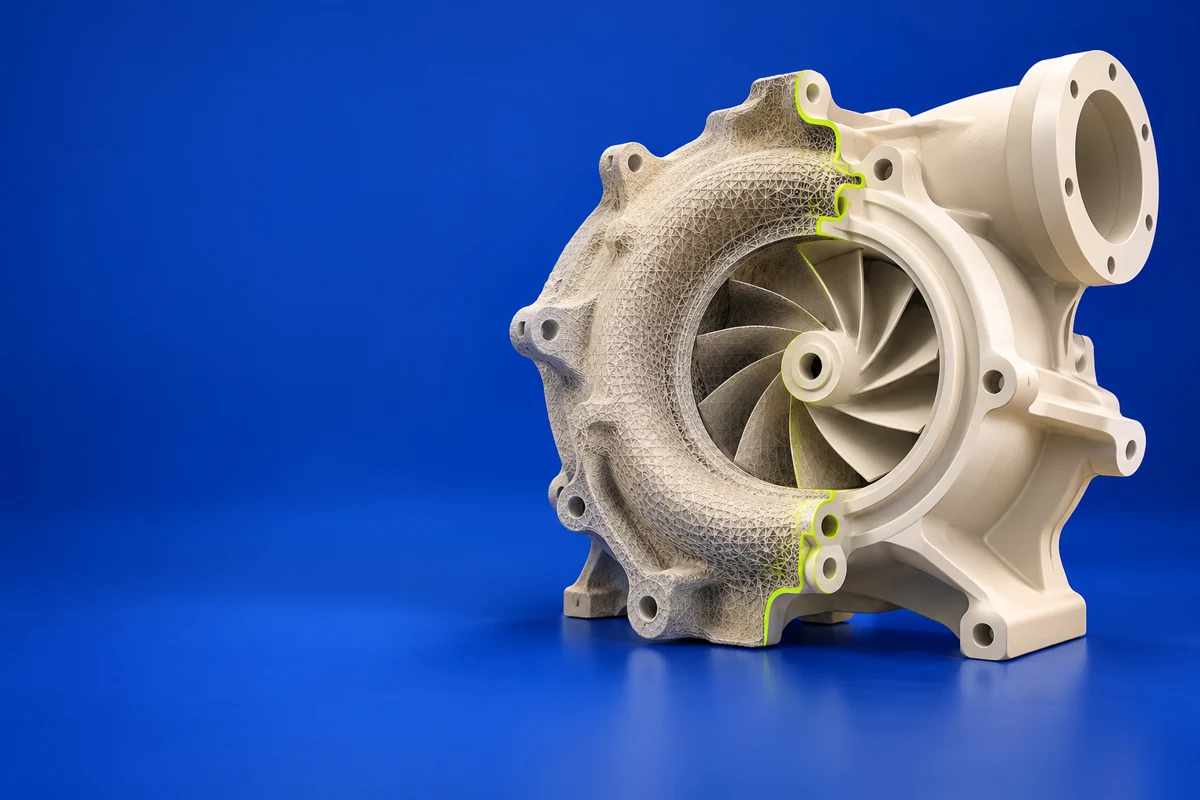

What is Geomagic Design X?
Geomagic Design X focuses on reverse engineering: using scan data to develop editable, feature-based 3D models. For additive manufacturing, that is useful when a captured part must be redesigned or fitted into an engineering workflow rather than simply reproduced as an unchanged mesh.
Publisher’s product informationUseful capabilities for your toolkit
- Scan-to-CAD reverse engineering
- Feature-based model reconstruction
- Exchange with engineering design software
Where Geomagic Design X fits in a print project
- 01
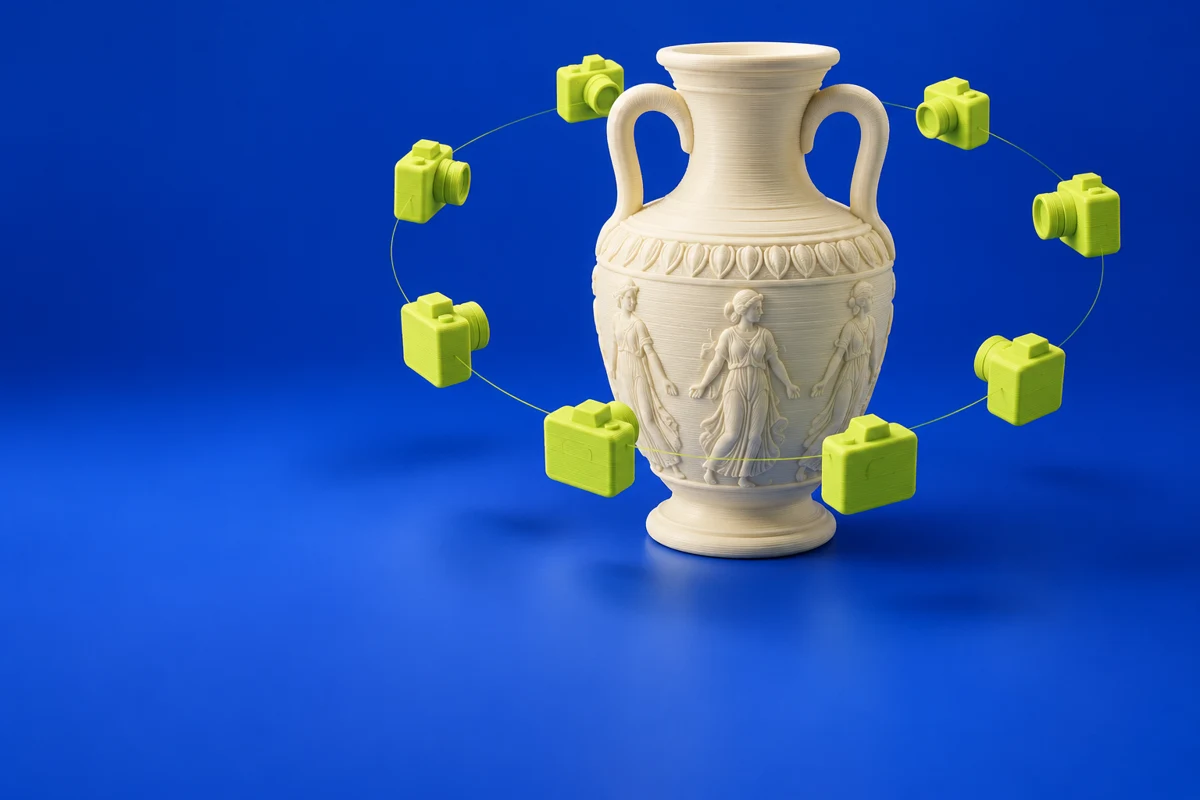
Capture and align the source part with an appropriate measurement workflow.
- 02
Reconstruct the features and dimensions that define its intended function.
- 03
Check the CAD result against the reference and prepare a prototype for fit validation.
These are planning steps, not machine settings. Use your printer and material documentation for the actual production process.
Understand the tradeoffs.
Reconstructing design intent involves judgment. Surface wear and scan noise should not automatically become features of the replacement design.
Common questions
How is Design X different from mesh cleanup?
Mesh cleanup edits the captured surface. Design X targets an editable CAD model whose engineering features can be revised.
Where can I get Geomagic Design X?
Use the explore design x link to reach the official publisher or project. Check the current system requirements, license and available editions there. 3Dprintsy does not host installers.
Official sources & further reading
Independent editorial guide. Software names belong to their respective owners; listing does not imply endorsement. Capabilities are based on the linked publisher information. Workflow recommendations are 3Dprintsy editorial guidance.
Learn to review a sliced print · Design for fit and tolerances