
What is Artec Studio?
Artec Studio is software for processing 3D capture data. It belongs near the beginning of a scan-to-print workflow, where separate observations must become a useful representation of an object. Check the current capture and hardware compatibility for the source data you plan to use.
Publisher’s product informationUseful capabilities for your toolkit
- 3D scan processing
- Model reconstruction workflows
- Tools for working with captured geometry
Where Artec Studio fits in a print project
- 01
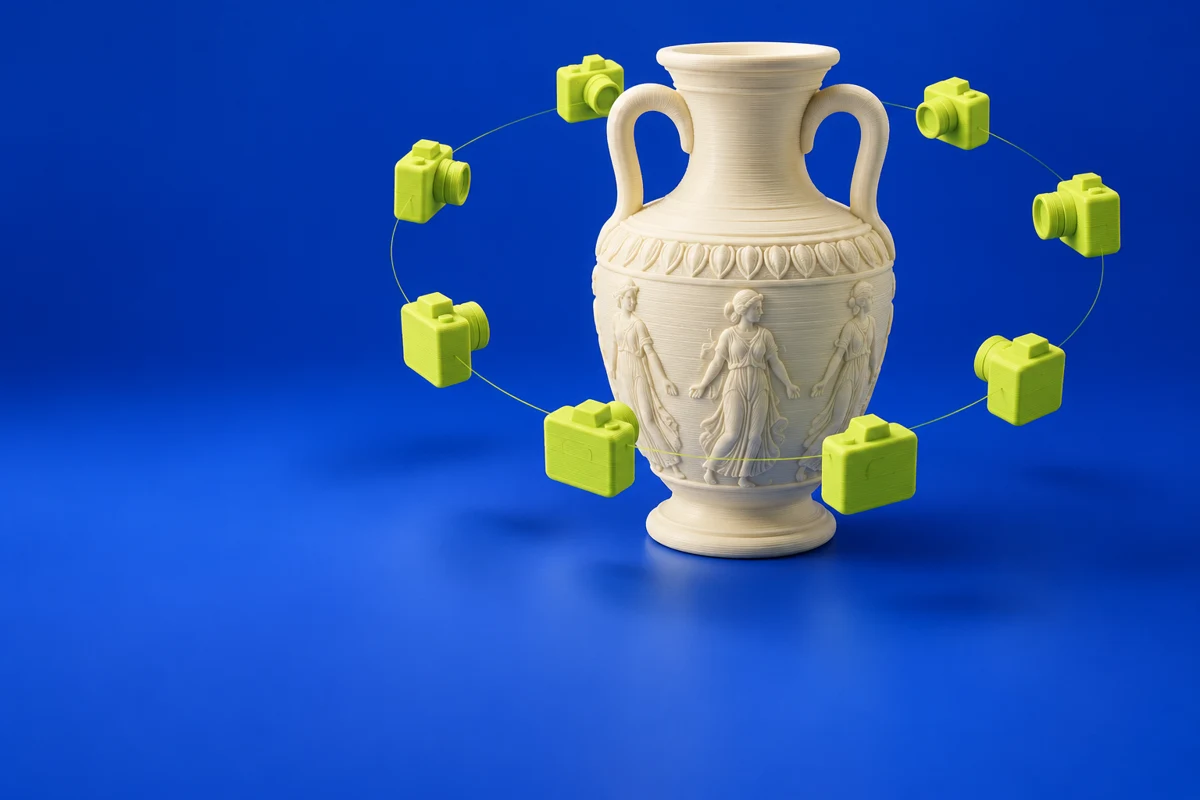
Capture the object using a supported workflow with adequate surface coverage.
- 02
Process and inspect the reconstructed geometry, paying attention to missing regions.
- 03
Establish scale and repair any remaining printability issues before preparing a build.
These are planning steps, not machine settings. Use your printer and material documentation for the actual production process.
Understand the tradeoffs.
Capture quality limits the resulting model. Reconstructed geometry may still require editing before it serves as a printable replacement or an engineering reference.
Common questions
Does scanning guarantee a printable copy?
No. Missing surfaces, noise and fine details can require cleanup. Check the reconstructed mesh and the final physical scale before printing.
Where can I get Artec Studio?
Use the explore artec studio link to reach the official publisher or project. Check the current system requirements, license and available editions there. 3Dprintsy does not host installers.
Official sources & further reading
Independent editorial guide. Software names belong to their respective owners; listing does not imply endorsement. Capabilities are based on the linked publisher information. Workflow recommendations are 3Dprintsy editorial guidance.
Learn to review a sliced print · Design for fit and tolerances