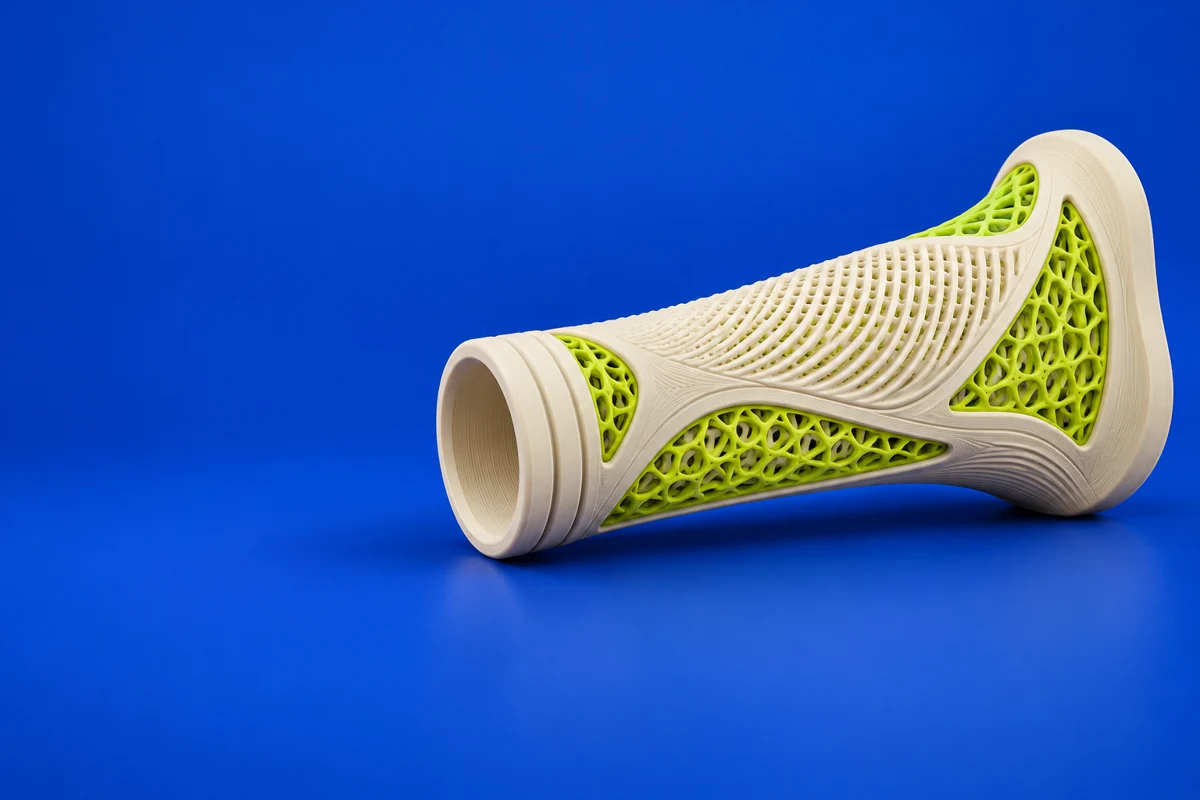

What is Materialise 3-matic?
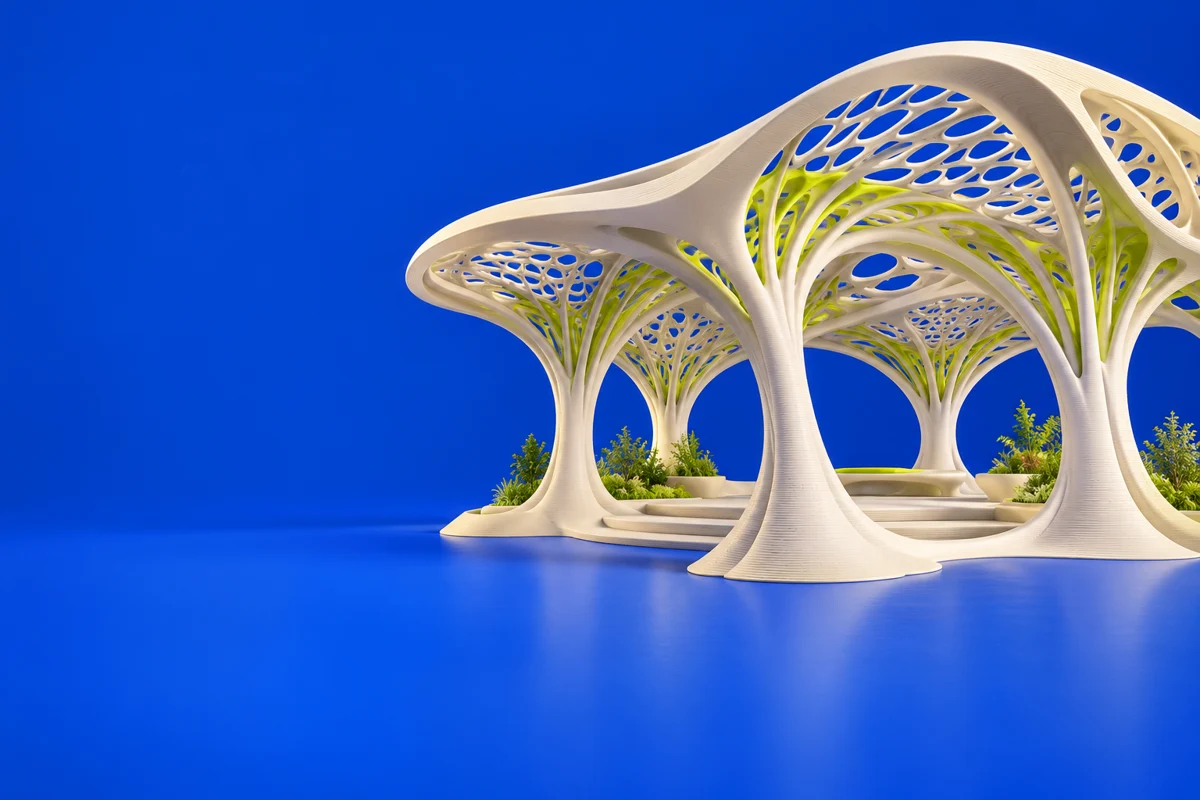
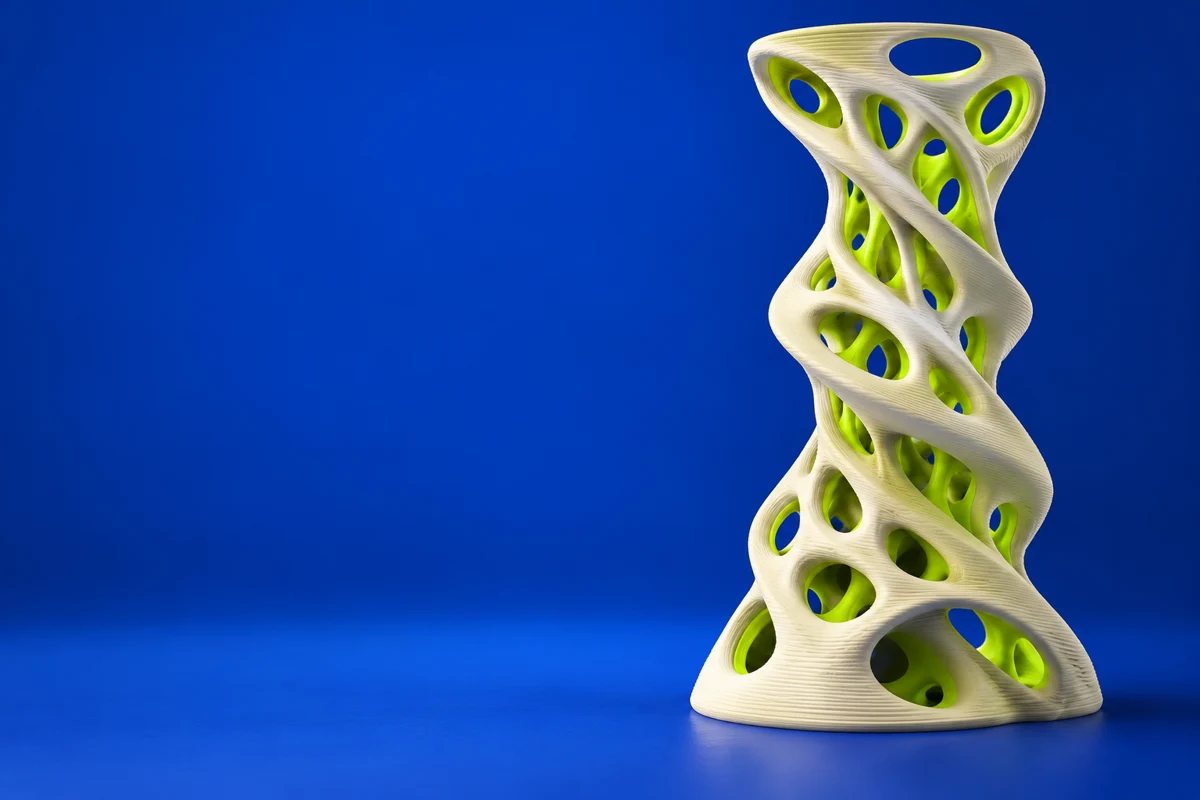
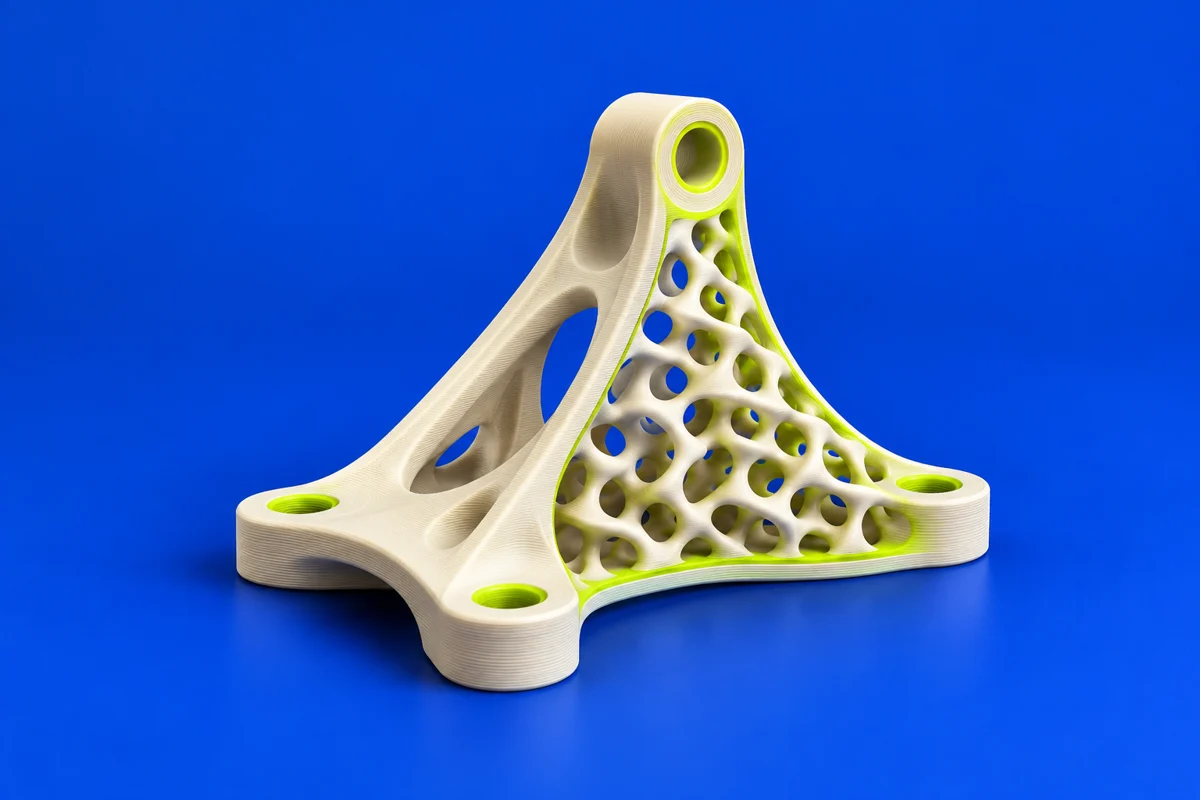
Materialise 3-matic is a design-optimization application that works at mesh level. It can be relevant when the starting geometry comes from a scan, a topology study or a CAD export and needs further design work. Optional modules address tasks such as texturing, lattice creation, CAD conversion and scripting. For additive manufacturing, the design challenge is to turn the intended surface or internal structure into geometry that the selected process can actually resolve and clean.
Publisher’s product informationUseful capabilities for your toolkit
- Mesh-level modifications and surface refinement
- Module-based texturing and lattice design
- Optional CAD conversion and scripting workflows
Where Materialise 3-matic fits in a print project
- 01
Inspect the incoming mesh and preserve interfaces that must mate with other components. Identify rough or incomplete regions before design changes.
- 02
Apply the intended surface or structural modifications. Check the smallest struts, walls and openings against process capability.
- 03
Inspect the resulting model and prepare a representative coupon to evaluate cleaning, finish and feature resolution before a full-size build.
These are planning steps, not machine settings. Use your printer and material documentation for the actual production process.
Understand the tradeoffs.
Capabilities depend on licensed modules. A visually detailed lattice is not automatically printable or mechanically validated; review trapped material, inspection access and the test plan separately.
Common questions
How is 3-matic different from Magics?
3-matic focuses on mesh-based design modifications and optimization. Magics is positioned around data and build preparation. Evaluate the handoff between design and production for your specific workflow.
Can lattice geometry reduce a printed part’s mass?
Removing solid material can reduce mass, but stiffness, fatigue, cleaning and manufacturing limits still need evaluation. Print representative samples rather than assuming a pattern is suitable from appearance alone.
Where can I get Materialise 3-matic?
Use the explore 3-matic link to reach the official publisher or project. Check the current system requirements, license and available editions there. 3Dprintsy does not host installers.
Official sources & further reading
Independent editorial guide. Software names belong to their respective owners; listing does not imply endorsement. Capabilities are based on the linked publisher information. Workflow recommendations are 3Dprintsy editorial guidance.
Learn to review a sliced print · Design for fit and tolerances