What is Grasshopper?
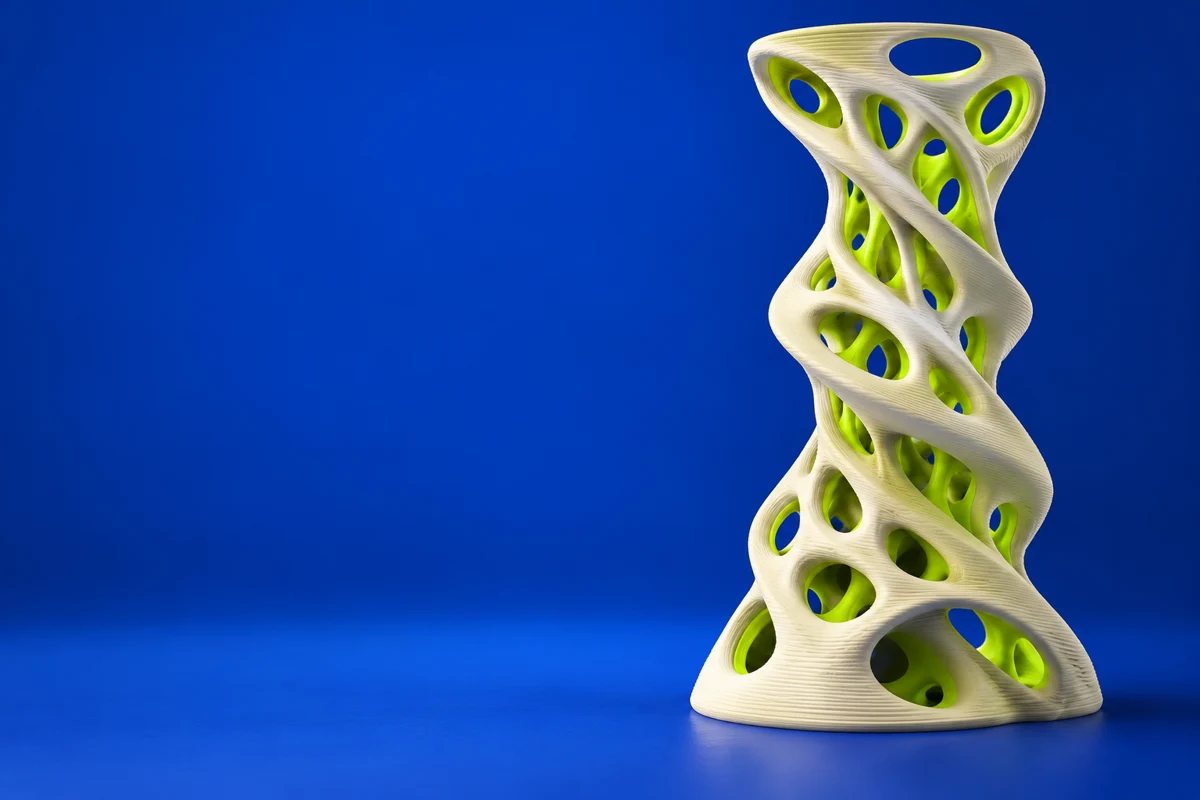
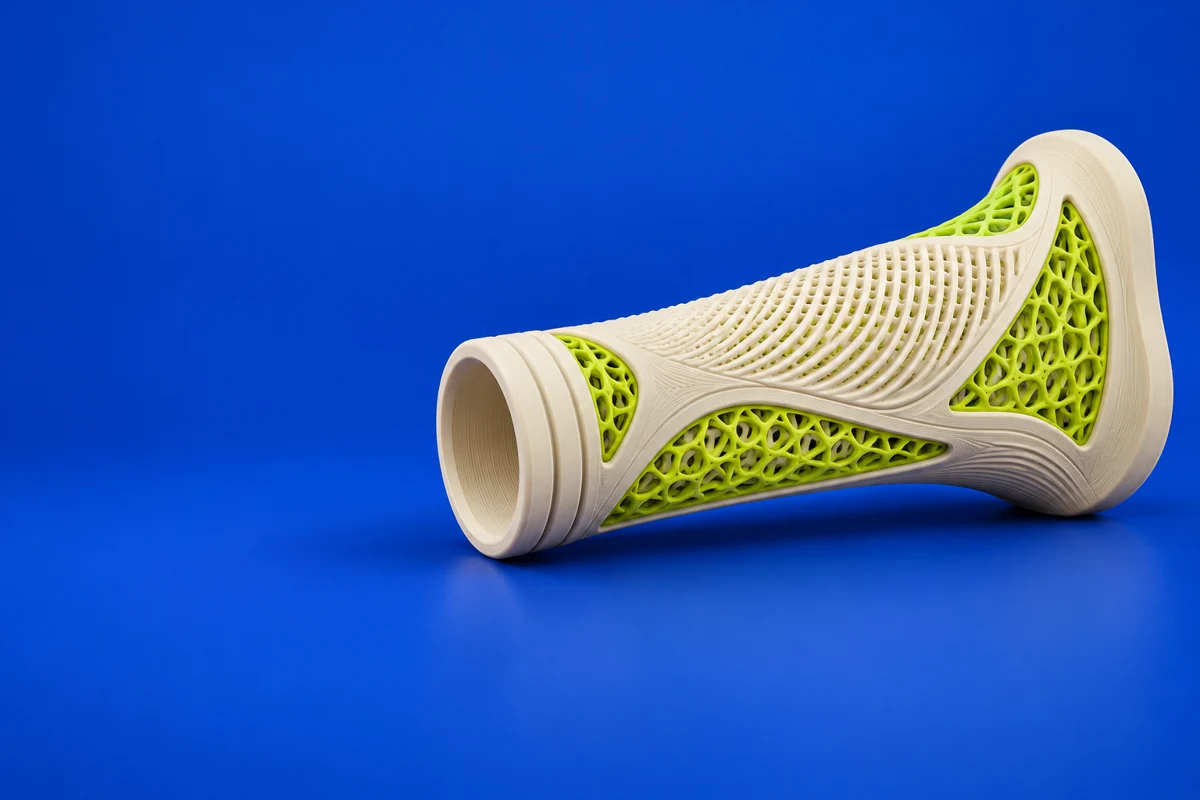
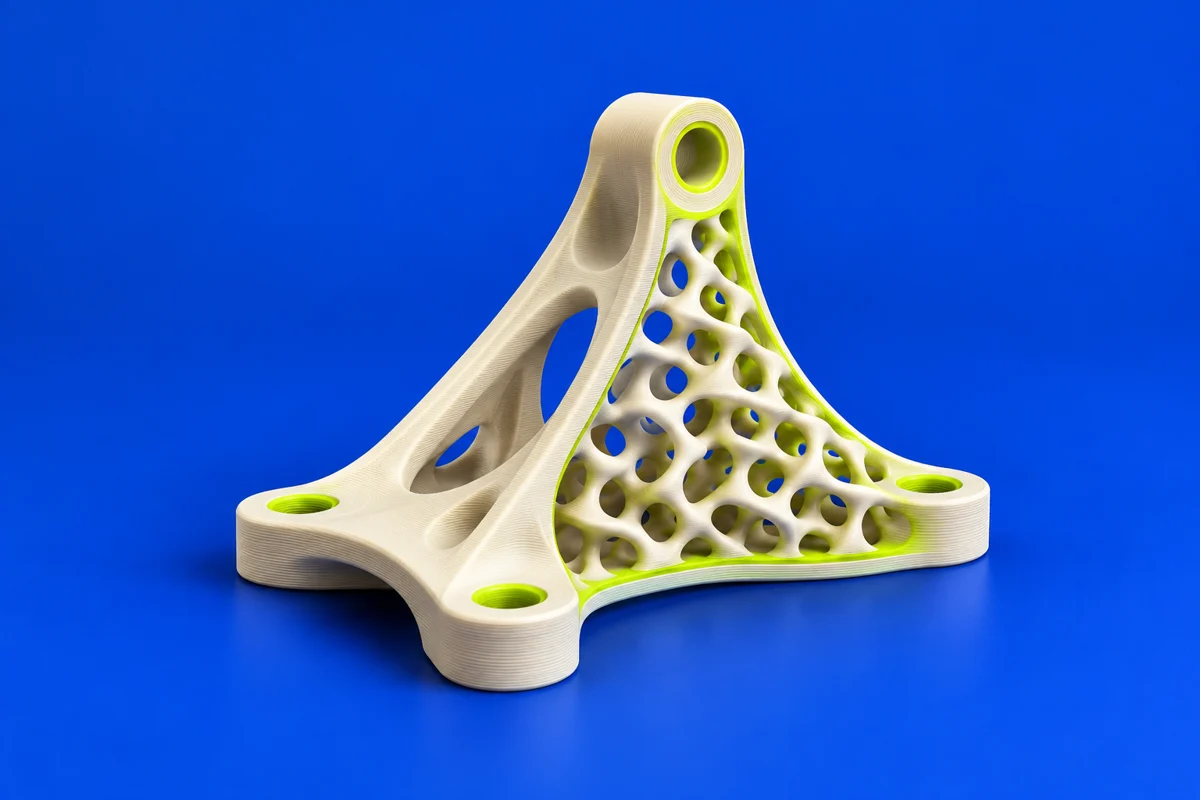
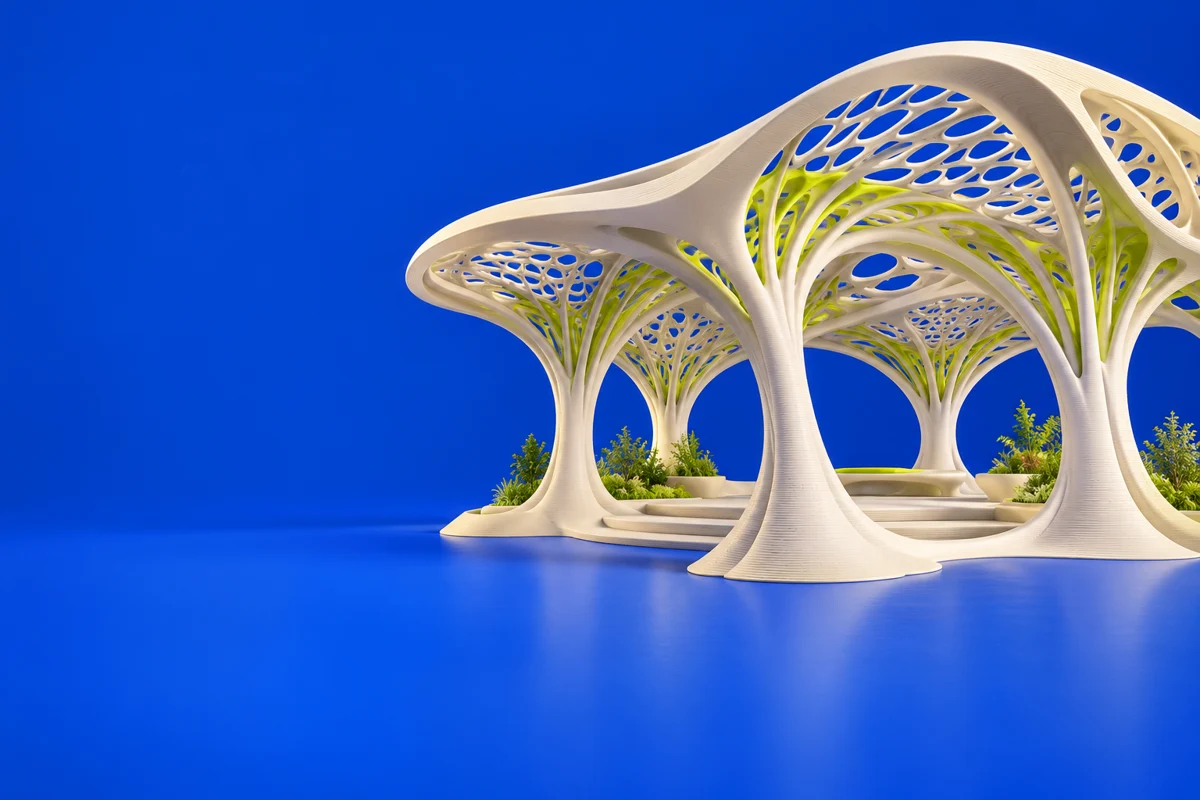
Grasshopper is Rhino’s generative modeling environment. It lets designers describe relationships and algorithms visually, making it useful for repeated structures, patterned surfaces and families of related forms. For printing, the generated geometry must still become a valid physical volume at a sensible scale.
Publisher’s product informationUseful capabilities for your toolkit
- Visual algorithmic design
- Parametric geometry relationships
- Integration with Rhino modeling
Where Grasshopper fits in a print project
- 01
Define the parameters and relationships that control the form.
- 02
Generate representative variants and check for overlaps or excessively thin features.
- 03
Turn the selected result into suitable geometry and inspect its mesh before slicing.
These are planning steps, not machine settings. Use your printer and material documentation for the actual production process.
Understand the tradeoffs.
Complex definitions can produce geometry that looks convincing but is expensive or impossible to fabricate. Check the required Rhino version and any third-party components.
Common questions
Is Grasshopper a standalone slicer?
No. It is a generative modeling environment for Rhino. Use a suitable print-preparation application after creating and validating the geometry.
Where can I get Grasshopper?
Use the explore grasshopper link to reach the official publisher or project. Check the current system requirements, license and available editions there. 3Dprintsy does not host installers.
Official sources & further reading
Independent editorial guide. Software names belong to their respective owners; listing does not imply endorsement. Capabilities are based on the linked publisher information. Workflow recommendations are 3Dprintsy editorial guidance.
Learn to review a sliced print · Design for fit and tolerances