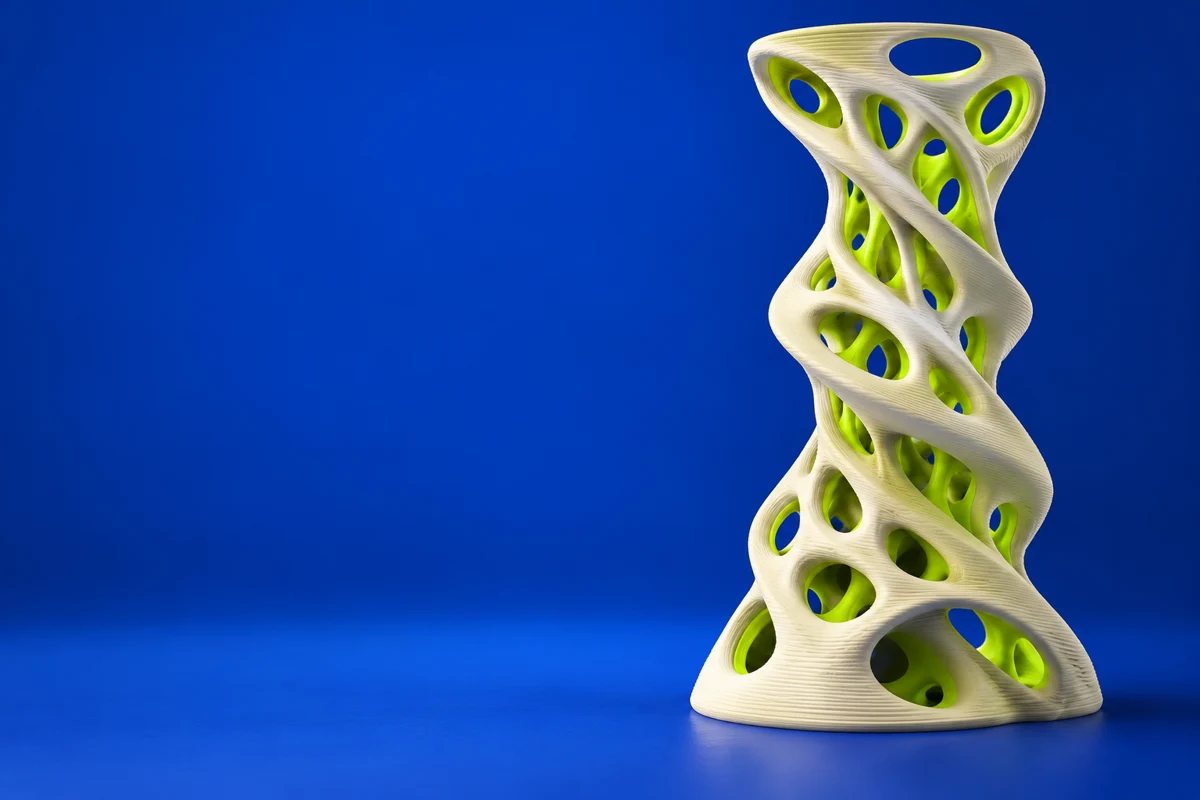

What is Houdini?
Houdini is a procedural content-creation application. Its relevance to additive manufacturing is in creating complex geometry and repeatable variations, rather than directly controlling a printer. A procedural network can support creative experimentation while keeping the construction of a form editable.
Publisher’s product informationUseful capabilities for your toolkit
- Procedural geometry workflows
- Node-based content creation
- Reusable design variations
Where Houdini fits in a print project
- 01
Build the broad form with a controllable procedural network.
- 02
Convert the result into explicit geometry and inspect thin or disconnected regions.
- 03
Export a suitable mesh and validate size and printability in downstream tools.
These are planning steps, not machine settings. Use your printer and material documentation for the actual production process.
Understand the tradeoffs.
Effects-oriented geometry is not automatically watertight or physically meaningful. Review license and export restrictions for the edition you intend to use.
Common questions
Can a procedural Houdini object be 3D printed?
It can form part of a printing workflow once converted into suitable, closed geometry and prepared in a compatible slicer.
Where can I get Houdini?
Use the explore houdini link to reach the official publisher or project. Check the current system requirements, license and available editions there. 3Dprintsy does not host installers.
Official sources & further reading
Independent editorial guide. Software names belong to their respective owners; listing does not imply endorsement. Capabilities are based on the linked publisher information. Workflow recommendations are 3Dprintsy editorial guidance.
Learn to review a sliced print · Design for fit and tolerances