
What is Lychee?
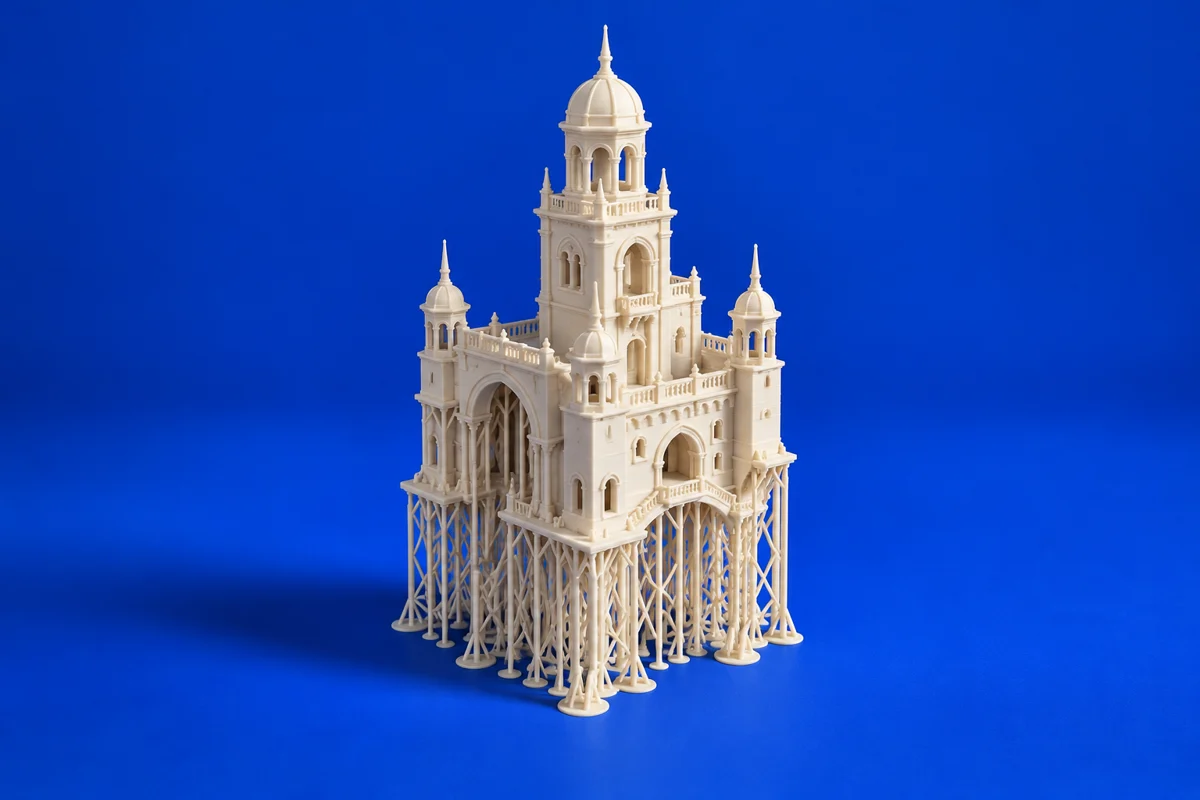
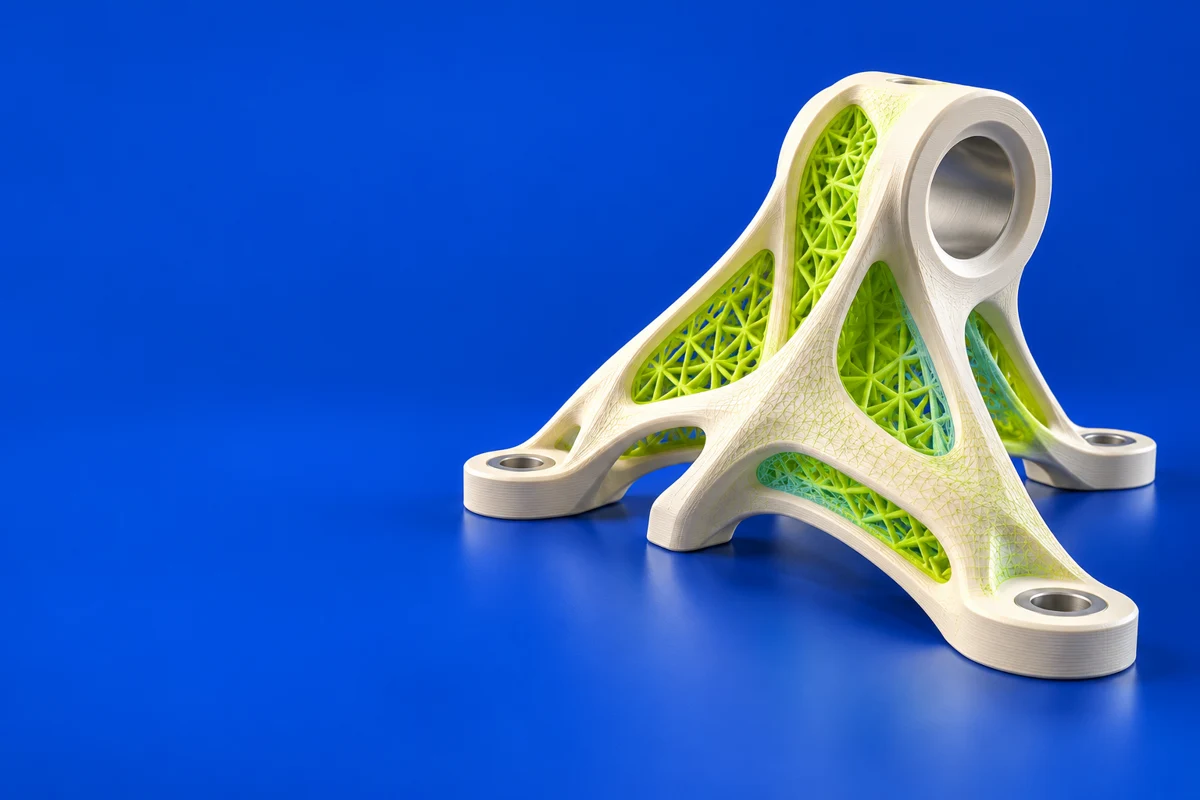
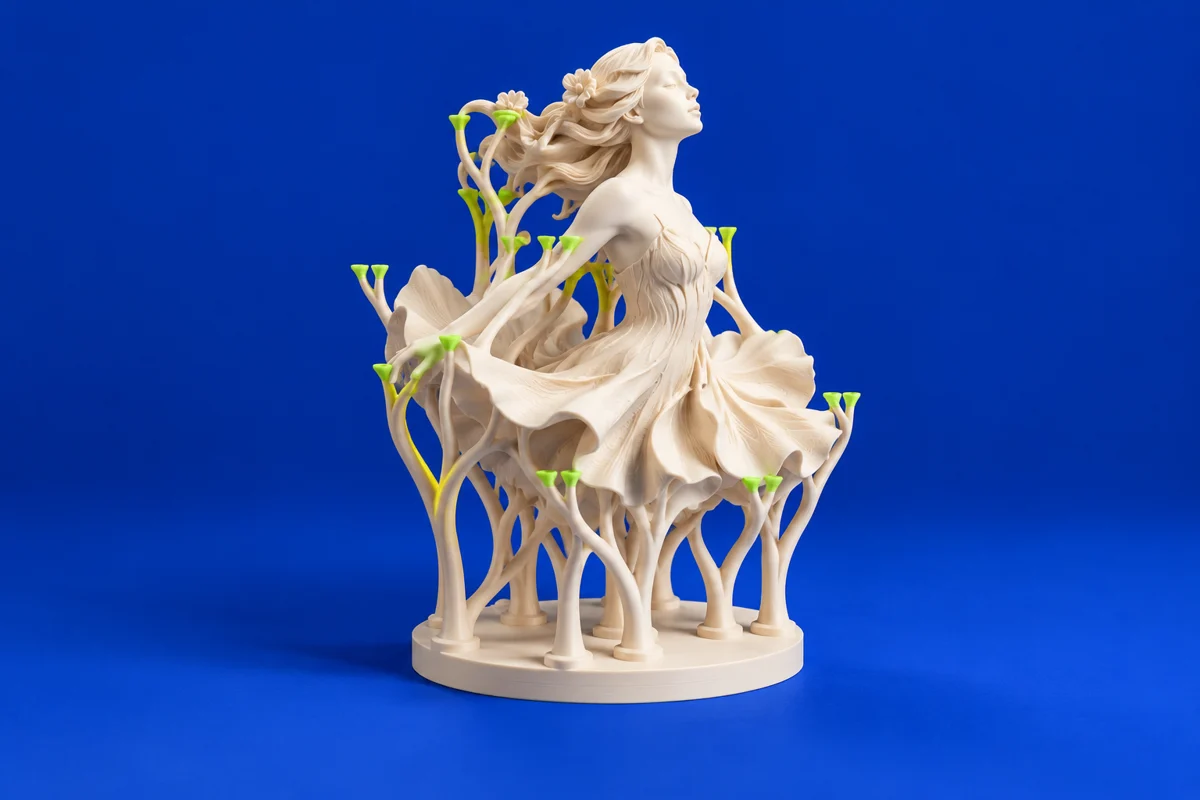
Lychee offers resin-oriented print preparation, including support and slicing workflows. It is a useful option when the main challenge is turning detailed models into a supported, printable plate.
Publisher’s product informationUseful capabilities for your toolkit
- Resin model preparation
- Support-oriented workflows
- Slicing for compatible printer setups
Where Lychee fits in a print project
- 01
Confirm support for your printer and chosen output format.
- 02
Orient the model so critical detail and support access are balanced.
- 03
Inspect the support structure and layer sequence before starting the print.
These are planning steps, not machine settings. Use your printer and material documentation for the actual production process.
Understand the tradeoffs.
Features and printer support can differ by edition and release. Check the official product page for current plan details before selecting a workflow.
Common questions
Is Lychee the same kind of tool as Blender?
No. Blender creates and edits geometry; Lychee is used downstream to prepare a print. A project can use both.
Where can I get Lychee?
Use the get lychee link to reach the official publisher or project. Check the current system requirements, license and available editions there. 3Dprintsy does not host installers.
Official sources & further reading
Independent editorial guide. Software names belong to their respective owners; listing does not imply endorsement. Capabilities are based on the linked publisher information. Workflow recommendations are 3Dprintsy editorial guidance.
Learn to review a sliced print · Design for fit and tolerances