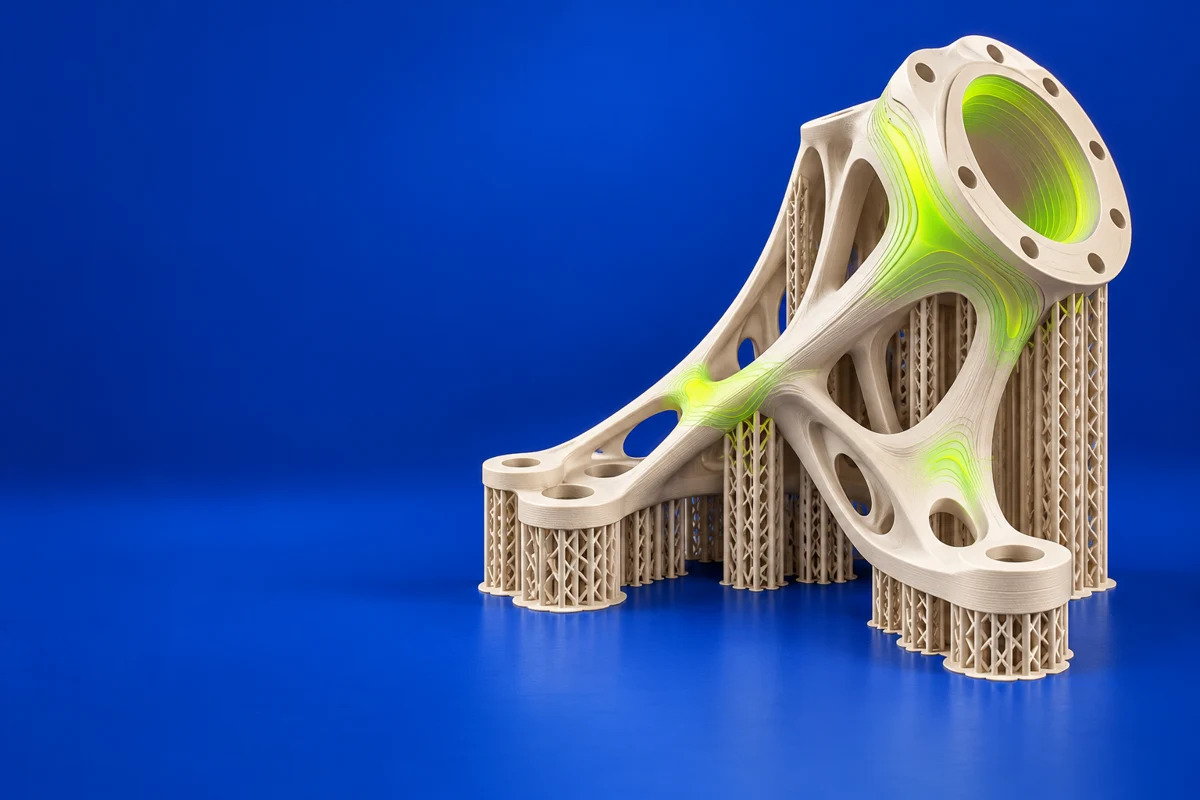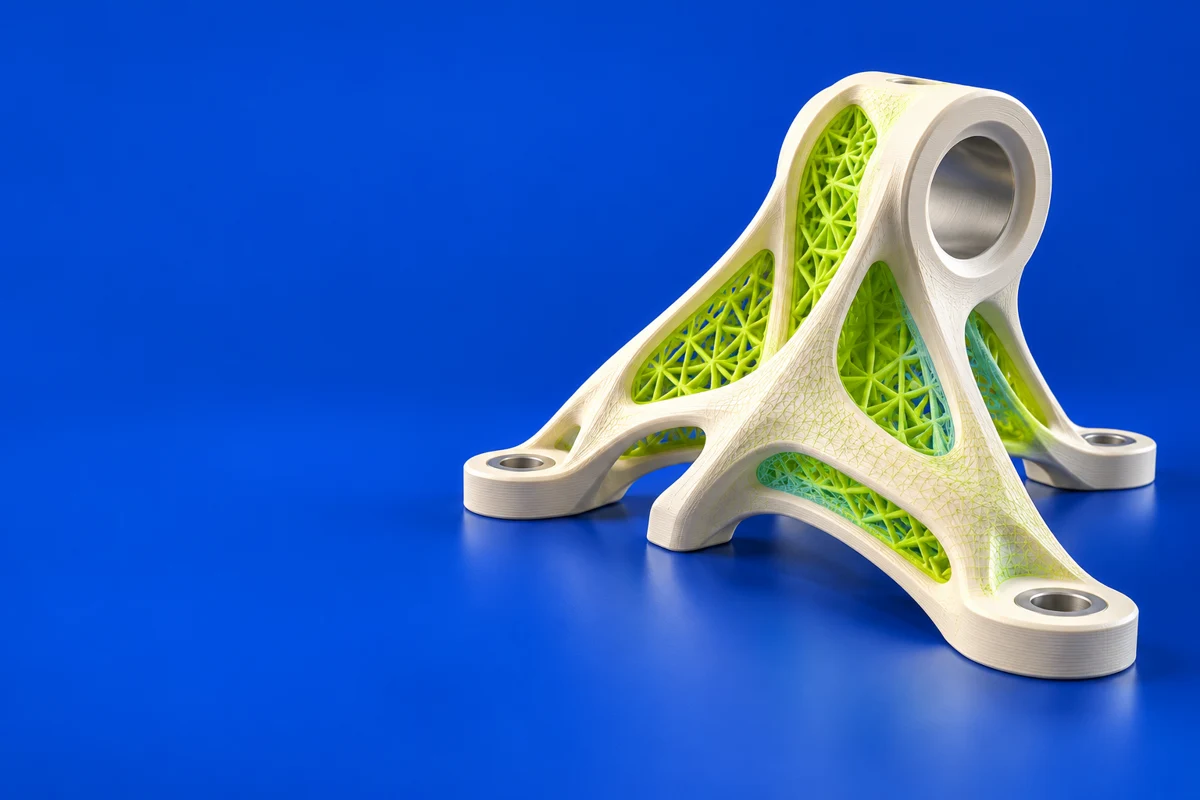

What is Ansys Additive?
Ansys Additive Suite brings together tools for additive engineering, including preparation, process studies and materials exploration. The official offering spans several stages of an industrial AM workflow rather than one simple desktop slicing operation. It is worth evaluating when a team needs to study manufacturing behavior alongside design requirements. A useful first project is a representative part with known build and measurement data, so model setup and predicted behavior can be assessed against evidence.
Publisher’s product informationUseful capabilities for your toolkit
- Additive preparation and engineering workflows
- Process simulation and distortion-compensation studies
- Materials exploration and thermal or structural analysis
Where Ansys Additive fits in a print project
- 01
Choose the question the study must answer, such as distortion or process sensitivity. Select the appropriate tool and supported manufacturing process.
- 02
Prepare the geometry and process inputs, documenting material data and boundary assumptions. Compare a controlled set of alternatives.
- 03
Check the predictions against representative measurements and review the result with the design and manufacturing teams before changing production.
These are planning steps, not machine settings. Use your printer and material documentation for the actual production process.
Understand the tradeoffs.
Tools and capabilities differ across the Ansys additive offering. Confirm the included products, supported process and material data. Simulation output should be interpreted with its assumptions and validation evidence.
Common questions
Is Ansys Additive a replacement for desktop slicing software?
Its focus is engineering and industrial additive workflows. A desktop printer still needs compatible machine instructions from an appropriate preparation tool.
What should I prepare for an additive simulation evaluation?
Bring a representative part, a clear engineering question, the intended manufacturing process and any available measured build data. These make the evaluation more useful than an isolated visual demonstration.
Where can I get Ansys Additive?
Use the explore ansys additive link to reach the official publisher or project. Check the current system requirements, license and available editions there. 3Dprintsy does not host installers.
Official sources & further reading
- Ansys Additive — product information and documentation
- Explore Ansys Additive — official destination
Independent editorial guide. Software names belong to their respective owners; listing does not imply endorsement. Capabilities are based on the linked publisher information. Workflow recommendations are 3Dprintsy editorial guidance.
Learn to review a sliced print · Design for fit and tolerances