
What is CHITUBOX?
CHITUBOX is a resin print-preparation tool. Its support controls and model operations help turn a mesh into a plate layout suitable for a compatible resin printer.
Publisher’s product informationUseful capabilities for your toolkit
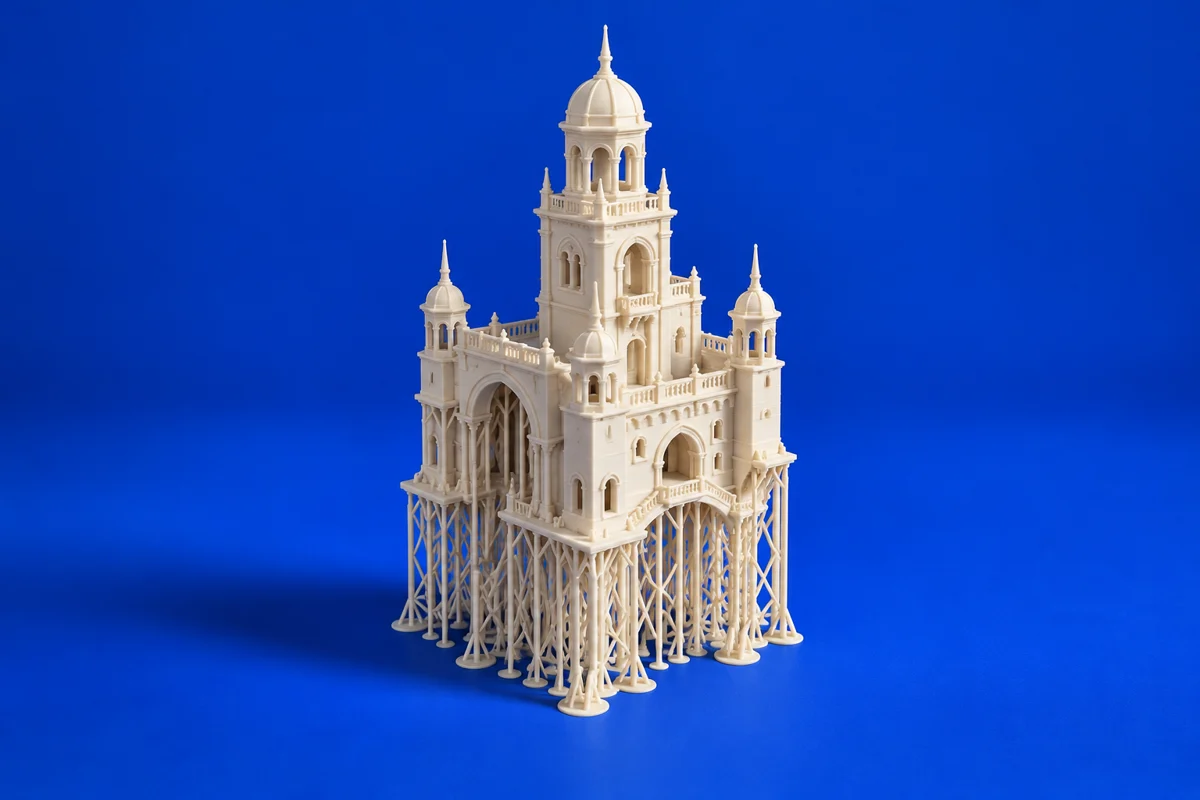
- Manual and automatic support workflows
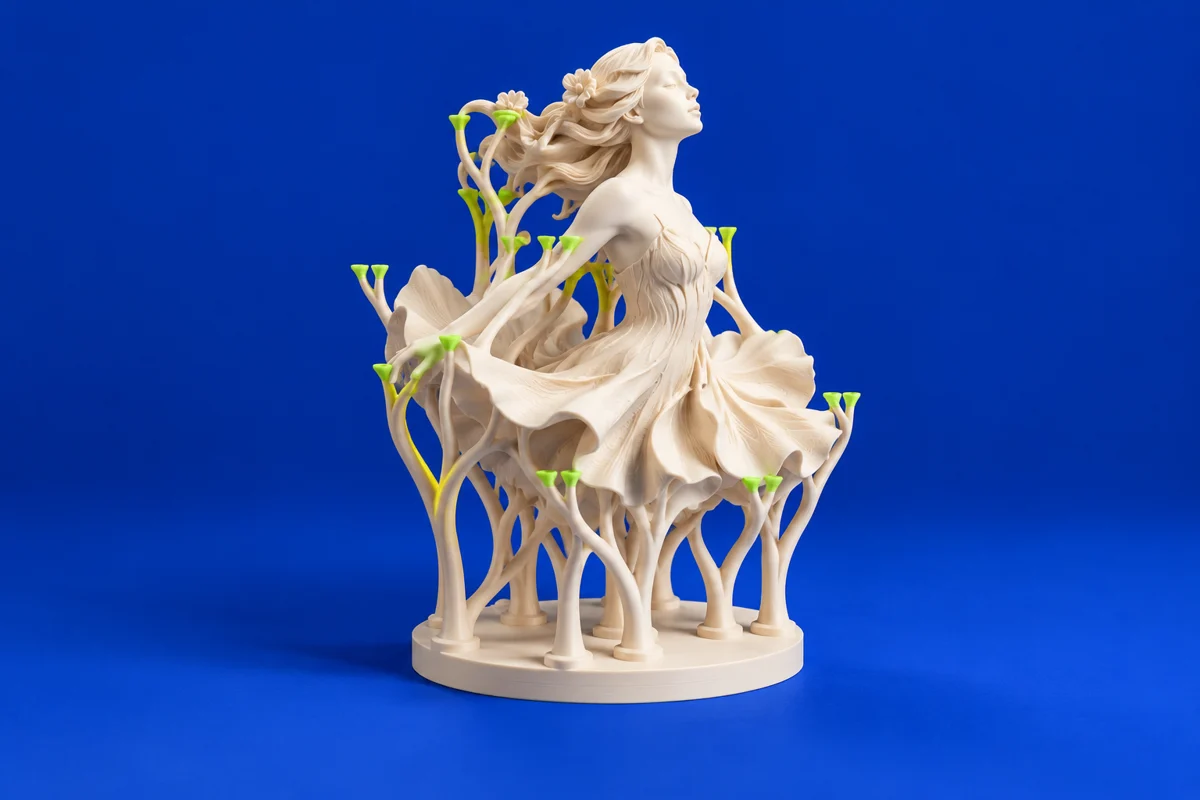
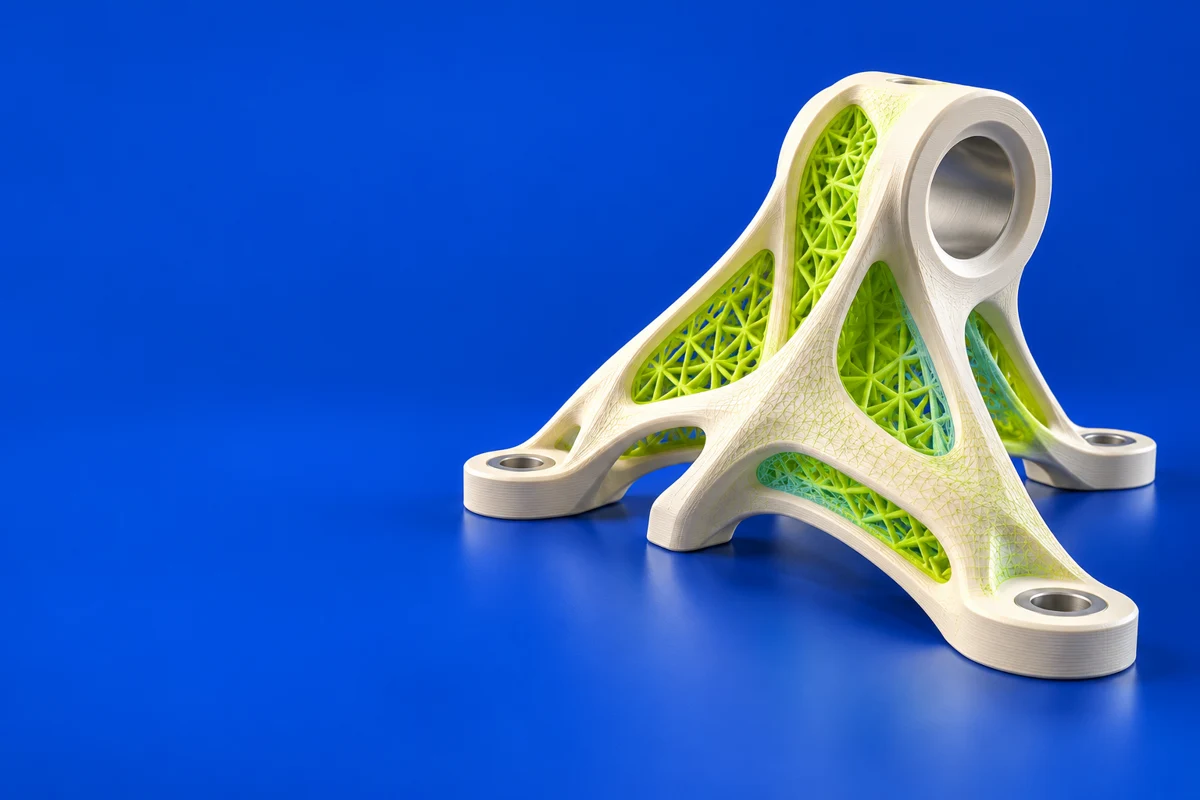
- Model hollowing and drainage-hole operations
- Resin-oriented model layout and preparation
Where CHITUBOX fits in a print project
- 01
Choose the exact printer and a validated resin profile.
- 02
Review orientation, support contact locations and any hollow cavities.
- 03
Inspect layers and make sure cleaning and drainage access are practical.
These are planning steps, not machine settings. Use your printer and material documentation for the actual production process.
Understand the tradeoffs.
Hollowing creates additional cleaning and drainage requirements. Automatic support generation still needs visual review, especially for isolated features.
Common questions
Does hollowing automatically make a resin print ready?
No. The cavity needs appropriate drainage and cleaning access, and the sliced model still needs review for unsupported regions.
Where can I get CHITUBOX?
Use the get chitubox link to reach the official publisher or project. Check the current system requirements, license and available editions there. 3Dprintsy does not host installers.
Official sources & further reading
Independent editorial guide. Software names belong to their respective owners; listing does not imply endorsement. Capabilities are based on the linked publisher information. Workflow recommendations are 3Dprintsy editorial guidance.
Learn to review a sliced print · Design for fit and tolerances