
What is DesignSpark Mechanical?
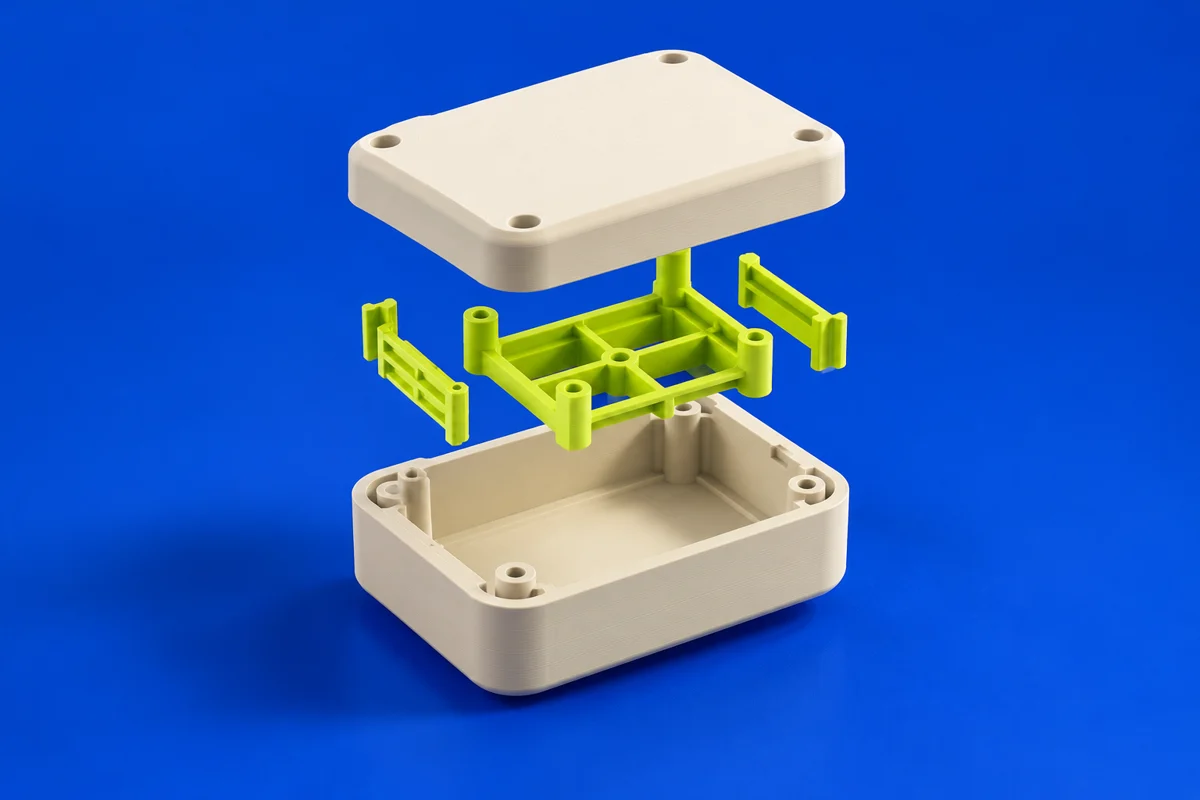
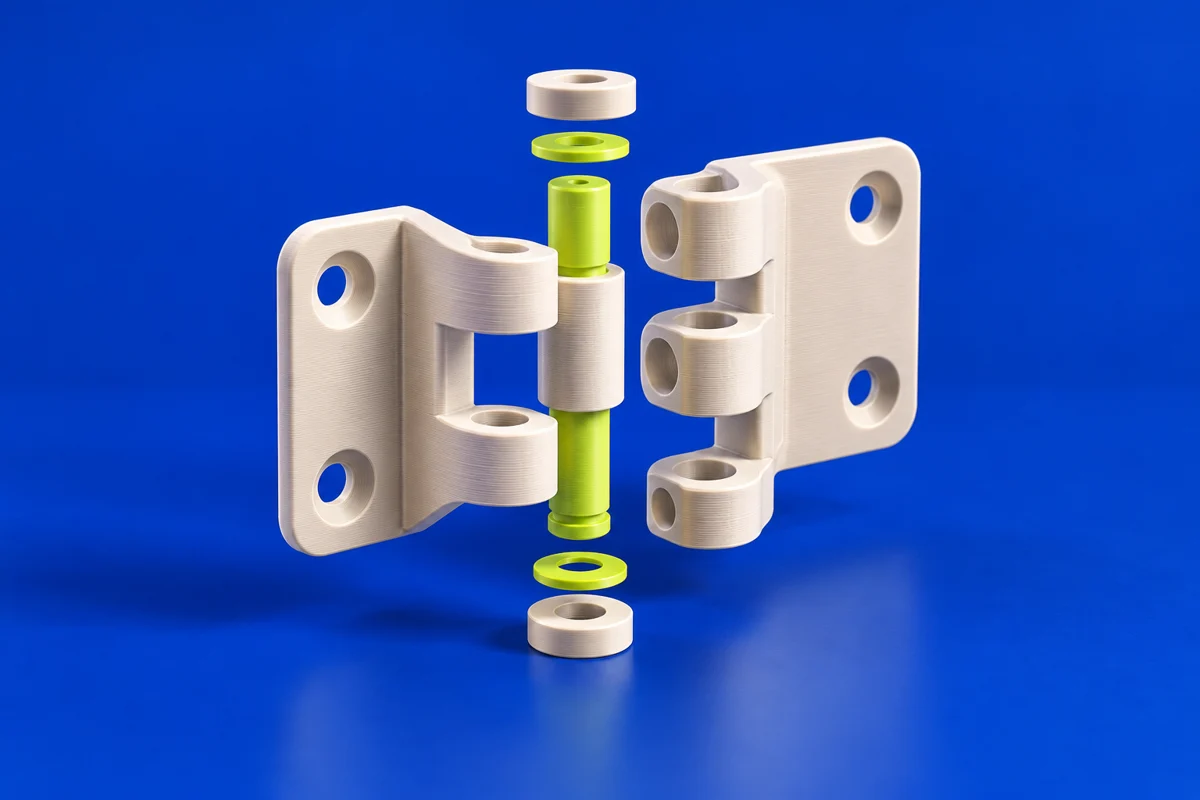
DesignSpark Mechanical uses direct modeling to create and revise solid geometry. Its push-pull approach is useful to explore when making housings, adapters and workshop fixtures. The publisher offers several subscription levels, so treat the plan comparison as part of selecting your workflow. In a printing project, the important milestone is a correctly sized, closed model with accessible mounting points and enough material around stressed features.
Publisher’s product informationUseful capabilities for your toolkit
- Direct geometry editing with pull, combine and blend operations
- Sketch constraints, measurements and model-quality tools
- Plan-dependent assemblies, drawings and exchange formats
Where DesignSpark Mechanical fits in a print project
- 01
Measure the hardware that the printed part must accommodate. Sketch the enclosure or adapter around those interfaces.
- 02
Build the solid and review wall transitions, fastener clearance and access for assembly. Print a small section to test the most sensitive fit.
- 03
Confirm the export formats available in your plan, then check the exported geometry and orientation in a compatible slicer.
These are planning steps, not machine settings. Use your printer and material documentation for the actual production process.
Understand the tradeoffs.
Exchange formats, assembly tools and detailing features vary by subscription. Check import and export separately: being able to export a format does not imply that every plan can import and edit it.
Common questions
Can I use DesignSpark Mechanical for printed electronics enclosures?
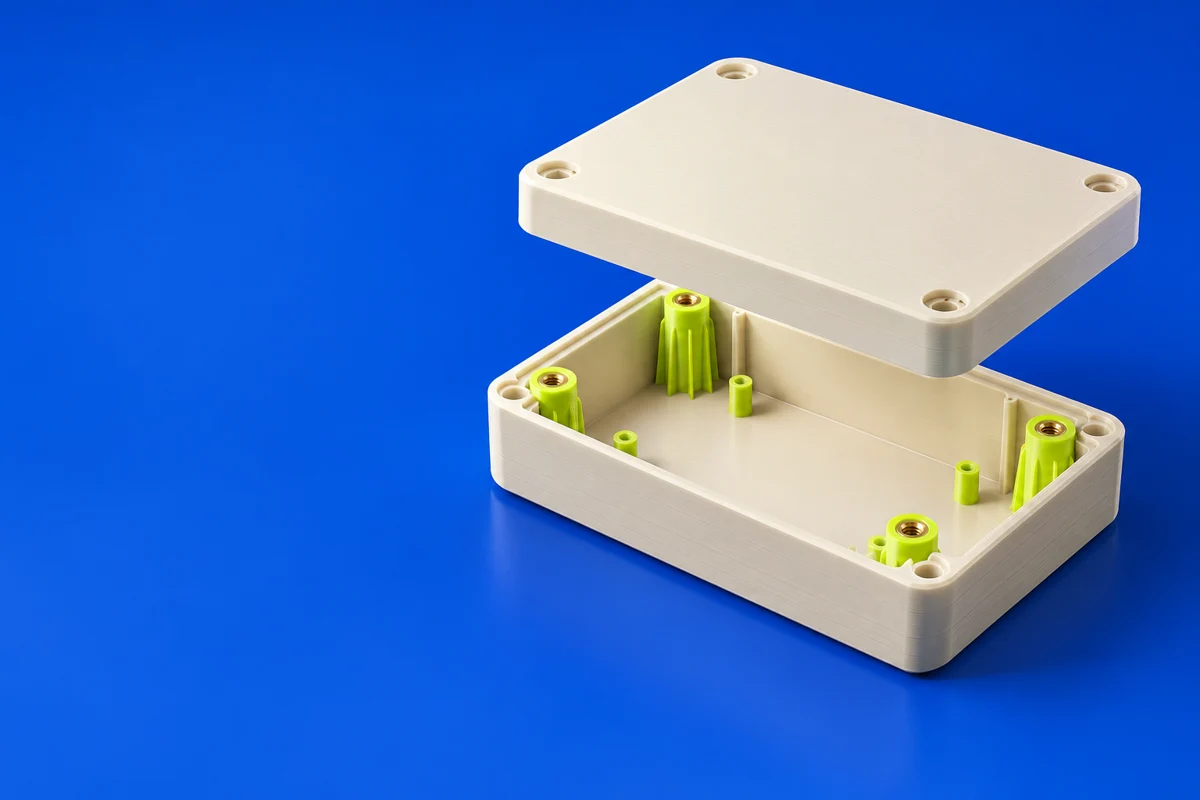
Its solid-modeling workflow can support that task. Measure the board and connectors, leave assembly access, and test the fit of mounting posts before printing the full housing.
Are all CAD file formats included in the entry plan?
No assumption should be made across plans. Use the official comparison to verify the exact import, export and editing capabilities needed for your project.
Where can I get DesignSpark Mechanical?
Use the get designspark mechanical link to reach the official publisher or project. Check the current system requirements, license and available editions there. 3Dprintsy does not host installers.
Official sources & further reading
- DesignSpark Mechanical — product information and documentation
- Get DesignSpark Mechanical — official destination
Independent editorial guide. Software names belong to their respective owners; listing does not imply endorsement. Capabilities are based on the linked publisher information. Workflow recommendations are 3Dprintsy editorial guidance.
Learn to review a sliced print · Design for fit and tolerances