
What is CadQuery?
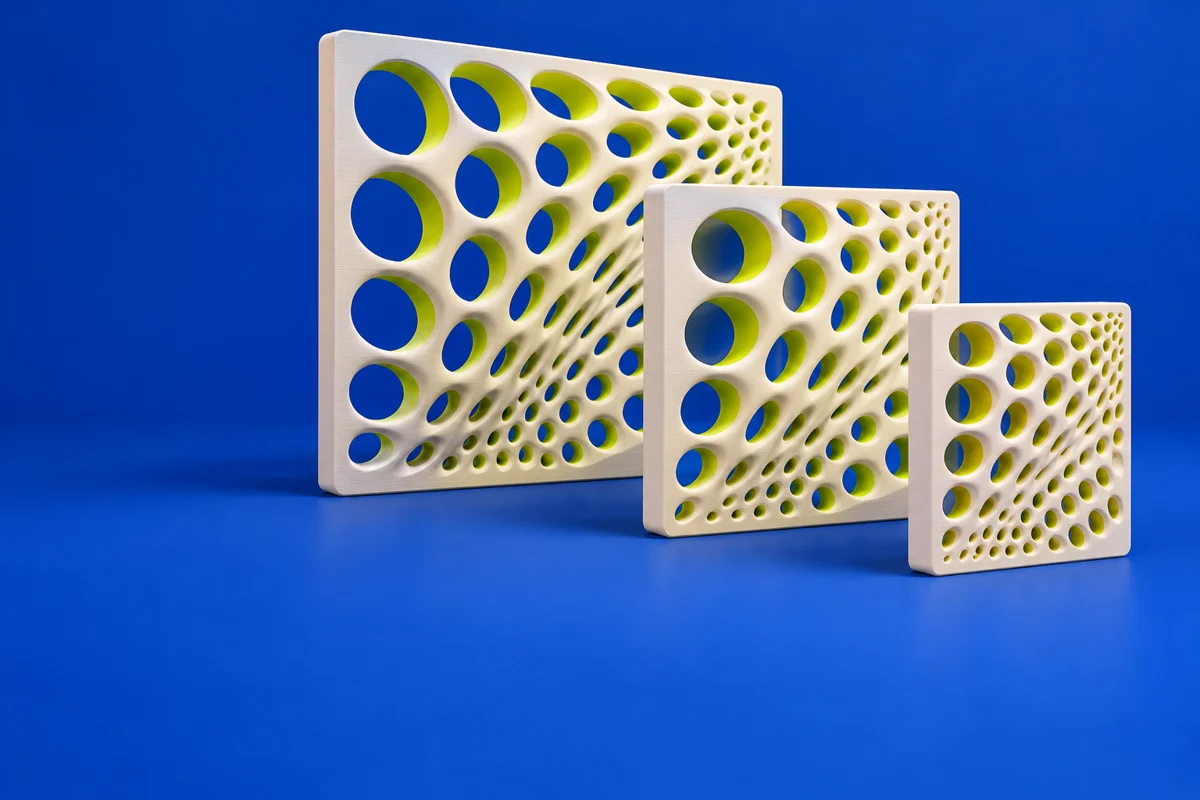
CadQuery is a Python library for building parametric CAD models. It is especially useful when a family of printed parts shares the same construction but differs in dimensions. Keeping a design in code also makes its parameters and construction sequence available for review and version control.
Publisher’s product informationUseful capabilities for your toolkit
- Scripted parametric solid modeling
- Reusable Python-based design logic
- STEP, STL and other export formats
Where CadQuery fits in a print project
- 01
Define named parameters for the dimensions that should vary.
- 02
Build the model and inspect representative parameter combinations.
- 03
Export the selected variant and confirm its dimensions and mesh quality before slicing.
These are planning steps, not machine settings. Use your printer and material documentation for the actual production process.
Understand the tradeoffs.
CadQuery is a library; graphical editors and integrations are separate choices. Code-generated variants still require geometry and printability checks.
Common questions
Is CadQuery the same as OpenSCAD?
Both support code-driven modeling, but CadQuery uses Python and a CAD-oriented solid-modeling workflow. Evaluate the modeling and exchange formats your project needs.
Where can I get CadQuery?
Use the installation documentation link to reach the official publisher or project. Check the current system requirements, license and available editions there. 3Dprintsy does not host installers.
Official sources & further reading
Independent editorial guide. Software names belong to their respective owners; listing does not imply endorsement. Capabilities are based on the linked publisher information. Workflow recommendations are 3Dprintsy editorial guidance.
Learn to review a sliced print · Design for fit and tolerances