What is build123d?
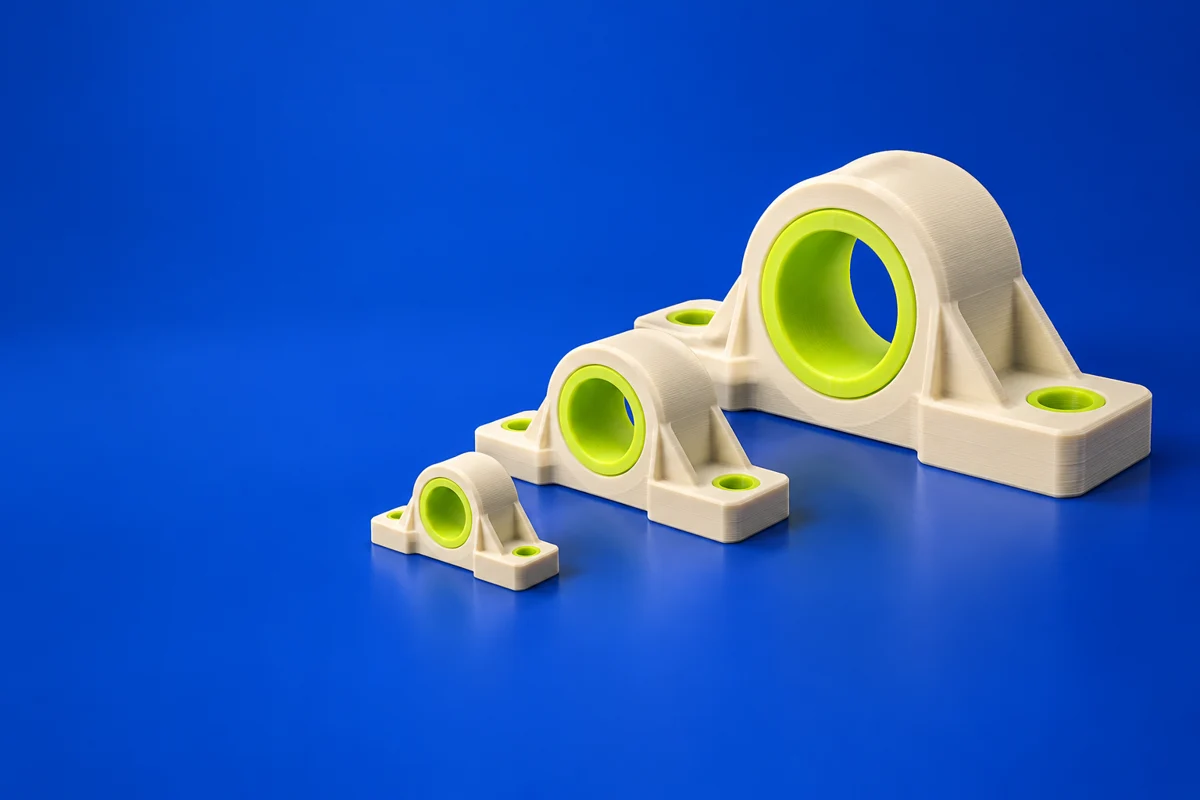
build123d is a Python-based parametric CAD framework built on Open Cascade. It is useful for printed part families, reusable design logic and geometry that benefits from explicit parameters. The model lives in code, while visualization and export connect it to the rest of the manufacturing workflow.
Publisher’s product informationUseful capabilities for your toolkit
- Python-based solid modeling
- Builder and algebraic modeling styles
- CAD geometry export
Where build123d fits in a print project
- 01
Name the dimensions and relationships that need to vary.
- 02
Build and visually inspect several representative parameter combinations.
- 03
Export the chosen variant and validate its dimensions and mesh before slicing.
These are planning steps, not machine settings. Use your printer and material documentation for the actual production process.
Understand the tradeoffs.
A scripting workflow requires comfort with Python and a suitable viewer. Successful execution alone does not prove that every generated variant is printable.
Common questions
How does build123d differ from a point-and-click modeler?
You describe geometry through Python operations and parameters. This can make repeatable variants easier to maintain, but it adds a programming step.
Where can I get build123d?
Use the installation documentation link to reach the official publisher or project. Check the current system requirements, license and available editions there. 3Dprintsy does not host installers.
Official sources & further reading
Independent editorial guide. Software names belong to their respective owners; listing does not imply endorsement. Capabilities are based on the linked publisher information. Workflow recommendations are 3Dprintsy editorial guidance.
Learn to review a sliced print · Design for fit and tolerances