
What is BricsCAD?
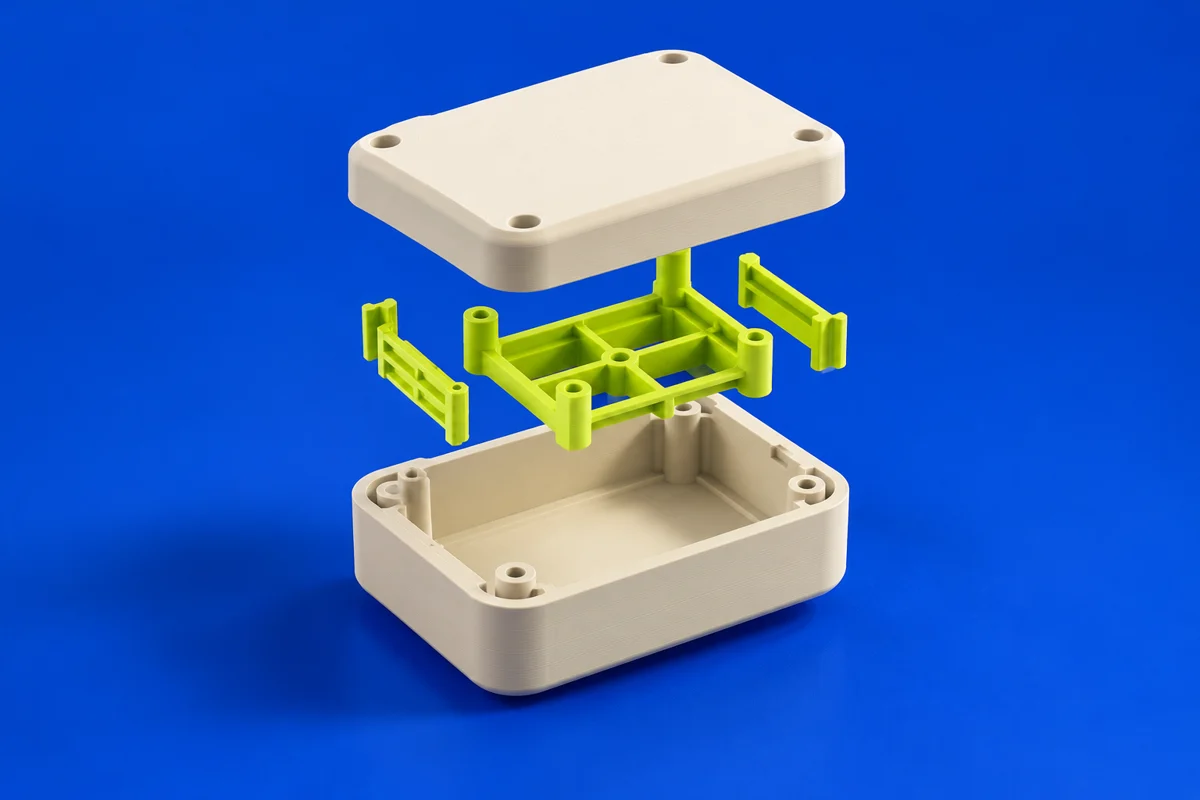
BricsCAD is a DWG-based CAD family now offered under Octave. BricsCAD Pro combines drafting with 3D solid modeling, making it a candidate for teams that want drawings and printable geometry in one design environment. For additive projects, its role is upstream: establish the part geometry and critical interfaces before exporting to a separate preparation tool. Start with a small fixture or enclosure to evaluate how comfortably you can revise the shape after a first print.
Publisher’s product informationUseful capabilities for your toolkit
- 2D drawings and 3D geometry in a DWG-based environment
- Parametric solid modeling for controlled design changes
- Mechanical toolsets and translation options to evaluate separately
Where BricsCAD fits in a print project
- 01
Define mounting faces, hole locations and the dimensions that must remain fixed. Keep a dimensioned drawing alongside the model.
- 02
Model a closed solid and allow space for fasteners, access and the intended manufacturing clearances. Test a representative revision.
- 03
Check the available export workflow for your edition, inspect scale and tessellation in the slicer, then print a fit sample before the complete part.
These are planning steps, not machine settings. Use your printer and material documentation for the actual production process.
Understand the tradeoffs.
BricsCAD Lite, Pro and the mechanical toolsets have different scopes. Confirm 3D modeling and the required file translators in the selected license. CAD accuracy does not remove the need to measure the printed result.
Common questions
Which BricsCAD offering should I evaluate for 3D printing?
Start by comparing Pro and the relevant mechanical capabilities. A 2D drawing alone is not a printable solid; confirm the modeling and export tools you need.
Does BricsCAD replace a slicer?
It supplies design geometry. A separate printer-compatible preparation step still determines orientation, supports, layers and machine instructions.
Where can I get BricsCAD?
Use the explore bricscad link to reach the official publisher or project. Check the current system requirements, license and available editions there. 3Dprintsy does not host installers.
Official sources & further reading
Independent editorial guide. Software names belong to their respective owners; listing does not imply endorsement. Capabilities are based on the linked publisher information. Workflow recommendations are 3Dprintsy editorial guidance.
Learn to review a sliced print · Design for fit and tolerances