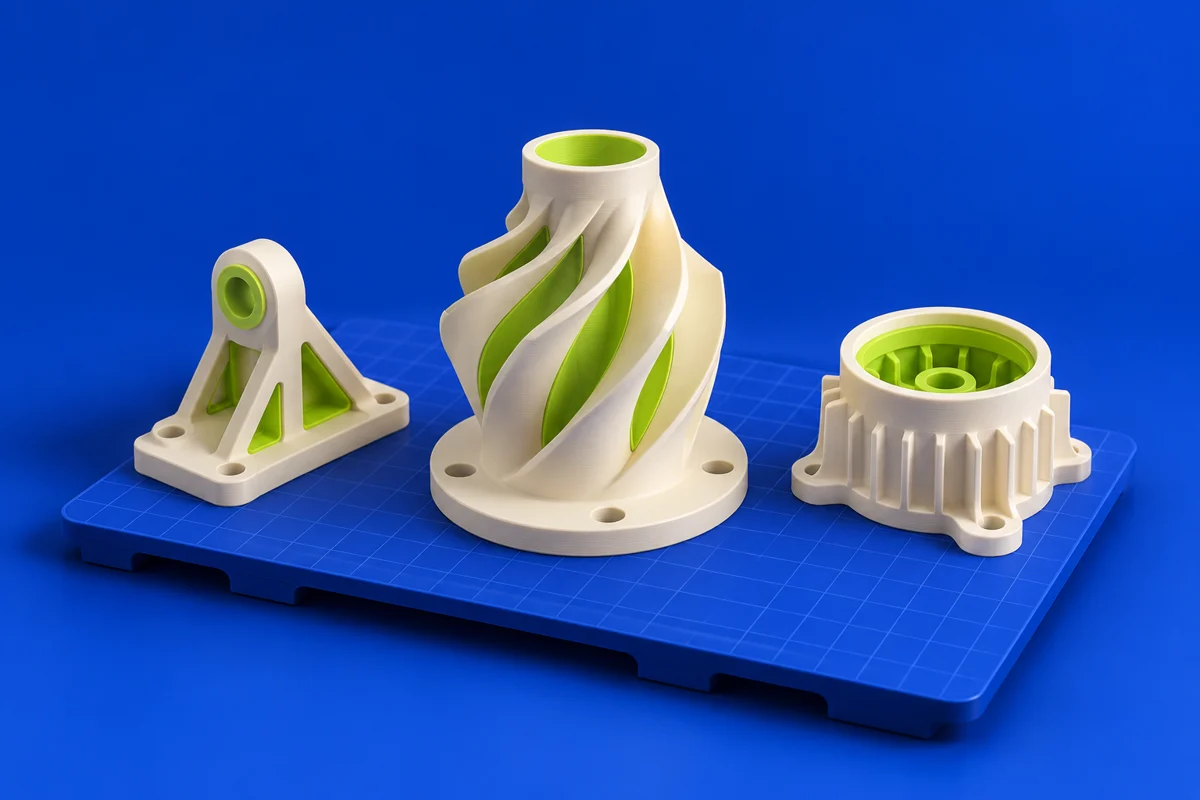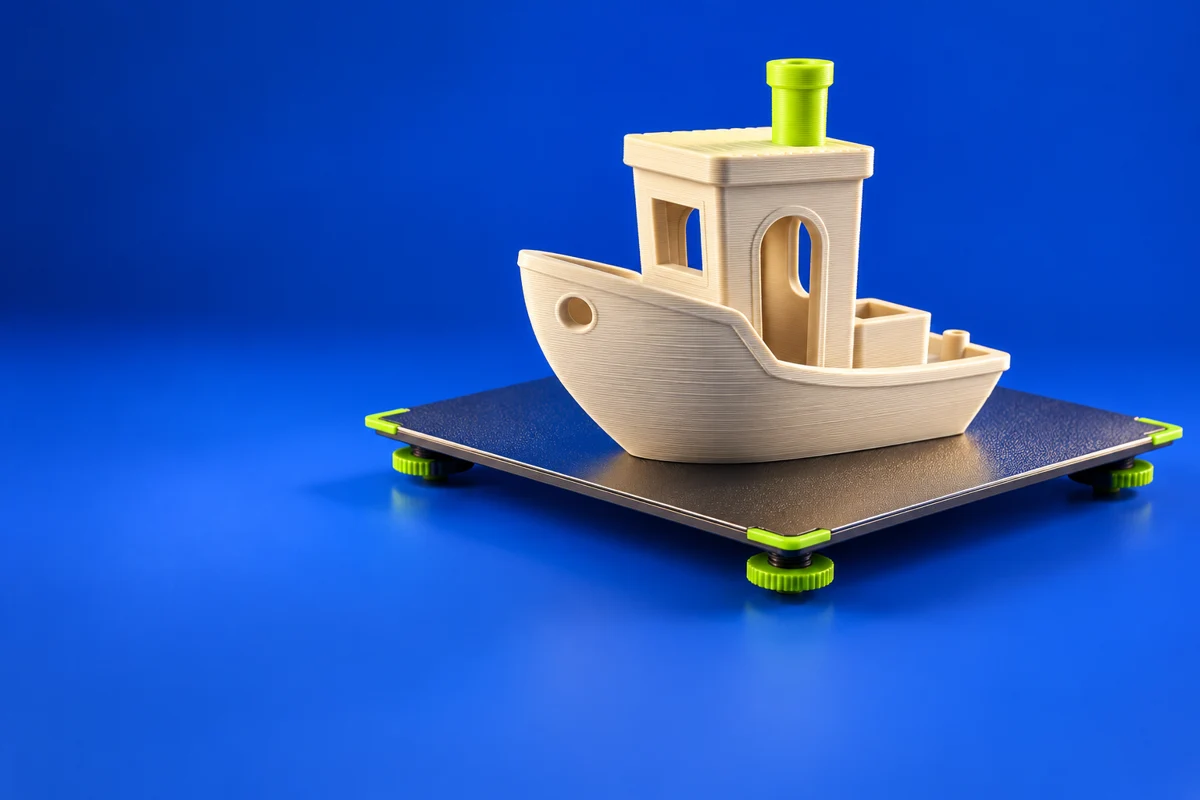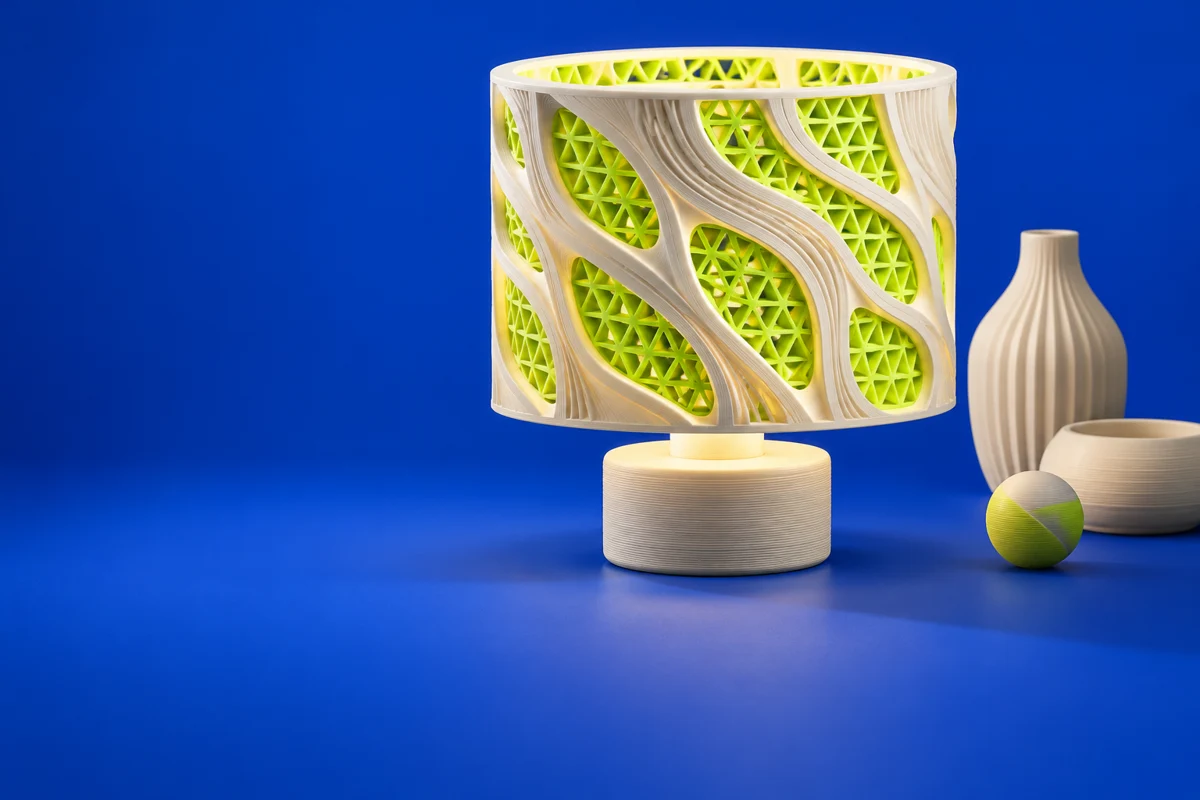

What is Simplify3D?
Simplify3D is a dedicated 3D printing software package centered on print preparation. It offers another workflow to evaluate when a printer needs carefully controlled slicing. Assess it against your actual machine, material and support requirements rather than assuming every slicer produces the same result.
Publisher’s product informationUseful capabilities for your toolkit
- 3D print preparation
- Printer compatibility resources
- Print-quality troubleshooting guidance
Where Simplify3D fits in a print project
- 01
Confirm your printer is supported and choose an appropriate starting profile.
- 02
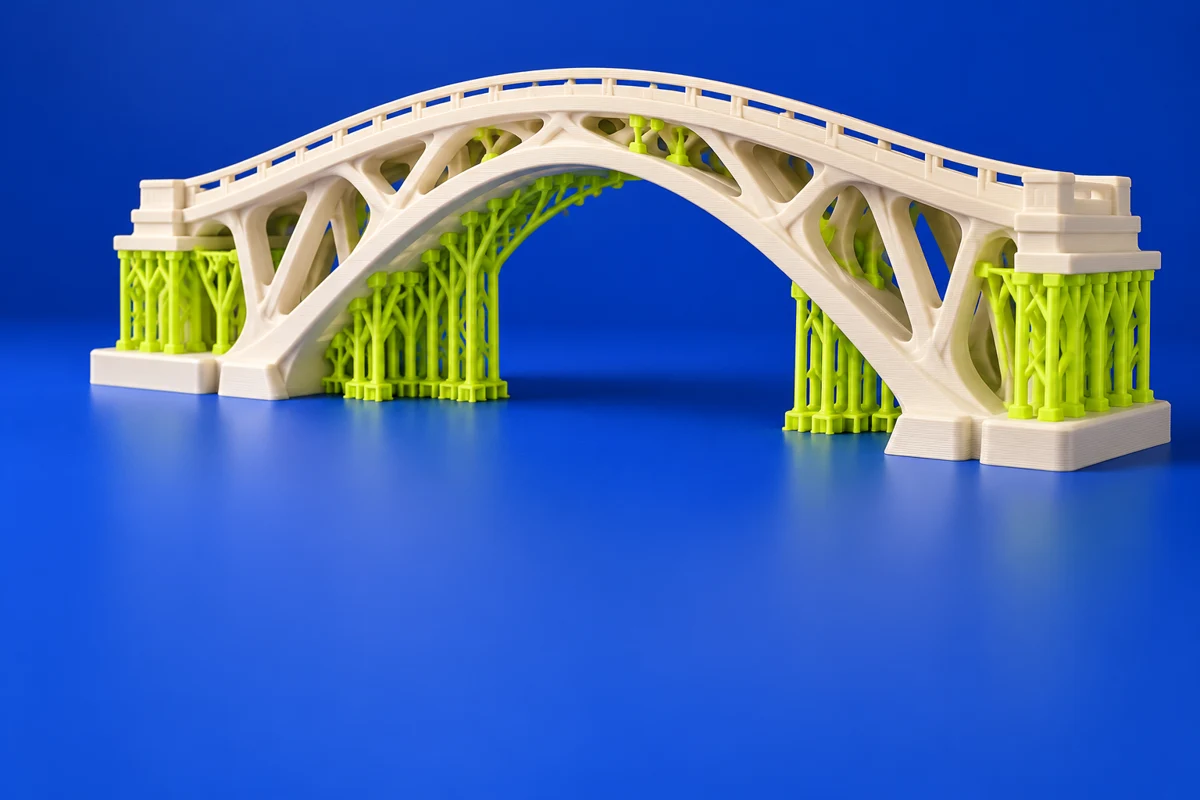
Prepare the model and review the support strategy for its geometry.
- 03
Inspect the toolpath preview and validate the setup with a small representative print.
These are planning steps, not machine settings. Use your printer and material documentation for the actual production process.
Understand the tradeoffs.
Check current licensing and hardware compatibility before adopting the software. Evaluate the features you need against your existing slicer.
Common questions
Should I change slicers just for a new printer?
Start with the printer’s supported workflow. Compare alternatives only when you can identify a feature or workflow improvement you need.
Where can I get Simplify3D?
Use the explore simplify3d link to reach the official publisher or project. Check the current system requirements, license and available editions there. 3Dprintsy does not host installers.
Official sources & further reading
Independent editorial guide. Software names belong to their respective owners; listing does not imply endorsement. Capabilities are based on the linked publisher information. Workflow recommendations are 3Dprintsy editorial guidance.
Learn to review a sliced print · Design for fit and tolerances