
What is ideaMaker?
ideaMaker is Raise3D’s print-preparation software. Its published capabilities include slicing previews, adjustable parameters and texture generation. It supports an extensive FFF workflow and selected Raise3D resin systems, so the relevant features depend on the target printer and process.
Publisher’s product informationUseful capabilities for your toolkit
- Toolpath and parameter preview
- Settings by group, layer or volume
- Surface texture generation
Where ideaMaker fits in a print project
- 01
Select the correct printer and material profile before importing the model.
- 02
Review orientation and adjust local parameters where the part requires them.
- 03
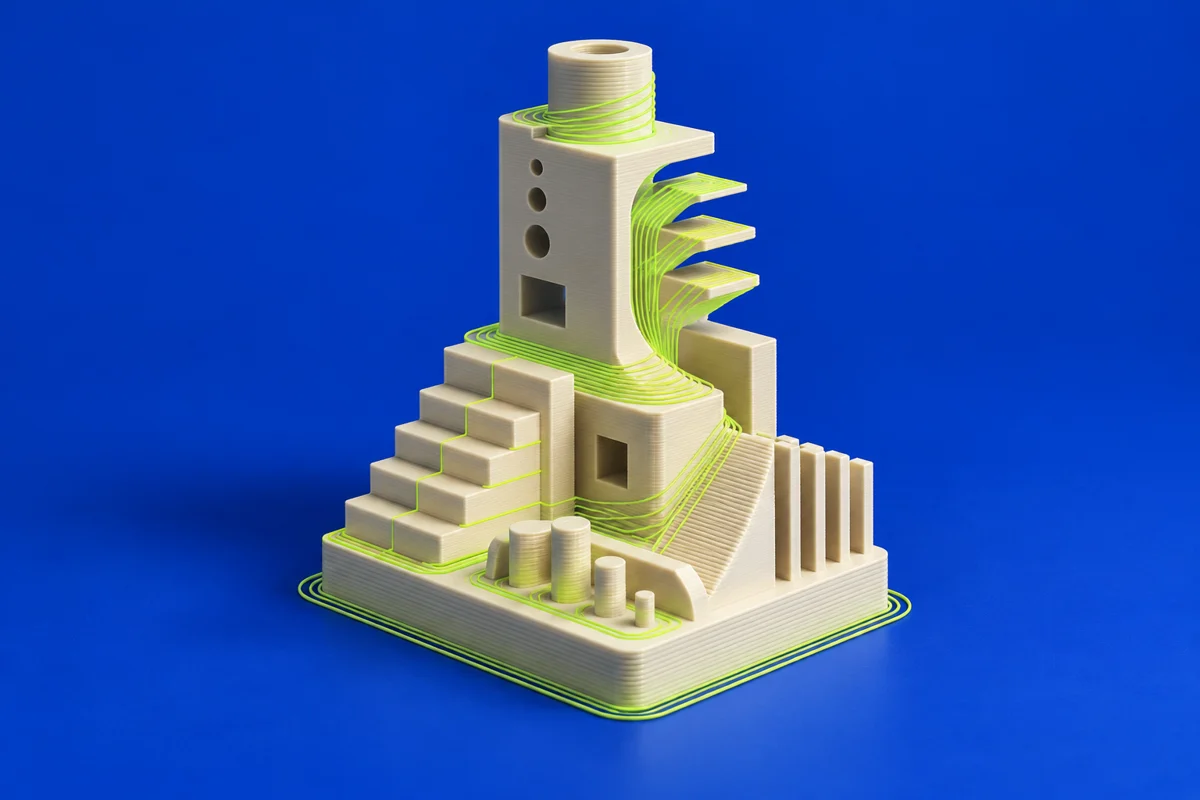
Preview the sliced result, including supports and extrusion behavior, before exporting.
These are planning steps, not machine settings. Use your printer and material documentation for the actual production process.
Understand the tradeoffs.
A profile is tied to a machine and material combination. Do not assume settings or resin support will transfer to unrelated hardware.
Common questions
Is ideaMaker only for filament printing?
The official product page also describes support for selected Raise3D DLP systems. Check the current compatibility list for your printer.
Where can I get ideaMaker?
Use the get ideamaker link to reach the official publisher or project. Check the current system requirements, license and available editions there. 3Dprintsy does not host installers.
Official sources & further reading
Independent editorial guide. Software names belong to their respective owners; listing does not imply endorsement. Capabilities are based on the linked publisher information. Workflow recommendations are 3Dprintsy editorial guidance.
Learn to review a sliced print · Design for fit and tolerances