
What is PrusaSlicer?
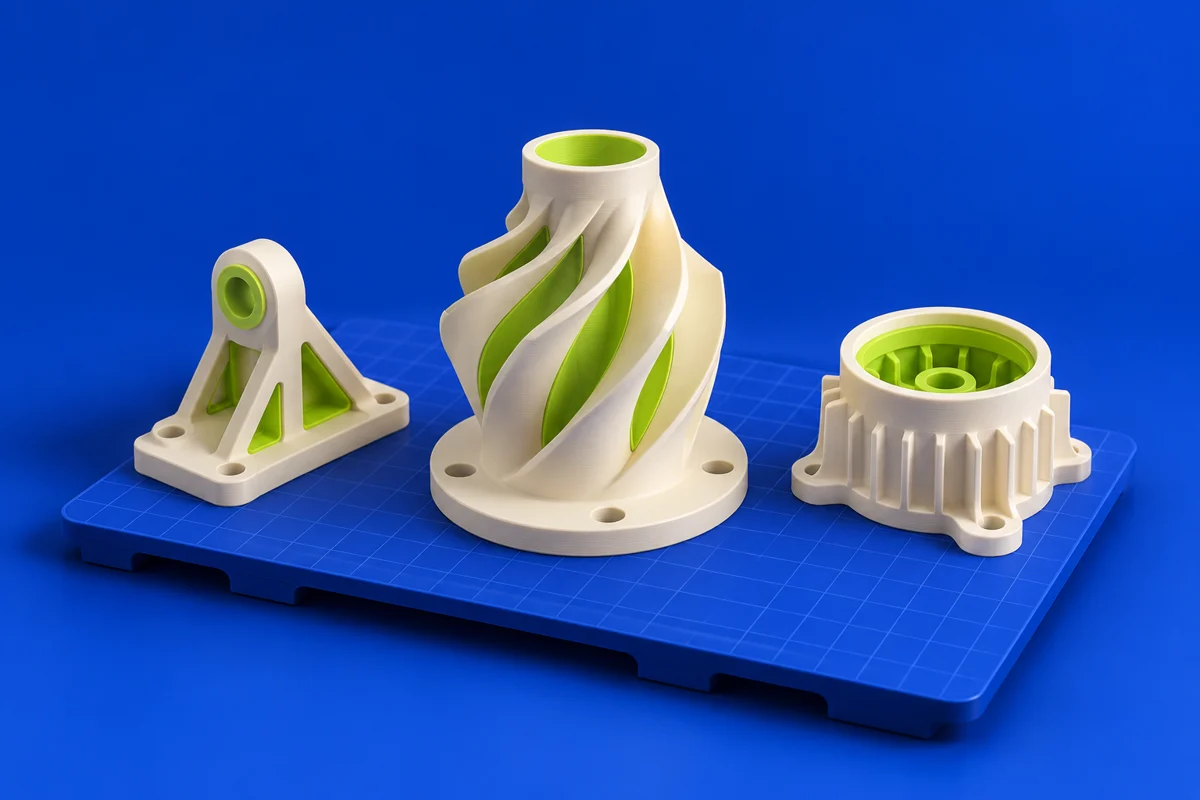
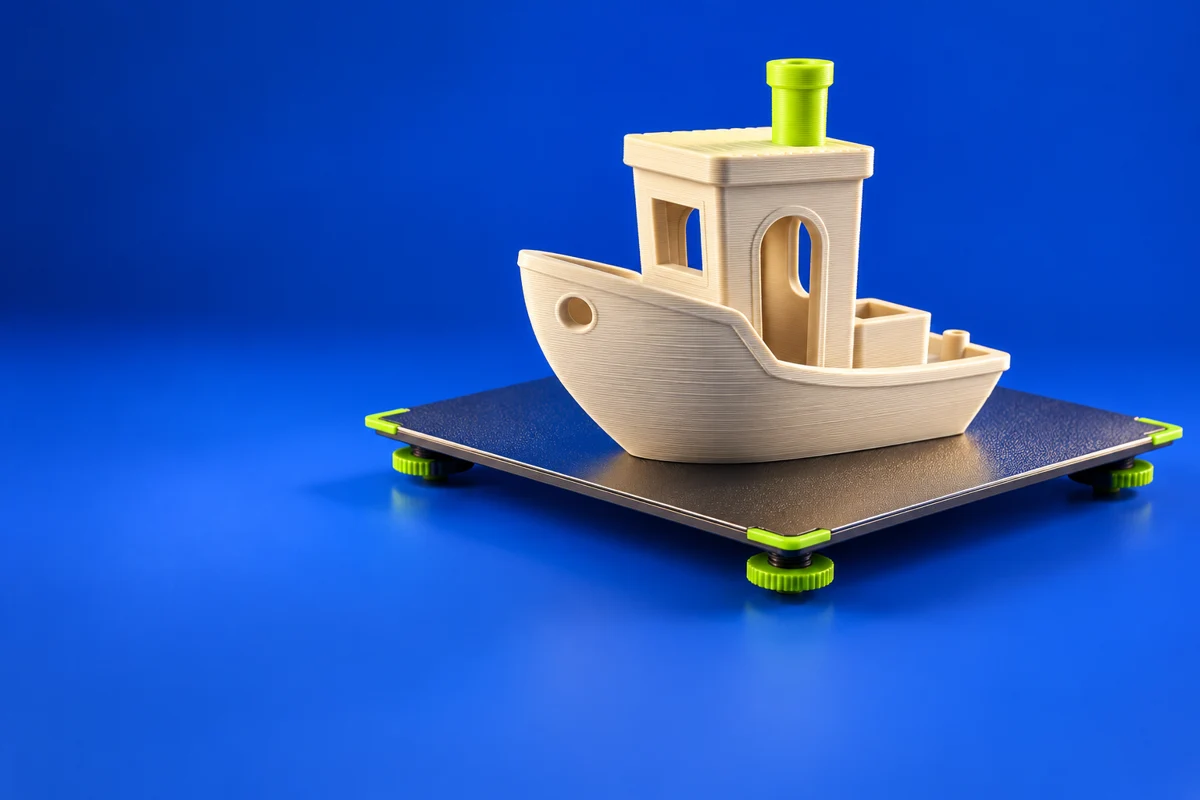
PrusaSlicer prepares models for printing through printer profiles, support settings and toolpath generation. It is a practical bridge between a finished CAD model and a print job, with the preview stage providing a chance to inspect how the object will actually be built.
Publisher’s product informationUseful capabilities for your toolkit
- Model preparation and slicing
- Printer and material profile workflows
- Support and toolpath control
Where PrusaSlicer fits in a print project
- 01
Select the exact printer and material configuration.
- 02
Orient the model and review walls, infill and supports.
- 03
Inspect the sliced layers before exporting the job for your machine.
These are planning steps, not machine settings. Use your printer and material documentation for the actual production process.
Understand the tradeoffs.
A profile is a starting point, not a universal material recipe. Verify compatibility and use the machine manufacturer’s instructions when choosing settings.
Common questions
Can I use PrusaSlicer with another manufacturer’s printer?
Check the available profile and output requirements for your exact machine. Do not assume that a similar build volume makes a profile compatible.
Where can I get PrusaSlicer?
Use the download now link to reach the official publisher or project. Check the current system requirements, license and available editions there. 3Dprintsy does not host installers.
Official sources & further reading
Independent editorial guide. Software names belong to their respective owners; listing does not imply endorsement. Capabilities are based on the linked publisher information. Workflow recommendations are 3Dprintsy editorial guidance.
Learn to review a sliced print · Design for fit and tolerances