Before you begin
A printing workspace has to support more than the footprint of a machine. You need room to load material, observe a first layer, remove a finished object, clean up, and perform the maintenance described in the manual. Planning those actions before the first long print makes the area easier to use and exposes problems that a tidy photograph can miss.
Start with the process and materials you actually plan to operate. Filament printing introduces heated and moving equipment as well as emissions; resin introduces liquid handling and finishing; powder introduces its own recovery and housekeeping needs. The following layout exercise combines NIOSH guidance with a practical way to organize your own space. It does not specify a universal ventilation rate or equipment clearance.
Map the space around actions, not just dimensions
Find the operating clearances in the printer manual. Include moving beds, doors, spool positions, material tubes, and the access needed to service the machine. A printer can fit on a shelf while its bed or cable repeatedly strikes the wall. Use the required envelope rather than the chassis dimensions when deciding whether the location works.
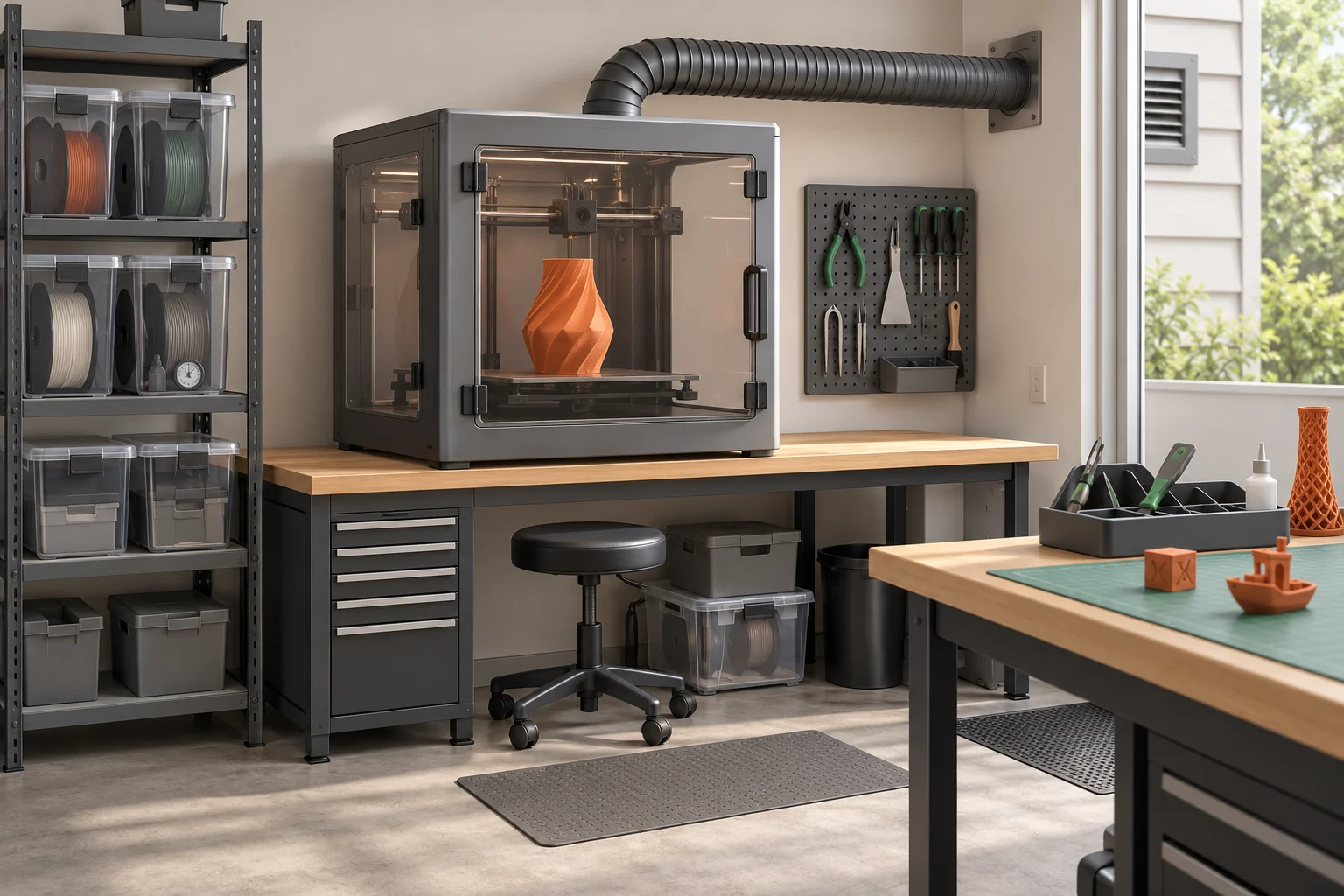
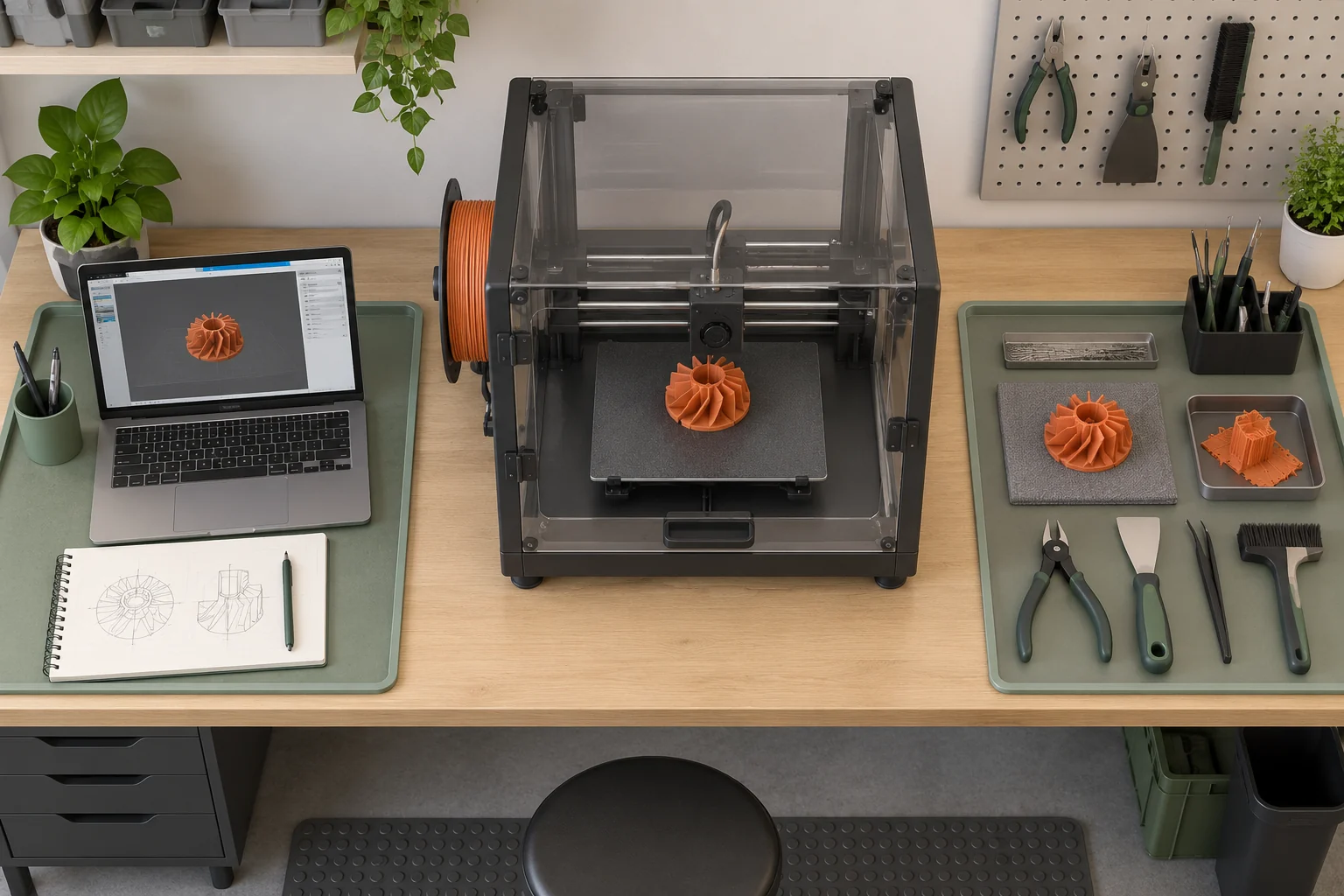
Sketch four areas: equipment, clean supplies, part handling, and waste or contaminated items appropriate to the process. On a filament bench these may be simple designated spaces; a resin workflow needs a more deliberate separation. Walk through a pretend job with the machine off. Where will the removed plate go? Can you reach a tool without passing over the hot zone? Where does a used wipe go?
Reserve a route to the normal stop control and power isolation point. Do not make the operator reach through a moving area to interrupt a fault. Keep the walking route clear too; a storage box that fits under the bench may still obstruct your stance when handling a plate.
Plan air controls for the actual source
NIOSH identifies small particles and gases as concerns during plastic printing. Prefer reducing or capturing emissions at the source and locating printing away from routinely occupied areas. The control must be suitable for the printer, feedstock, and task. A clear cover may limit drafts while allowing emissions to escape; its presence alone says little about capture performance.
Particle filtration and gas control address different contaminants. A particle filter is not evidence that gases are being removed, and an exhausted enclosure is only useful when its air path and operation are appropriate. Follow installation and maintenance guidance, keep the air path clear, and seek a qualified assessment when selecting controls for a shared or workplace installation.
For your layout drawing, mark where clean air enters and where exhaust goes. Consider who occupies nearby spaces and what happens when doors are opened. Avoid treating a noticeable smell, or the absence of one, as a measurement of exposure. Also include post-processing: washing and curing can generate exposures after printing has stopped.
Give materials, tools, and waste a destination
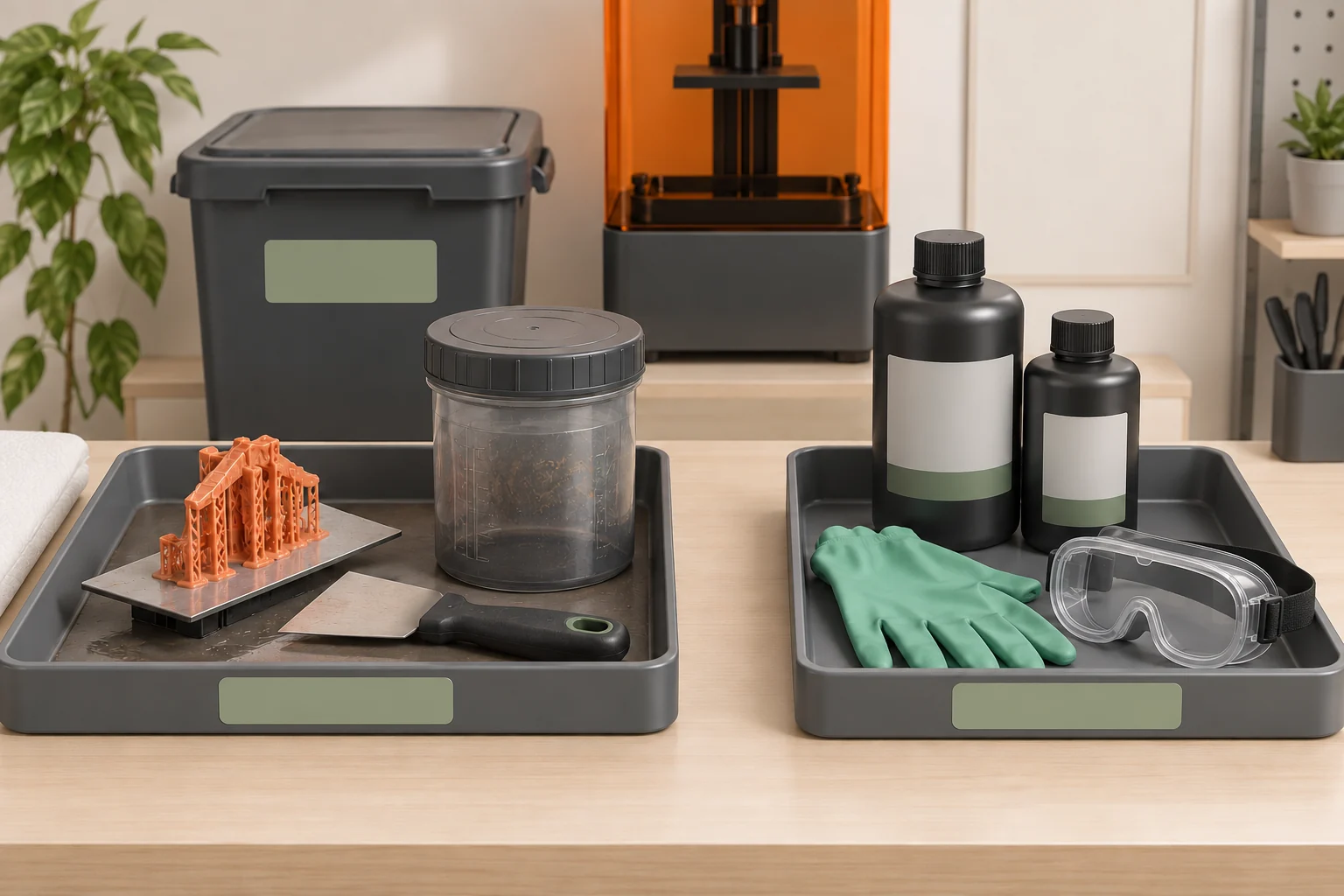
Keep materials identified and stored under their manufacturer’s conditions. An unlabeled container is a future identification problem, particularly when several resins or solvents share a workspace. Retain the relevant safety data sheets and operating instructions where they are easy to retrieve. Decide how waste is collected and where it is accepted before accumulating it.
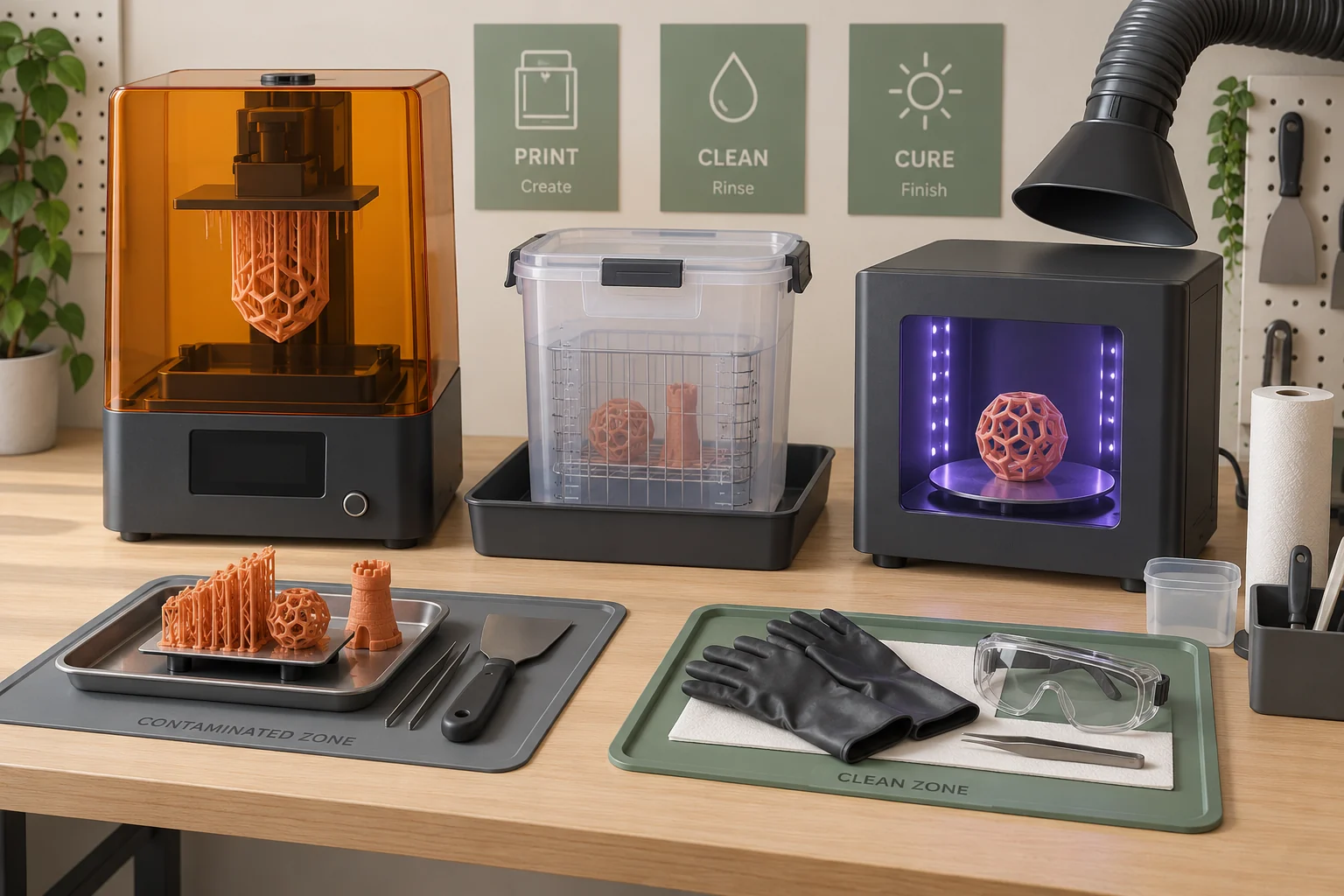
In a resin workflow, define a clean boundary: keyboards, phones, door handles, and unopened supplies should not become extensions of the wet work area. Use compatible protective equipment and change contaminated items as directed. Keep wash containers closed when practical and arrange transfers to minimize dripping. Resin-contaminated water is still contaminated waste; a 'water-washable' label does not establish a drain-disposal route.
For filament, a labeled return location for cutters, spare nozzles, and plate-cleaning supplies prevents hunting around a running machine. Keep sharp tools secured and scraps contained. Do not let an expanding collection of spools reduce the machine clearance you originally planned.
| Area | What belongs there | What to keep separate |
|---|---|---|
| Clean storage | Labeled feedstock, instructions, unused supplies | Used wipes and contaminated tools |
| Machine area | Equipment and required operating clearance | Loose scraps and unrelated storage |
| Part handling | Stable surface and appropriate removal tools | Food, personal devices, clean supplies |
| Waste collection | Identified compatible containers | Unlabeled mixtures and routine household items |
Include finishing and maintenance in the layout
Think through the most awkward routine operation, not only pressing Print. A large plate needs a place to rest. Support removal needs a controlled direction of force and protection from fragments where appropriate. Sanding can create dust. The correct cleanup method depends on the material, so do not assume a household vacuum or dry sweeping is suitable for every process.
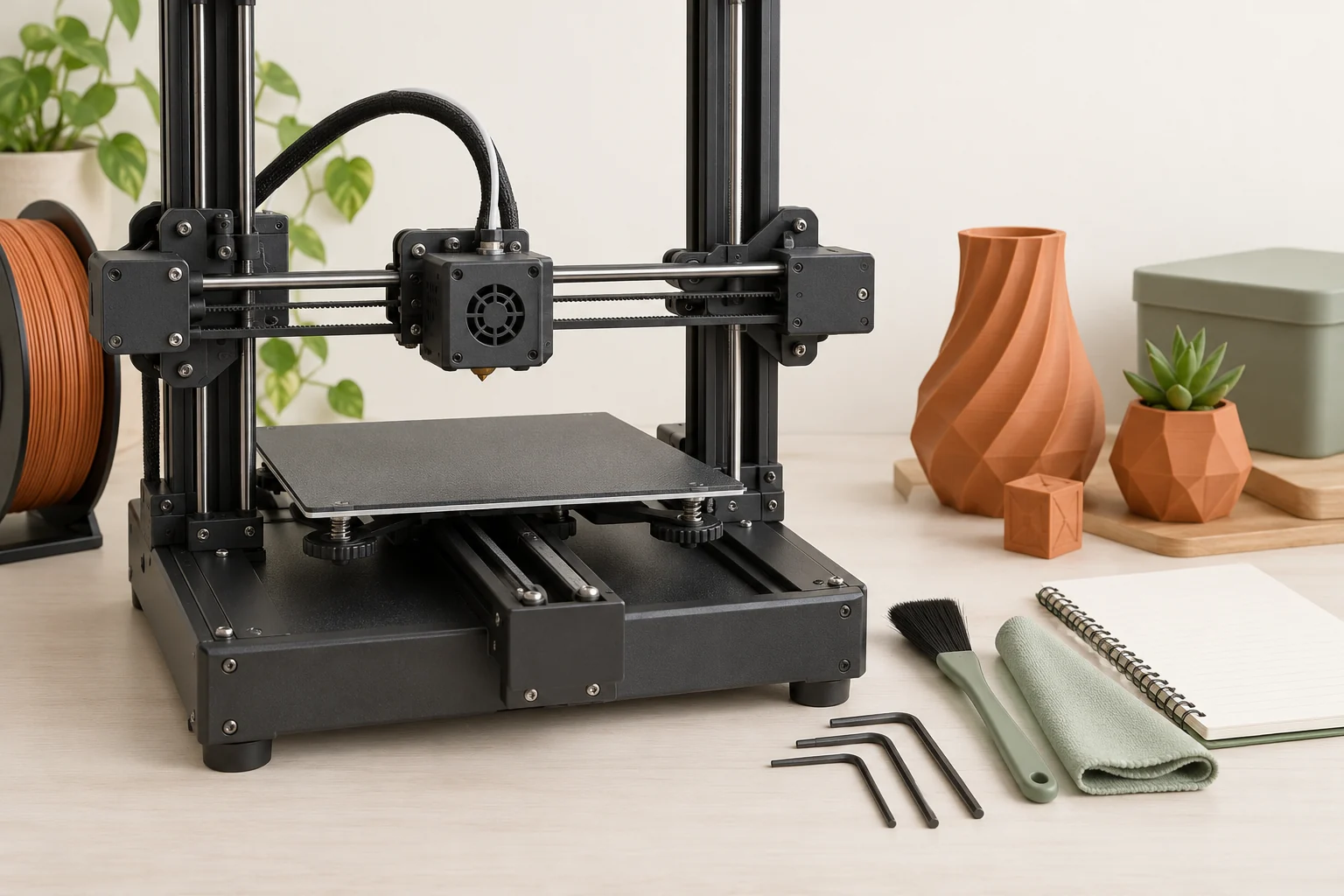
Maintenance can require access that printing does not. Check whether filters, belts, spools, or service panels can be reached without moving a hot or contaminated machine. Follow the prescribed shutdown, cooling, and isolation sequence before servicing. Retain guards and interlocks, and keep flammable supplies away from ignition sources according to their instructions.
Try a second dry run that represents cleanup. If your imagined route carries a dripping part across the clean storage area, rearrange the stations. If replacement filters are hidden behind several machines, routine maintenance is likely to become inconvenient enough to postpone.
Use an opening and closing routine
A short routine is easier to repeat than a long checklist that nobody reads. Before a job, check the machine’s condition, the free movement envelope, the correct material, the prepared surface, and the required controls. Confirm the part-handling area is available; finishing space should not be improvised while the machine is waiting for attention.
After the job, use the manufacturer’s cooling and release procedure, return tools to their locations, close material containers, and handle waste through the planned route. Inspect for residue or damage before the next operator arrives. Record maintenance that changes the setup, including filter replacement or a different material path.
Stop and investigate unusual equipment behavior, damaged wiring, a leak, or a failed control. Restarting repeatedly without understanding a recurring fault defeats the benefit of a routine. Keep the explanation concrete: identify the observation, what was checked, and why it is ready to run again.
- Before: verify equipment, material, clearances, and active controls.
- During: observe according to the manufacturer’s operating guidance.
- After: cool, remove, clean, store, and document issues.
- Before restarting after a fault: identify and address the cause.
Reassess when the workload changes
A space arranged for occasional PLA prototypes should not automatically be treated as ready for a different polymer, a resin station, or several simultaneous printers. Revisit materials, emissions, electrical supply, finishing, waste, and access. More machines create more handling work as well as more output.
As an original planning exercise, mark a typical week on paper: printing, removal, cleaning, and maintenance. If two operations need the same bench simultaneously, schedule or separate them. If finished parts accumulate where clean stock belongs, the bottleneck is part handling, not printing speed. A usable workspace remains workable during an ordinary busy week, not only immediately after a cleanup.
Common questions
Does an enclosure make a printer safe to keep anywhere?
No. An enclosure may serve thermal, access, or emissions-control purposes, and those functions are not interchangeable. Check what the complete installed system is designed to do and how it is maintained.
Is no odor a sign that ventilation is sufficient?
No. Invisible particles and some gases cannot be assessed by smell. Select and maintain controls using the process guidance and, where appropriate, a qualified workplace assessment.
What is the most useful first workspace improvement?
Identify the weakest part of the real workflow: blocked movement, inadequate emissions control, an unsafe transfer, or missing cleanup space. Correct that specific problem before adding optional accessories.
Continue with the sources
- Safe 3-D Printing CDC / NIOSH · Checked 2026-10-15
- Approaches to Safe 3D Printing CDC / NIOSH · Checked 2026-10-15
- Safe Desktop Vat Photopolymerization 3-D Printing CDC / NIOSH · Checked 2026-10-15
This guide synthesizes the cited references and includes illustrative examples, not hands-on test results. Follow the instructions for your exact printer, material, and software version. Generated illustrations simplify geometry and equipment; they are not photographs, measured results, or model-specific setup instructions.