Before you begin
A good first print gives you more than an object: it proves that your model, slicer, machine, material, and build surface can work together. Treat the first attempt as a small experiment with a clear result. A short, understandable part is easier to inspect than an elaborate model whose hundreds of details hide the first thing that went wrong.
This walkthrough follows a simple filament print from choosing a file to deciding what to change next. The examples are learning exercises, not universal printer settings. Use the instructions and supported profiles for your own equipment. Your target is a repeatable baseline that you can return to when a later design becomes more demanding.
Choose a part that can answer a question
For a first job, choose a manufacturer's sample intended for your printer or a small model with a broad base, straight walls, and an easily recognized top. A shallow tray is useful because you can inspect its floor, vertical sides, and corners separately. A tiny figurine introduces overhangs, fragile details, and cooling demands at the same time; a failure can be harder to interpret.
Write a one-sentence success criterion before slicing: for example, 'The tray stays attached, finishes without gaps, and rests flat after cooling.' That is more useful than demanding an invisible layer finish from your first attempt. If a downloaded model includes instructions, distinguish design guidance from machine-specific temperatures or speeds. Those numbers may describe the creator's hardware, rather than yours.
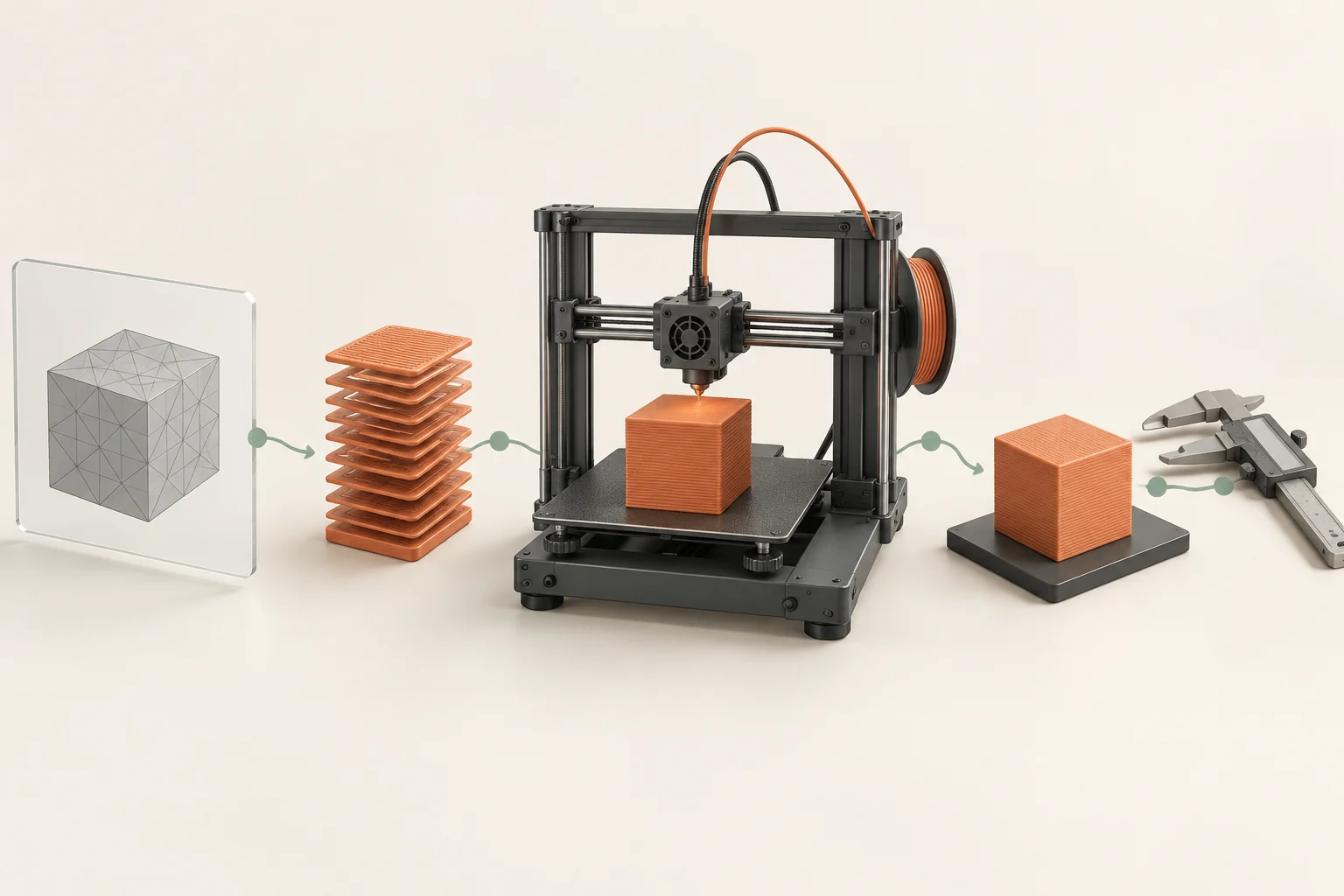
Match four things before changing settings
The physical printer and the selected printer profile must agree. Confirm the installed nozzle diameter rather than assuming it is the size that shipped with the machine. Then select the actual filament type and an appropriate print preset. Material names matter: a profile for PLA is not a general preset for anything that happens to be on a spool.
The build plate is part of this combination too. A material that releases cleanly from one surface can adhere excessively to another. Find the plate manufacturer's cleaning and separation guidance before applying a solvent or adhesive. Keep the default supported temperatures and speeds for the initial run; changing several values prevents you from learning whether the original configuration was sound.
- Read the printer and nozzle selection together.
- Compare the spool label with the filament profile.
- Confirm the plate is approved for that material and prepared accordingly.
- Save the untouched starting configuration before experimenting.
Check scale, contact, and the actual toolpaths
Imagine your tray should be 60 mm wide. If the slicer reports 6 mm or 600 mm, correct the import scale before judging detail or duration. A shape that looks normal on screen can still be physically wrong because the view automatically zooms to fit it. Read at least one dimension that you recognize.
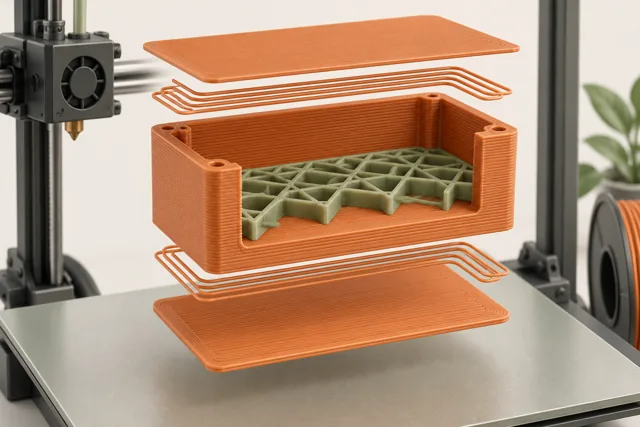
Place the intended flat face on the virtual bed, slice, and inspect the bottom layer. Continue upward to the first layer where the floor becomes walls, then to the final layers. Look for missing walls, unexpected isolated islands, or supports you did not expect. The solid model represents the goal; these lines represent the manufacturing plan. If an important feature has no toolpath, temperature tuning will not bring it back.
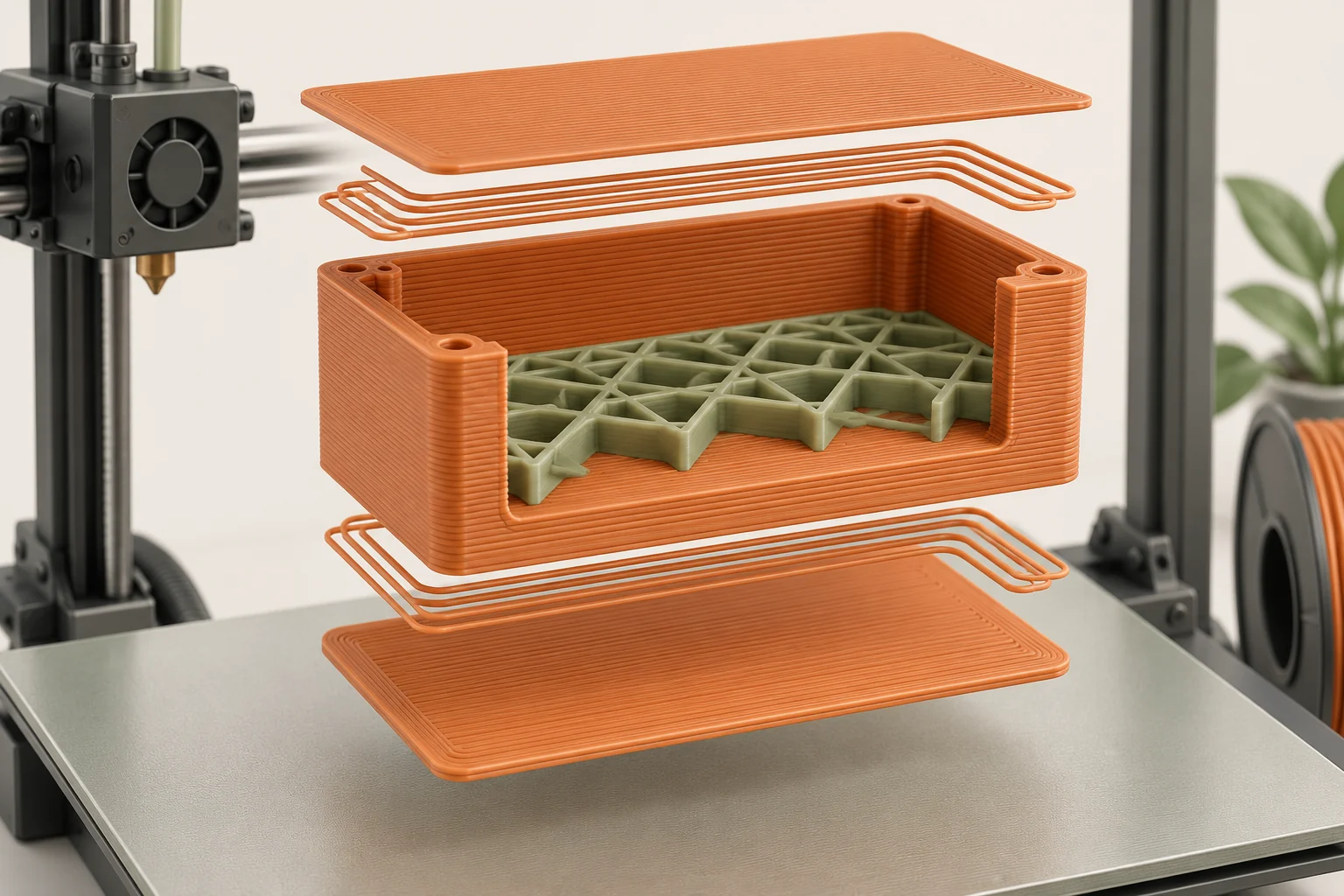
Prepare the machine and observe the beginning
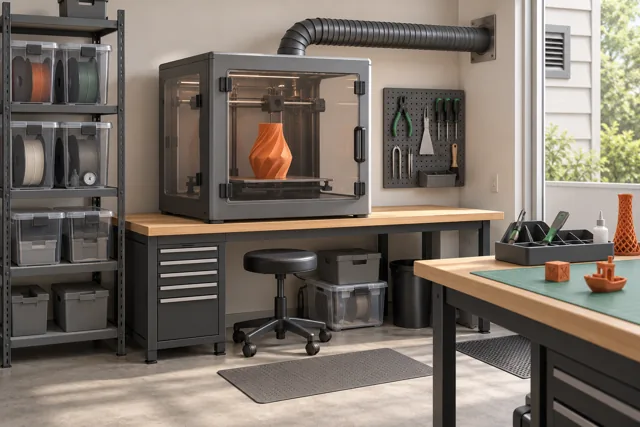
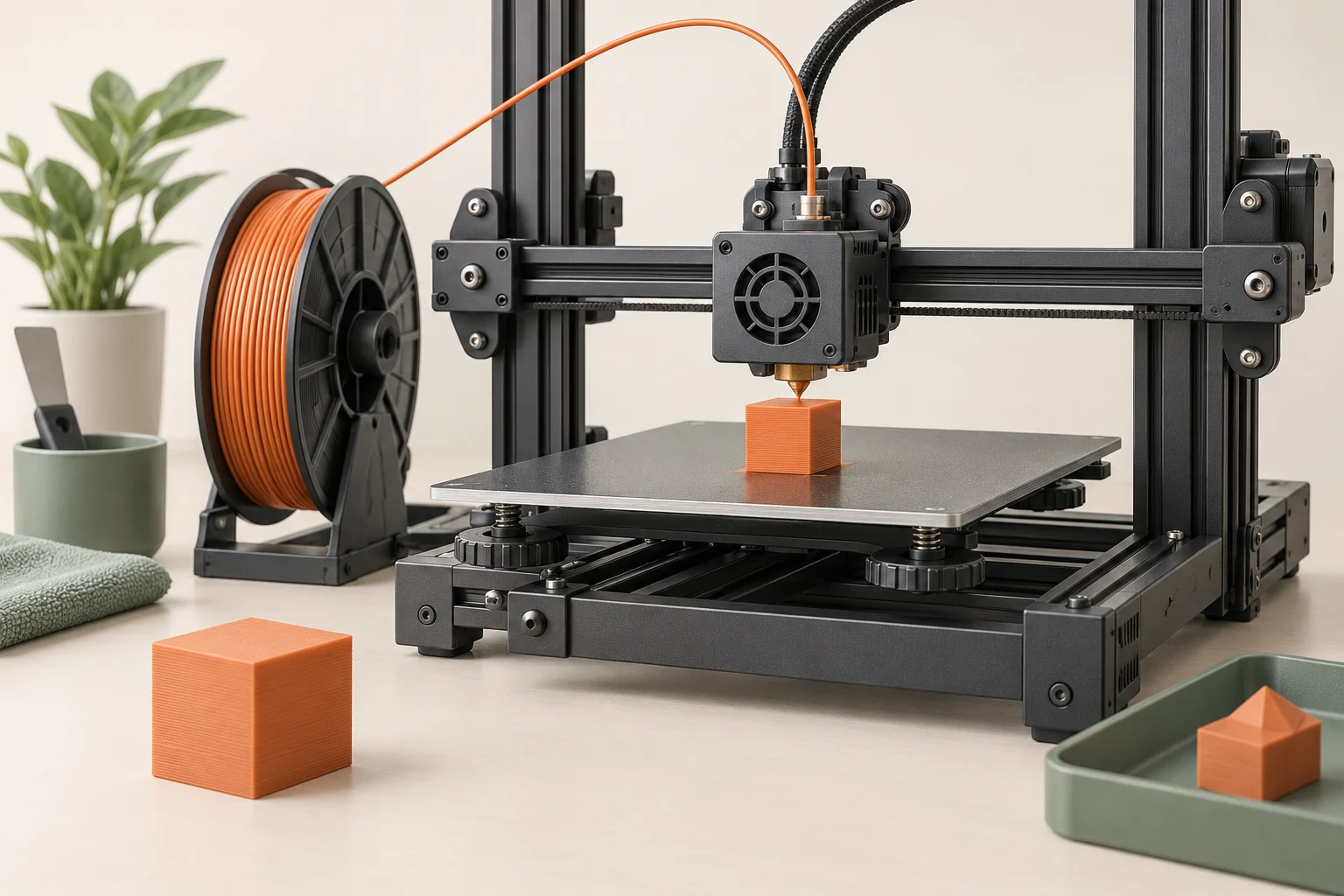
Use the machine's prescribed loading and calibration sequence. Check that the spool can unwind and that the feed path is not trapped behind the printer. Remove loose scraps from the build area while the equipment is in a safe state, and ensure any required ventilation is operating. Keep tools and hands outside the moving area when the print starts.
Watch the first layer from a useful distance. Lines should remain in their intended positions and form the intended base. Loose strands dragged around the plate, a growing lump on the nozzle, or obvious scraping are reasons to stop through the normal control and investigate. Do not try to hold a lifting part down. A poor beginning rarely improves by letting the machine deposit more material above it.
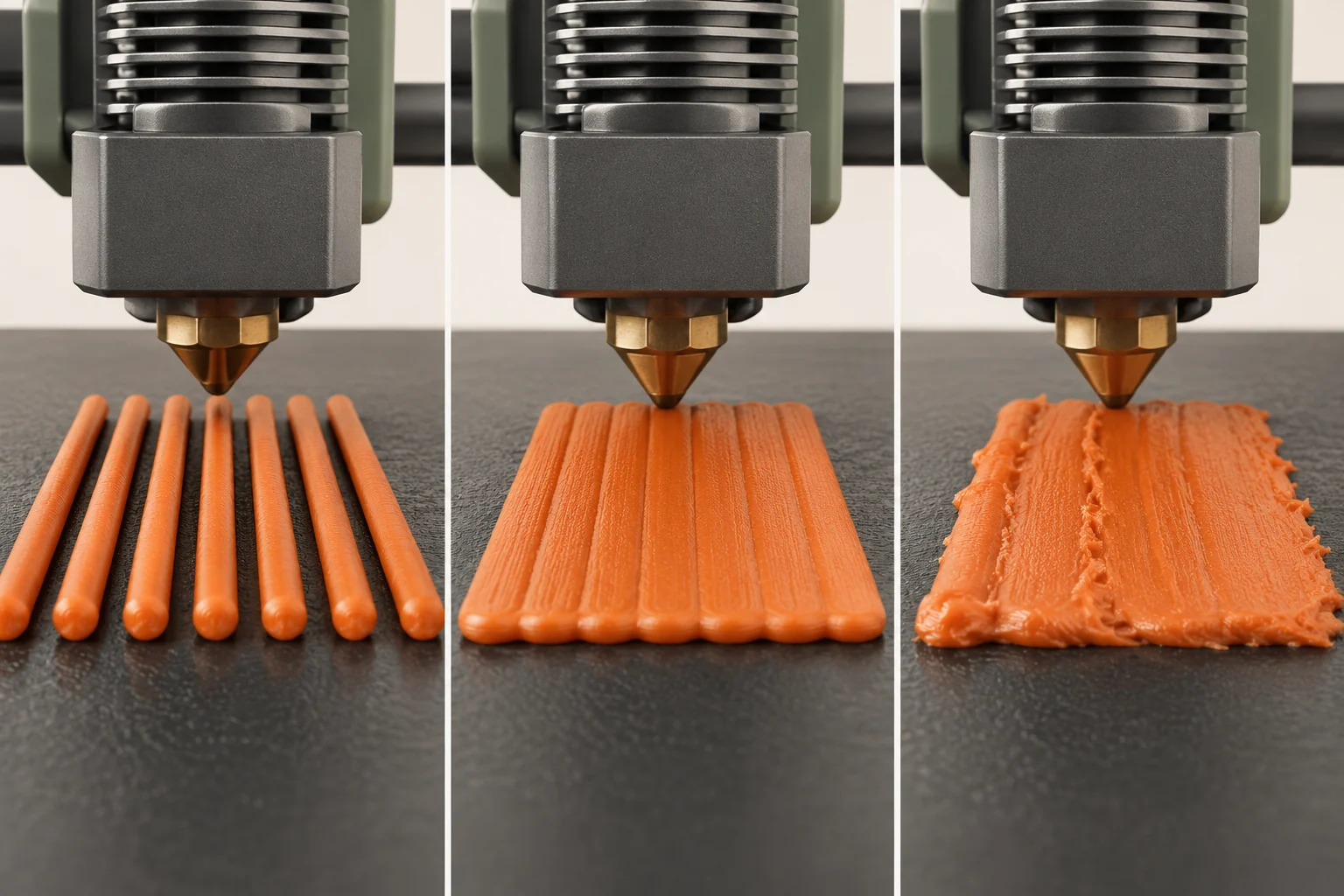
Inspect a cooled part in a fixed order
Allow the part and plate to reach the removal condition specified by the manufacturer. Use the intended release method rather than levering against the machine. For the tray example, put the cooled part on a known flat surface, look across its base, and then inspect each side under consistent lighting. Keep the first print even if it is imperfect; it is your comparison sample.
Separate appearance from function. A visible seam can be acceptable on a tray, while a bowed floor can defeat the purpose. Inspect before sanding or trimming so you do not erase the evidence. If only one face has a defect, note its orientation on the bed. If every wall shows repeated gaps, the next investigation differs from one unsupported corner that drooped.
| Observation | What to investigate next |
|---|---|
| Base releases during printing | Surface preparation, plate compatibility, first-layer setup |
| Feature absent in both preview and part | Model dimensions, minimum feature size, slicing |
| Preview contains a feature but the print does not | Print execution, extrusion, cooling, or support |
| Part completes and meets the goal | Save this configuration as the baseline |
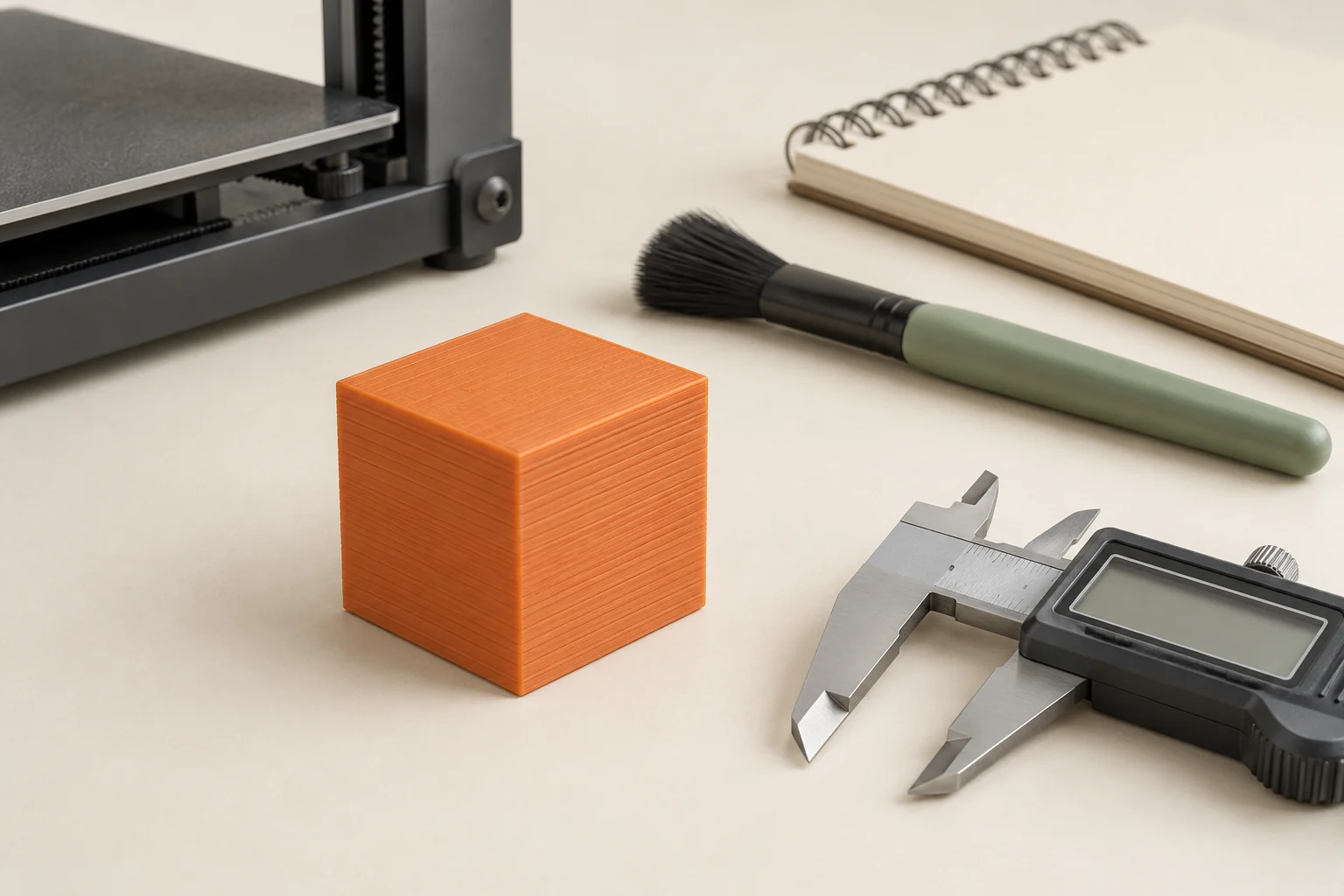
Make the second print teach you something
Suppose the tray finished but one thin label is missing. First check the preview. If the label has disappeared there, investigate the label geometry and toolpath width. Reprinting at a higher temperature would test an unrelated idea. If the preview contains the label and the real print lost it, inspect the physical print and the corresponding toolpath sequence before choosing a change.
Keep a short log: model revision, printer, nozzle, filament, plate, profile, actual outcome, and the single change planned next. Save the slicer project as well as the printer-ready file. A project preserves information you can edit; an exported file is the particular set of instructions for that job. When the small tray is repeatable, move to a larger version or a new feature, keeping the established baseline available.
Common questions
Do I need a complicated calibration model first?
Not necessarily. Complete the machine manufacturer's setup and calibration, then use a short part that tests your immediate goal. A successful simple part gives you a clearer baseline before you introduce bridges, tiny details, or tight fits.
Should I keep restarting with different temperatures?
Choose a change only after locating the problem. A missing sliced wall, a dirty plate, and interrupted filament feeding require different checks. Use supported material guidance when temperature is the variable you actually need to test.
When is the first print good enough?
When it completes reliably and satisfies the success criterion you wrote. Record cosmetic imperfections separately so you can improve them without losing a configuration that already performs its basic job.
Continue with the sources
- First print with PrusaSlicer (2.9) Prusa Research · Checked 2026-10-15
- PrusaSlicer General info Prusa Research · Checked 2026-10-15
- First layer issues Prusa Research · Checked 2026-10-15
- Modeling with 3D printing in mind Prusa Research · Checked 2026-10-15
- Safe 3-D Printing CDC / NIOSH · Checked 2026-10-15
This guide synthesizes the cited references and includes illustrative examples, not hands-on test results. Follow the instructions for your exact printer, material, and software version. Generated illustrations simplify geometry and equipment; they are not photographs, measured results, or model-specific setup instructions.