Before you begin
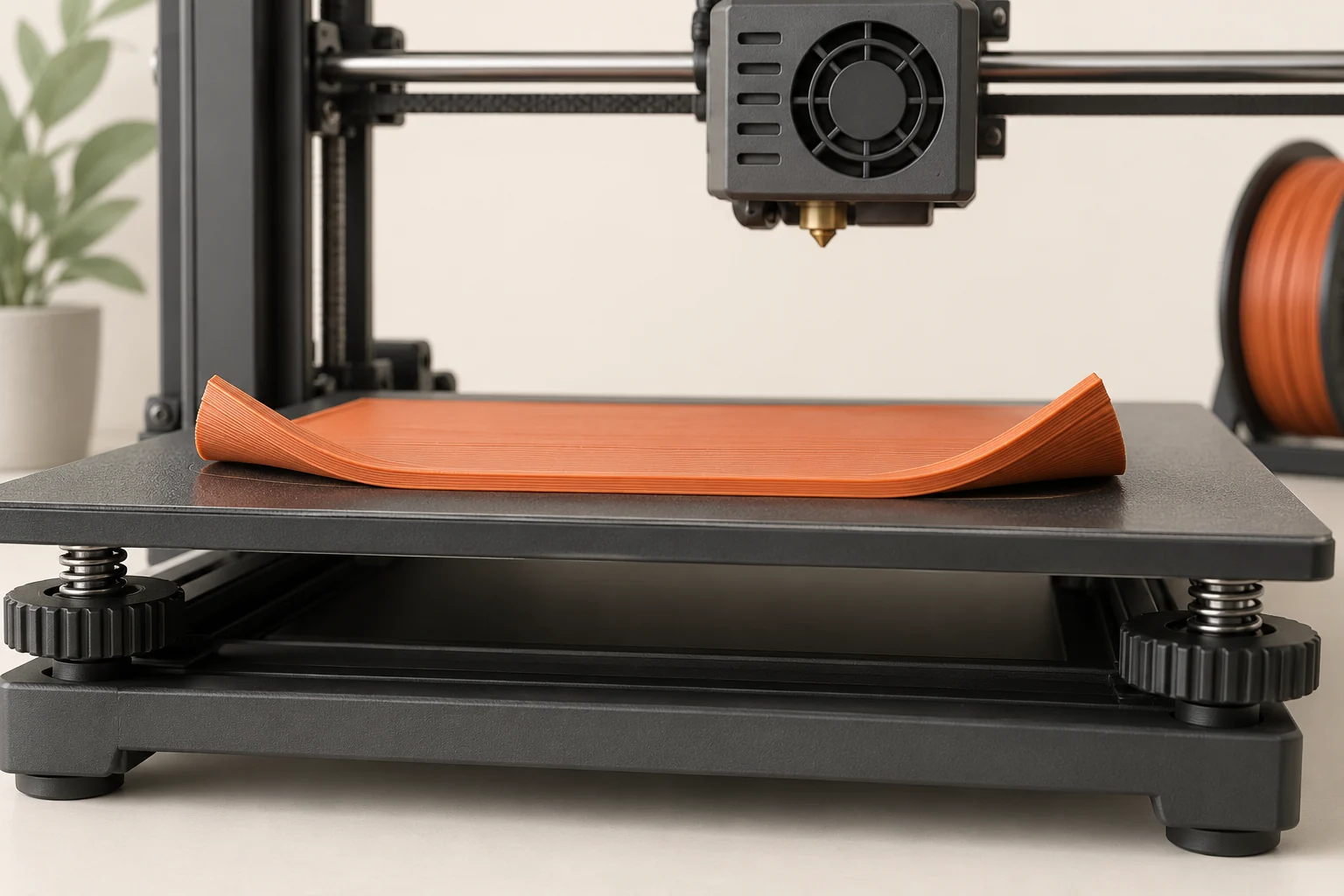
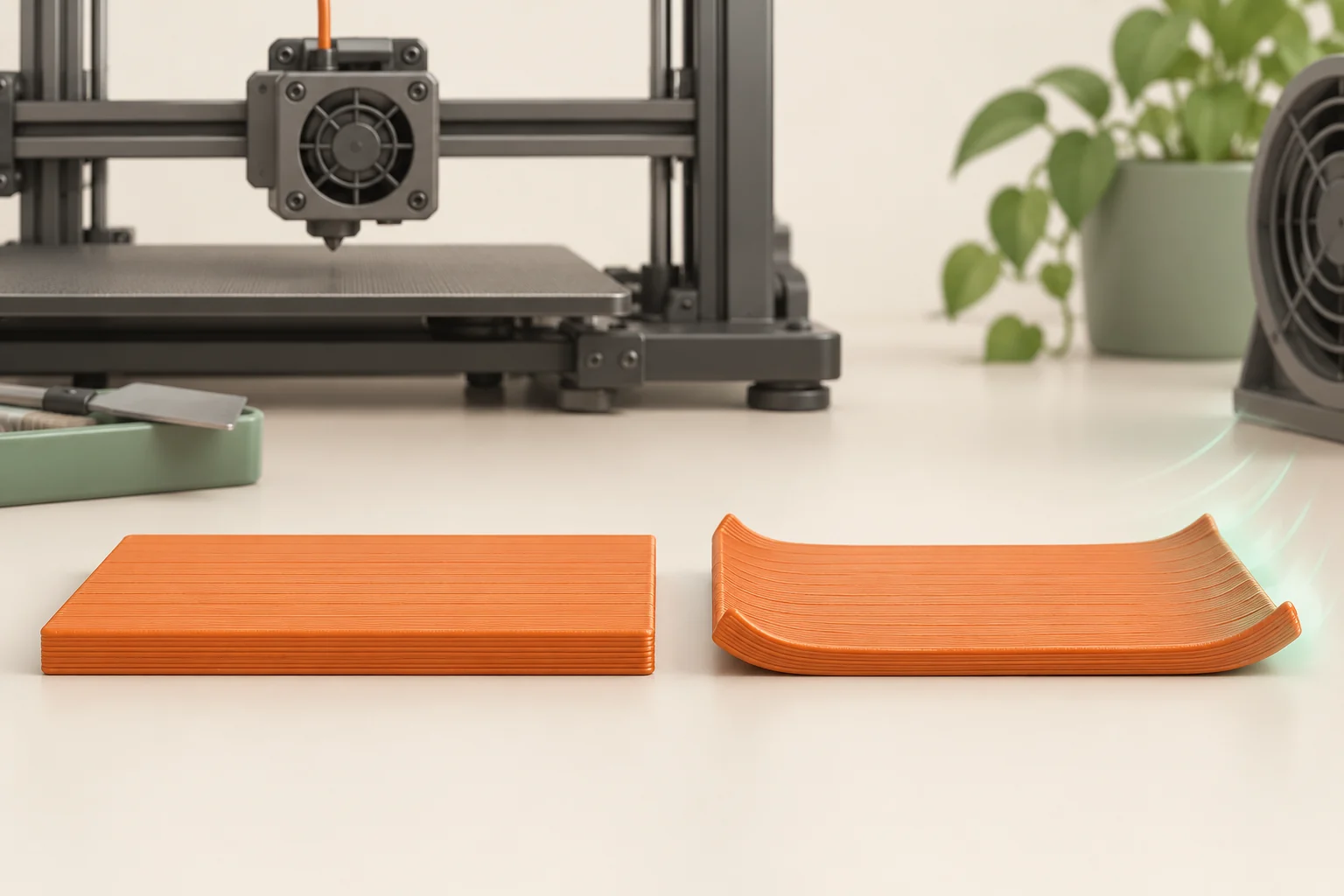
A corner that slowly curls away from the plate is the visible result of forces developing inside the part. The base may have attached perfectly at the start. As newly deposited material cools and contracts, the shape, temperature distribution, and attachment to the bed determine whether that stress produces lifting or another form of distortion.
The useful question is when and where the shape begins to change. A loose first line, a base that lifts after twenty layers, and an unsupported edge curling upward are different observations. This guide builds a diagnosis around that timing, then tests the printing environment, material requirements, and geometry.
Establish which kind of lifting you have
Photograph the base after the first layer and again when the defect becomes visible. Note whether a corner separates gradually, an entire island releases at once, or an upper overhang bends while the base stays flat. If initial paths never attach, return to surface preparation and first-layer calibration. If the base was sound before lifting, investigate the thermal and geometric conditions.
Do not diagnose only from a finished photograph. A nozzle can strike an already lifted corner and dislodge the whole object, hiding the original failure. Conversely, a small support can detach and cause a later collision with an otherwise stable model. Our suggested record includes the earliest observed layer, affected corner, nearby features, and any coinciding change in fan behavior or room airflow.
| Earliest observation | Main direction to investigate | Useful evidence |
|---|---|---|
| Lines release immediately | First-layer attachment | Line shape and plate preparation |
| Flat base gradually curls | Thermal stress and geometry | Layer or time when lifting begins |
| Upper overhang curls; base stays flat | Local part cooling and support | Location relative to overhangs |
| Whole object suddenly shifts | Attachment or collision | Earlier photos and detached supports |
Understand why bed adhesion is only one part
Different regions of a printed object cool under different conditions. The lower layers sit near a heated surface while higher layers face the surrounding air. Contraction is constrained by neighboring material and the bed. That constraint can leave stress in the object, and a broad, sharp-cornered shape can make its effect especially visible at the edges.
Stronger attachment may delay separation without removing the source of distortion. Polymaker describes cases where a firmly attached base remains in place while layers separate farther up. The practical implication is to inspect the entire part, not just celebrate a flat-looking bottom during printing. If a new adhesion method prevents lifting but introduces cracks or changes dimensions, the process still needs work.
Check the exact material's requirements
ABS and ASA can serve demanding applications, but their printing conditions differ from those commonly used for PLA. Consult the supplier's current instructions for the specific formulation, the compatible build surface, and the supported printer profile. A broad polymer name is not enough to choose a chamber, nozzle, or bed temperature.
Material selection is also a design decision. Our suggested comparison begins with the part's actual job: indoor display, removable electronics cover, outdoor housing, or heat-exposed fixture. If the prototype is only checking shape, a less demanding material may let you validate geometry sooner. That trial does not validate the final material's fit or performance. Repeat the relevant checks when moving to the intended production material.
Stabilize the environment within supported limits
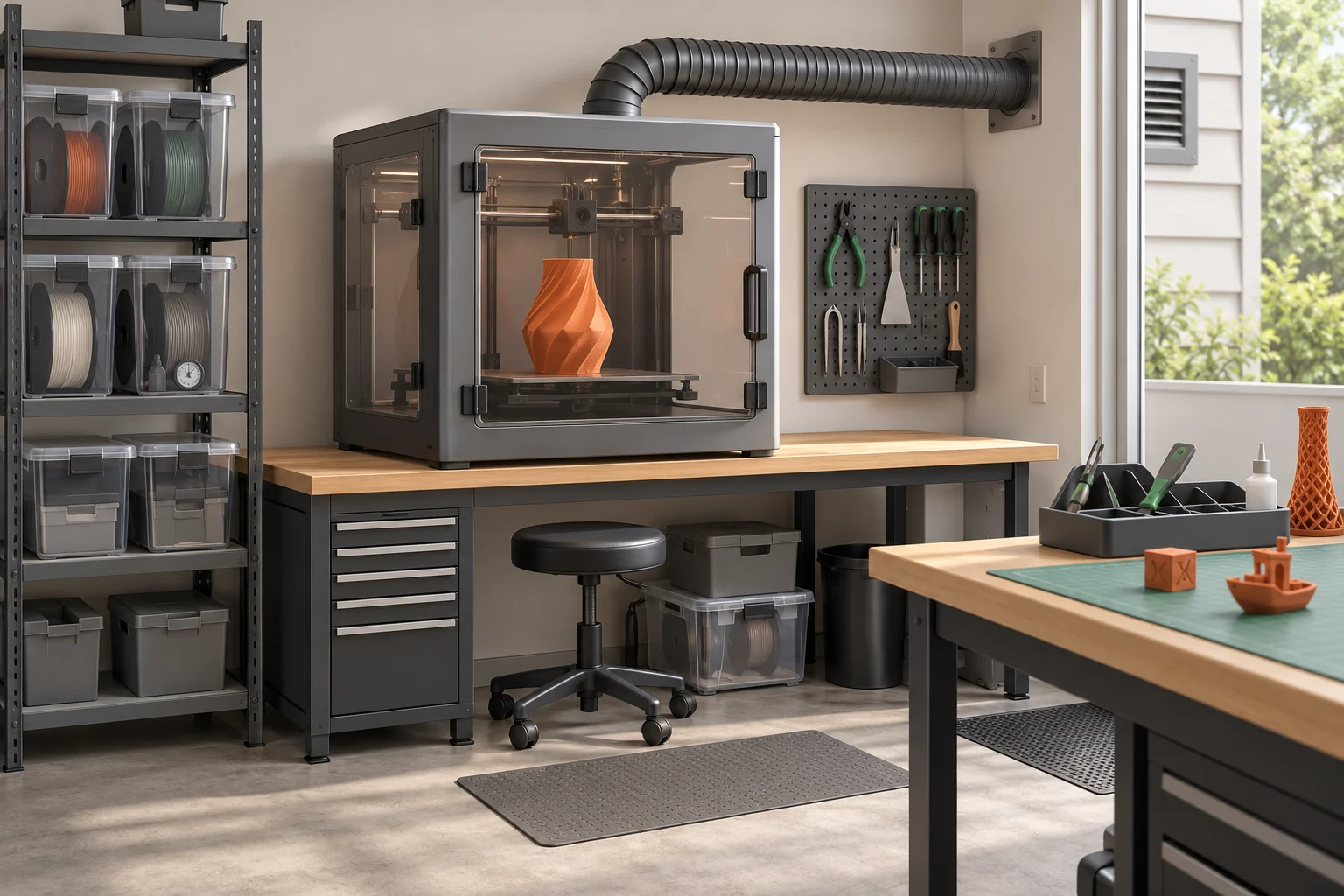
Look for direct airflow from a window, air conditioner, or fan crossing the build. An appropriate enclosure can reduce drafts and help maintain the conditions needed by some materials. Follow the printer and enclosure manufacturer's limits; simply trapping more heat is not a universal solution. Components, electronics, and the hotend's cold side have their own operating requirements.
Keep the material's ventilation arrangements in place while avoiding uncontrolled drafts across the print. For a diagnostic comparison, record the door or vent configuration and the usual room conditions, then reproduce them. If failures repeatedly begin when a nearby air conditioner turns on, that timing is useful evidence for a controlled test. It is not permission to disable required ventilation or run hardware beyond its supported environment.
Distinguish part cooling from hotend cooling
The part-cooling fan influences how deposited plastic solidifies. The hotend cooling fan protects the cooler section of the filament path. They perform different jobs, and changing one cannot safely substitute for the other. Keep hotend cooling and its monitoring active according to the printer's instructions.
A high-temperature material with base lifting may need different part-cooling behavior from a PLA overhang that curls because local material stays soft. This is why a blanket instruction to turn all fans off is misleading. Start with the matching profile, then investigate the affected feature and the material's guidance. After a cooling change, compare layer bonding, overhang shape, and the base together; improving one surface while weakening the part is an incomplete repair.
Test contact area and geometry
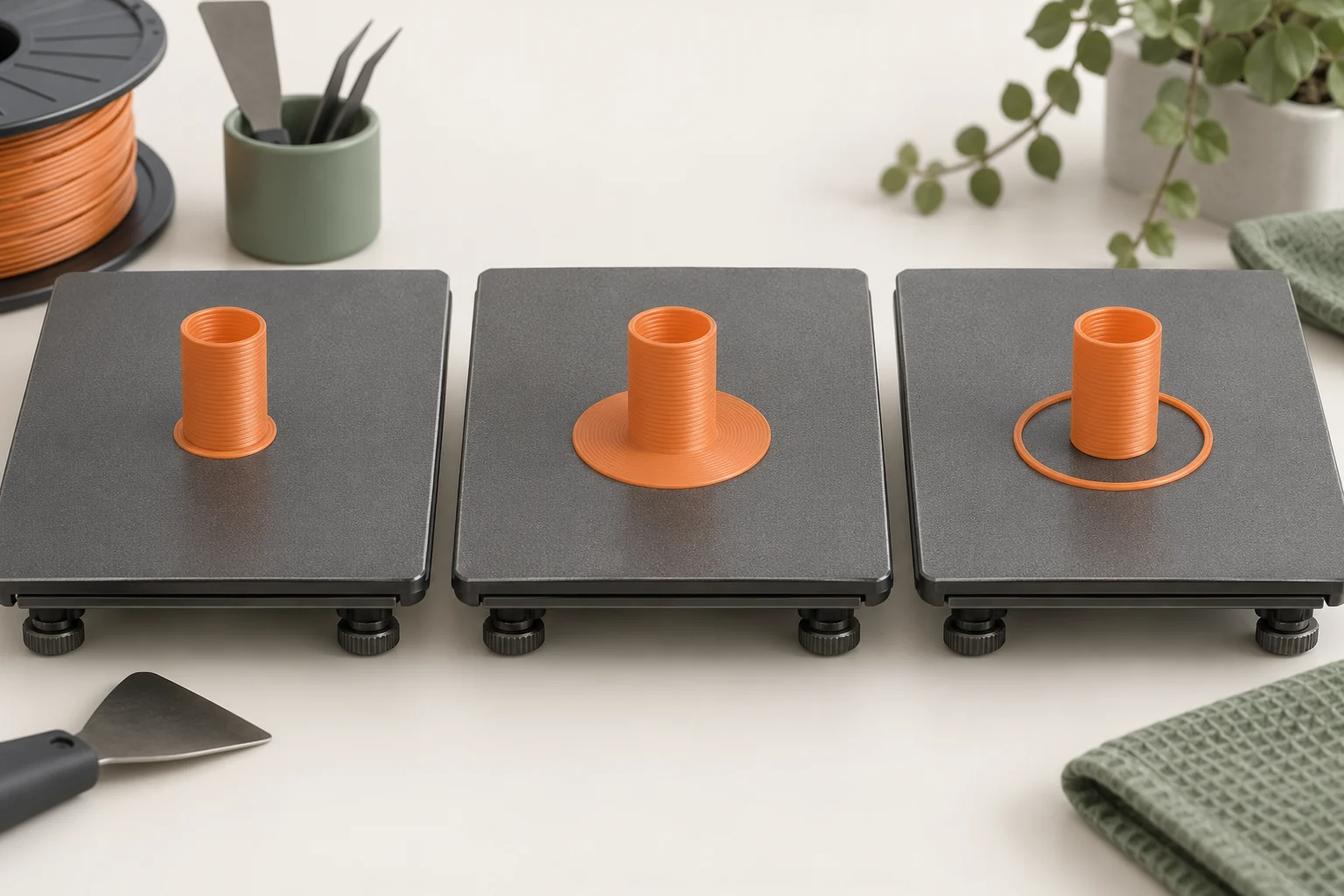
A brim can help resist lifting by increasing attachment around the base. Check its actual connection, including separation settings, and leave room around neighboring parts. A localized tab at a troublesome corner is another geometry experiment, but it adds a removal step and may affect a finished edge. The right choice depends on where contact is needed and which surfaces must stay accurate.
Our worked example is a long rectangular electronics tray. First confirm its initial layer. Next compare the same tray with a supported brim while leaving other settings fixed. If it still curls, test a representative full-length base section or consider splitting the tray into an assembly. A tiny square coupon cannot reproduce the long footprint. A split design may reduce the difficult geometry, but its joints, stiffness, and assembly accuracy require separate validation.
Measure after cooling and decide what succeeded
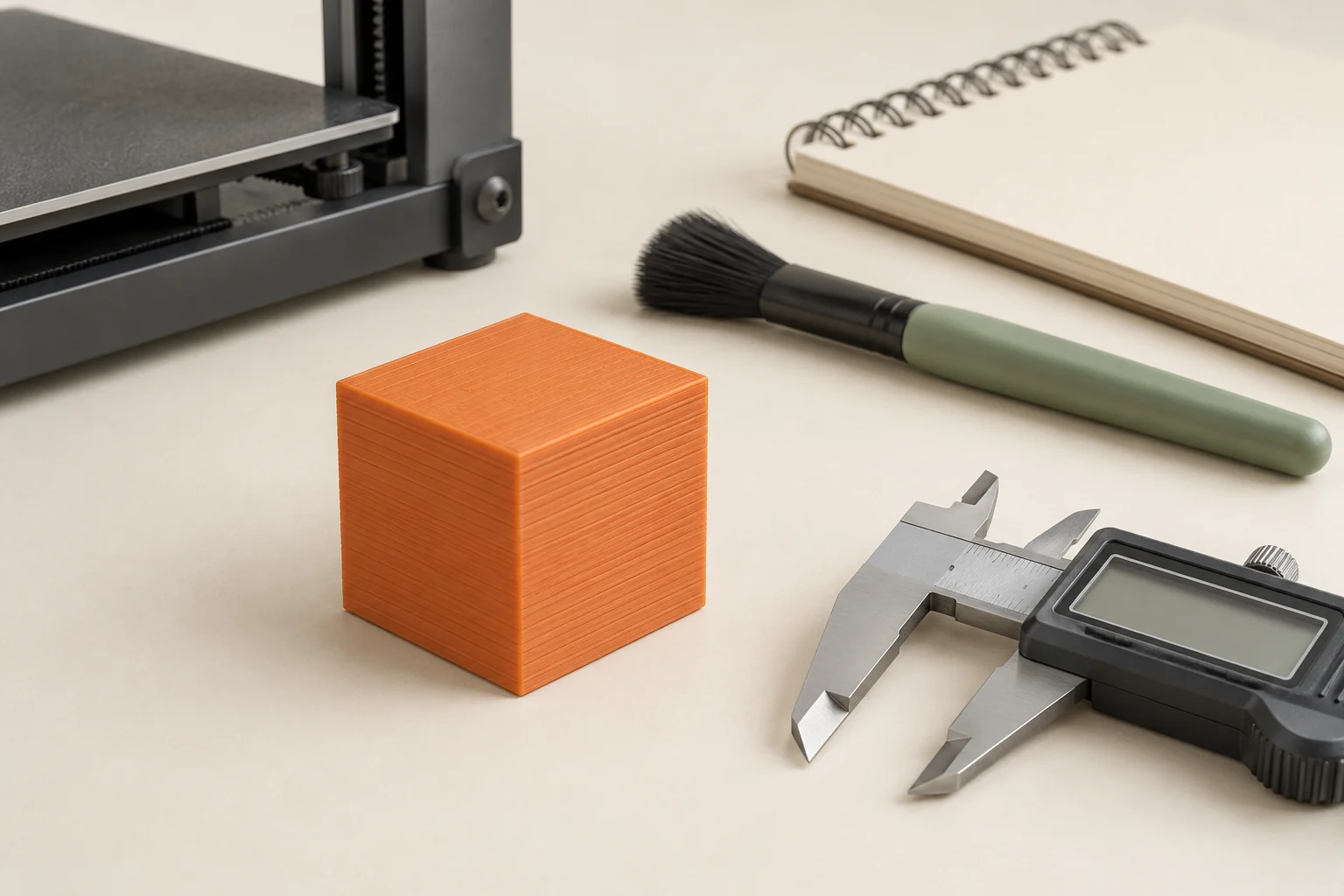
Let the print complete the normal cooling and removal procedure before judging final flatness. On a suitable reference surface, check for rocking and inspect the intended mounting points. Measure the dimensions that matter to the assembly rather than only the outer bounding box. A base can appear flat under its own weight while a mating flange is still distorted.
Our suggested comparison sheet records first-layer result, lifting onset, corner location, final flatness, critical dimensions, and visible layer separation. Repeat the selected setup once before committing to a large batch. If changes merely move the failure from the base to the walls, revisit the environment and design. If the intended geometry cannot be produced within the printer's supported conditions, a different material, split construction, or manufacturing route may be the practical answer.
Common questions
Should I increase bed temperature whenever a corner lifts?
Only when the exact material and surface guidance supports that change. First establish whether the failure began with poor attachment, a draft, or a geometry problem. Extra heat does not address every cause and may create a different defect.
Can PLA warp?
Yes. Large or difficult geometry and unsuitable conditions can still distort PLA. It usually presents different demands from ABS or ASA, so diagnose the observation instead of copying a high-temperature material's enclosure settings.
Does a brim eliminate warping?
A brim can improve resistance to lifting, but it does not remove all internal stress. Confirm the cooled shape and look for other defects, including layer separation, before calling the repair successful.
Continue with the sources
- Warping Prusa Research · Checked 2026-10-15
- ABS Prusa Research · Checked 2026-10-15
- ASA Prusa Research · Checked 2026-10-15
- Curling of Layers and Angles Polymaker · Checked 2026-10-16
- Warping Polymaker · Checked 2026-10-16
- Enclosure guidepost Prusa Research · Checked 2026-10-16
- Extrusion stopped mid-print (Heat creep) Prusa Research · Checked 2026-10-15
- Skirt and Brim Prusa Research · Checked 2026-10-15
- Modeling with 3D printing in mind Prusa Research · Checked 2026-10-15
This guide synthesizes the cited references and includes illustrative examples, not hands-on test results. Follow the instructions for your exact printer, material, and software version. Generated illustrations simplify geometry and equipment; they are not photographs, measured results, or model-specific setup instructions.