Before you begin
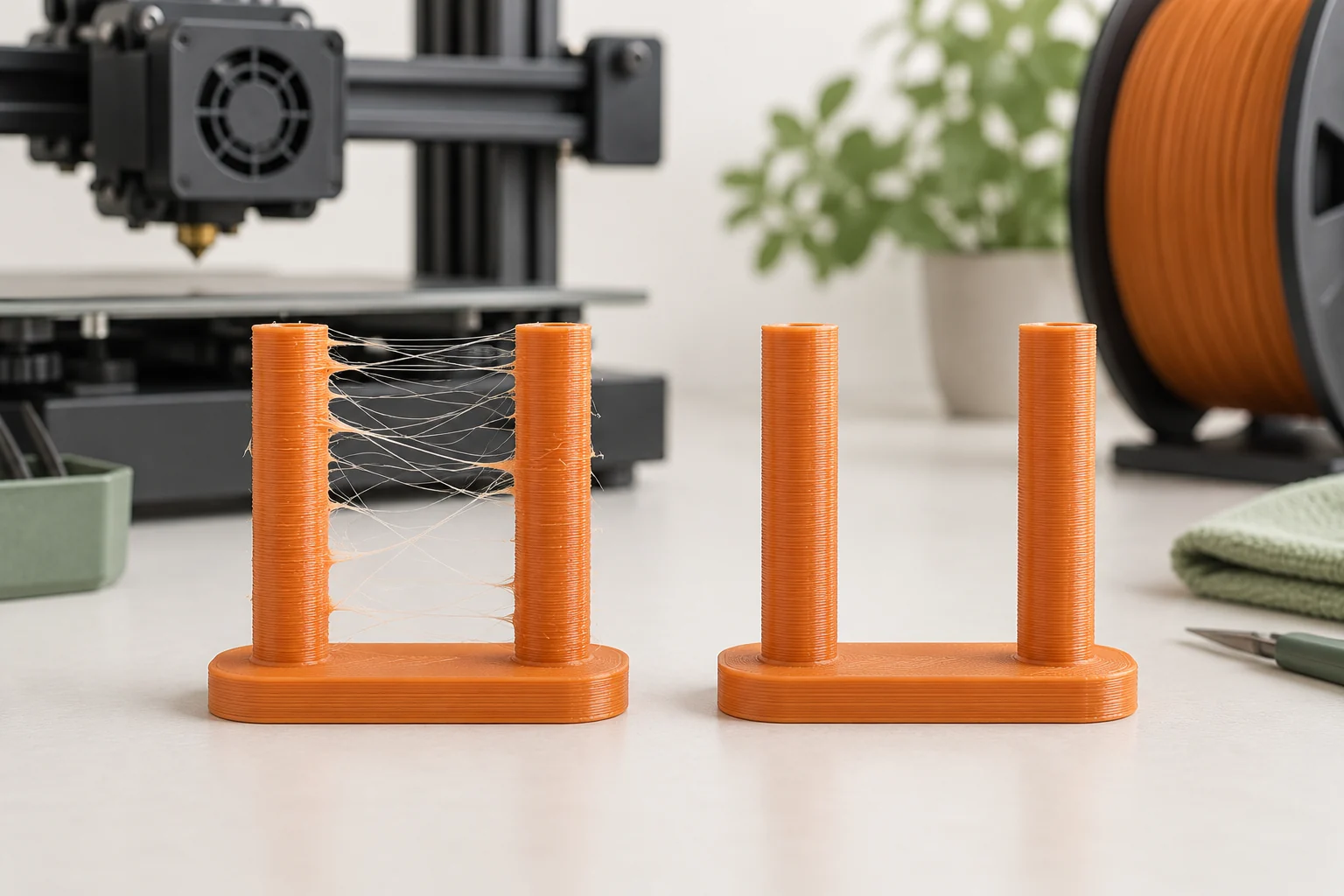
Fine threads between separate features usually mean material escaped while the nozzle was traveling. The printer can stop commanding extrusion without instantly stopping every bit of molten plastic at the tip. Retraction, temperature, material condition, nozzle cleanliness, and the travel path all influence what happens during that interval.
A useful diagnosis compares the strings with the rest of the print. A change that removes hairs but creates gaps at the beginning of every wall has traded one problem for another. This guide uses a small repeatable model to separate the main causes and preserve surface quality, extrusion consistency, and functional features.
Confirm what you are looking at
Look for strands joining features across open travel space. Then inspect where each strand begins and ends. A thin hair spanning two posts is a different observation from a heavy blob dragged along a wall or a displaced line that should have been attached. The latter can involve adhesion, nozzle residue, or another printing fault.
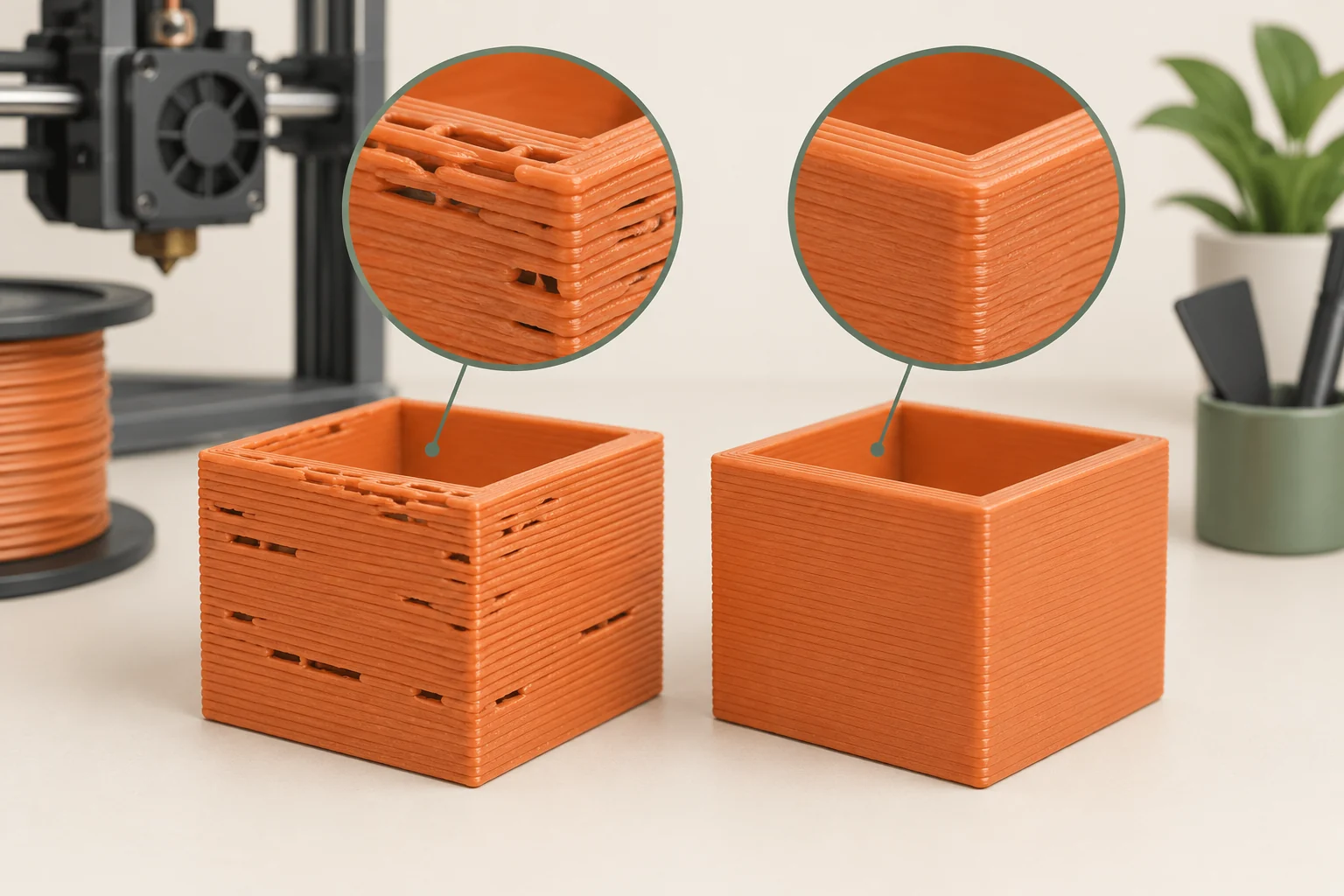
Photograph the test against the same contrasting background each time. Our suggested notes distinguish fine hairs, thick branches, blobs, and gaps after travel. Keep the uncleaned sample until the comparison is complete. Removing the strings before inspection makes the part look better but destroys evidence about their locations and severity. If the issue occurs only between particular features, save the sliced preview at those layers.
Establish a clean, reproducible baseline
Select the exact printer, installed nozzle, and filament profile. Check for overrides carried over from a previous project, particularly if you changed extrusion hardware or moved from a Bowden printer to a direct-drive printer. Retraction acts through the whole feed system, so a setting copied from another machine may be inappropriate even when both machines use the same filament.
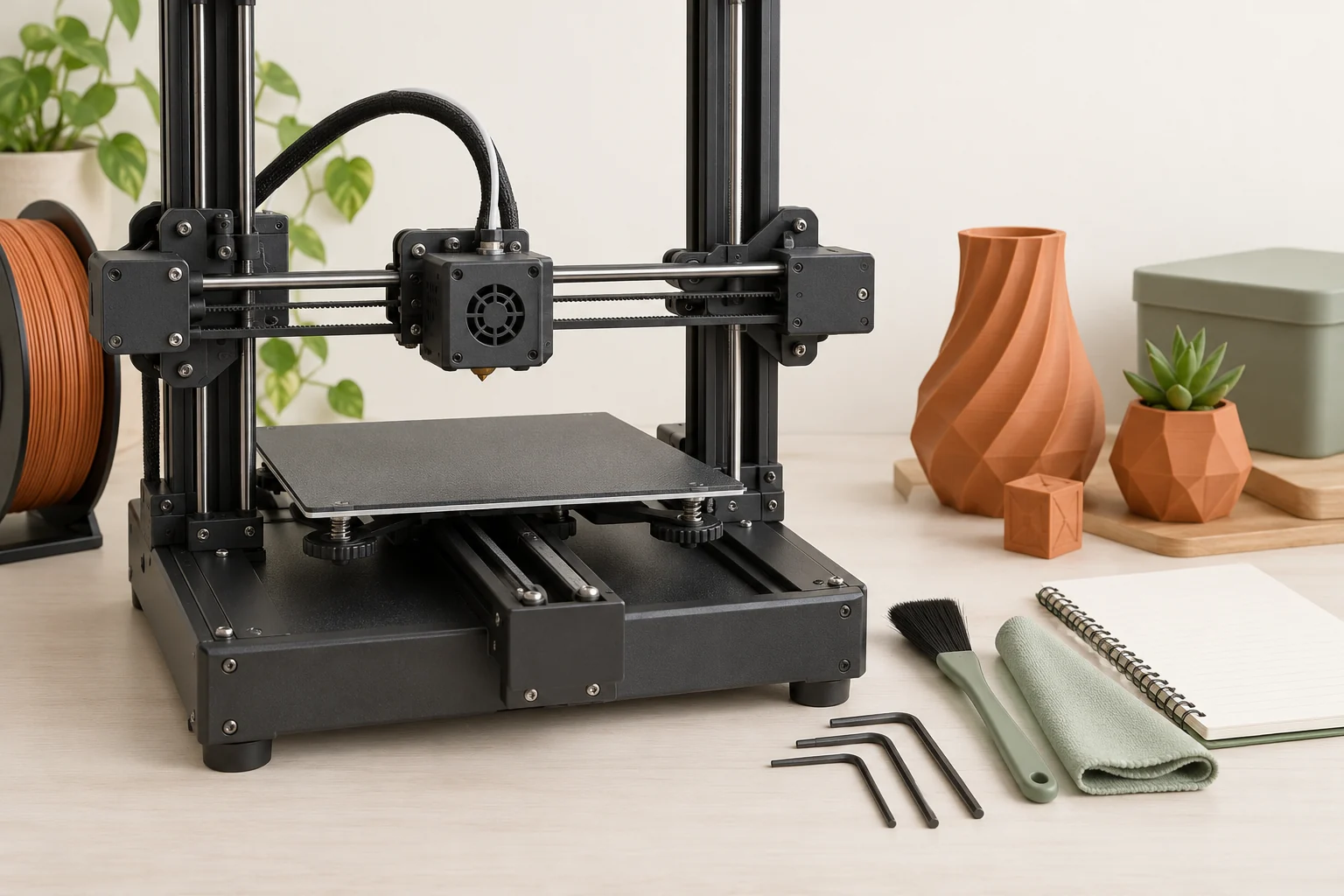
Inspect the outside of the nozzle for adhered plastic and follow the model-specific cleaning procedure. Use the required temperature and power state, and protect nearby wiring. Then run the baseline test without extra tuning. If cleaning alone removes the defect, preserve that result rather than also changing retraction and temperature. A clean starting point is valuable because it makes the next comparison easier to explain.
Check whether the spool changed the result
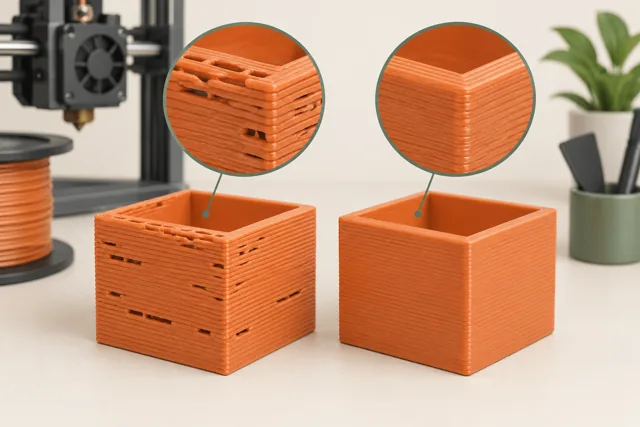
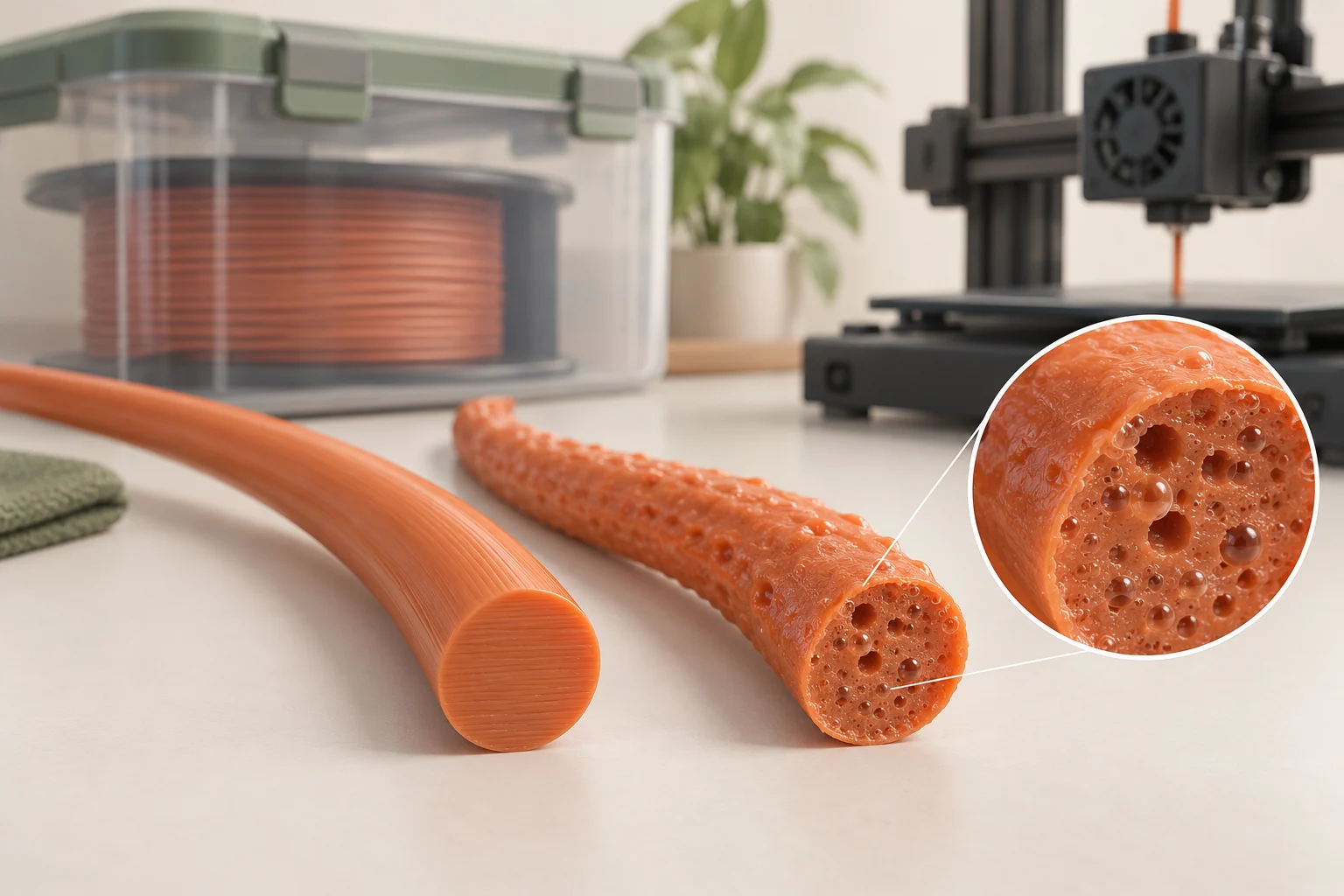
Moisture can contribute to stringing and irregular extrusion. Rough or pitted surfaces, bubbling, or unusual extrusion noises can support that suspicion, but no single visual symptom proves the spool is the cause. Compare against a known successful spool of the same product when possible. Changing polymer and manufacturer at the same time introduces too many differences.
An example: a saved PETG project printed cleanly last month, but the current spool now produces hairs and rough walls. Our first material test would use the supplier's approved drying cycle for that exact product, with the spool and dryer confirmed compatible. Repeat the original project afterward. If both roughness and stringing improve, moisture was likely contributing. If nothing changes, keep the result and investigate another variable rather than repeating hotter drying cycles.
Build a test that reproduces the travel
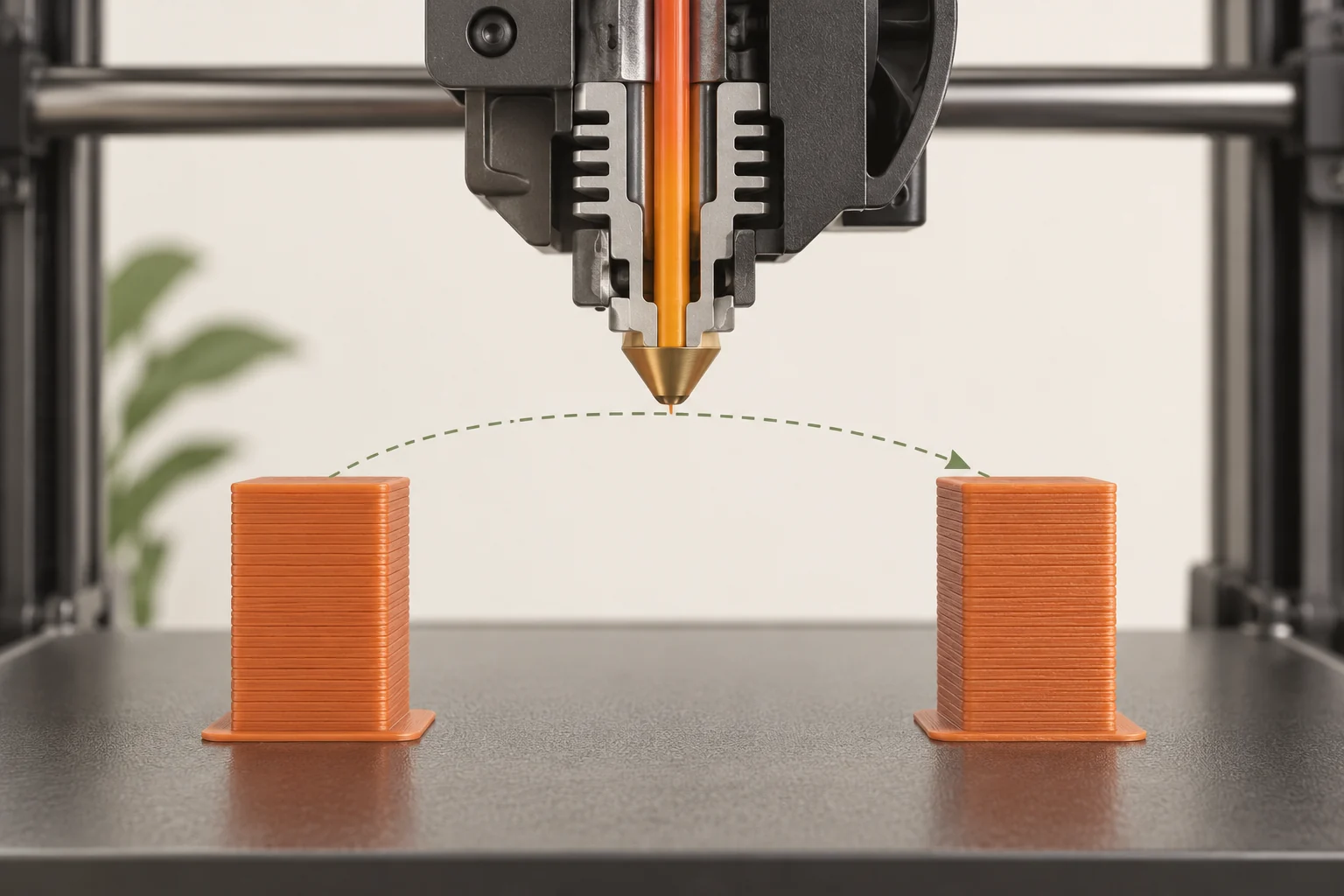
A pair of separated posts is a convenient starting shape because each layer includes a travel through open air. Keep the spacing, height, orientation, and number of objects fixed while comparing settings. Choose a shape large enough to inspect and short enough to repeat. Label each sample outside the surfaces being assessed.
The real model may create longer travel moves, smaller islands, or different layer times than a generic test tower. Our suggested second test extracts the troublesome portion of the actual design. If a clean two-post test still leaves strings inside a detailed bracket, examine the bracket's travel paths and small features. Do not assume the calibration model represents every situation merely because it looks tidy.
- Print and label the untouched baseline.
- Choose one variable and a bounded change allowed by the manufacturer.
- Repeat the identical geometry and photograph it consistently.
- Record strings, wall quality, restart gaps, and any feeding problem.
- Confirm the best candidate on the real geometry.
Tune temperature and retraction separately
Work within the filament's supported nozzle-temperature range. A modest temperature comparison can reveal whether the present setting encourages excessive ooze, but colder is not automatically better. The material must still extrude consistently and bond adequately. Use the relevant manufacturer's test procedure rather than choosing the coldest sample solely because it has fewer hairs.
Retraction briefly withdraws filament to reduce unwanted flow during travel. Length, speed, and the conditions that trigger it all matter. A Bowden feed path usually behaves differently from a short direct-drive path. Excessive adjustments can create feeding or restart problems. Change one parameter at a time from the matching profile, keep the original value recorded, and stop a trial that produces repeated clicking, gaps, or unreliable feeding.
| Test result | Interpretation to investigate | Next step |
|---|---|---|
| Fewer hairs; walls still complete | Potential improvement | Repeat and test the real part |
| Fewer hairs; gaps after travel | Restart or feeding compromise | Return to the previous setting |
| Same strings after retraction changes | Another cause may dominate | Recheck material and nozzle condition |
| Only one region still strings | Travel or feature-specific behavior | Inspect that region in preview |
Inspect travel routing and setting interactions
Slicers can route travel to avoid crossing exposed perimeters where practical. PrusaSlicer's avoid-crossing feature is one example. It can reduce visible stringing opportunities, but it may add travel time and cannot remove every open-air move between separate islands. Inspect what the feature actually changed in the preview before crediting it with a better print.
Z lift, wiping, minimum travel thresholds, and filament overrides can also change behavior around a travel. Treat these as specific controls with tradeoffs rather than a checklist to maximize. Disabling a clearance move, for example, may increase collision risk with a raised part. Our suggested comparison saves the entire project, since a single screenshot of retraction length may omit the override or travel condition that made the result reproducible.
Choose a practical acceptance standard
Decide what the part needs before spending another hour chasing a barely visible hair. A decorative miniature, an internal cable guide, and a moving mechanism have different cleanup and functional requirements. Fine strands that are easy to remove from an open display surface may be unacceptable inside an inaccessible channel or between moving features.
Inspect the candidate print before cleanup, then finish it using a method appropriate to the part and material. Check that mating surfaces, narrow openings, and delicate features remain intact. Save the successful profile with the exact material, nozzle, drying history, and test result. If the process later changes, compare against the saved baseline instead of assuming the previous settings remain optimal. This turns troubleshooting into a reusable reference rather than a collection of unexplained numbers.
Common questions
Why not use the largest retraction distance?
The useful range depends on the feed system and material. A large value can create new feeding or restart problems. Start with the supported profile and evaluate complete walls as well as the remaining strings.
Does stringing always mean wet filament?
No. Nozzle residue, temperature, travel behavior, and retraction can also contribute. A controlled before-and-after drying comparison is more informative than diagnosing moisture from one photograph.
Why does a tower look clean while my real print strings?
The real geometry may have longer travel paths, smaller islands, or different cooling times. Inspect its preview and test a representative section instead of continuing to optimize a model that no longer reproduces the problem.
Continue with the sources
- Stringing and oozing Prusa Research · Checked 2026-10-15
- Drying filament Prusa Research · Checked 2026-10-15
- Regular printer maintenance (MK4/S, MK3.9/S) Prusa Research · Checked 2026-10-15
- Wet Filament Polymaker · Checked 2026-10-16
- Hairy or Stringy Prints Polymaker · Checked 2026-10-16
- Layers and perimeters Prusa Research · Checked 2026-10-15
This guide synthesizes the cited references and includes illustrative examples, not hands-on test results. Follow the instructions for your exact printer, material, and software version. Generated illustrations simplify geometry and equipment; they are not photographs, measured results, or model-specific setup instructions.