Before you begin
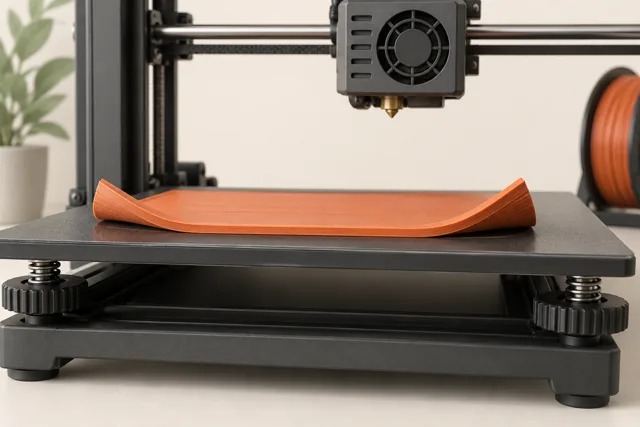
The first layer must do two jobs at once: place the correct amount of material in the correct shape and keep that shape attached while the printer builds above it. A failure in either job can look like poor adhesion. This is why repeatedly adding glue or lowering the nozzle sometimes makes the print worse.
Use the first few lines as evidence. Watch where the defect starts, whether it repeats across the plate, and whether the line itself looks complete. The workflow below separates surface condition, nozzle distance, extrusion, and contact area. Work from the matching manufacturer profile and change one suspected cause between short tests.
Identify the plate, material, and calibration system
Record the installed plate type, material, nozzle, and selected printer profile. A plate that looks like another plate may have a different coating and cleaning method. Likewise, a saved profile can name a nozzle that is no longer installed. These are simple checks, but a mismatch makes every later experiment harder to interpret.
Check how your printer establishes the first-layer distance. Prusa MINI models use a user-adjusted first-layer calibration; Prusa MK4-family and XL loadcell systems measure contact automatically before printing. These are examples of different workflows, not interchangeable instructions. With an automatic system, investigate its specified preparation and diagnostic checks before trying to copy a manual Z-offset value from another machine.
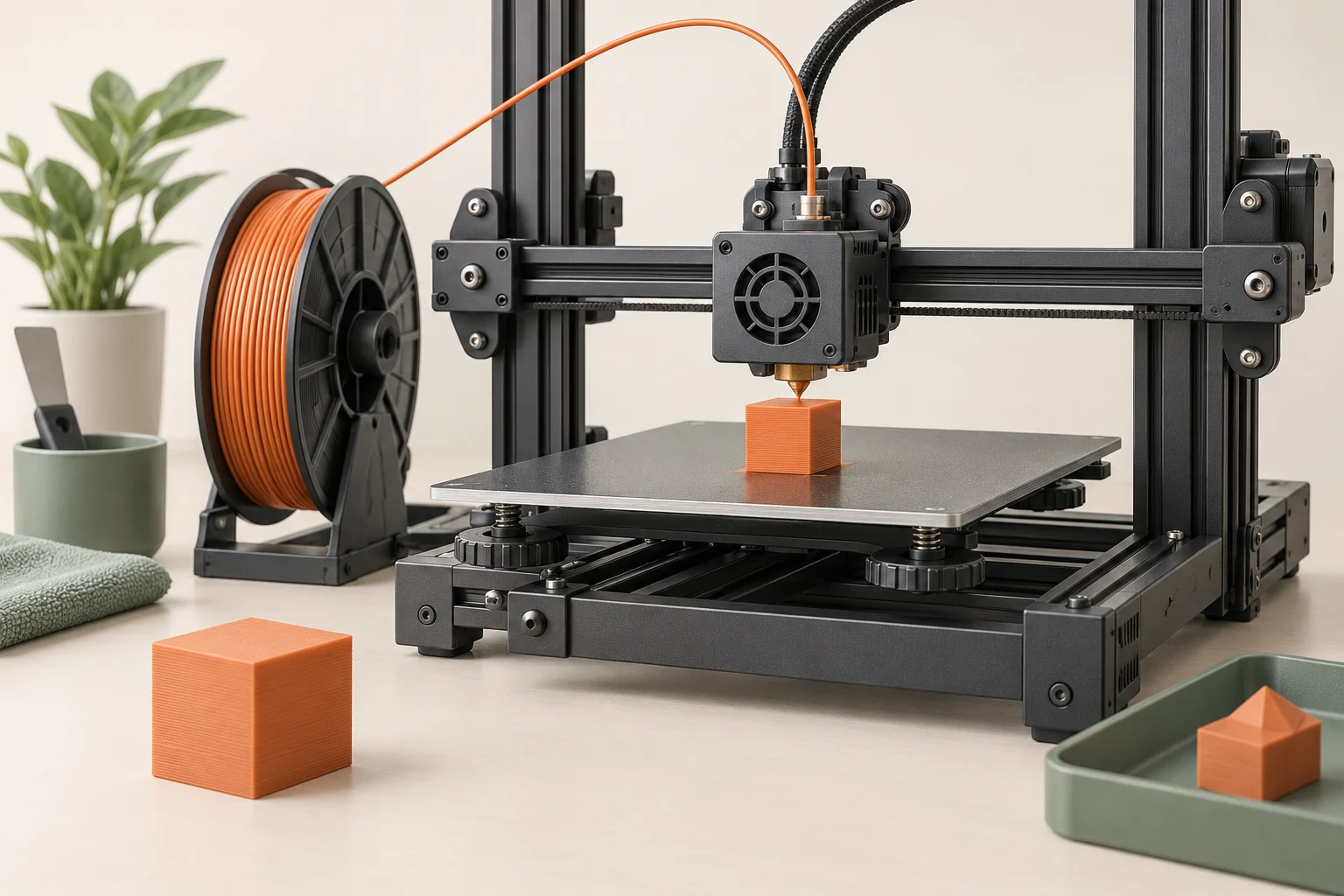
Prepare the surface without damaging it
Handle the plate by its edges and inspect both its printing side and the surface beneath a removable sheet. A small scrap under a sheet can disturb seating. Remove debris and use the cleaner approved for that exact surface. Let the cleaning process finish as instructed before printing; a plate that is still contaminated will not become reliable merely because it has been wiped.
Prusa's sheet guidance illustrates why generic cleaning recipes fail: some solvents accepted on one PEI surface are prohibited on other coatings. Certain material and plate combinations also need a separation layer to prevent excessive bonding. Adhesion is therefore a compatibility question, not a contest to make the strongest possible bond. If a material is unfamiliar, check its plate guidance before applying adhesive or choosing a solvent.
Read the shape of the line
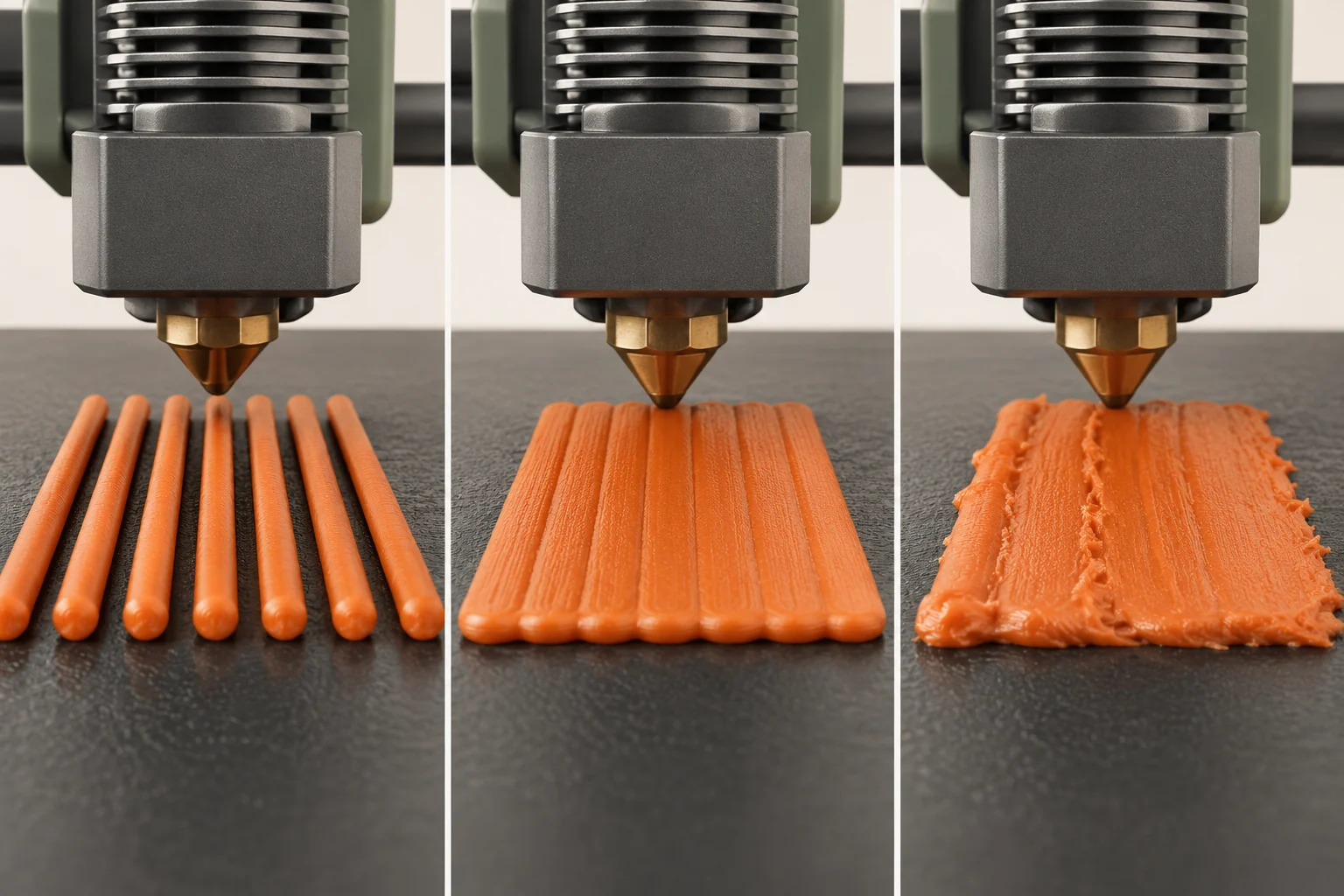
On printers with manual adjustment, the deposited strand provides a visual reference for nozzle distance. A line that remains rounded and barely touches the surface suggests too much separation. Material squeezed into ridges, scraping, or an extremely thin patch suggests too little. Use the machine's approved calibration routine and small adjustments; the direction and numerical value of an offset are not universal.
Inspect a filled patch as well as an isolated line. Adjacent paths should form a consistent layer rather than separate strings or ridged furrows. Plate texture changes how the underside looks, so judge continuity and attachment together. If the nozzle is scraping or collecting a growing mass of plastic, stop the test and correct the setup. Continuing a visibly failing layer is unlikely to reveal anything useful.
| What you observe | Candidate cause | Next useful action |
|---|---|---|
| Rounded loose strands throughout the patch | Nozzle too far away | Use the model's calibration procedure |
| Ridges or scraping throughout the patch | Nozzle too close | Stop and correct distance |
| Complete lines detach only in one area | Local contamination or seating issue | Inspect and prepare that area |
| Thin, intermittent lines everywhere | Extrusion problem | Check profile and filament path |
Map the failure instead of chasing one spot
Our suggested test is several small, one-layer patches placed within the footprint of the intended print. Label their positions in a sketch rather than adding raised lettering to a single-layer test. Keep material and settings identical. A center-only coupon can look perfect while a wide enclosure reaches a problem near the edge.
Compare patterns before acting. If the same region fails on repeated tests, inspect the plate there and follow the printer's bed or probing diagnostics. If defects move with the object when you reposition it, examine the model's initial contact geometry and toolpaths. If every position degrades together after a spool change, the material path or profile becomes a stronger suspect. These comparisons narrow the next check; they do not establish a cause by themselves.
- Save the baseline project and photograph the first failed patch.
- Change one suspected condition, such as surface preparation.
- Repeat the same patch positions and compare line shape.
- Expand to the real model's first layer only after the short test improves.
Separate poor flow from poor attachment
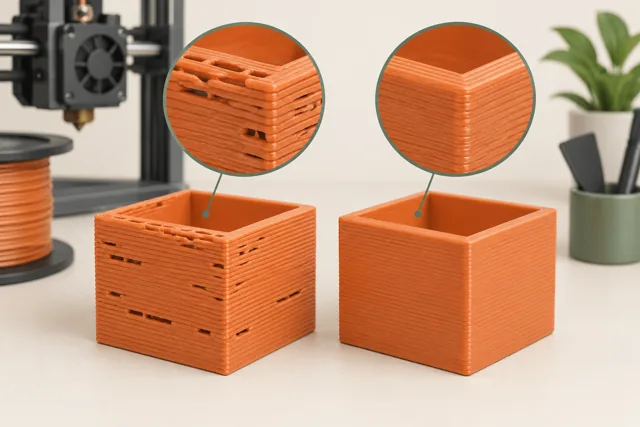
An extruder that delivers too little plastic cannot produce a continuous base, even on a perfectly prepared plate. Look for interruptions, unexpectedly thin sections, or clicking synchronized with missing material. Check that the spool turns freely and that the selected nozzle and filament settings match the installation. If the nozzle is too close, the surface itself can obstruct flow, so distance remains part of this diagnosis.
Imagine that a test shows gaps across all five patches, while cleaning one corner changes nothing. Our next comparison would use the approved calibration and a known baseline profile before adding more adhesive. If the line becomes continuous but still peels from one region, the evidence now points toward a second, local issue. Solving two faults in sequence is easier than treating every visible symptom as a single adhesion setting.
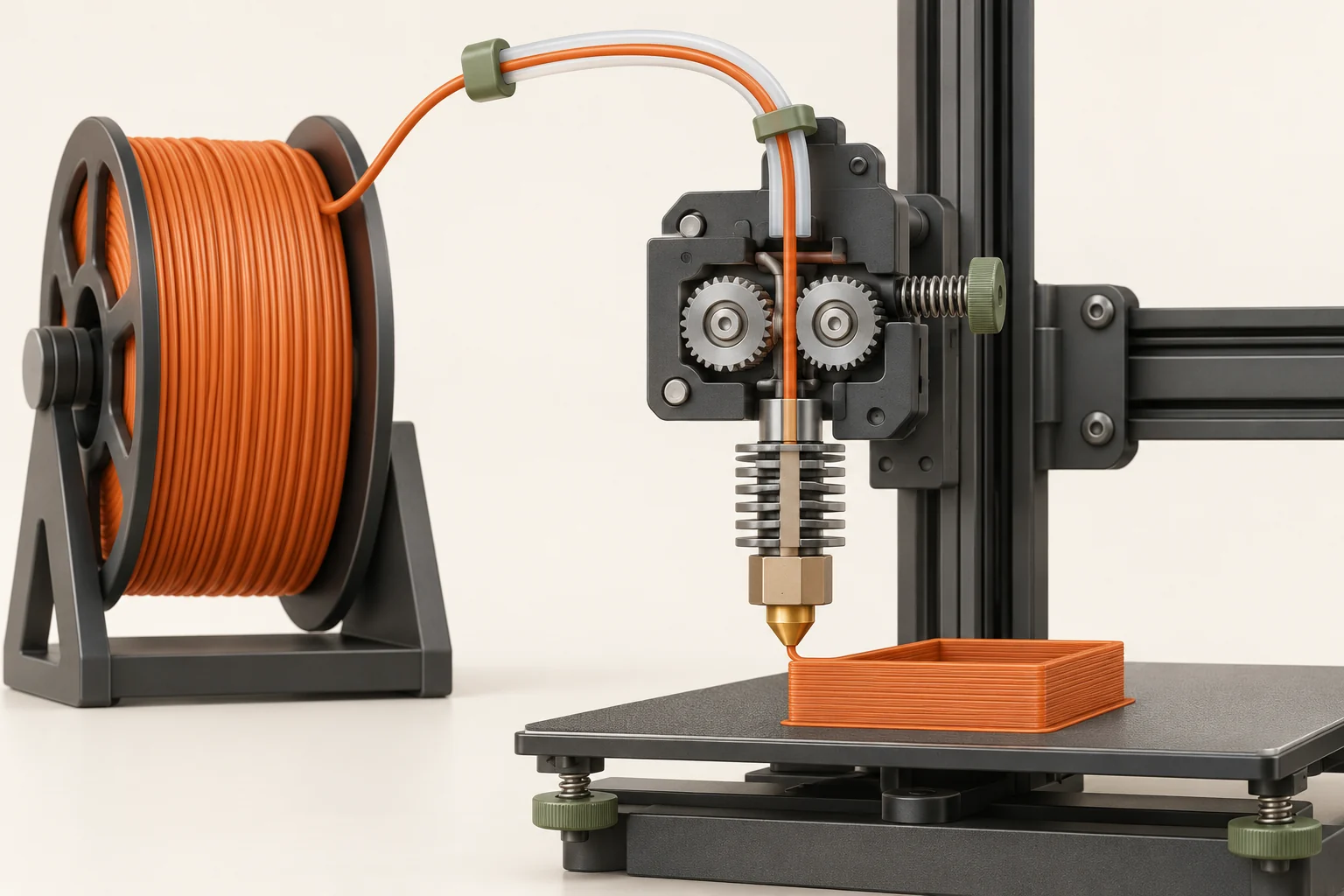
Use a brim when the footprint is the limitation
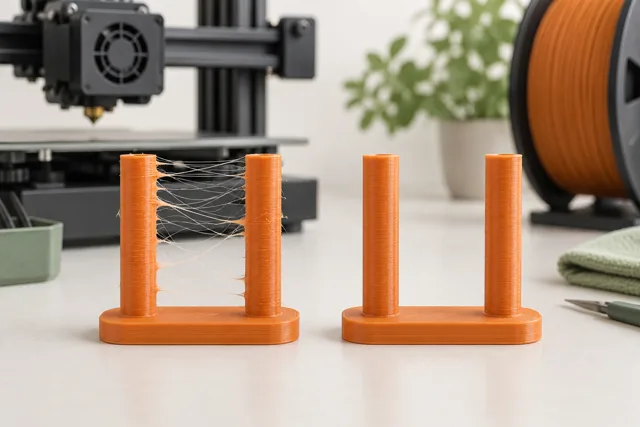
A skirt is a separate outline that helps establish extrusion and gives an early view of first-layer behavior. A brim adds material around the object's base to increase its effective contact area. A tall narrow post may benefit from that extra support even after its first-layer distance and surface preparation are correct.
Inspect the brim in the preview and on the plate. Separation settings and first-layer compensation affect its connection to the model. Our practical test is to compare the same small-footprint object with and without a supported brim, then check attachment and removal quality. A brim that leaves a difficult scar on a precision edge may require a geometry or orientation change. Increasing brim width does little if its lines never adhere in the first place.
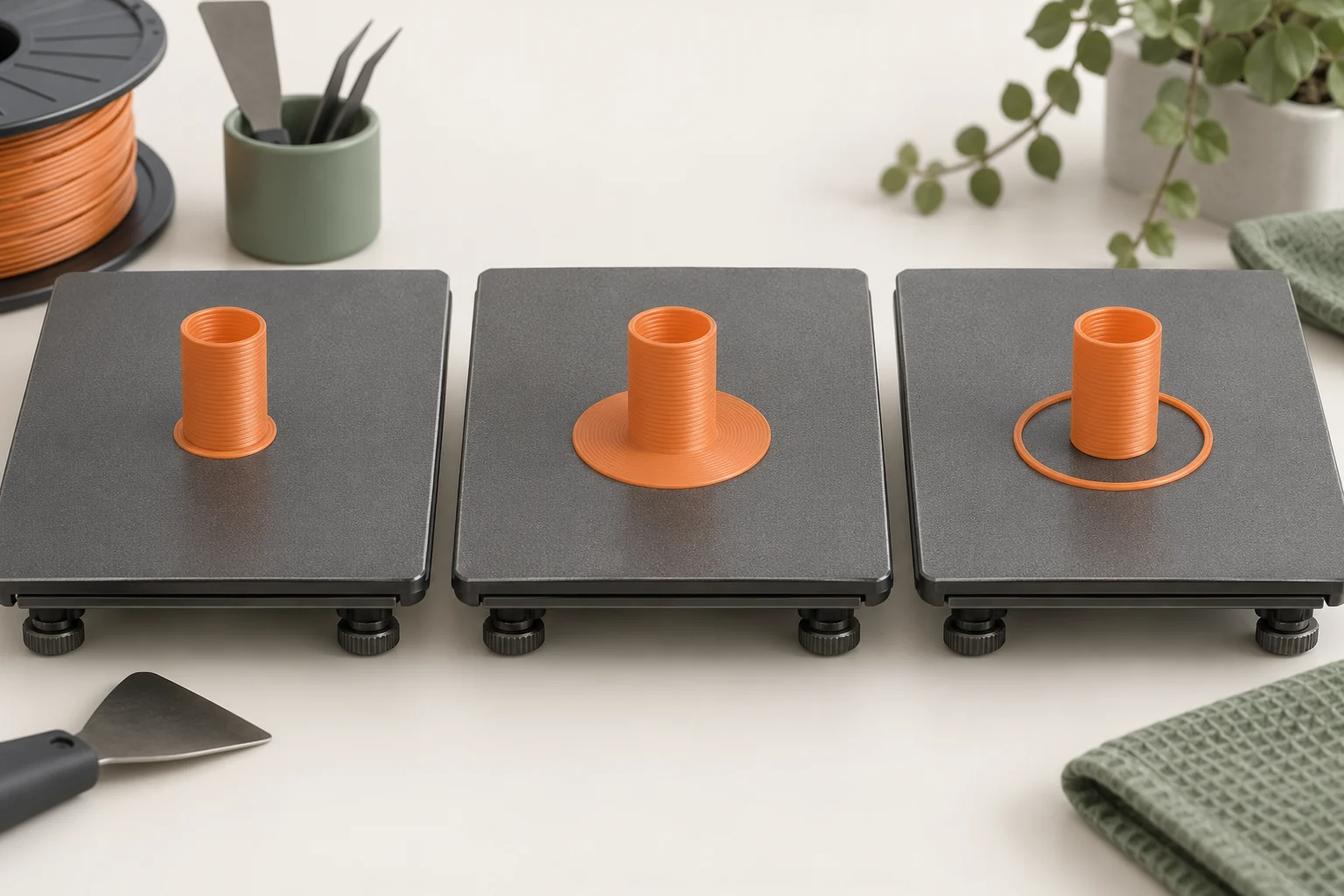
Verify the repair on the real job
Return to the original model with the successful preparation and calibration. Watch the full first layer, including separate islands and support bases. A main body can stay attached while a small support detaches and later causes a failure. Check that the sliced footprint matches what is physically touching the bed; a tilted model may begin on a surprisingly small region.
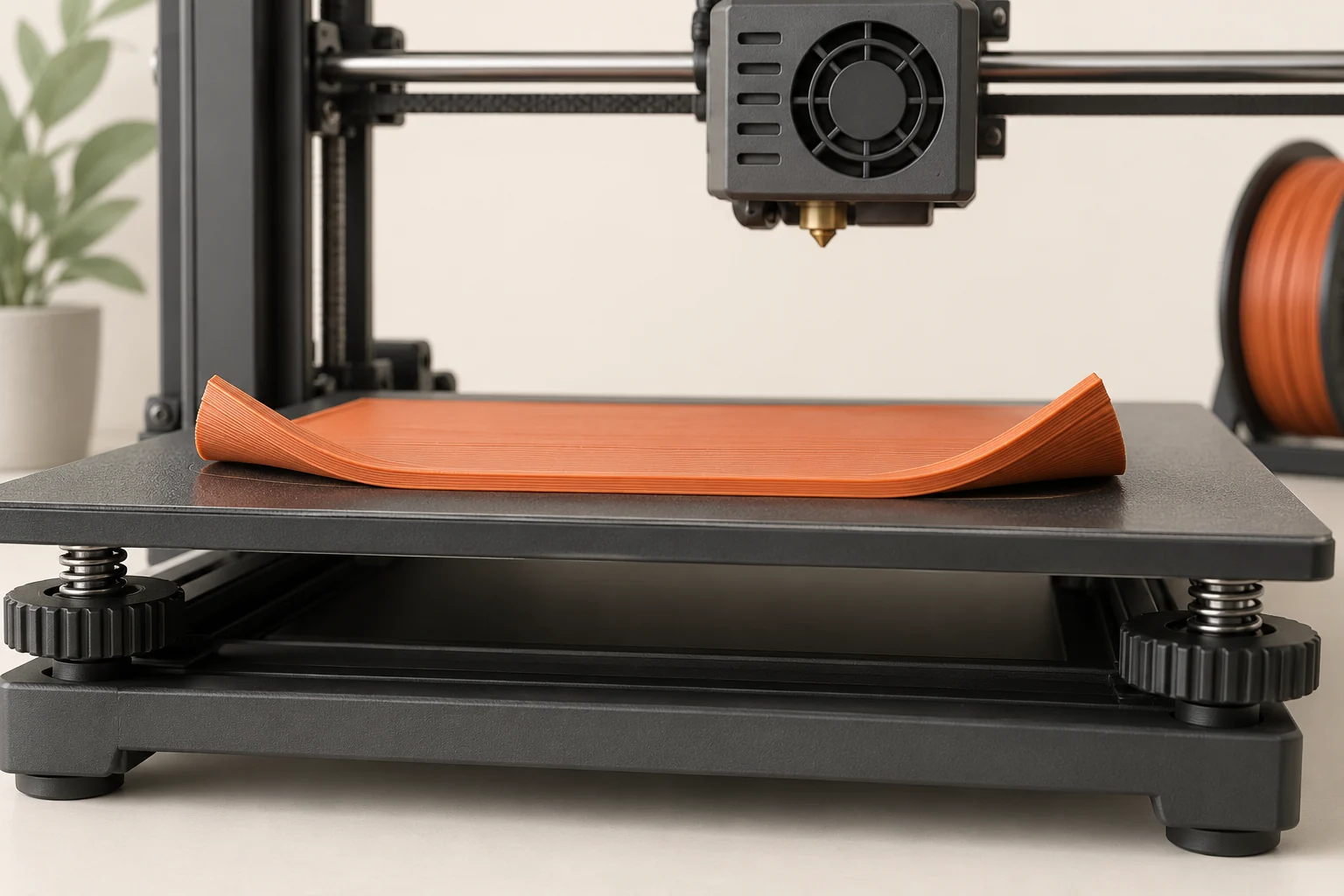
Keep an acceptance record with three observations: lines are continuous, neighboring paths join consistently, and all required regions remain attached. Then observe the next few layers. A base that starts well and lifts later may involve thermal distortion, which needs a different investigation. Preserve the successful profile and note the plate and preparation used so your next print starts from evidence rather than another round of guessing.
Common questions
Does automatic leveling mean the first layer cannot fail?
No. Automatic measurement addresses part of the geometry problem. Plate compatibility, contamination, material delivery, and the model's footprint still matter. Use the printer's diagnostic procedure if automatic calibration appears inconsistent.
Should I keep lowering the nozzle until everything sticks?
No. Too little clearance can restrict extrusion, create ridges, and damage the surface. Once line shape is correct, investigate surface compatibility, cleanliness, and contact area instead of continuing downward.
Why did the first layer work yesterday and fail today?
Compare what changed: plate side, handling, material, profile, nozzle service, or printer movement. Repeating a short saved test helps determine whether the change affected the entire plate or only a local region.
Continue with the sources
- First layer issues Prusa Research · Checked 2026-10-15
- Skirt and Brim Prusa Research · Checked 2026-10-15
- First Layer Calibration (MINI/MINI+) Prusa Research · Checked 2026-10-16
- Loadcell (MK4/S, MK3.9/S, XL/+) Prusa Research · Checked 2026-10-16
- Under-extrusion Prusa Research · Checked 2026-10-15
- Elephant foot compensation Prusa Research · Checked 2026-10-16
- Warping Prusa Research · Checked 2026-10-15
This guide synthesizes the cited references and includes illustrative examples, not hands-on test results. Follow the instructions for your exact printer, material, and software version. Generated illustrations simplify geometry and equipment; they are not photographs, measured results, or model-specific setup instructions.