Before you begin
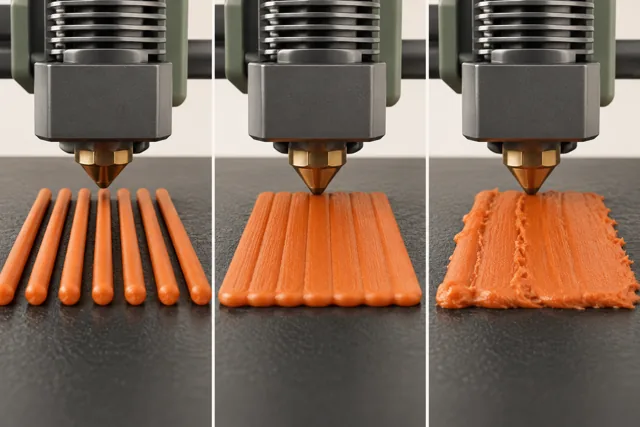
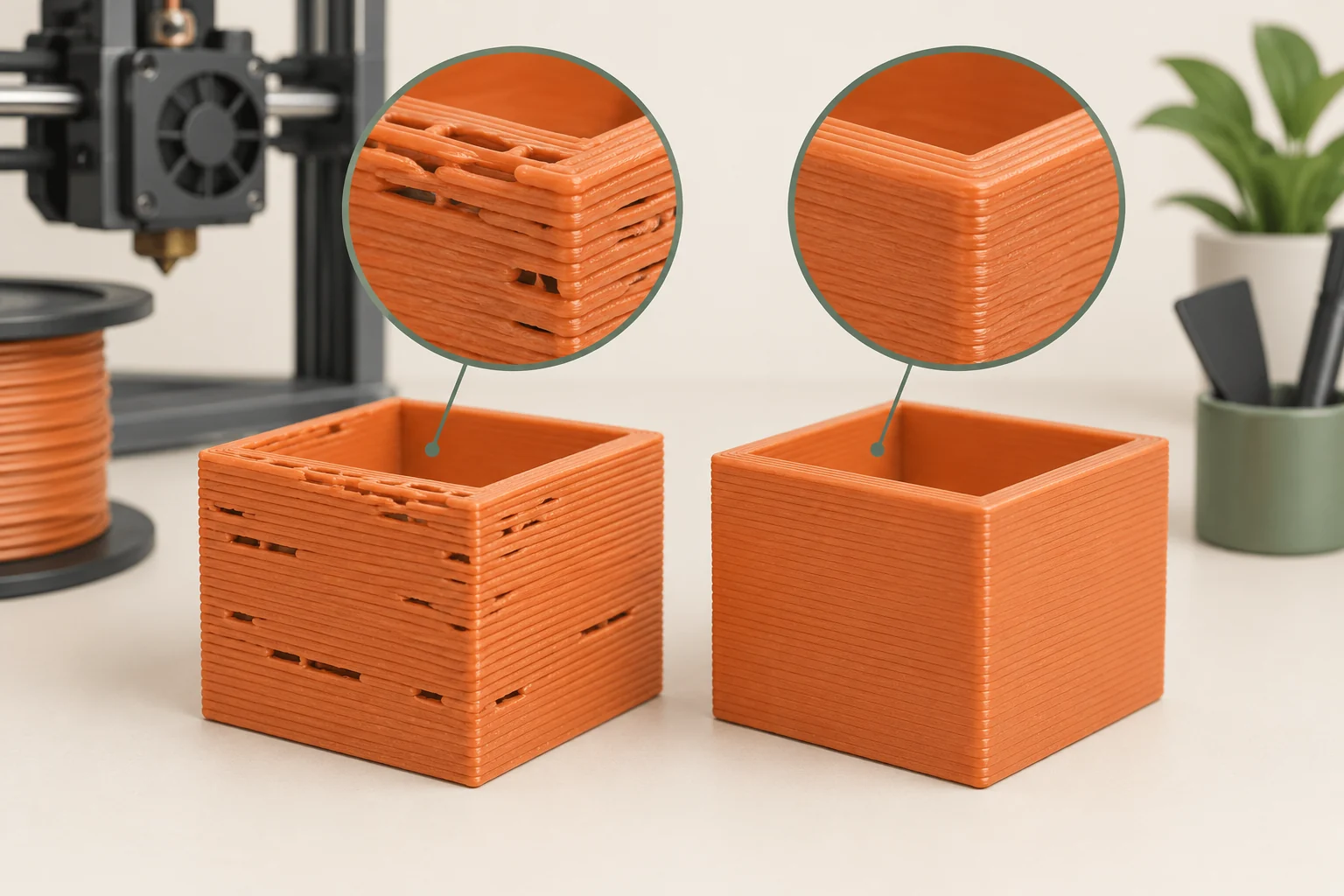
Missing material is a symptom, not a diagnosis. Thin paths, gaps, weak walls, and clicking can arise because the printer was instructed to deposit too little, because filament cannot reach the hotend reliably, or because the hotend cannot deliver the requested flow under the current conditions.
The fastest useful investigation follows the material from spool to finished line and records when the failure appears. A defect confined to the first layer points toward different checks from a print that runs correctly for an hour and then stops. Start with observable evidence and preserve the last known good profile.
Describe the pattern before touching settings
Identify whether material is missing everywhere, only at high speed, just after travel, or only near the plate. Compare the physical defect with the sliced preview. A deliberately sparse infill pattern is not under-extrusion, and a feature absent from the preview cannot be repaired by feeding more plastic. Confirm that the model actually calls for the wall or surface you expect.
Write down recent changes: nozzle replacement, new spool, higher speed, enclosure use, slicer update, or maintenance. Our suggested first comparison uses a saved project that previously printed correctly with the same material and hardware. If that project also fails, investigate the shared setup. If only the new model fails, inspect its toolpaths and operating demands before concluding that the printer suddenly needs recalibration.
Trace the feed path from the spool
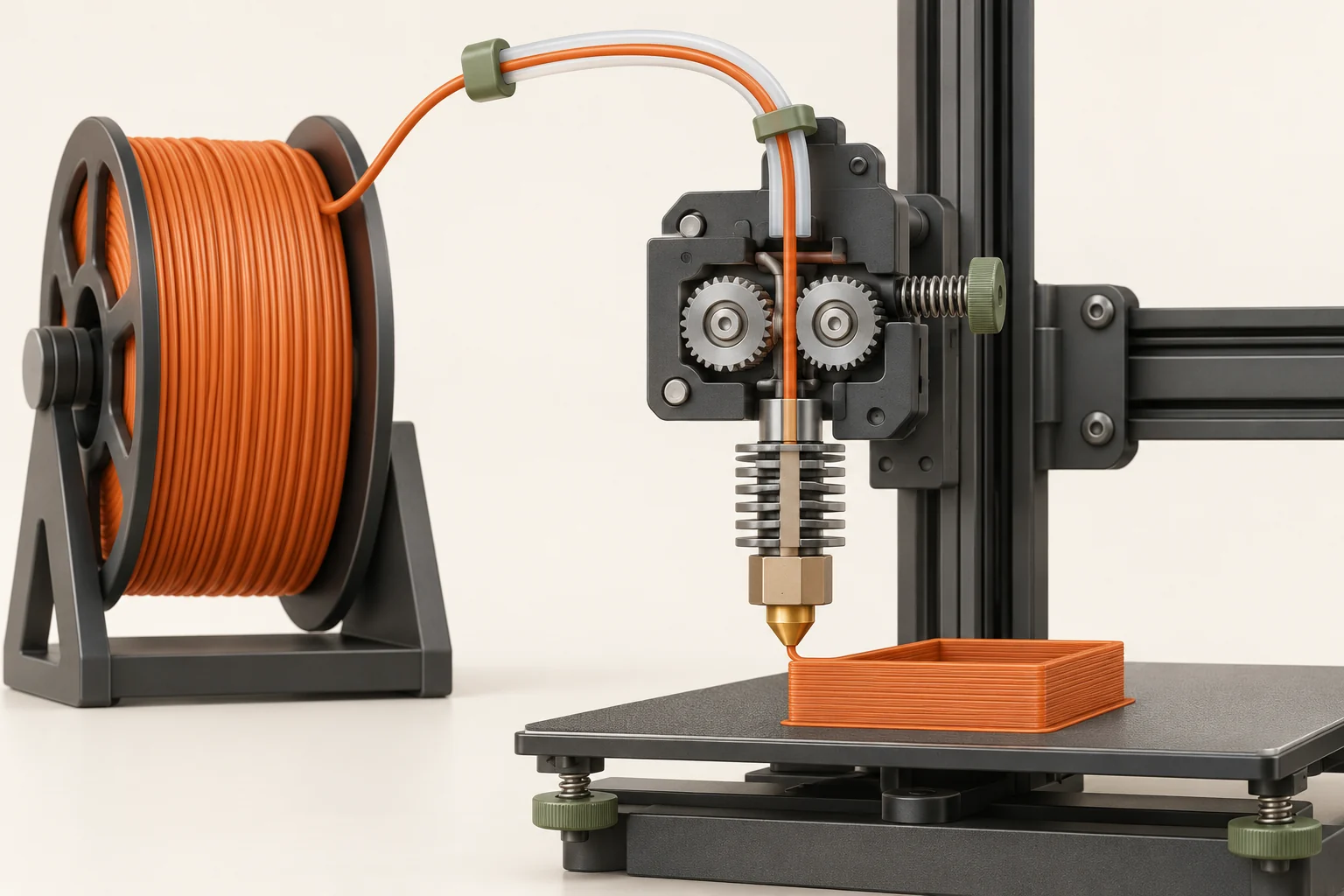
Check that the spool can rotate and that filament follows the intended path without a sharp bend, trapped loop, or obstruction. A dry box, guide tube, or spool adapter can improve handling while also adding resistance if assembled poorly. Observe the path in its normal operating position, because a problem may appear only when the printhead reaches one part of its travel.
Inspect drive-gear debris and idler tension using the exact extruder manual. Too little grip can let filament slip; excessive pressure can also cause trouble. Do not tighten an idler repeatedly because clicking sounds like a request for more force. Note whether the filament is chewed, flattened, or stationary while the drive moves. Those observations help distinguish loss of grip from resistance farther downstream.
Check configuration and first-layer restriction
Verify the printer model, installed nozzle diameter, material, and relevant filament settings. A project can retain overrides even after its visible preset changes. Record both slicer flow adjustments and any active printer-side flow adjustment. Prusa documents that these controls multiply, so two independent adjustments can combine unexpectedly.
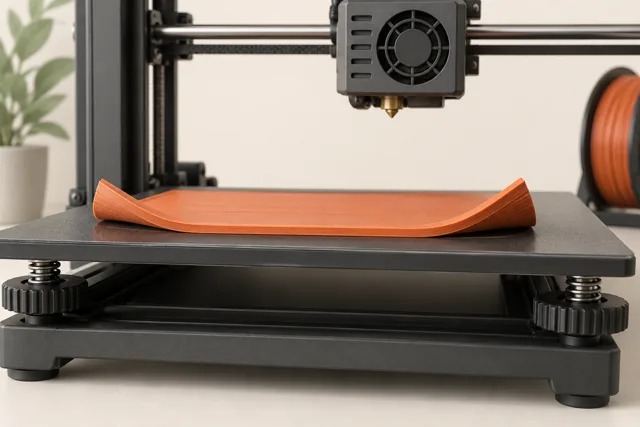
If the fault is confined to the first layer, inspect nozzle distance before diagnosing a hotend clog. A tip pressed too close to the plate can restrict material leaving the nozzle. Follow the machine's supported calibration process. Once the nozzle is clear of the surface, a normal-looking purge is useful evidence, but it does not prove the hotend will sustain the flow required by a long fast infill move.
Compare requested flow with the failing region
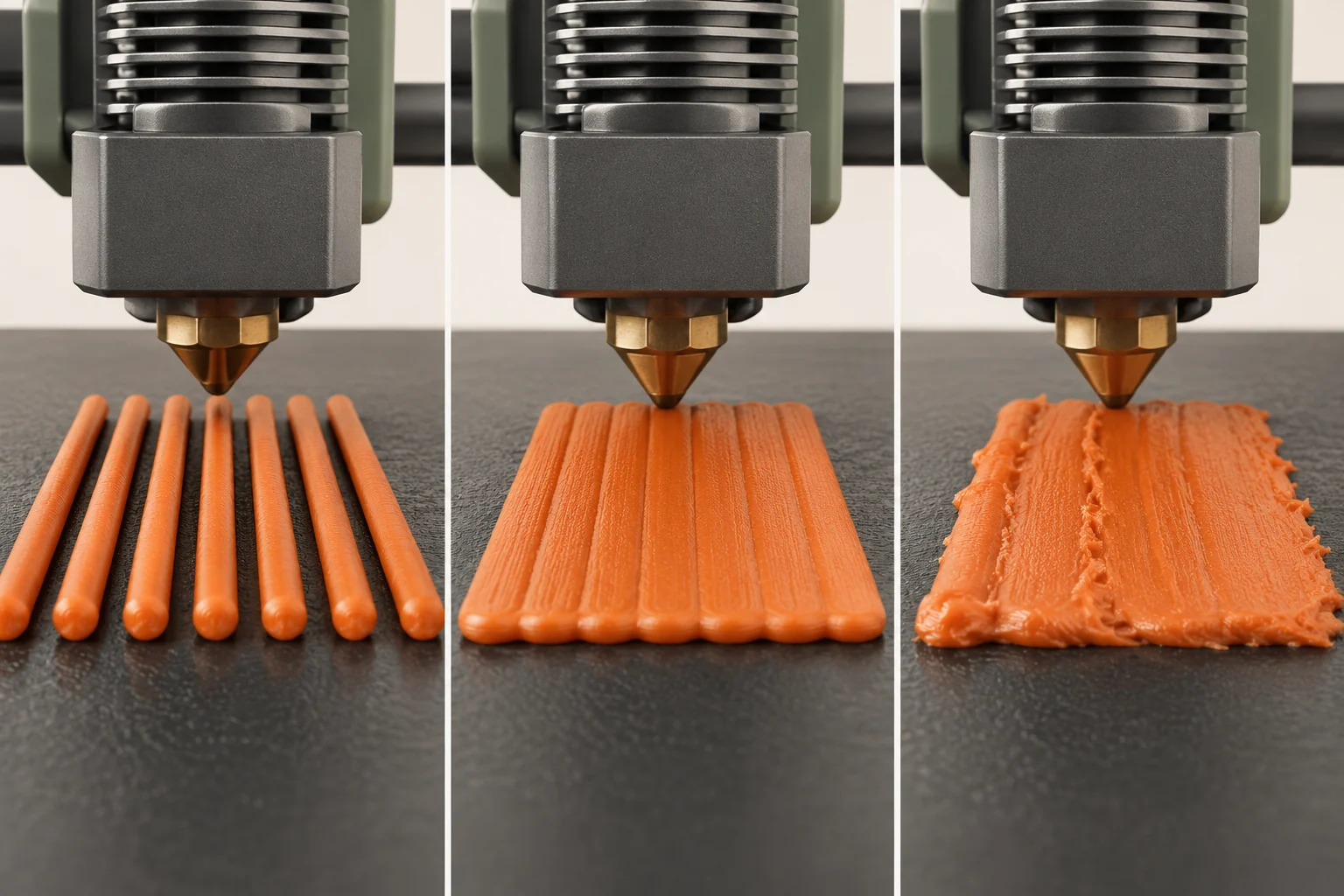
The hotend must melt a volume of plastic per second, not merely move at a speed in millimeters per second. Wider lines and taller layers require more volume at the same travel speed. PrusaSlicer's maximum volumetric speed setting limits requested motion when the associated extrusion would exceed the configured material-flow limit.
For a rough worked estimate, a rectangular line approximation gives volume rate ≈ line width × layer height × speed. A 0.45 mm-wide, 0.20 mm-high line at 60 mm/s is about 5.4 mm³/s; doubling speed doubles that estimate. This is illustrative arithmetic, not a hotend rating, and real slicers use more detailed cross-section models. Check the preview's flow information and the supported profile. A controlled lower-flow comparison can reveal a demand-related problem without claiming that speed is its only cause.
| Pattern | Useful hypothesis | Comparison |
|---|---|---|
| Gaps mainly in fast infill | Requested flow is difficult to sustain | Reduce demand within the supported profile |
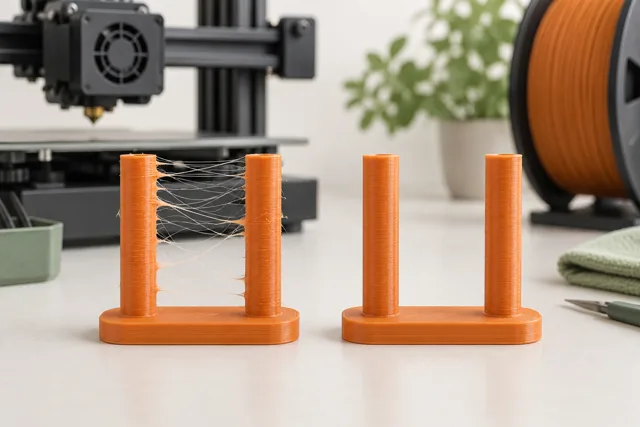
| Gaps immediately after travel | Restart or retraction behavior | Restore baseline travel settings |
| Missing material only at the bed | Nozzle distance restricts flow | Run approved first-layer calibration |
| Failure after a long warm period | Cooling, heat creep, or growing restriction | Inspect timing and hotend cooling |
Investigate clogs and heat creep separately
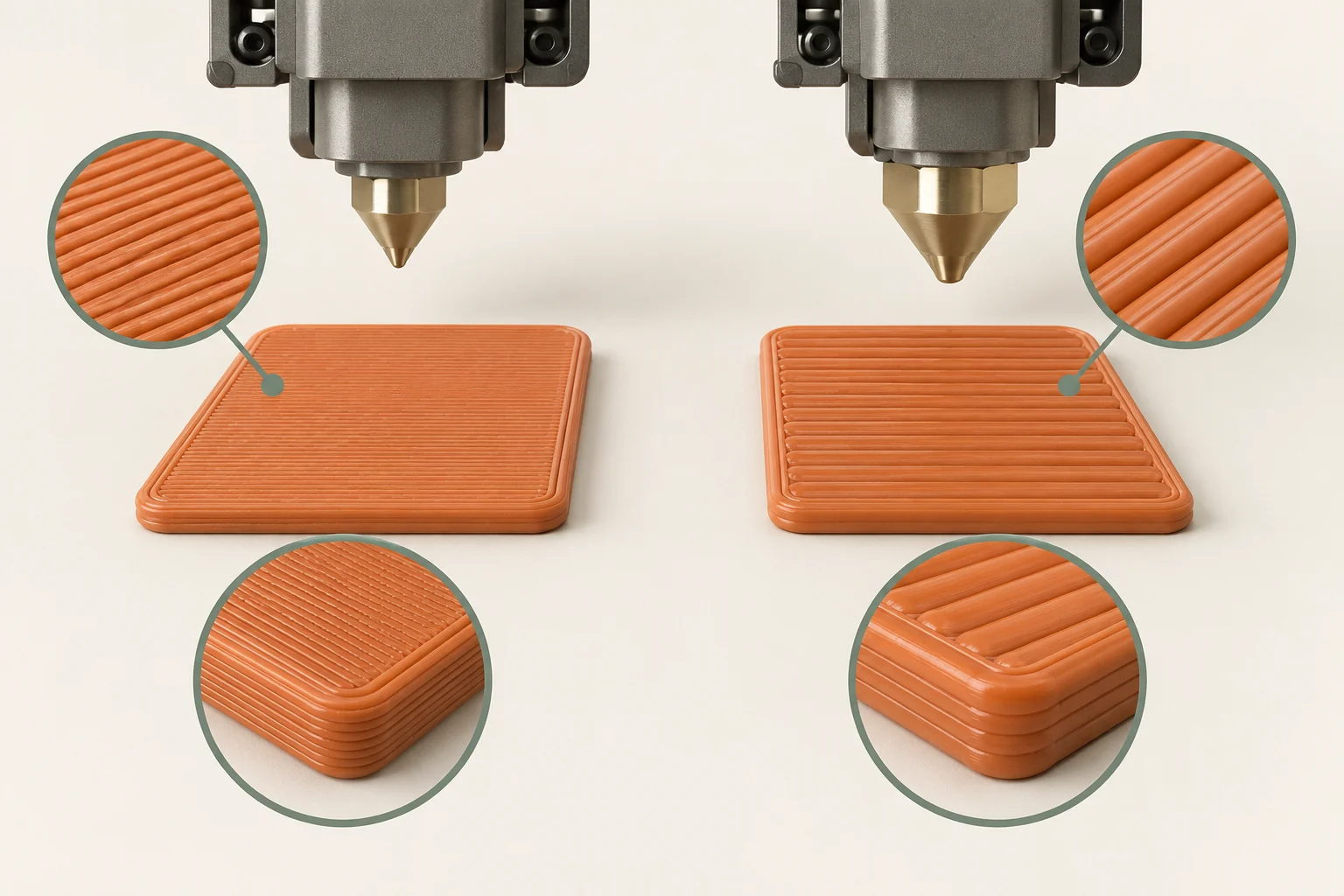
A partial clog can allow loading or a short purge yet still interrupt a print. The restriction may be in the nozzle or elsewhere in the hotend path. Prusa explicitly distinguishes a clogged hotend from a clogged nozzle, which explains why replacing the nozzle is not a universal repair.
Heat creep is one possible mechanism: filament softens too high in the hotend and becomes difficult to push. Check the dedicated hotend cooling fan, airflow, and the supported enclosure conditions. The part-cooling fan is not a replacement for that cooling system. A print that repeatedly fails after warming up deserves these checks, but timing alone does not prove heat creep. Use the model-specific diagnostic procedure before disassembly or a clearing technique such as a cold pull.
Run a controlled repair sequence
Our suggested sequence starts with profile confirmation, then an external feed-path inspection, then manufacturer-approved gear and hotend checks. Clear a verified restriction using the procedure for the installed hotend. Different nozzle and hotend designs require different service states and assembly methods; a procedure for an older V6 installation should not be transferred automatically to another design.
Imagine a printer that clicks only near the far side of a wide tray. The first test finds that its guide tube bends sharply at that location. Correcting the tube route and repeating the same tray section is a stronger diagnosis than increasing flow until the center looks full. If the defect remains after the path is corrected, keep the observation and continue; more than one cause may be present.
- Preserve the failing project and note the earliest affected layer.
- Confirm the profile and normal operating temperatures.
- Inspect spool movement, guides, and the specified extruder access points.
- Follow the correct hotend diagnostic if restriction remains.
- Repeat the original failure condition after the repair.
Calibrate flow only when the evidence supports it
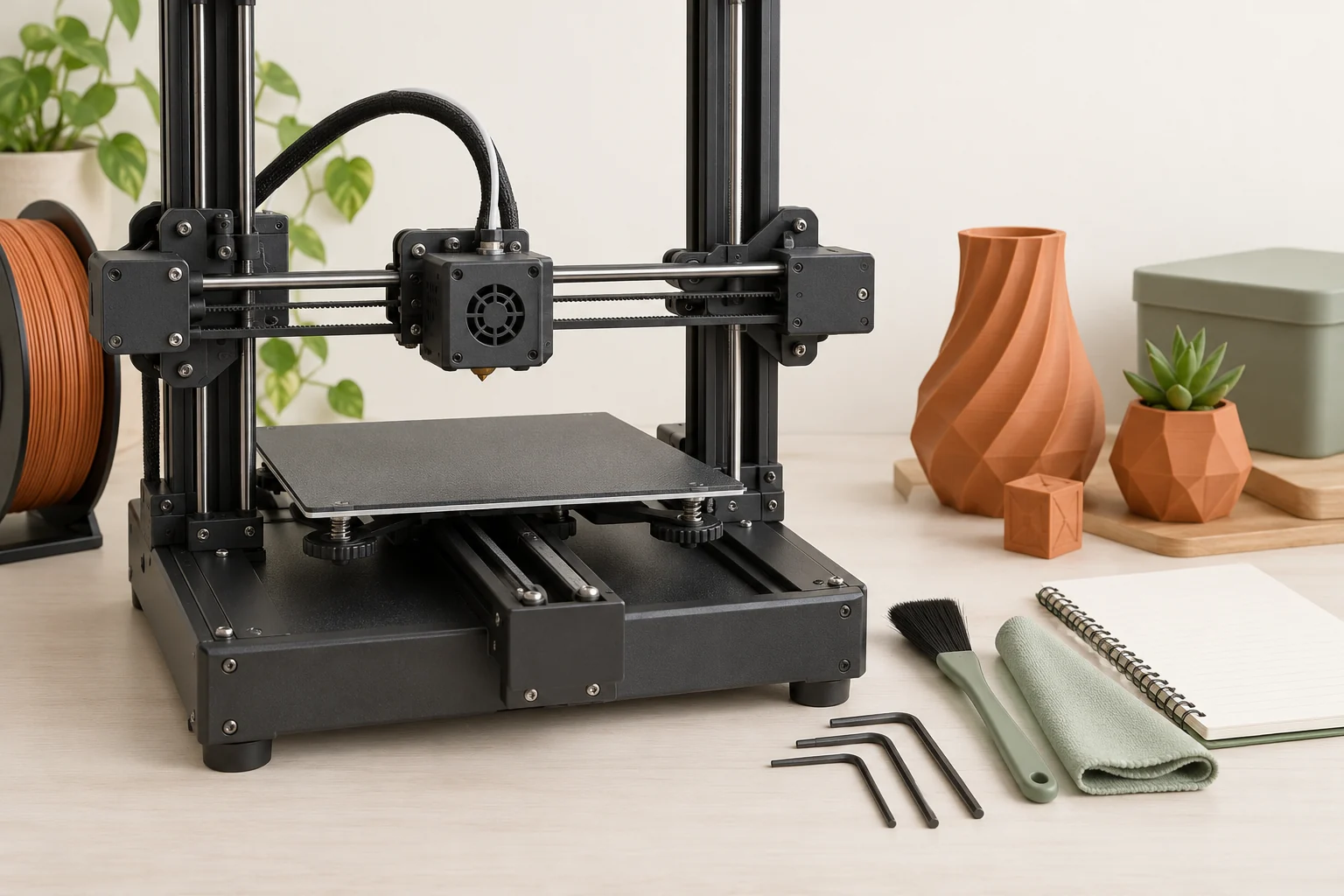
Extrusion-multiplier calibration is appropriate for certain small, consistent delivery differences. It is not a substitute for repairing intermittent blockage, slipping gears, or an unsuitable flow demand. Prusa presents it as an advanced procedure and distinguishes it from basic printer setup. Use the documented test and a stable material condition when this becomes the remaining hypothesis.
After service, print a baseline that checks continuous walls, top surfaces, and the previously failing feature. A five-minute sample cannot fully validate a fault that appeared only after an hour, so include an appropriately representative run. Inspect the finished part for weak or incomplete regions, and do not assume a repaired appearance establishes the strength of an earlier failed print. Record the observed cause, intervention, and verification result.
Common questions
Does a clicking extruder prove the nozzle is clogged?
No. Clicking can indicate resistance or a feeding problem, but the restriction may be elsewhere, the requested flow may be too demanding, or the first-layer gap may be too small. Follow the full material path.
Why can filament purge normally but fail during a print?
A short purge does not reproduce every print condition. A partial restriction, sustained flow demand, repeated retractions, or a warming hotend can reveal a fault later.
Should I increase the extrusion multiplier first?
Only when a stable, minor flow error remains after the mechanical path and settings have been checked. Intermittent gaps, grinding, or a mid-print stoppage need diagnosis before calibration.
Continue with the sources
- Under-extrusion Prusa Research · Checked 2026-10-15
- Extrusion stopped mid-print (Heat creep) Prusa Research · Checked 2026-10-15
- Idler screw tension Prusa Research · Checked 2026-10-16
- Prusa USS Drybox Prusa Research · Checked 2026-10-15
- Extrusion multiplier calibration Prusa Research · Checked 2026-10-16
- Max volumetric speed Prusa Research · Checked 2026-10-16
- Clogged nozzle/hotend Prusa Research · Checked 2026-10-15
This guide synthesizes the cited references and includes illustrative examples, not hands-on test results. Follow the instructions for your exact printer, material, and software version. Generated illustrations simplify geometry and equipment; they are not photographs, measured results, or model-specific setup instructions.