Before you begin
A resin printer occupies one spot on a bench, but a resin workflow uses the whole bench. A fresh part must move through removal, washing, drying, any required curing, inspection, and cleanup. Planning those transfers before the first print is one of the most useful ways to make the process easier to repeat.
Build the workspace around the exact resin, wash liquid, equipment, and largest part you intend to handle. The practical examples below are layout suggestions rather than a substitute for the manufacturer's instructions or safety data sheets. Your aim is a clear route from uncured material to a finished object, with enough space and appropriate controls at every step.
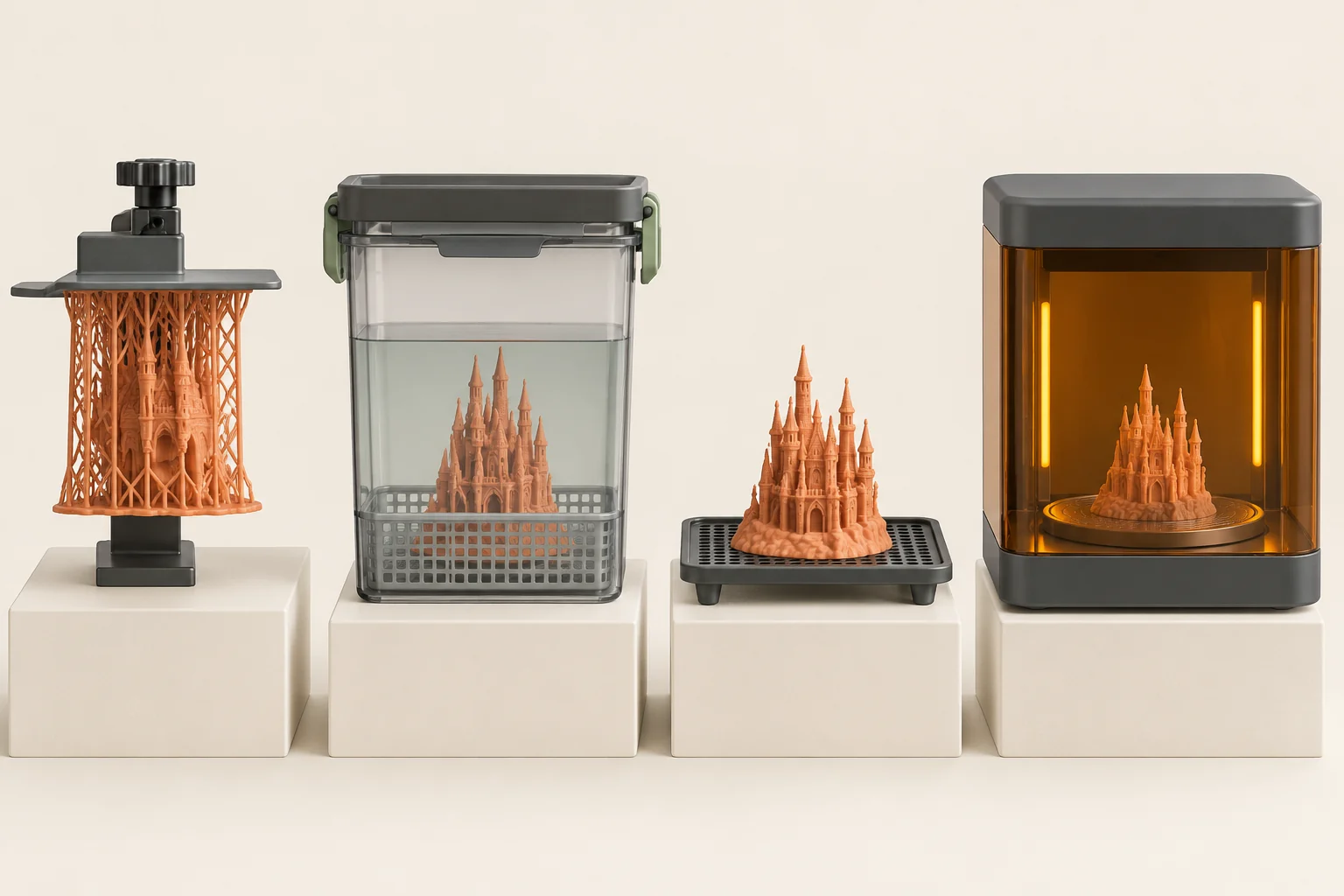
Map the journey of a part
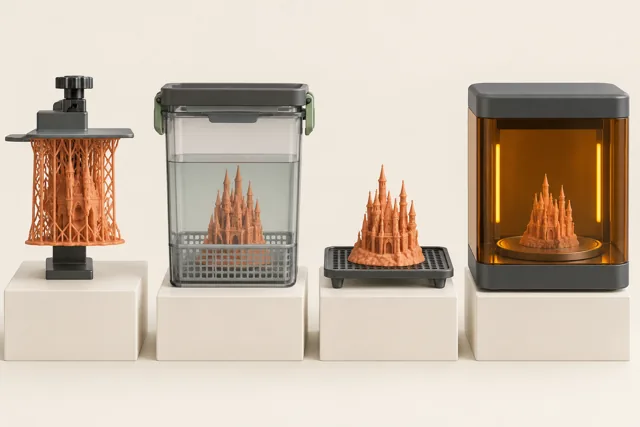
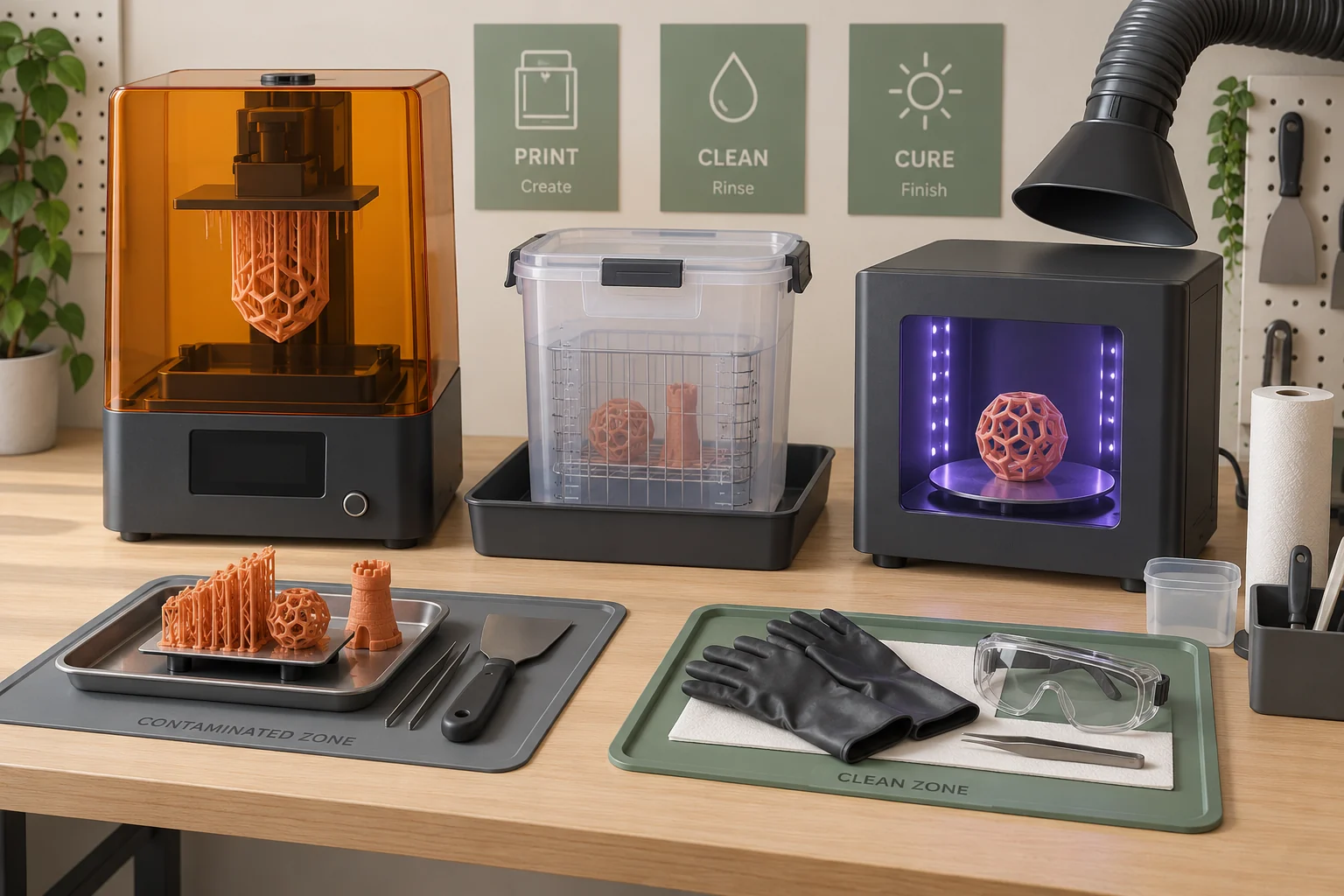
Sketch the stations in the order you will use them. Include the location where a dripping build platform can be supported, the container that receives the part, the place where it dries, and the cure unit if the resin requires one. A workflow is incomplete if it relies on holding a wet part in one hand while searching for somewhere to put it.
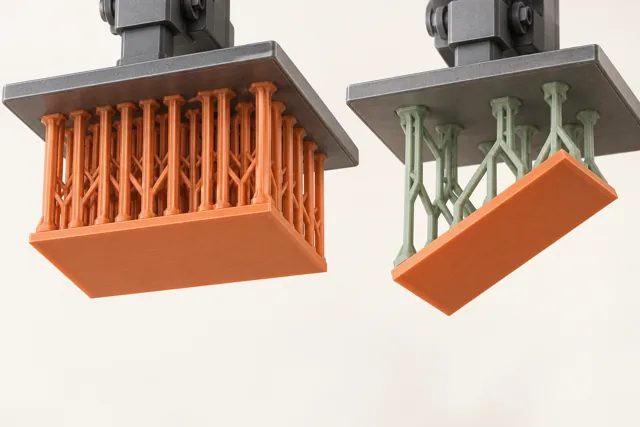
Our layout suggestion is to mark each station with a removable label during setup. Walk the route with an empty tray and a model-sized object. Check whether a door blocks the transfer, whether the tray fits under the platform, and whether a tall support raft can enter the wash container. These small measurements expose problems that a printer's advertised build volume does not reveal.
Read two sets of material instructions
The resin and wash liquid are separate chemicals with separate handling requirements. Keep their current safety data sheets available and identify the sections covering hazards, storage, exposure controls, spills, and disposal. Also keep the resin's processing instructions: a safety sheet does not tell you every detail needed to wash and cure a successful print.
Make a job card that names the exact resin formulation, supported wash liquid, and required finishing equipment. Add where the instructions are stored and the date or revision on them. This is especially helpful in a shared workshop, where an unlabeled bottle or a remembered recipe can outlast the person who introduced it. Confirm any new formulation against the existing setup before opening it.
Control exposure across all stages
NIOSH identifies potential exposure during dispensing, printing, washing, curing, and sanding. A printer's cover may not contain every particle or gas released. Plan ventilation for the actual sequence of activities, including open wash containers and post-processing. A setup that addresses only the printer can leave the rest of the work outside its intended controls.
Follow the equipment guidance and site-specific assessment when deciding how air should be managed. Do not assume that another workshop's measurements establish conditions in your room. In your layout sketch, mark where each process opens to the room and where the operator stands. This gives a useful starting point for discussing ventilation with a competent safety or facilities professional when that assessment is needed.
Create a clean boundary around handling
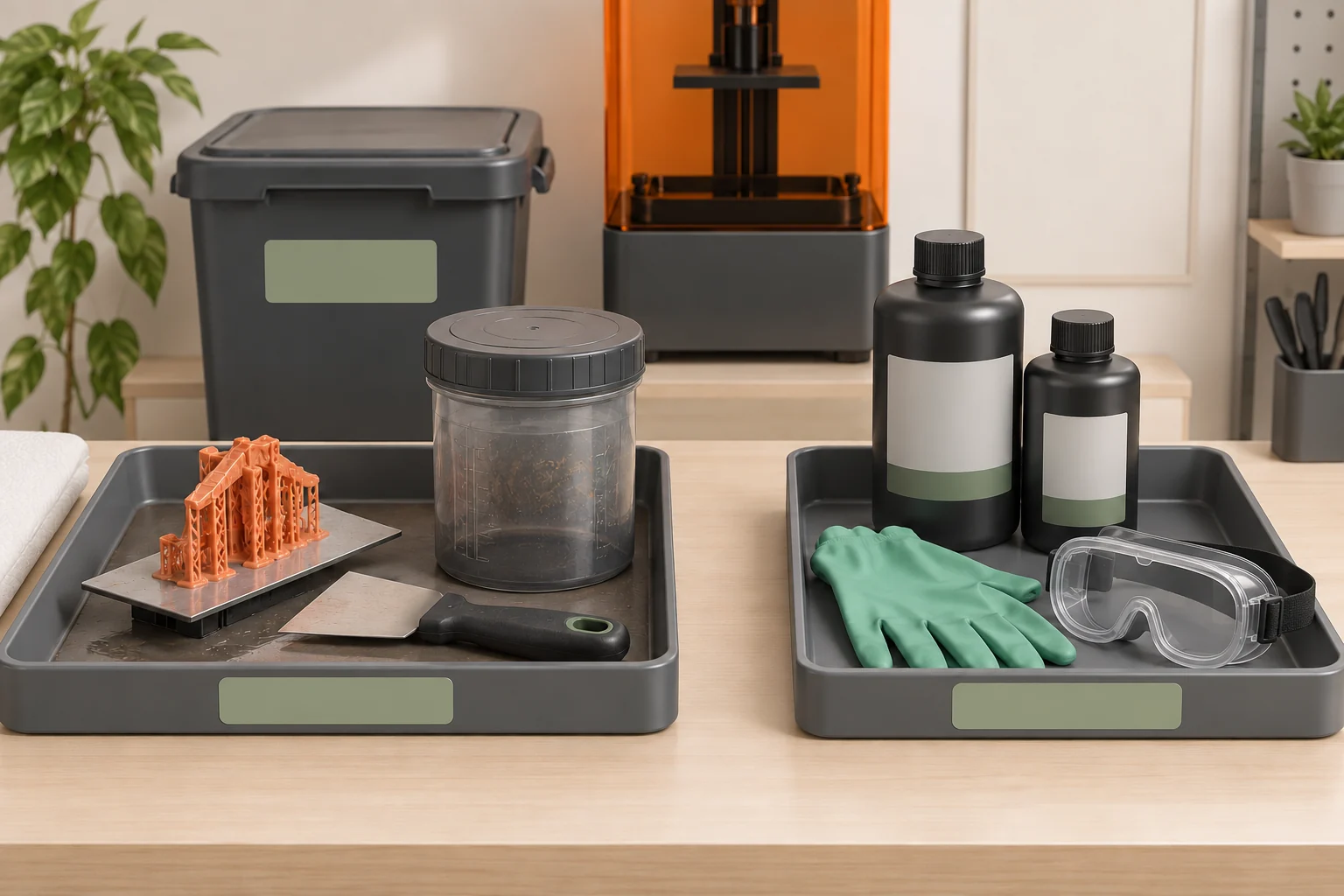
NIOSH recommends appropriate gloves, eye protection, and protective clothing, with gloves selected for the resin chemistry and solvent and changed when contaminated. Arrange supplies so replacements are accessible without rummaging through a clean drawer. The required protection should follow the materials and activity; a glove that is convenient is not automatically suitable for every chemical.
A useful bench convention is to reserve one tray for resin-contact tools and a separate clear area for paperwork, controls, and finished parts. Put the phone outside the transfer route. When you need to record a setting, complete the handling step and change or remove contaminated protection as required before touching clean items. This makes contamination easier to recognize and prevents cleanup from expanding across the room.
Plan storage, spills, and waste before printing
Keep material identity visible on the original or approved labeled container and follow its storage instructions. Prepare compatible, labeled waste containers before starting work. Resin waste, used wash liquid, contaminated wipes, and solid scraps may need different handling routes. Formlabs directs users to follow applicable local disposal requirements; curing a visible surface does not establish a disposal rule for every material or container.
Our practical preparation checklist is to identify where a small spill would be contained, which cleanup materials are specified, and where those materials go afterward. Keep the written spill procedure accessible. For a large or uncontrolled release, use that procedure rather than improvising. Water-washable resin still leaves resin in its wash liquid, so the word water does not establish that the liquid belongs in a drain.
Give washing and curing their own space
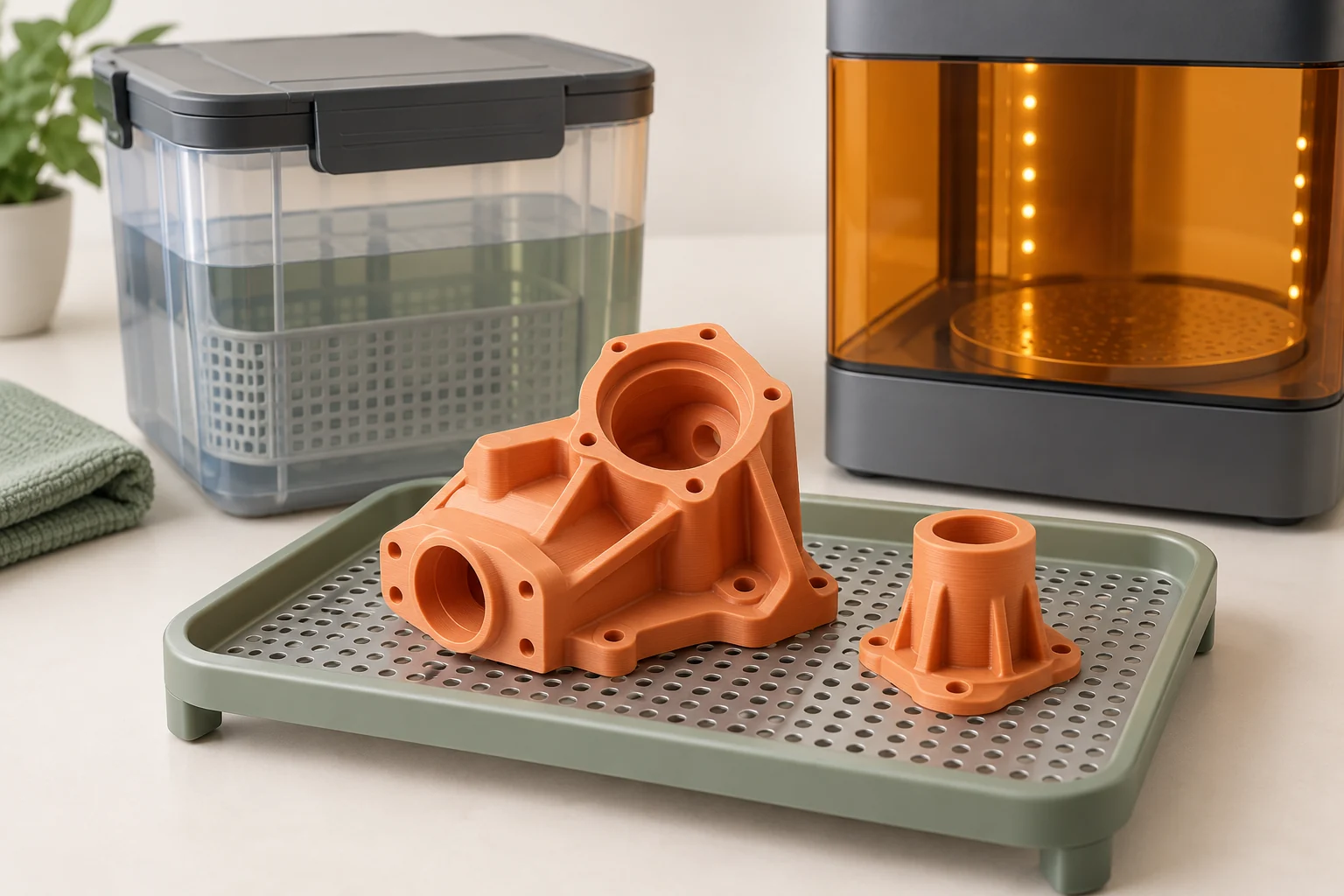
Formlabs advises keeping flammable wash solvents away from ignition sources and keeping containers closed when possible. The equipment's covers and interlocks are part of its intended operation. Locate the wash and cure stations so that a transfer does not require reaching across a hot surface, balancing a container on a machine, or propping a protective cover open.
Make room for the complete supported workflow, including drying. A part can fit in the printer while being awkward to place in its wash basket or cure chamber. Check the supported part envelope, not just the bare model dimensions. Our suggested station card lists the material, the current processing instruction, and the next step so that a part cannot silently skip drying or be confused with an already finished batch.
Run a rehearsal and maintain the setup
Use empty equipment for a full rehearsal: remove the platform, transfer the dummy part, simulate washing, place it in the drying position, move it to curing, and carry it to inspection. Include the reverse movement of the empty platform and the handling of tools. If two people use the space, have the second person follow the station labels without coaching; unclear instructions become obvious quickly.
After the first real job, record the awkward moments. Perhaps the waste container was behind the operator or the drying tray blocked the cure door. Adjust the arrangement before those inconveniences become habits. Finish each session by following the equipment's cleaning and storage procedures, restoring supplies, and confirming that materials and waste are labeled. A good setup is the one that remains usable at the end of a busy session.
- Rehearse the complete route with empty, clean equipment.
- Check the largest supported part against every station.
- Prepare labeled material, tool, and waste locations.
- After the first print, revise any transfer that required an improvised surface.
Common questions
Does a printer cover make a resin printer suitable for any room?
No. NIOSH notes that particles and gases may escape the cover. Consider the complete workflow and the ventilation and exposure controls appropriate to the materials and location.
Can I pour water-based wash liquid down the drain?
Do not infer that from the washing method. The liquid is contaminated with resin; follow the material documentation and applicable disposal requirements.
What should I buy before the first print?
Build the list from the exact material and equipment instructions: suitable protection, contained transfer and drying space, approved washing and curing equipment, labeled waste containers, and specified cleanup supplies.
Continue with the sources
- Safe Desktop Vat Photopolymerization 3-D Printing CDC / NIOSH · Checked 2026-10-15
- Safety with Formlabs SLA products Formlabs · Checked 2026-10-15
- Disposing of resin Formlabs · Checked 2026-10-15
- Approaches to Safe 3D Printing CDC / NIOSH · Checked 2026-10-15
- SLA basic finishing steps Formlabs · Checked 2026-10-15
- 3D printing post-processing FAQs Formlabs · Checked 2026-10-15
This guide synthesizes the cited references and includes illustrative examples, not hands-on test results. Follow the instructions for your exact printer, material, and software version. Generated illustrations simplify geometry and equipment; they are not photographs, measured results, or model-specific setup instructions.