Before you begin
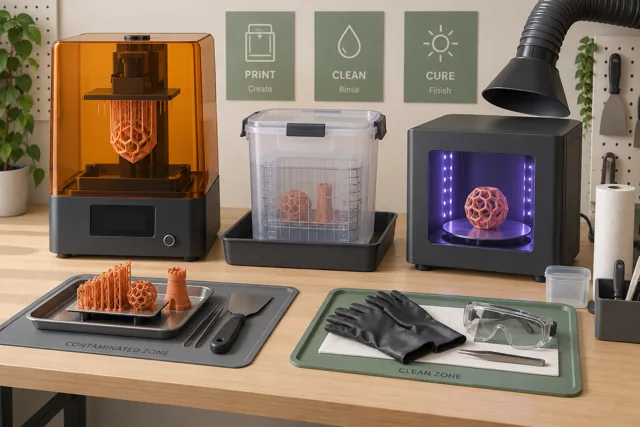
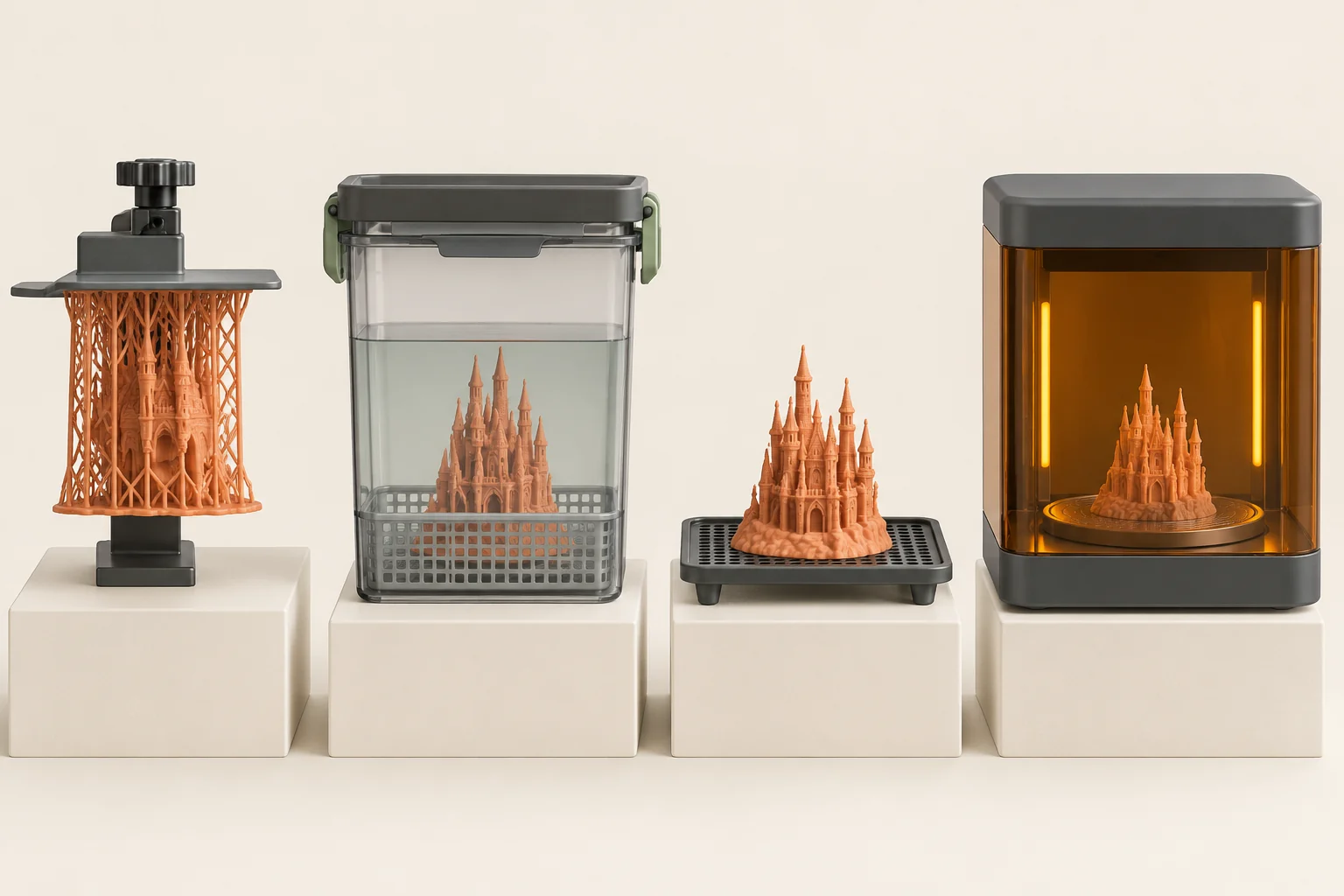
A resin object is not necessarily finished when the printer lifts it from the tank. Residual material remains on surfaces, and the printed polymer may still need the prescribed post-curing process to reach its intended condition. Washing, drying, support removal, and curing should therefore be planned as manufacturing steps with their own checks.
The useful question is not how long every resin should be washed or cured. It is what the exact formulation requires on the equipment you have. This guide explains the purpose of each stage and shows how to keep a finishing record, locate the stage that causes distortion, and judge a part only after its full supported workflow is complete.
Collect the complete processing recipe
Find the current material instructions for the resin version and printer combination. Record the supported wash medium, washing method, drying requirements, curing equipment and settings, and support-removal sequence. A familiar product name is not enough when formulations or equipment generations differ. Formlabs' finishing documentation directs readers to material-specific instructions and current settings rather than a single permanent recipe.
Our suggested job card has a field for every stage and a link or document reference beside it. Fill those fields before printing. If a required instruction is missing, resolve it with the manufacturer instead of copying a setting from a visually similar resin. A one-page card also makes it easier to repeat the job a month later or hand it to another operator without relying on memory.
Understand what washing does
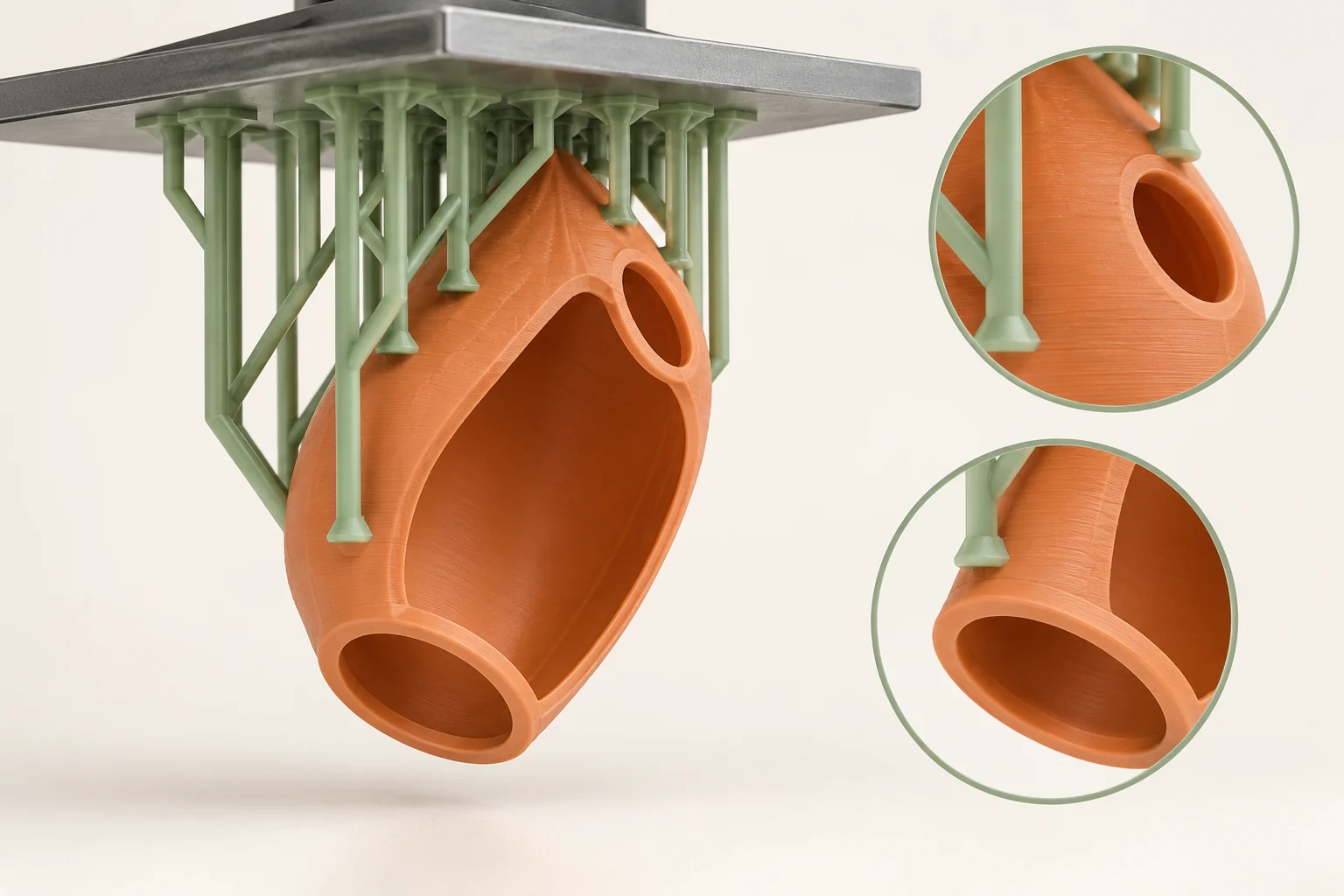
Washing removes residual uncured resin from the printed surface using the material's approved process. It is a cleaning step, so access matters: a broad open face and a deep recess present different paths for liquid to reach and leave the surface. Check the design and supports for areas that obstruct the required cleaning action.
For a small enclosure, our suggested inspection focuses on screw recesses, interior corners, the underside of a flange, and the space around support contacts. Follow the recommended process for these areas without exceeding the material's allowed exposure. Leaving a part indefinitely in solvent is not a reliable way to compensate for inaccessible geometry. If a cavity cannot be cleaned using the supported workflow, change the design or consult the manufacturer.
Manage the wash liquid as a process input
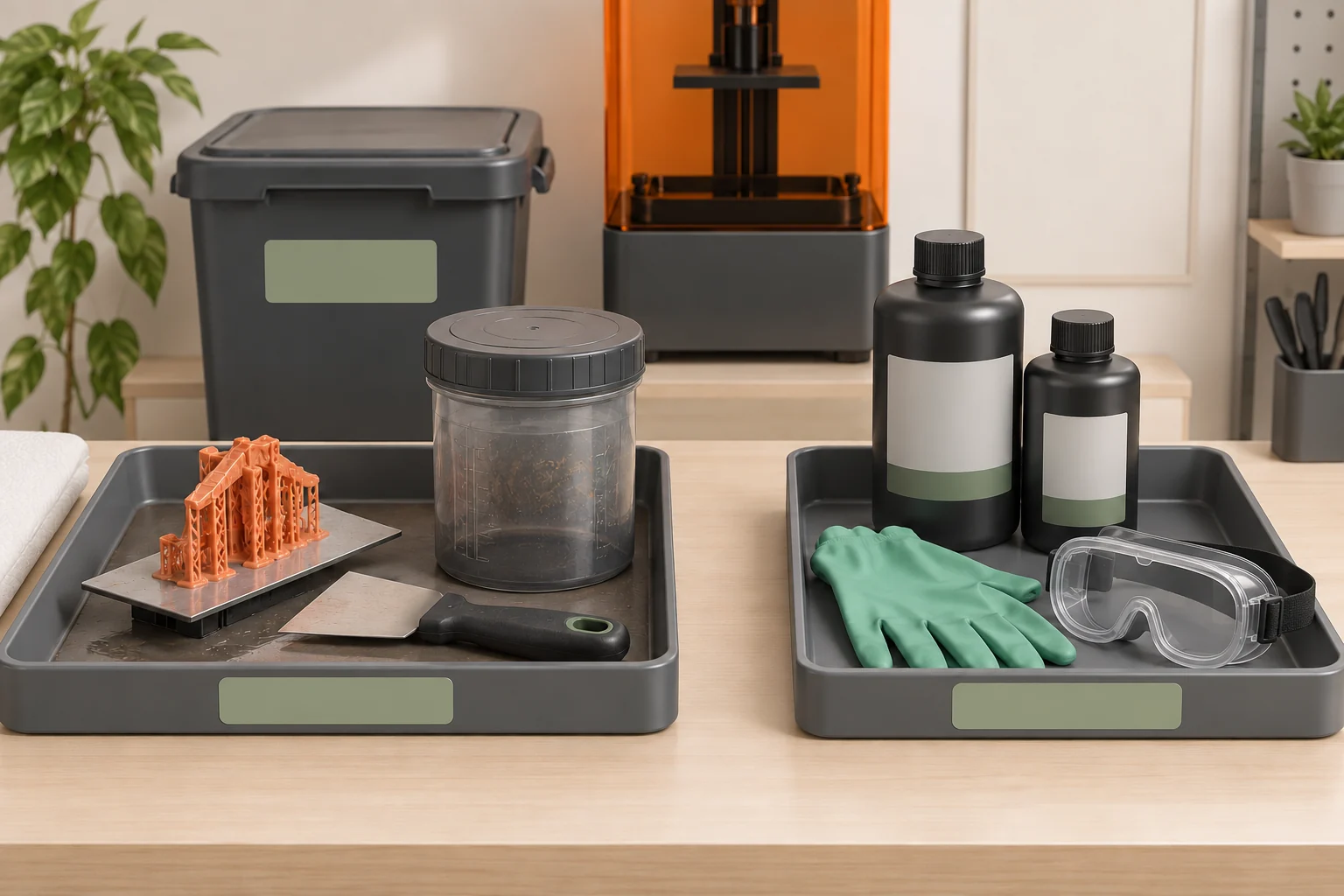
Wash liquid accumulates resin and eventually becomes less effective. Formlabs describes monitoring concentration with the methods supported by its washing system and replacing solvent when it no longer meets the relevant criteria. A bath's history therefore belongs in the process record alongside wash duration. Extending a cycle does not necessarily correct a contaminated bath.
Our suggested log records the wash medium, when it was introduced, the prescribed monitoring result, and any maintenance or replacement. Label the containers so their roles are obvious if the workflow uses more than one bath. When a series of parts begins to show the same cleaning problem, compare the bath condition before changing printer exposure. This isolates a shared process input that otherwise looks like several independent printing failures.
Dry completely using the material's instructions
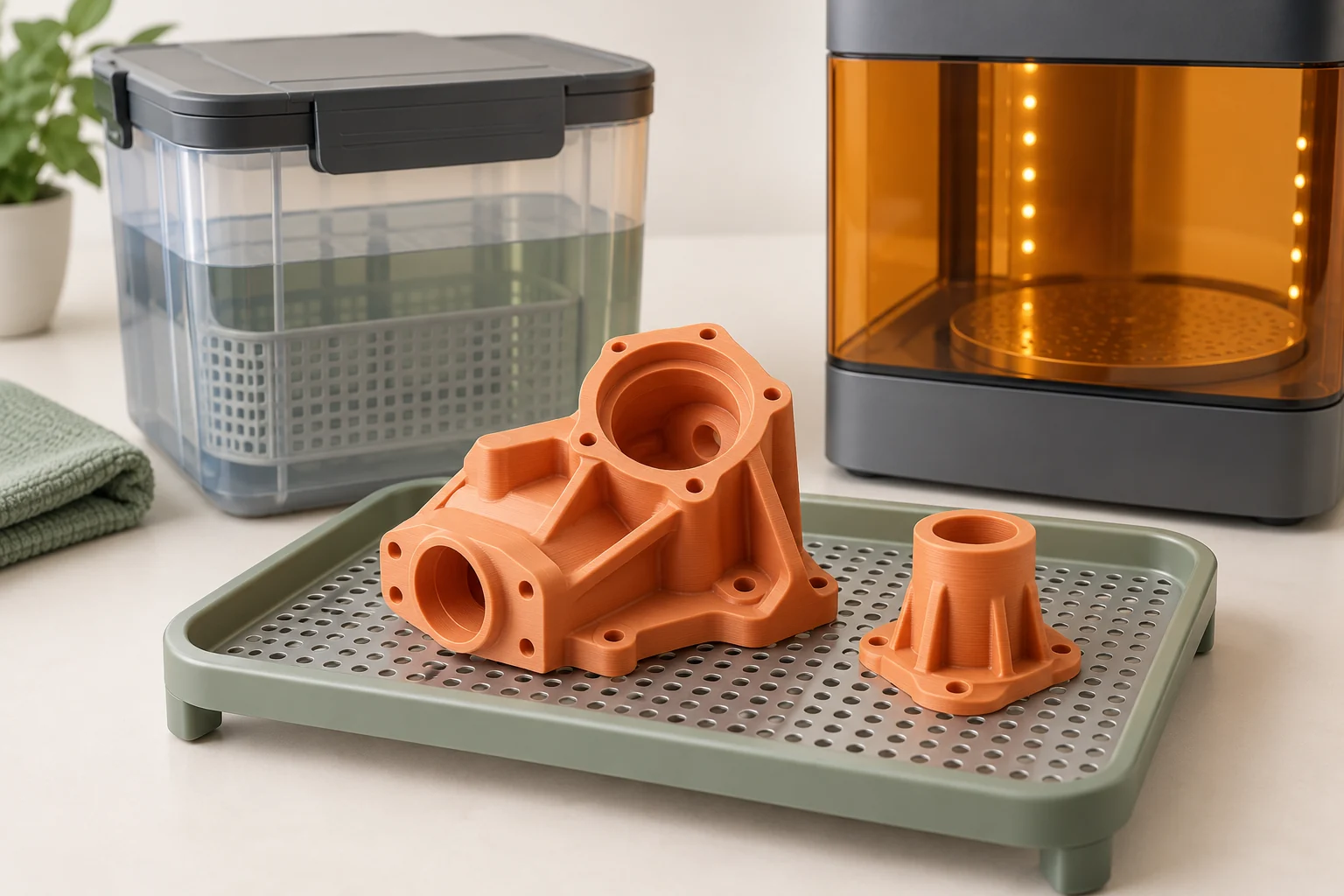
Drying removes wash liquid before the next required operation. Formlabs' warping guidance specifically calls for parts to be fully dry before post-curing. A surface that looks dry does not establish that a deep recess or internal channel has cleared. Follow the documented method and criteria for the resin and wash medium rather than using an arbitrary waiting time.
Arrange the drying location before the print finishes. Our practical suggestion is to give each batch a labeled tray with its current stage and the time that stage began. Check the low points and enclosed features that were identified in the design review. Do not place a still-wet part into the curing unit simply because the next batch needs the tray; adjust the schedule so the prescribed drying step has room to finish.
Remove supports with a plan for fragile features
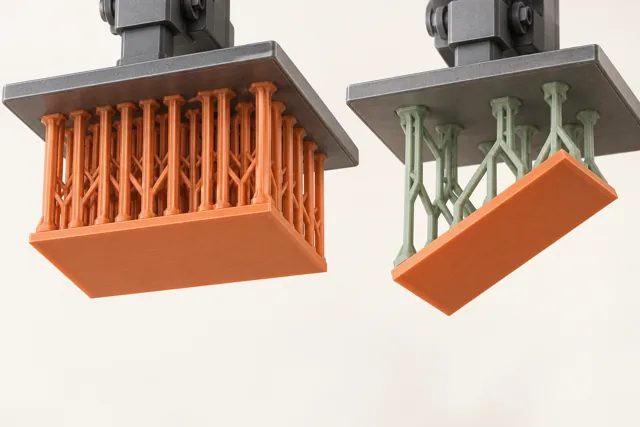
Support-removal timing depends on the material and geometry. Use its recommended sequence; removing everything before curing can leave a long or thin part insufficiently supported, while later removal may require a different technique. Formlabs' support-removal guidance describes using appropriate tools and controlled removal rather than tearing an entire structure from the model at once.
For an ornament with a thin stem, our suggested preparation is to identify where the tool can reach without loading the stem sideways. Work in an order that maintains useful support until nearby contacts are accessible. Keep the protective handling required for the part's condition and manage fragments at the workstation. After removal, inspect contact sites separately from layer defects so that marks introduced by finishing are not blamed on the exposure settings.
Cure to a documented finished condition
Post-curing, where required, further develops the resin's intended properties. Light exposure, temperature, equipment, and geometry all matter, so a duration from one resin or cure unit cannot establish the result for another. Use the specified settings and any instructions for orienting or supporting the part during the cycle. Keep the cure unit's protective features operating as designed.
Our recommended record identifies the resin version, printer profile, cure unit, cycle, and final inspection condition. For a fit-check enclosure, evaluate the lid only after this sequence is complete. For a functional prototype, test it in the condition it will actually be used. A part that looks solid or has completed a generic cycle is not thereby certified for medical, food-contact, or other specialized applications; those require the relevant validated material and process.
Find the stage that changed the shape
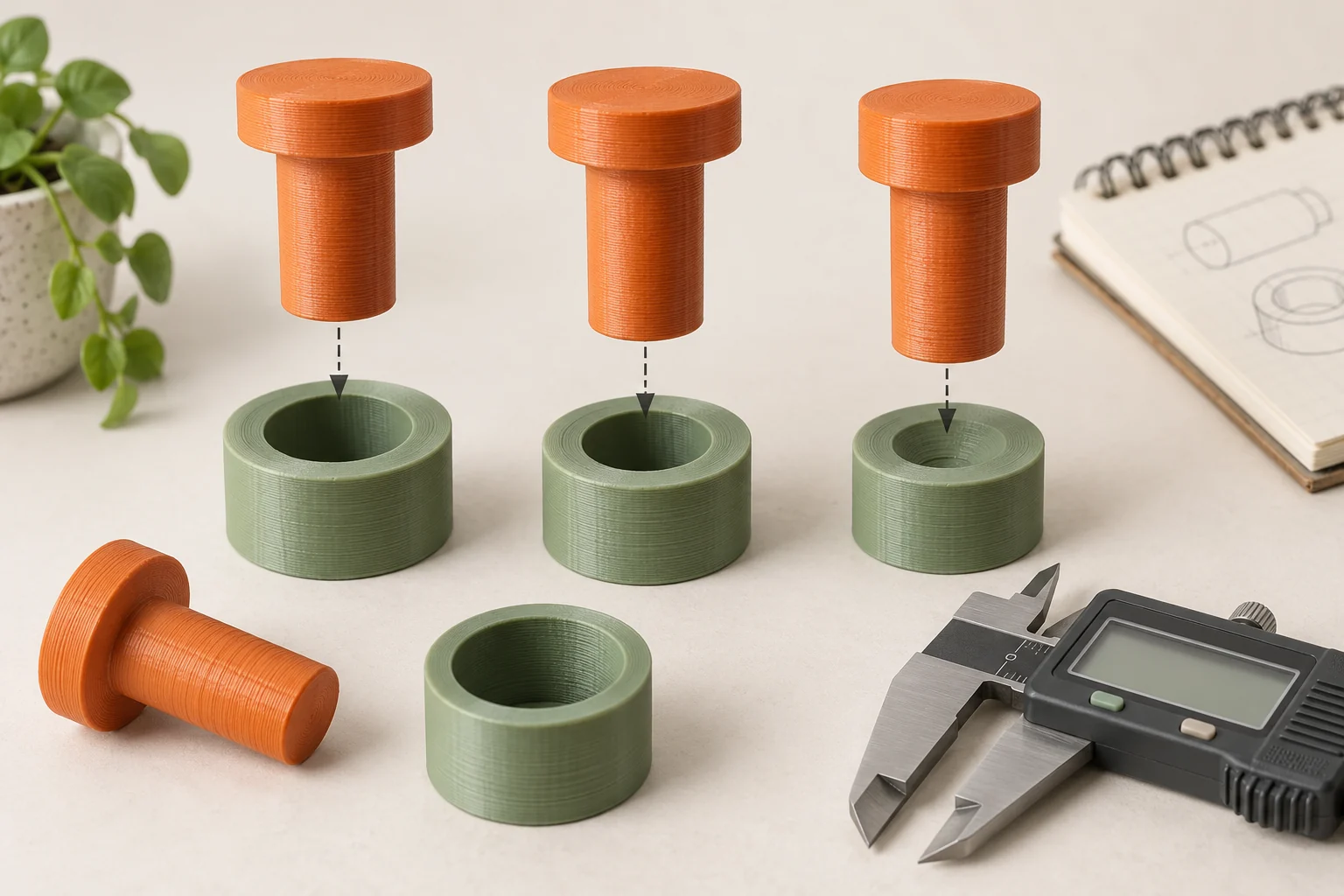
Warping can originate during printing, solvent exposure, or curing. Formlabs describes insufficient support, liquid absorption, and uneven curing as possible contributors. Inspecting only the final object conceals that history. Establish a few repeatable observation points so you can determine whether a long edge was already bent before it reached the wash station or changed later.
Our suggested comparison uses a noncritical sample with the same thin wall or long span as the intended part. Photograph it in a consistent view at the permitted inspection points, then measure after the complete workflow. Change one relevant variable in a second run while holding the other stages steady. For example, if the defect first appears after washing, verify the approved wash conditions and bath state before changing printing supports or cure settings.
| First observed change | Review | Record |
|---|---|---|
| Before washing | Orientation and printed support | Location and layer region |
| After washing | Approved exposure and wash condition | Medium, duration, monitoring result |
| After curing | Drying, support, and prescribed cycle | Equipment, settings, final shape |
Common questions
Can I use the same cure time for every resin?
No. Use the exact formulation's supported settings for the cure equipment. Time alone does not describe the complete curing process.
Should supports come off before or after curing?
Follow the material and geometry guidance. The remaining support can affect deformation, while contact removal affects fragile features and finish. Record the successful sequence.
My part is still tacky. Should I just cure it longer?
Check the approved cleaning process, wash-liquid condition, drying, and curing instructions. Tactile appearance alone does not identify the cause or justify an improvised cycle.
Continue with the sources
- SLA basic finishing steps Formlabs · Checked 2026-10-15
- 3D printing post-processing FAQs Formlabs · Checked 2026-10-15
- Warping (SLA) Formlabs · Checked 2026-10-15
- Advanced support removal techniques Formlabs · Checked 2026-10-16
- Guide to Stereolithography (SLA) 3D Printing Formlabs · Checked 2026-10-15
- Safety with Formlabs SLA products Formlabs · Checked 2026-10-15
This guide synthesizes the cited references and includes illustrative examples, not hands-on test results. Follow the instructions for your exact printer, material, and software version. Generated illustrations simplify geometry and equipment; they are not photographs, measured results, or model-specific setup instructions.