Before you begin
A resin model that looks stable on screen may be unstable halfway through printing. At that moment only some of its geometry exists, and the new layer must remain attached through the printer's release movement. Good orientation begins by imagining that incomplete object, then deciding how each new feature will be connected and supported.
Supports are temporary manufacturing features with consequences for the finished surface. Their placement affects reliability, cleanup, and access to important details. This guide develops a practical inspection method using a hypothetical enclosure, a branching ornament, and a hollow display part. The examples explain the decisions to make; the exact sizes and settings still come from the printer, resin, and slicer guidance.
Read the print as a sequence of partial shapes
Move through the preview from the build platform toward the final layer. A minimum is a feature's first low point in that build direction. If it appears without a connection to existing geometry or support, it cannot simply wait in space for the rest of the model to join it. Formlabs warns that unsupported minima can break away and cause defects or failures.
For our branching ornament example, compare two orientations. In one, several small tips begin independently and later join a central body. In the other, the body develops first and the tips grow from it. Mark the first layer of each branch in both previews. This exercise often reveals a simpler support plan before any advanced setting changes, and it is more informative than judging the completed model's silhouette.
Choose an orientation around the important surfaces
Before rotating the object, mark the surfaces with different requirements: visible, mating, and unconstrained. A visible face may need minimal scars; a mating face may need flatness or clearance; a concealed underside may tolerate extra finishing. Formlabs recommends keeping touchpoints away from aesthetic and mating regions where possible. This turns orientation into a choice with an explicit priority.
Consider an enclosure with a logo on its front and a lip that accepts a lid. Our suggested first comparison places the logo and lid lip away from dense support contact, then checks whether that rotation creates new unsupported regions elsewhere. If every plausible orientation damages a critical surface, consider separating the model into components or adding a sacrificial feature in the design. Document that decision rather than hiding the compromise in support settings.
Watch how cross-sectional area changes
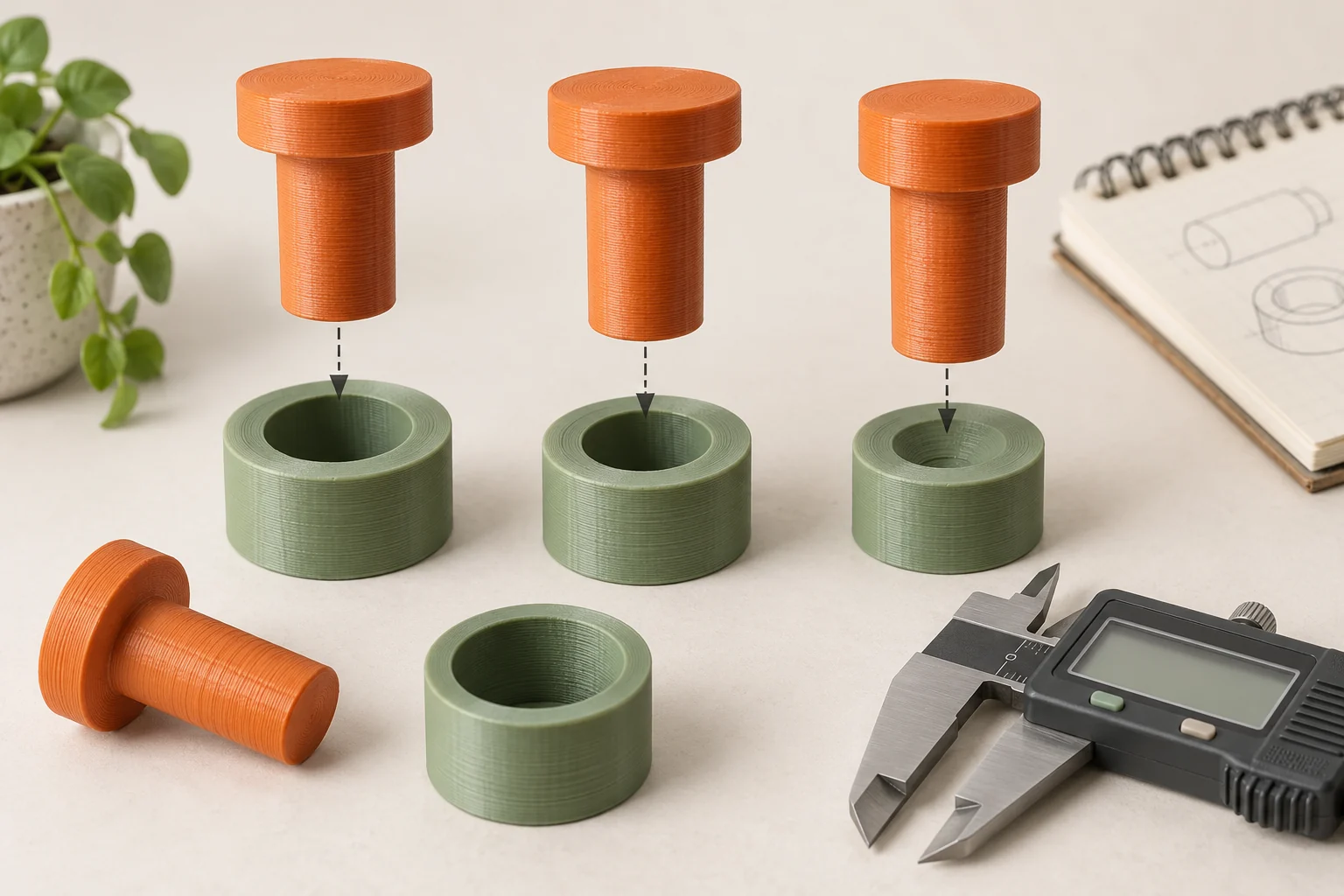
On many bottom-up resin systems, each exposed layer must release from the tank interface. Large areas and abrupt geometry changes can make the process more demanding and contribute to deformation. Orientation changes both the size of successive sections and the way those sections connect. There is no single tilt angle that resolves every shape, resin, and machine combination.
For the enclosure, pause where a broad floor begins or where two walls become connected by a roof. Compare that transition in two orientations, recording whether the large surface appears suddenly or develops more gradually. Then check the new total height and support accessibility. A rotation can improve one transition while increasing print time or making cleanup awkward, so assess the complete result rather than maximizing tilt for its own sake.
Understand the support structure you are editing
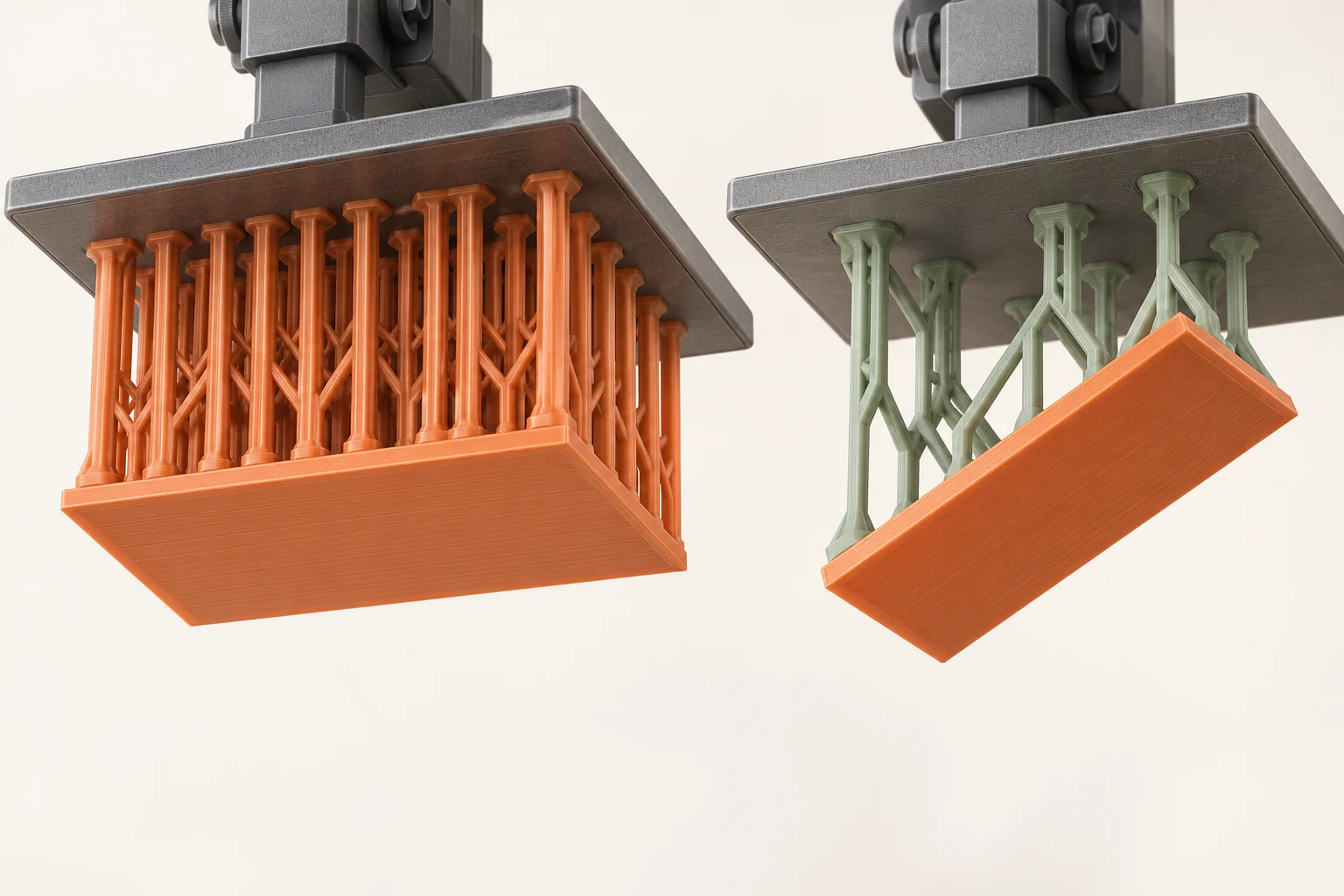
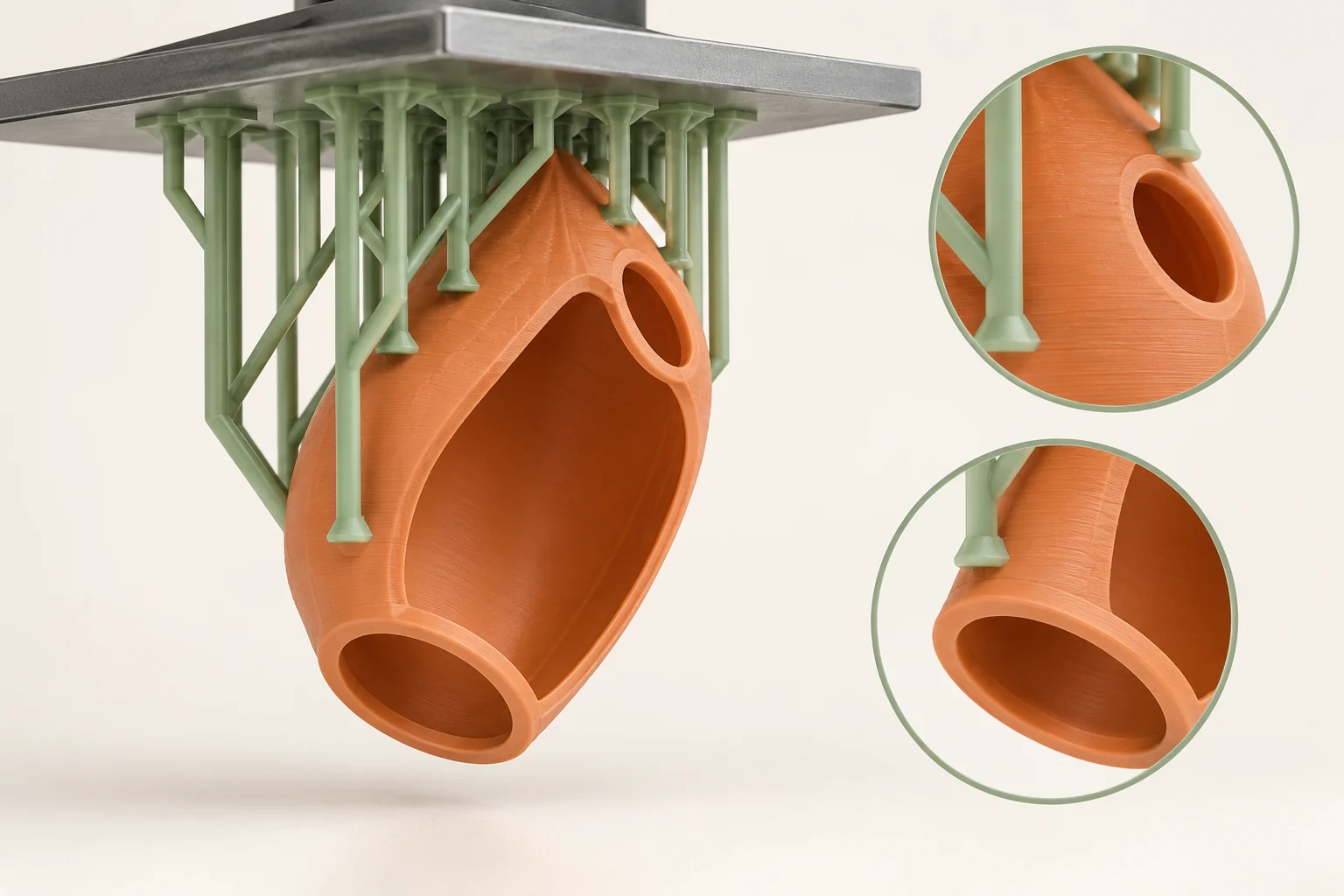
A typical resin support system contains a base or raft, a framework, and touchpoints where that framework meets the model. Each has a different job. The base attaches to the platform, the framework carries the growing object, and the touchpoints transmit loads into the part. A well-placed contact is ineffective if the structure beneath it is inadequate or disconnected.
Begin with the supported automatic generation for the selected printer and resin. Inspect the structure from several angles and in layers. Our suggested review separates two questions: does every early feature have a connection, and does the larger object have enough stability as it grows? Formlabs explicitly notes that supporting all minima does not necessarily fully support a model. A long wall can need stabilization even after its first layer is connected.
Trade easier removal against reliable attachment
Smaller touchpoints can make removal easier, while larger ones can provide a more secure attachment. Density and pillar geometry are separate choices. Formlabs' advanced support guidance describes these controls and the tradeoff between print reliability and post-processing. Use the material's supported starting values before making local adjustments based on a specific weakness.
For our enclosure, suppose one thin corner repeatedly bends while the main walls remain sound. Record which layer and location first depart from the intended shape. A targeted change to orientation or support around that corner is a more interpretable trial than making every contact larger. Leave enough access for the intended removal tools, and remember that a forest of supports can hide both damage and trapped liquid until finishing begins.
| Observation | Inspect next | Controlled trial |
|---|---|---|
| An isolated detail is missing | Its first layers and support connection | Support or reorient that feature |
| A broad supported face bends | Span, orientation, and framework | Change one relevant support or orientation factor |
| Cleanup damages a detail | Contact placement and tool access | Move contact to a less critical region |
Design cavities for printing and finishing
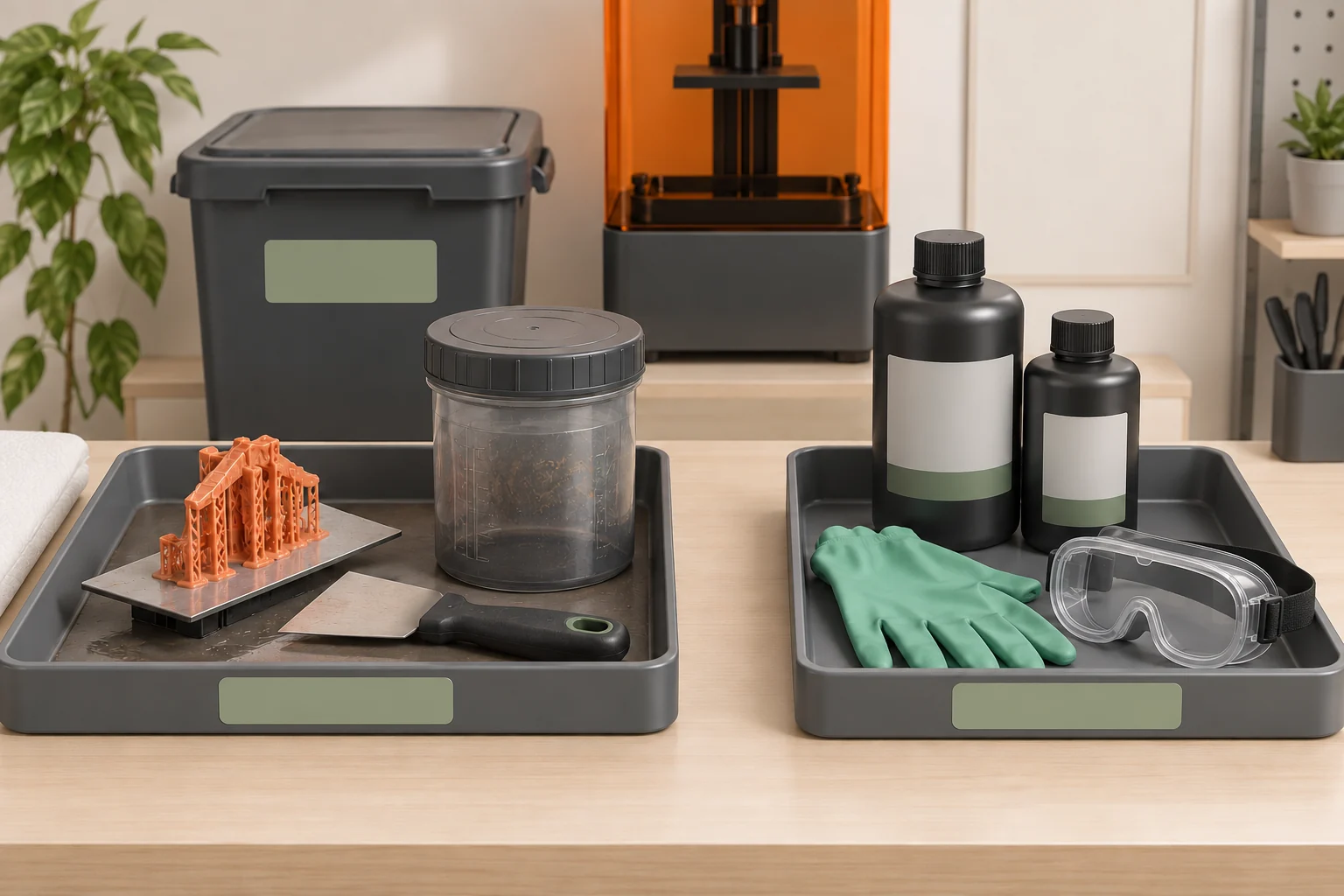
A hollow part needs more than a volume reduction command. Concave regions can produce suction effects during printing, and enclosed areas can retain liquid resin. Use the printer's cavity-analysis and drainage guidance. If an interior cannot be properly drained, washed, dried, and processed, revise the geometry rather than assuming that an invisible interior needs no attention.
For a hollow display object, our suggested review is to trace a route through every compartment. Identify where liquid enters, where it leaves, and how the required finishing process reaches the interior. Rotate the section view as you do this; a hole visible from one direction may not serve another disconnected pocket. Check that supports do not obstruct the route. Splitting the shell into accessible pieces may be the more practical manufacturing design.
Validate the arrangement before filling the platform
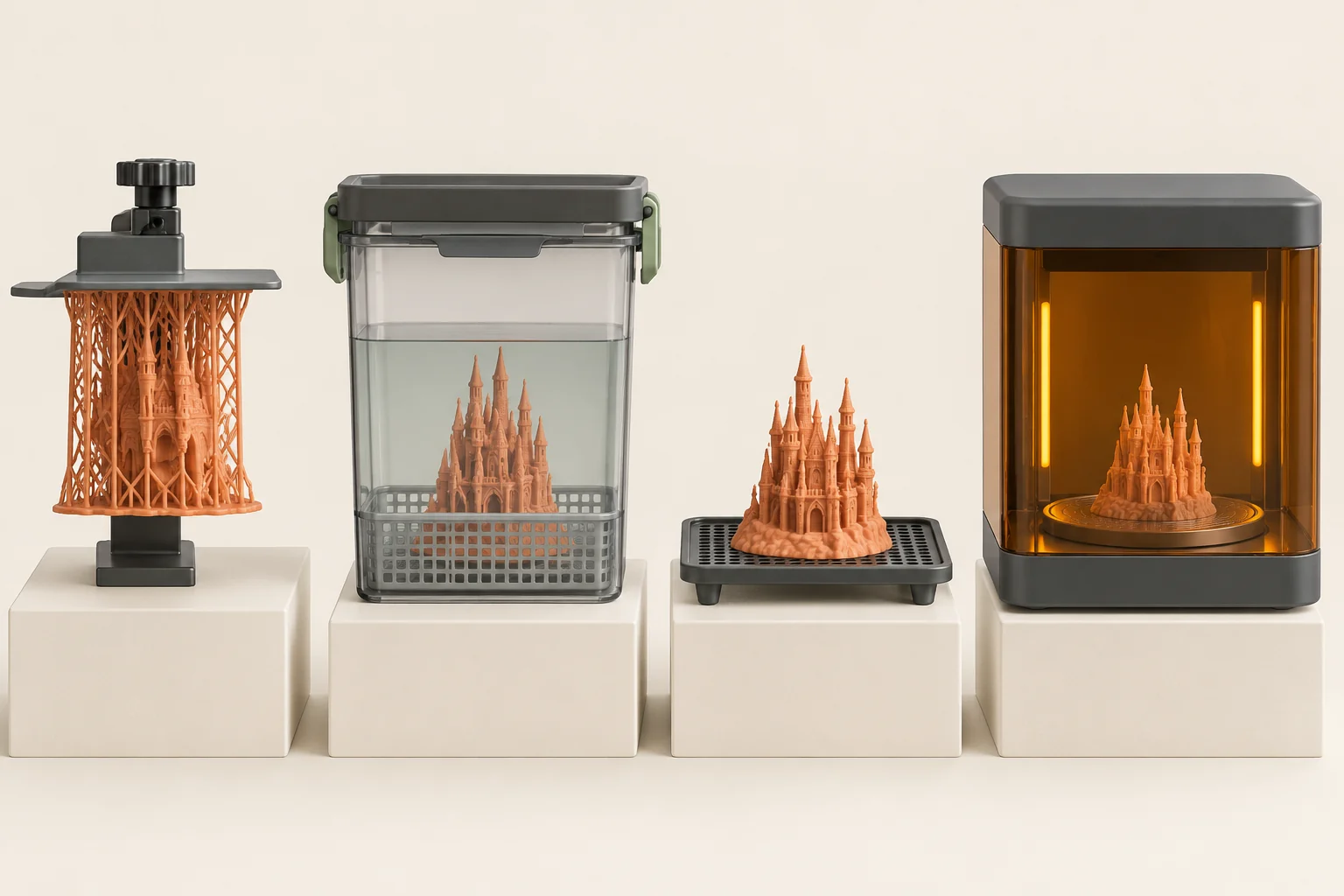
Save the supported project and print one representative version before duplicating it across a full platform. Inspect the part after the complete finishing sequence, because a support plan that prints successfully can still be difficult to remove cleanly. Photograph the orientation and note any missing features, warped faces, or scars on important surfaces. Keep the same resin and processing workflow during the comparison.
When a failure occurs, inspect and clean the tank according to the machine's recovery procedure before another attempt. Loose failed material is not part of the next experiment. Our suggested revision log records one hypothesis, one relevant change, and one result. Over several trials this becomes a reusable record of which orientation works for the geometry, instead of a rule such as always tilt every model by the same angle.
- Mark visible and mating surfaces.
- Compare orientations in the layer preview.
- Generate supports and inspect minima, spans, and access.
- Verify cavities and finishing routes.
- Print one sample, finish it fully, and record the result.
Common questions
Are automatically generated supports enough?
They are a useful starting point. Review first layers of features, long spans, thin walls, important surfaces, and finishing access. A successful automated check does not replace inspection of the intended part.
Should every model be tilted by 45 degrees?
No. The useful orientation depends on geometry and the printing system. Compare layer transitions, critical surfaces, height, and support access rather than treating an angle as a universal recipe.
Can I hollow a model without adding holes?
Only use a cavity design supported by the material and printer workflow. An inaccessible enclosed cavity can retain resin and defeat cleaning. Add an appropriate route or redesign the part.
Continue with the sources
- Model orientation best practices for SLA printing Formlabs · Checked 2026-10-15
- How supports work in SLA printing Formlabs · Checked 2026-10-15
- Reducing unsupported minima in PreForm Formlabs · Checked 2026-10-16
- Editing advanced settings for supports in PreForm Formlabs · Checked 2026-10-16
- Advanced support removal techniques Formlabs · Checked 2026-10-16
- Warping (SLA) Formlabs · Checked 2026-10-15
- SLA basic finishing steps Formlabs · Checked 2026-10-15
This guide synthesizes the cited references and includes illustrative examples, not hands-on test results. Follow the instructions for your exact printer, material, and software version. Generated illustrations simplify geometry and equipment; they are not photographs, measured results, or model-specific setup instructions.