Before you begin
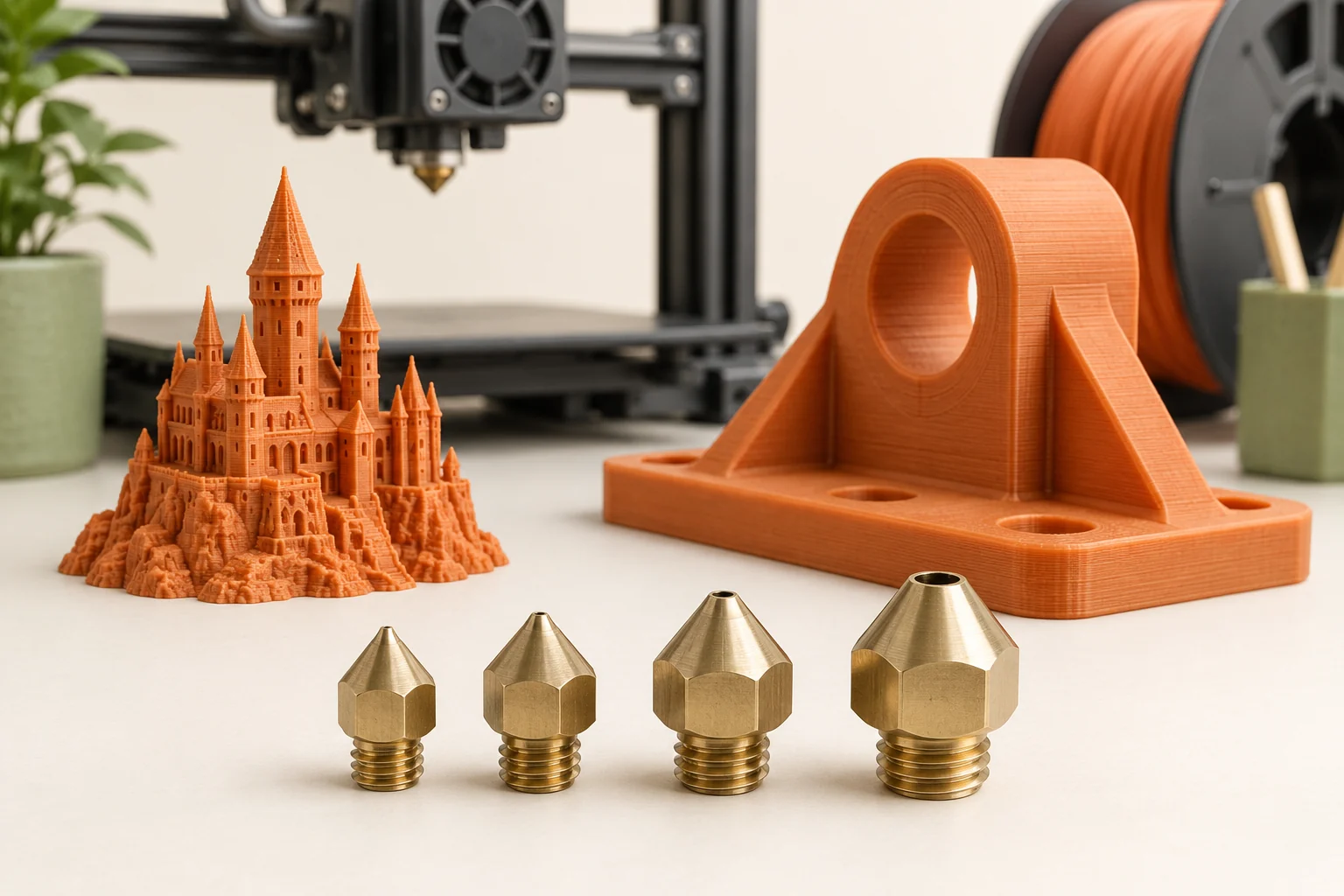
The nozzle is the last piece of hardware that shapes molten filament before it becomes a printed line. Changing it can make a storage tray quicker to produce, help a small label retain its lettering, or allow a printer to handle an abrasive composite. The useful upgrade depends on the part: a nozzle that benefits broad walls may make delicate features harder to reproduce.
Treat a nozzle change as a small process change with a measurable objective. Decide what must improve, check hardware compatibility, install the matching profile, and print a representative sample. This guide explains the decisions behind that sequence so that a new nozzle produces a useful result rather than a collection of unfamiliar settings.
Start with the feature that matters
Identify the feature that would make the finished object unacceptable if it disappeared or became rough. On a small enclosure this might be an embossed connector label; on a drawer organizer it might simply be a smooth dividing wall. A smaller opening can support finer deposition, while a larger opening is useful for wider lines. Neither choice establishes the finished accuracy by itself.
Our suggested comparison is to slice the same model with two supported nozzle profiles and examine that critical feature first. Look for letters reduced to isolated dots, narrow ribs that vanish, and small openings that close or lose their intended shape. If the feature is already missing in the toolpath preview, further speed tuning will not recreate it. Adjust the design or choose a profile that actually generates the required paths.
Separate diameter, line width, and layer height
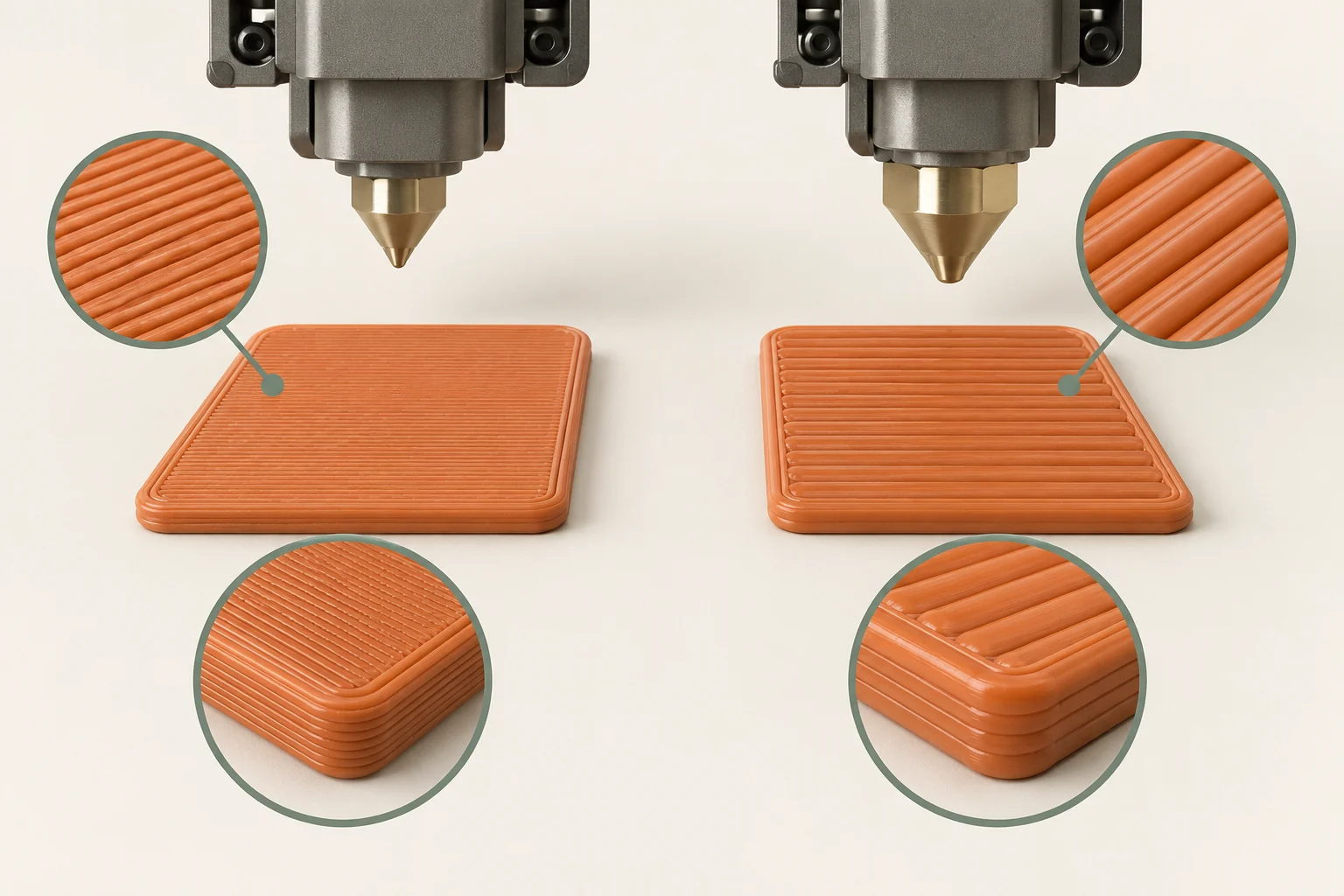
Nozzle diameter describes the hardware opening. Extrusion width describes the planned deposited line, and layer height describes the vertical step between layers. They are related, but they are not interchangeable. Prusa's profile guidance explicitly treats nozzle diameter and extrusion widths as separate settings. Use a supported preset to establish a compatible starting combination.
Imagine a box whose side walls are made from several neighboring tracks. Wider tracks may reduce how many passes are needed to form those walls, while taller layers may reduce the number of vertical passes. A shallow embossed symbol introduces a different constraint: it may need smaller vertical steps even if most of the box is simple. Inspect both the wall cross-section and the symbol before deciding that the larger profile is suitable.
| Setting | What it describes | What to inspect |
|---|---|---|
| Nozzle diameter | Installed opening | Hardware and printer preset agree |
| Extrusion width | Planned line width | Thin walls and adjacent tracks |
| Layer height | Vertical layer spacing | Curves, slopes, and shallow relief |
Understand why a larger nozzle may still slow down
The hotend must melt the material demanded by each move. Volumetric flow is the volume delivered per second; wider and taller tracks demand more volume at the same travel speed. PrusaSlicer can reduce the requested speed when a configured maximum volumetric flow is reached. That limit depends on the hotend and filament, so nozzle diameter alone does not determine throughput.
For a rough planning illustration, a rectangular track 0.6 mm wide and 0.3 mm tall moving at 50 mm/s would require 9 mm³/s. Doubling the movement speed doubles that approximate demand. Real slicers use a more detailed track shape, so this arithmetic is a conceptual example rather than a profile setting. Check the flow and speed previews to see whether broad infill sections are limited while small perimeter features remain governed by other constraints.
Choose wear resistance for the actual filament
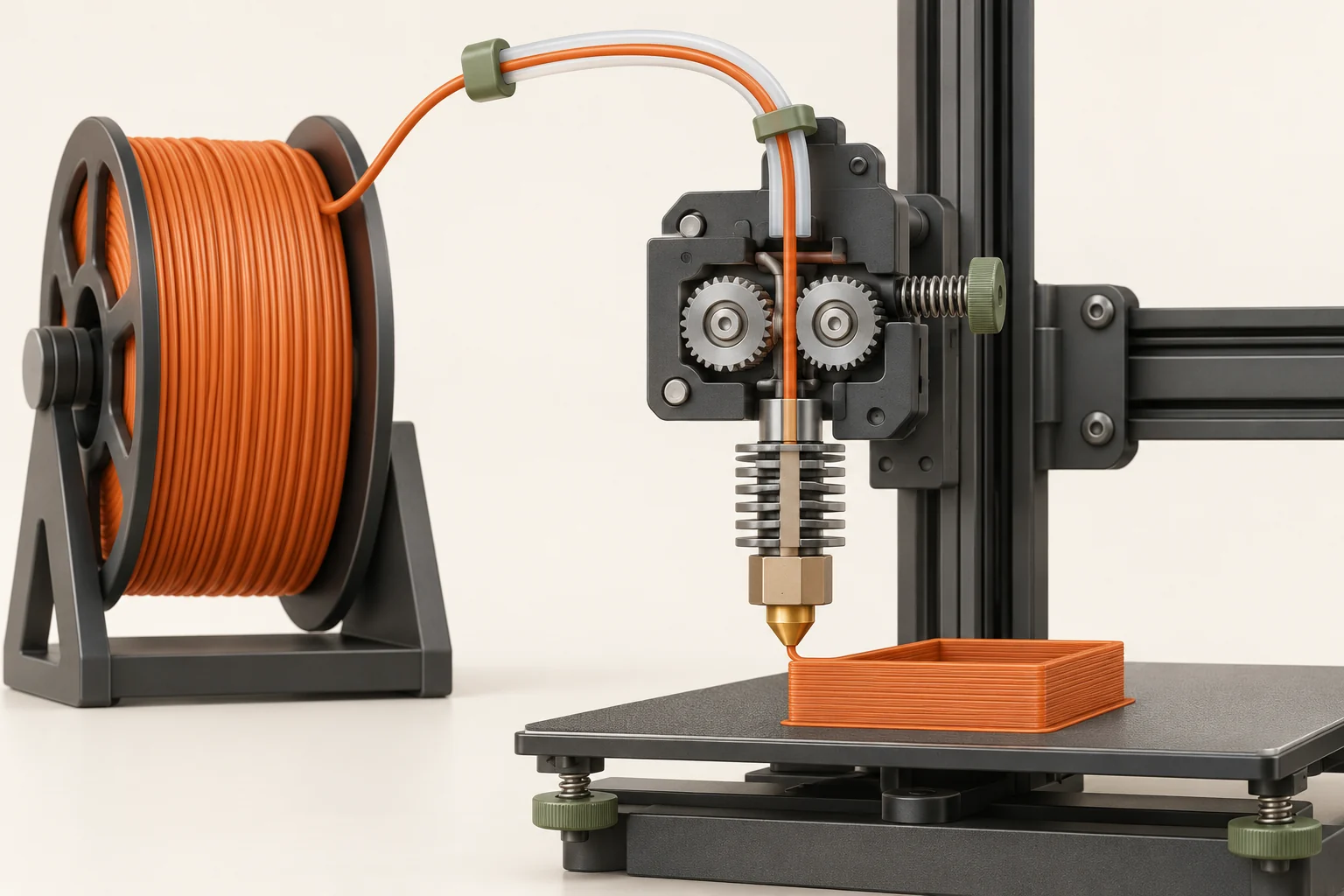
Abrasive additives can wear a conventional brass nozzle. Carbon fiber, glass fiber, and some decorative fillers therefore require attention to the manufacturer's nozzle recommendation. Wear resistance and diameter solve different problems: a hardened nozzle can resist abrasion, but an opening that is unsuitable for the filler may still clog. The base polymer also retains its own processing needs.
Before a composite project, make a short material card: exact product name, supported nozzle type, minimum opening if specified, drying instructions, and recommended printer profile. Keep the card with the spool instead of relying on its broad category. A carbon-filled PLA and a carbon-filled nylon may both be abrasive while requiring very different material handling. Confirm each independently, and keep the first trial small enough to inspect closely.
Check compatibility and follow the installation method
Two nozzles with similar threads are not necessarily interchangeable. The sealing arrangement, installed length, heater geometry, and any adapter must match the hotend. Different systems also use different replacement procedures. For example, Prusa's V6 guidance discusses hot tightening to establish its intended seal; that is not a universal instruction for every quick-change or integrated nozzle assembly.
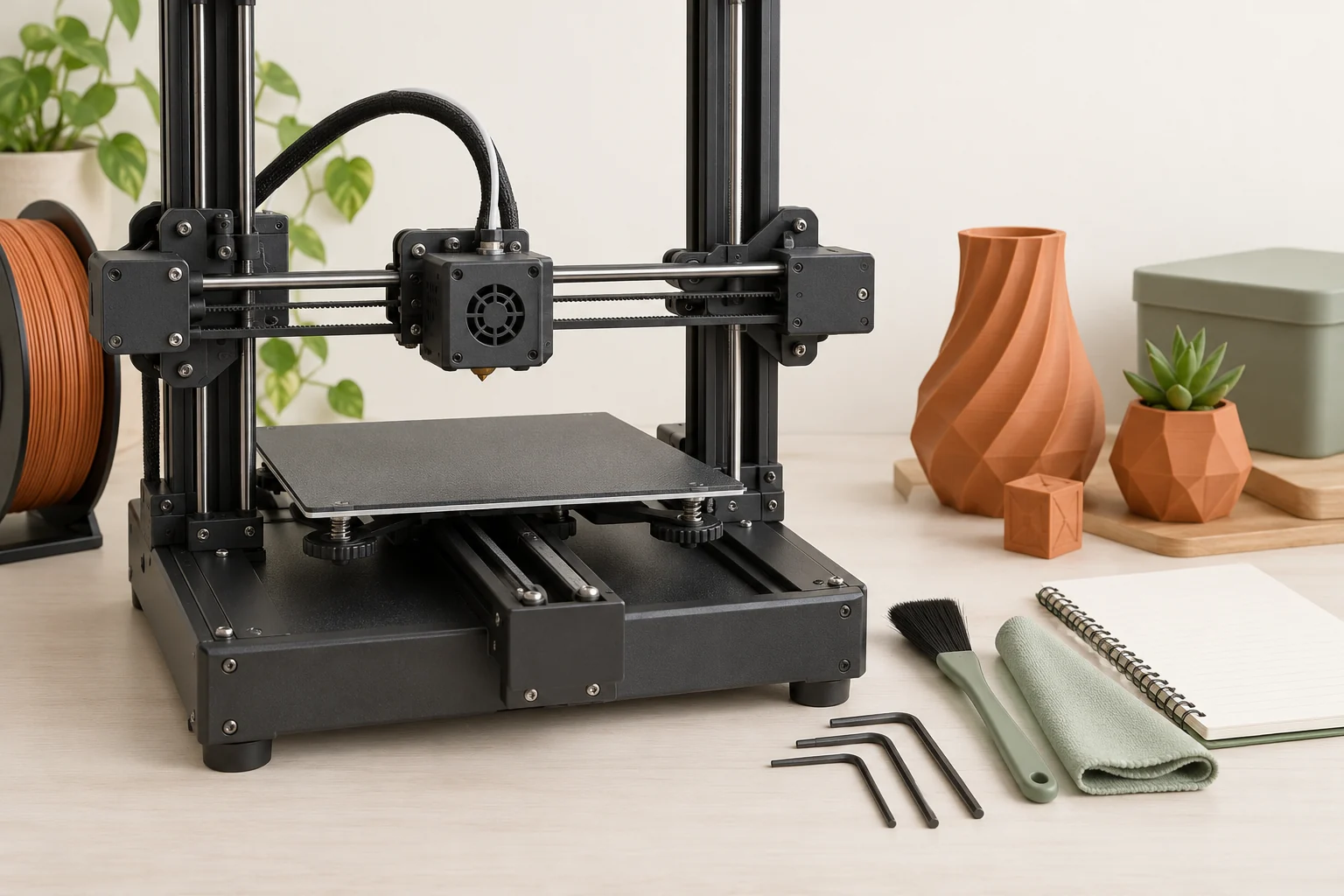
Prepare the correct tools and the exact printer's instructions before starting. Record the old nozzle size and profile so you can return to a known setup if necessary. Follow the specified heating, support, tightening, and calibration steps without improvising a torque value. After installation, use the manufacturer's checks to confirm the assembly is secure and ready. An unexplained leak or damaged connection is a hardware issue to resolve before a long print.
Validate with a sample that resembles the real job
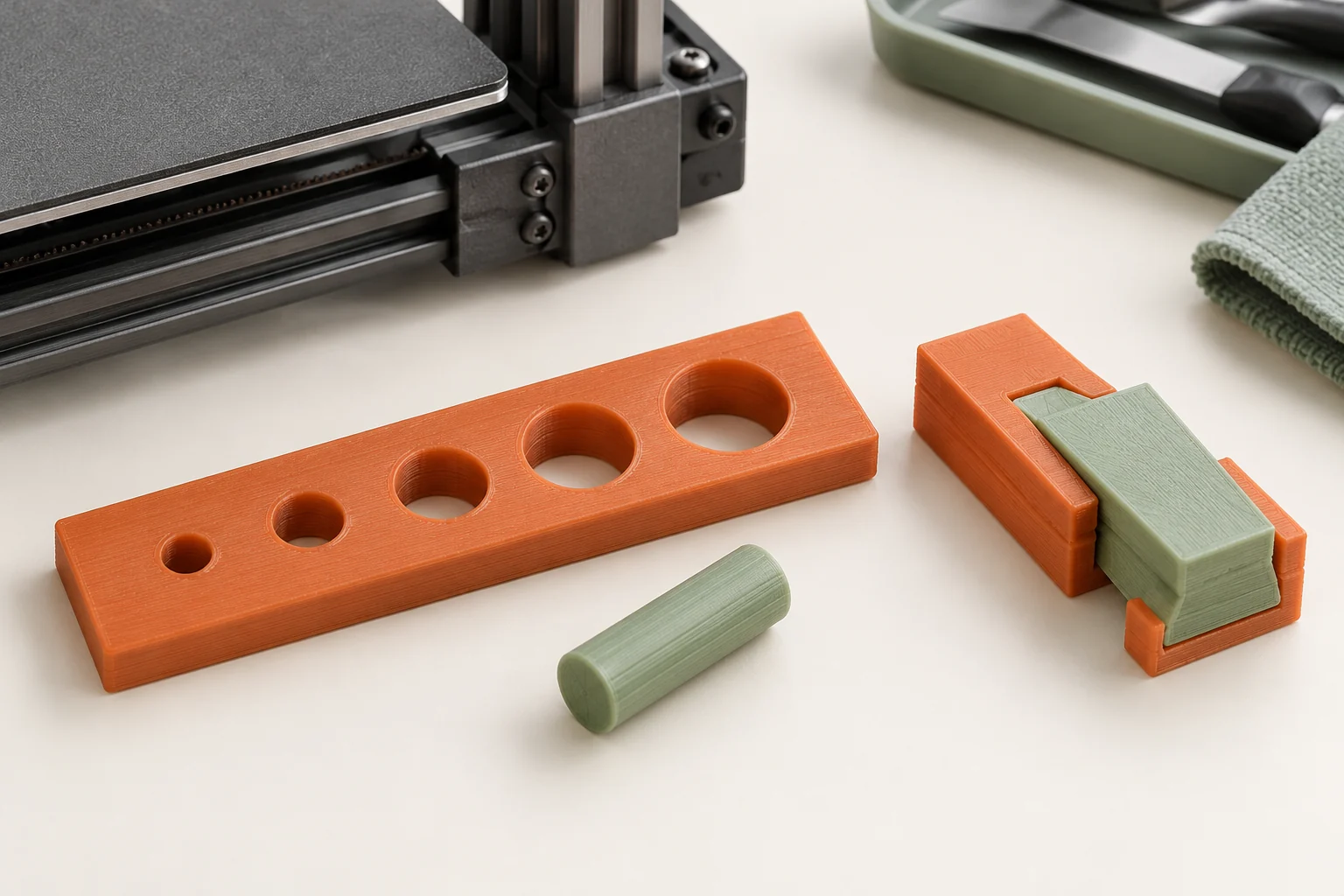
Our recommended validation piece is a small extract of the intended part. Include its thin wall, a representative hole, a top surface, and its smallest text if those matter. A decorative test shape can look attractive while revealing little about the enclosure or bracket you actually need. Save the project with a name that identifies nozzle diameter, nozzle type, filament, and profile version.
Complete the required first-layer calibration, then inspect the first tracks and stop if extrusion or adhesion is clearly wrong. Once the test cools, compare its functional features against the design. Record the result as observations: the lid seats, the lettering is readable, or the wall has gaps. Change one relevant factor for the next sample. This makes the test useful evidence instead of another unexplained print.
- Slice a representative feature set using the matching preset.
- Inspect the preview and perform the printer's required calibration.
- Print, cool, measure, and compare with the intended acceptance criteria.
- Save the successful profile alongside the model and nozzle identity.
Evaluate the whole result
Measure success against the reason for the change. If the goal was faster production, include the time spent removing supports, sanding visible steps, and reprinting rejected pieces. If the goal was finer text, photograph the label at its actual viewing size rather than judging only a magnified close-up. The best nozzle for one job can be a poor default for the next.
Keep one acceptable sample as a reference. When a later print begins to differ, compare it with that sample before changing several slicer settings. Check material condition, profile selection, and nozzle identity first. A simple record of what worked helps distinguish a new material problem from an unnoticed configuration change and makes future nozzle swaps much less disruptive.
Common questions
Will a 0.6 mm nozzle always print faster than a 0.4 mm nozzle?
No. Wider tracks can reduce passes, but flow limits, cooling, geometry, and the selected layer height still affect time. Compare supported profiles on your actual model and check the preview.
Can I change only the nozzle diameter field?
A matching complete preset is the better starting point. Widths, layer-height limits, and other settings also need to suit the hardware. Confirm the generated toolpaths before printing.
Continue with the sources
- E3D V6 Nozzles Prusa Research · Checked 2026-10-15
- Creating profiles for different nozzles Prusa Research · Checked 2026-10-15
- Composite materials (filled with carbon, kevlar or glass) Prusa Research · Checked 2026-10-15
- Max volumetric speed Prusa Research · Checked 2026-10-16
This guide synthesizes the cited references and includes illustrative examples, not hands-on test results. Follow the instructions for your exact printer, material, and software version. Generated illustrations simplify geometry and equipment; they are not photographs, measured results, or model-specific setup instructions.