Before you begin
A maintenance routine is most useful when it keeps a working printer predictable and makes new faults easier to recognize. It should identify what to inspect, which procedure applies, and how to confirm that the machine still works afterward. Randomly tightening, lubricating, or replacing parts can introduce problems while obscuring the original condition.
Build the routine from the manual for the exact printer and installed upgrades. The examples in this guide show how to organize that information; they do not replace the manufacturer's service instructions. Keep the current maintenance schedule, approved products, required tools, and operating-state requirements together before starting work.
Create a maintenance map for your machine
List the systems you actually have: build surface, hotend, extruder, filament guides, motion components, fans, and accessible cables. Then attach the relevant manufacturer procedure to each one. Note upgrades such as a different hotend, nozzle adapter, enclosure, or external feeder. A guide for the base printer may not describe the replacement component's servicing method.
Use the manufacturer's intervals, whether expressed in printing hours, calendar time, or condition. Our suggested planning sheet adds a last-completed field and an observation field beside each required task. An occasional-use printer and a machine running daily accumulate wear differently. Do not turn a convenient weekly reminder into an invented service interval, and do not treat an uneventful print as evidence that scheduled checks can be ignored.
| Record field | What to enter | Why it helps |
|---|---|---|
| Machine and revision | Exact model plus upgrades | Selects the correct procedure |
| Component | The system being inspected | Prevents vague 'printer serviced' notes |
| Required interval | Manufacturer's stated trigger | Keeps scheduling evidence based |
| Last action and result | Date, hours, work, verification | Makes recurring faults traceable |
Inspect the machine before changing it
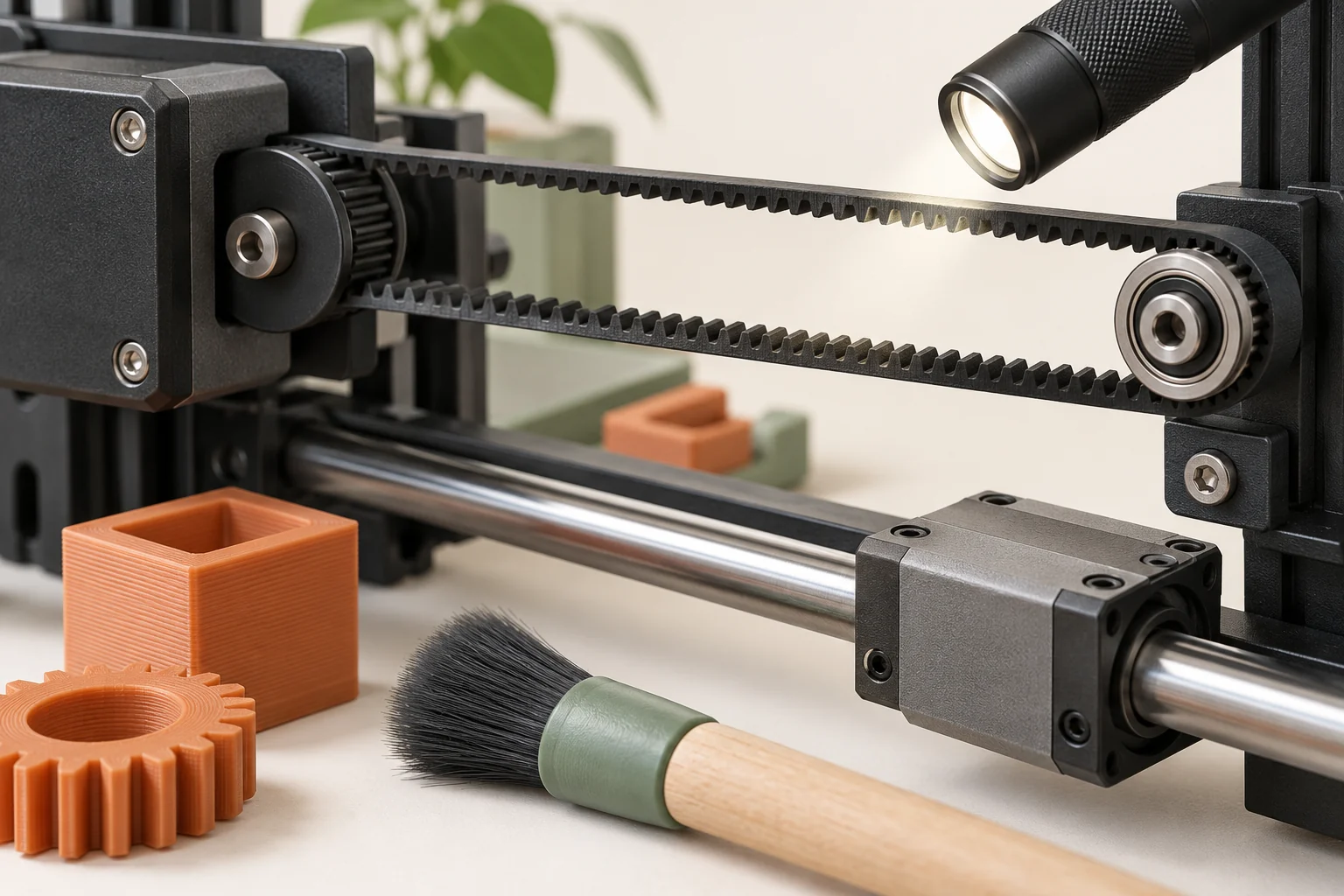
Look for loose scraps, accumulated dust, an obstructed filament path, unusual residue, and accessible signs of damage. Observe any new sound or change in motion during normal use. A photograph taken before cleaning can be valuable if a deposit or wear mark later returns. Keep a note of the area, rather than writing only 'printer noisy.'
Separate observation from diagnosis. A rough surface on a print does not by itself prove a bearing needs replacement, and a strand near a fan does not establish that the fan stopped. Our suggested inspection record has three columns: what was seen, what was checked, and what was changed. That separation makes it easier to ask manufacturer support a precise question if the cause remains uncertain.
Prepare the correct service state
Read the complete procedure before beginning. Some external hotend-cleaning operations use a prescribed heated state; other access, cable, or component tasks require cooling, shutdown, or disconnection from power. These are different procedures with different prerequisites. Do not improvise a hybrid because the printer is already open or already warm.
Set out the specified tools and consumables, protect loose hardware from getting lost, and leave enough time to complete reassembly and checks. If an operation requires an adapter, torque tool, or replacement fastener, obtain it before dismantling the component. Photograph cable routing or part orientation when the manual permits access. Stop if the installed assembly does not match the instructions; identifying the correct revision is part of the maintenance job.
Treat cleaning and lubrication as component-specific
A lubricant is not a general cure for friction, and a cleaner is not safe merely because it worked elsewhere on the printer. Plate coatings, transparent panels, smooth rods, lead screws, and linear rails may have different requirements. Keep approved products labeled and avoid transferring residue from a lubricated tool to a printing surface.
Prusa's manuals provide a useful concrete comparison. Its MK4-family maintenance guide prohibits lubricant on the Z-axis threaded system, while the CORE One guide specifies different care for its motion components and a dedicated lubricant for the linear rail. The lesson is to identify the component and model before acting. Copying a lubrication map from a visually similar printer can be wrong even within the same brand.
Connect symptoms to the relevant service path
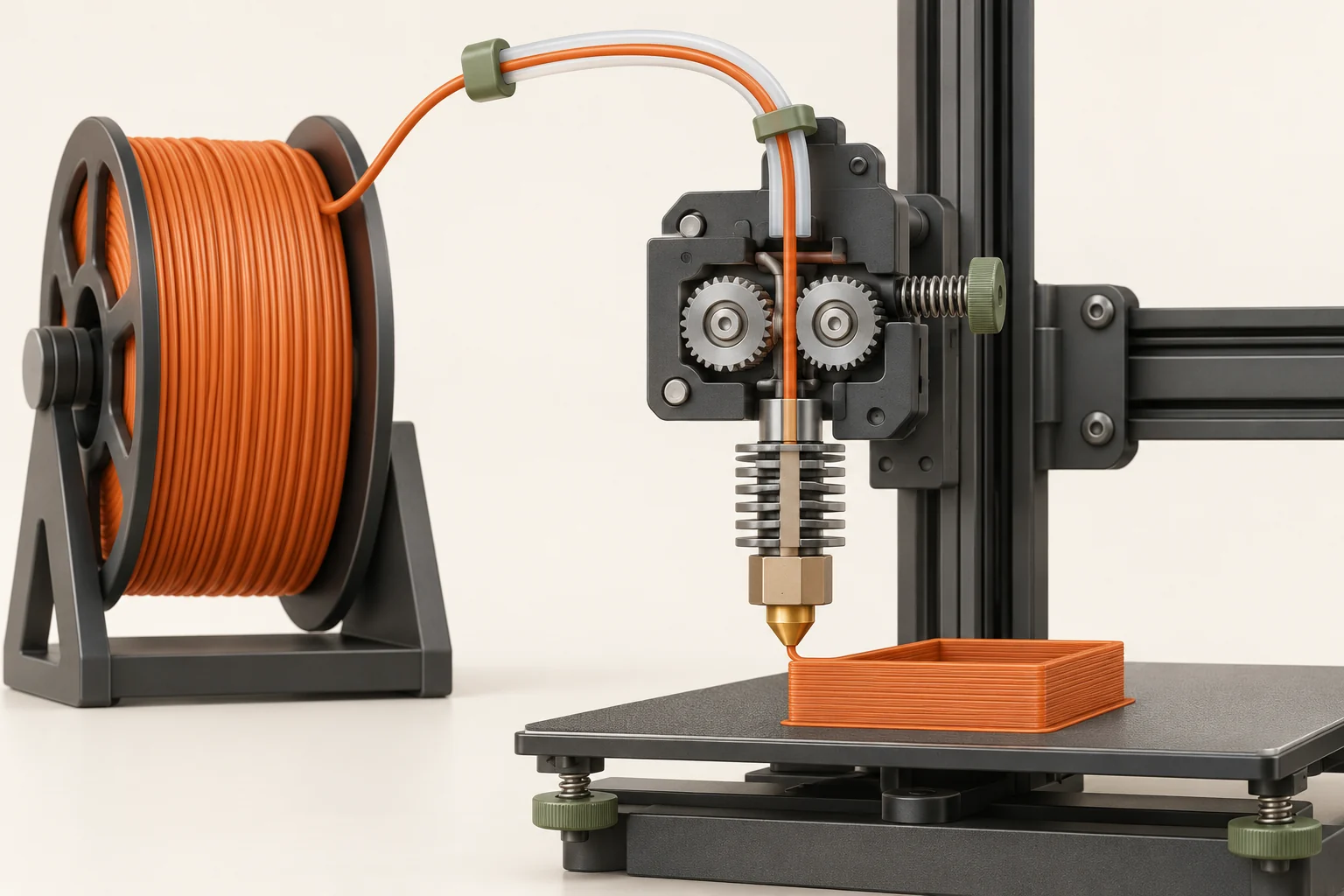
Extrusion problems should begin with the material path. Filament debris in the drive area, an obstructed guide, or a partial hotend blockage can all deserve different actions. Check whether filament can load and unload normally, and preserve the timing of a failure. A nozzle replacement will not remove a restriction elsewhere in the hotend.
Motion defects deserve their own diagnosis. Prusa's XL belt guide explains that both loose and overly tight belts can cause problems, so 'tighter' is not an acceptance standard. Use the model's alignment and tension procedure. Similarly, a fan alert should lead to inspection and the prescribed repair, with monitoring left enabled. A maintenance routine should restore the intended operation rather than suppress the signal that revealed the fault.
| Observation | Relevant system | Evidence to collect |
|---|---|---|
| Intermittent missing material | Feed path and hotend | Timing, gear debris, loading behavior |
| Changed motion or shifted layers | Motion system | Affected direction and obstruction history |
| Fan warning or unusual fan noise | Cooling system | Error message and visible obstruction |
| Adhesion changes after plate handling | Build surface | Plate type, preparation, and local pattern |
Verify before returning to important work
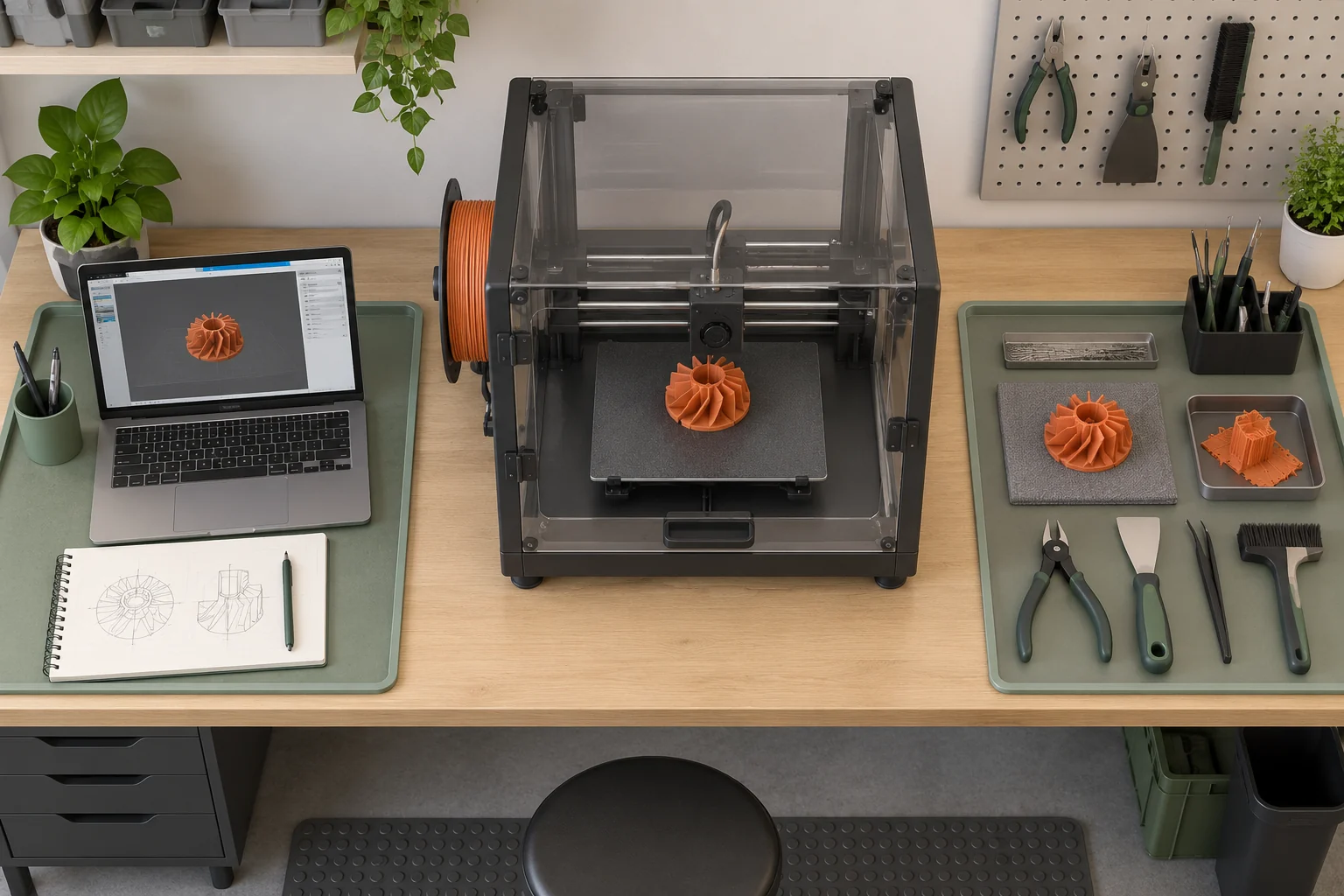
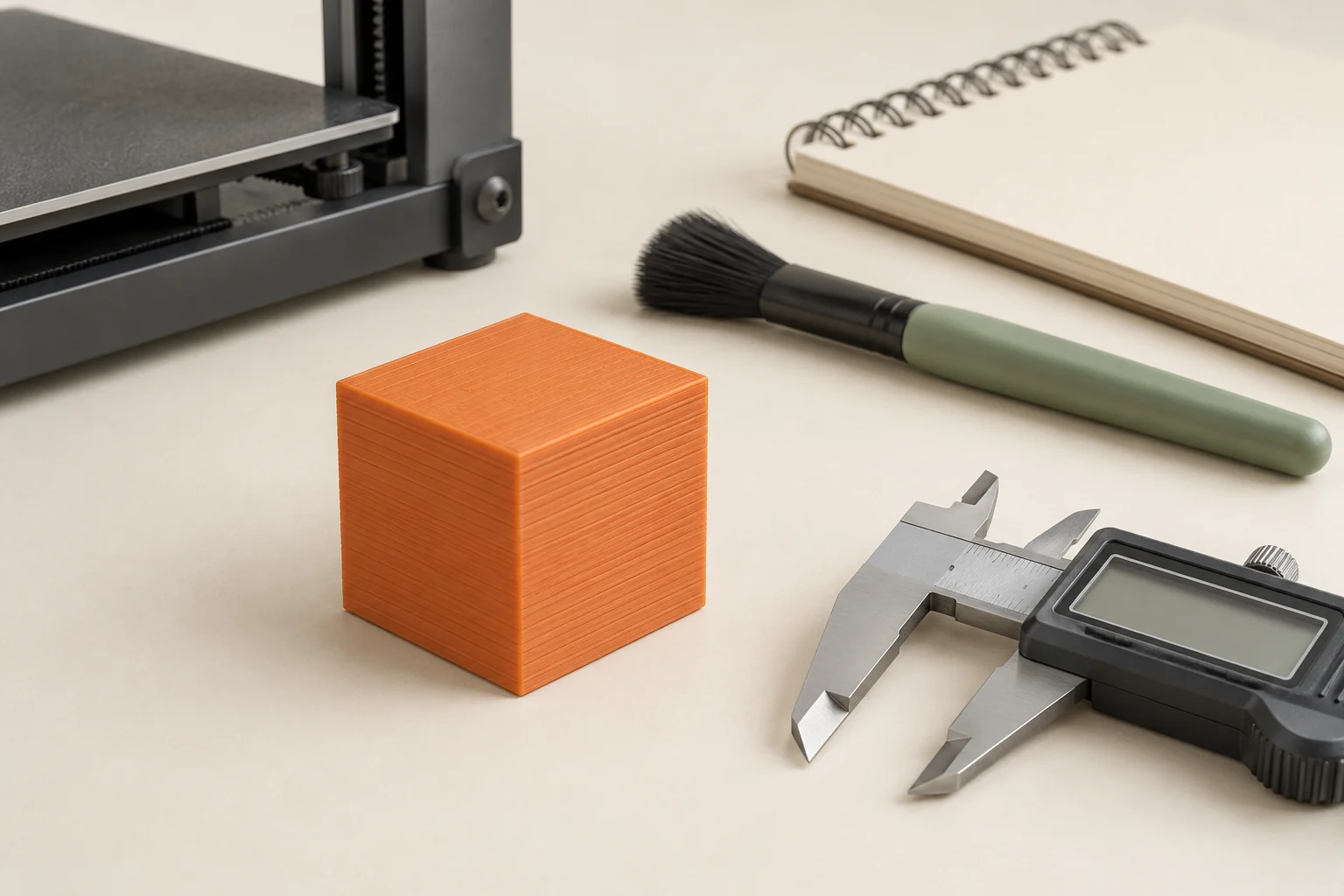
Complete any manufacturer-required calibration or self-test after the service. Then use a saved small print that exercises the affected system. For hotend work, inspect consistent extrusion and first-layer behavior. For motion work, include relevant dimensions and directions. A useful reference object is one whose normal result you have already photographed and measured.
Our example is a printer serviced after intermittent under-extrusion. A successful load proves only that material passed through at that moment. A short baseline print checks normal deposition; a later test resembling the original failure checks whether the fault returns under sustained use. Record both results. Do not launch a large production job as the first verification simply because the printer's startup sequence completed.
- Confirm assembly and required checks against the manual.
- Run the specified calibration or self-test.
- Print the saved reference using its unchanged profile.
- Inspect the repaired function and any nearby function affected by the work.
- Repeat the original failure condition when the short test cannot represent it.
Keep a record that helps the next diagnosis
A good entry is brief and specific: machine hours, symptom, procedure used, parts or consumables, settings changed, and verification result. Include photographs when the fault was visible. Store replacement part numbers and the manual link. If support supplied a procedure for your machine, keep that instruction with the record so it is not confused with a general recommendation.
Review patterns rather than just counting completed tasks. If the same obstruction returns, examine the upstream cause instead of repeatedly clearing it without investigation. If a change in print quality follows a service operation, the log identifies what to inspect first. Our suggested handoff note ends with the machine's current state: ready after verification, awaiting a replacement, or requiring further diagnosis. That is more useful than an unexplained check mark.
Common questions
Should I lubricate every moving part?
No. Some components require a particular lubricant, some need a different product, and others must remain unlubricated. Use the exact model's component instructions rather than a universal list.
How often should I maintain my printer?
Use the manufacturer's schedule for the installed hardware, including operating-hour and condition-based requirements. Organize reminders around those requirements and inspect new symptoms when they appear.
Can I keep printing after a fan or motion warning?
Follow the printer's specified response and diagnostic procedure. Do not bypass monitoring to continue a job. Resolve the cause and complete the required checks before treating the machine as ready.
Continue with the sources
- Regular printer maintenance (MK4/S, MK3.9/S) Prusa Research · Checked 2026-10-15
- Clogged nozzle/hotend Prusa Research · Checked 2026-10-15
- Regular printer maintenance (CORE One/+) Prusa Research · Checked 2026-10-16
- Adjusting belt tension (XL) Prusa Research · Checked 2026-10-16
- Loadcell (MK4/S, MK3.9/S, XL/+) Prusa Research · Checked 2026-10-16
This guide synthesizes the cited references and includes illustrative examples, not hands-on test results. Follow the instructions for your exact printer, material, and software version. Generated illustrations simplify geometry and equipment; they are not photographs, measured results, or model-specific setup instructions.