
What is Blender?
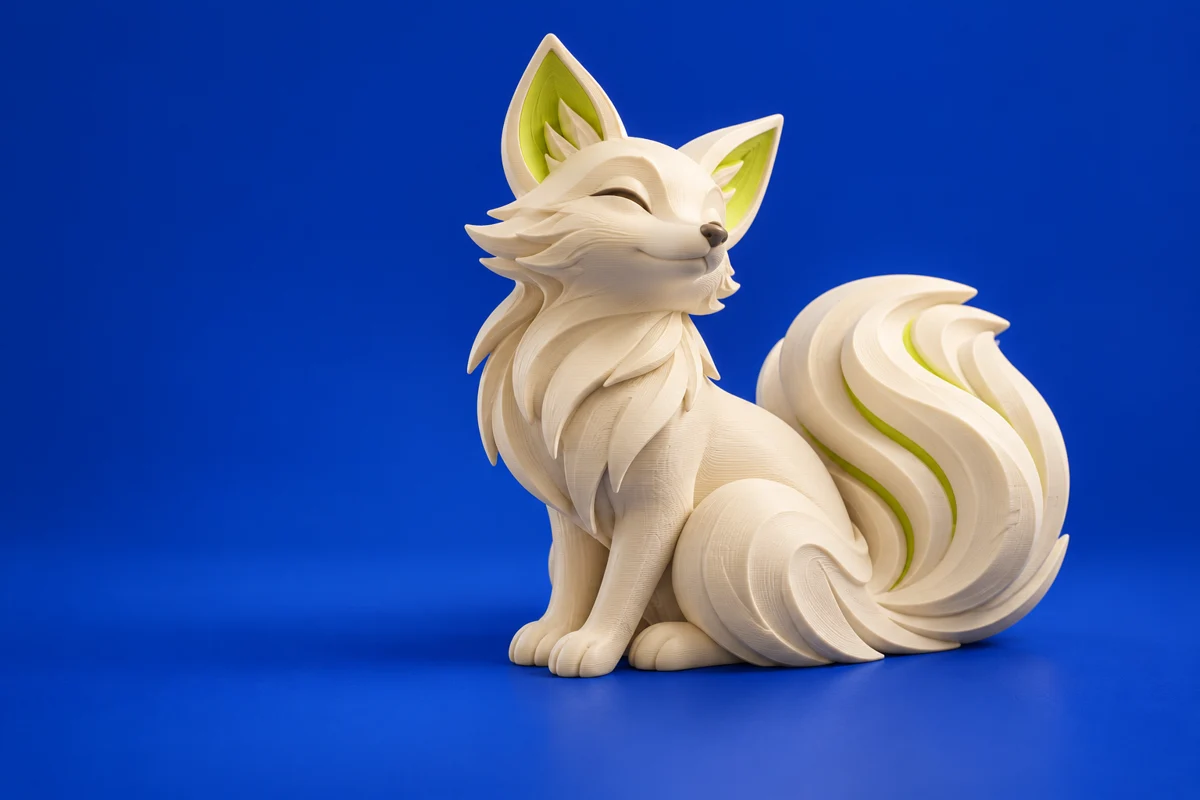
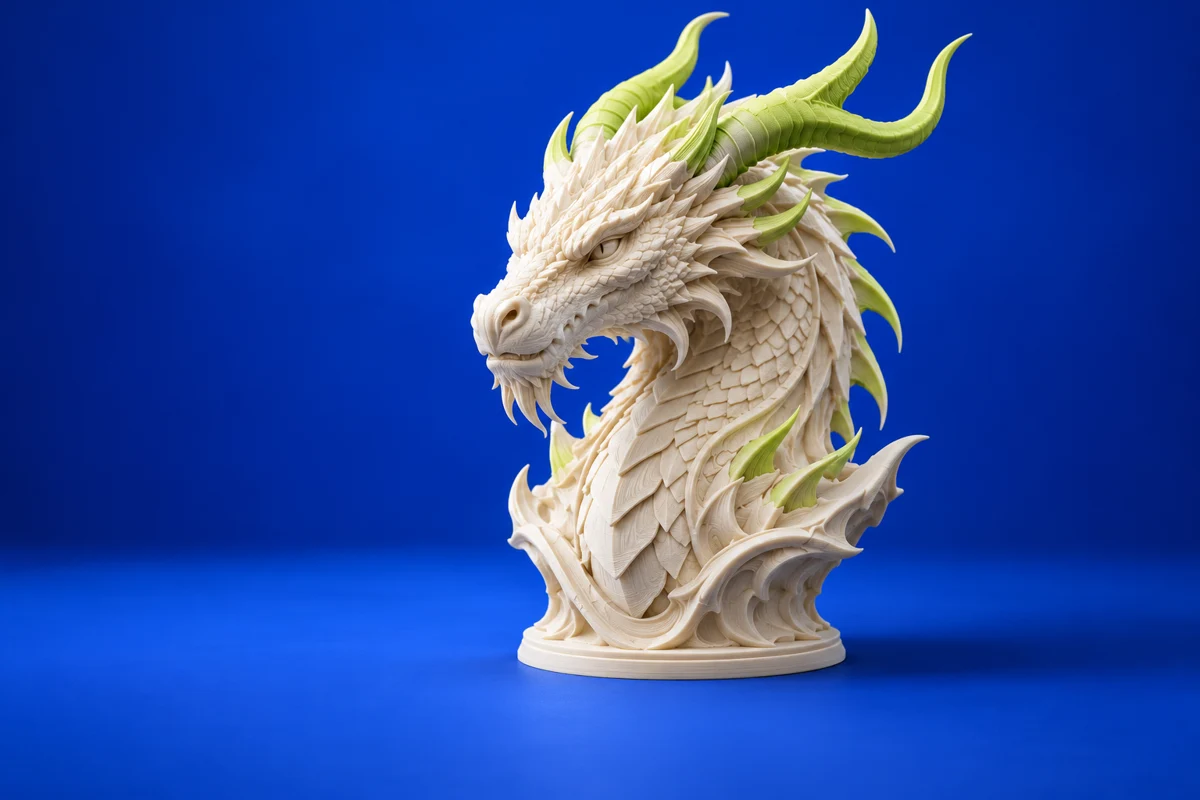
Blender brings polygon modeling and sculpting into one creative workspace. For additive manufacturing, it is especially useful when the shape is the design: figurines, decorative objects and organic surfaces. Its role is to create geometry; a separate slicer still prepares the machine instructions.
Publisher’s product informationUseful capabilities for your toolkit
- Polygon modeling for editable mesh geometry
- Sculpting tools for organic forms
- A broader creative workflow for presenting your designs
Where Blender fits in a print project
- 01
Set the intended physical size before refining small details.
- 02
Build a closed mesh, apply the intended transforms and check thin features.
- 03
Inspect the exported geometry in your slicer; preview layers before printing.
These are planning steps, not machine settings. Use your printer and material documentation for the actual production process.
Understand the tradeoffs.
A visually convincing render can hide an unprintable mesh. For tightly constrained mechanical designs, consider a parametric CAD tool alongside Blender.
Common questions
Is Blender a 3D printing slicer?
No. Use Blender to create the model, then a compatible slicer to generate a print job. Blender’s 3D Print Toolbox is a useful companion for checking geometry.
Where can I get Blender?
Use the download now link to reach the official publisher or project. Check the current system requirements, license and available editions there. 3Dprintsy does not host installers.
Official sources & further reading
Independent editorial guide. Software names belong to their respective owners; listing does not imply endorsement. Capabilities are based on the linked publisher information. Workflow recommendations are 3Dprintsy editorial guidance.
Learn to review a sliced print · Design for fit and tolerances